
1. Introduction
Thank you for purchasing the LEXiBOOK RC Tyrannosaurus Control DINO02. This remote-controlled dinosaur offers an immersive play experience with realistic movements, sound effects, light effects, and a unique smoke-spitting feature. Please read this manual carefully before use to ensure proper operation and to maximize your enjoyment of the product.
2. Safety Information
This product is designed for children aged 6 years and older. Adult supervision is recommended during play. Please observe the following safety guidelines:
- Do not immerse the dinosaur or remote controls in water.
- Keep small parts away from young children to prevent choking hazards.
- Ensure batteries are inserted with correct polarity. Do not mix old and new batteries, or different types of batteries.
- Remove batteries from the remote controls if the product will not be used for an extended period.
- Do not attempt to modify or disassemble the product.
- Use only clean water for the smoke-spitting function.
3. What's in the Box
- 1 x LEXiBOOK RC Tyrannosaurus Dinosaur
- 1 x Fossil Remote Control (2.4 GHz)
- 1 x Hand-held Wrist Remote Control
- 1 x USB Charging Cable (for dinosaur)
- 1 x Water Dropper (for smoke function)
- 1 x User Manual
4. Components Overview
Familiarize yourself with the main components of your RC Tyrannosaurus and its controls.

Image 4.1: The LEXiBOOK RC Tyrannosaurus Control DINO02, including the dinosaur, fossil remote control, and wrist remote control.

Image 4.2: Detailed view of the dinosaur highlighting its various interactive features such as smoke, sound, light, and articulated movements.
5. Battery Installation and Charging
5.1. Dinosaur (Rechargeable Battery)
The dinosaur is equipped with a built-in rechargeable battery. Before first use, fully charge the dinosaur.
- Locate the charging port on the dinosaur (usually on the underside or side).
- Connect the small end of the USB charging cable to the dinosaur's charging port.
- Connect the larger end of the USB charging cable to a standard USB power adapter (not included) or a computer's USB port.
- The charging indicator light (if present) will illuminate during charging and turn off or change color when fully charged.
- Charging typically takes 2-3 hours. Do not overcharge.
5.2. Remote Controls (AA Batteries)
Both the Fossil Remote Control and the Hand-held Wrist Remote Control require 2 AA batteries each (not included).
- Using a small screwdriver, open the battery compartment on the back of each remote control.
- Insert 2 new AA batteries into each compartment, ensuring correct polarity (+/-).
- Close the battery compartment and secure it with the screw.
6. Setup and Pairing
- Ensure the dinosaur is fully charged and batteries are installed in both remote controls.
- Turn on the dinosaur using the power switch (usually on its underside).
- Turn on the desired remote control (Fossil or Wrist). The remote will automatically attempt to pair with the dinosaur.
- A successful connection is usually indicated by a sound or light on the dinosaur or remote. If pairing fails, turn off both devices and try again.
7. Operating Instructions
7.1. Fossil Remote Control
The fossil remote control allows for precise movement and activation of features.
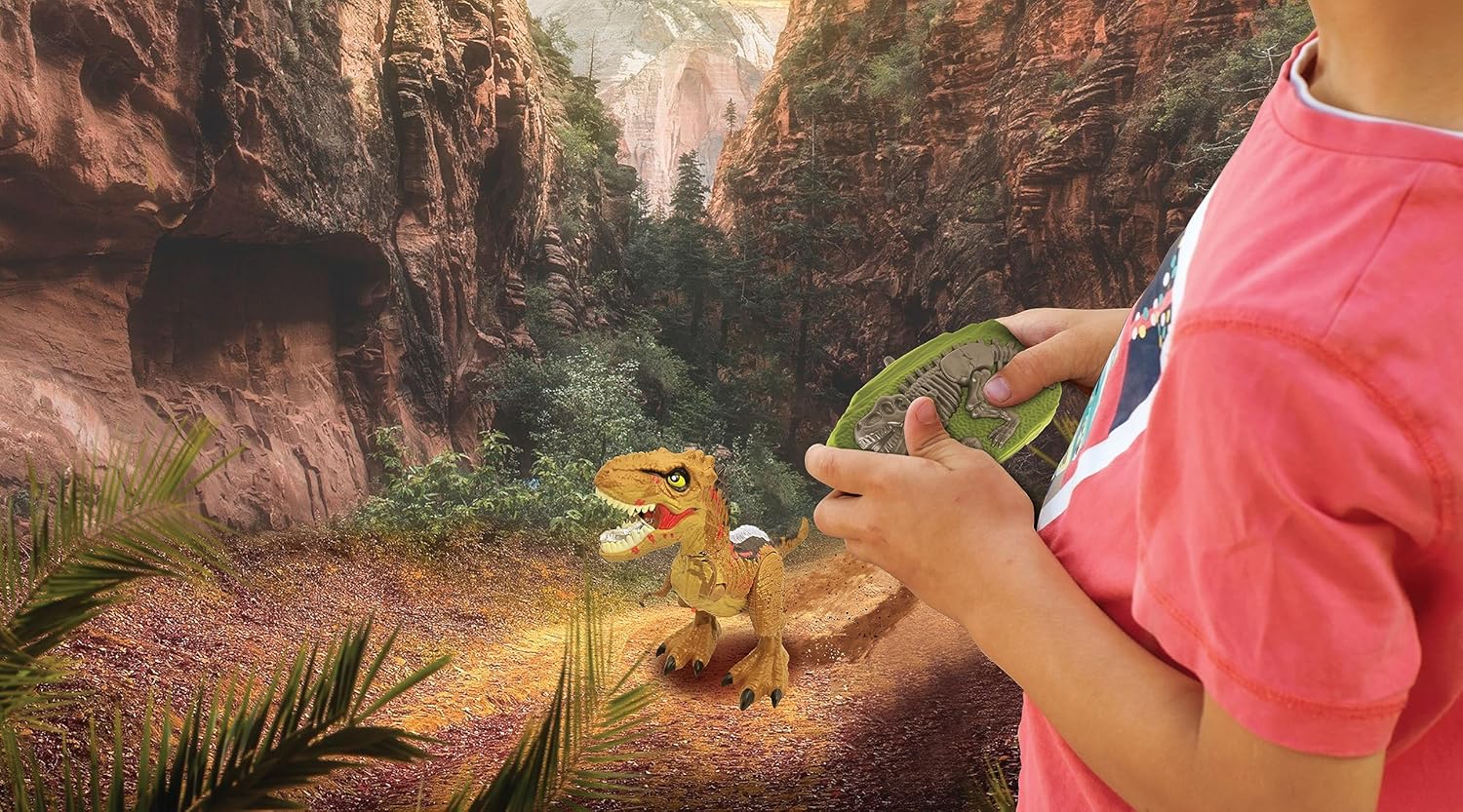
Image 7.1: The fossil remote control, showing buttons for forward, backward, left rotation, right rotation, head shake/spray, and one-click demo.
- Forward/Backward: Use the designated buttons to move the dinosaur forward or backward.
- Left/Right Rotation: Use the designated buttons to rotate the dinosaur 360 degrees.
- Head Shake/Spray: Press this button to activate the head-shaking motion and smoke-spitting effect.
- One-Click Demo: Press this button to initiate a pre-programmed sequence of movements and effects.
7.2. Hand-held Wrist Remote Control (Gesture Control)
The wrist remote allows for intuitive gesture-based control.

Image 7.2: A hand wearing the wrist remote control, demonstrating its use for gesture-based dinosaur movement.
- Wear the wrist remote securely on your hand.
- Specific gestures (e.g., tilting your hand forward, backward, left, or right) will correspond to the dinosaur's movements. Refer to the remote's specific instructions for detailed gesture commands.
7.3. Smoke Spitting Function
To activate the smoke-spitting effect, the dinosaur requires water.
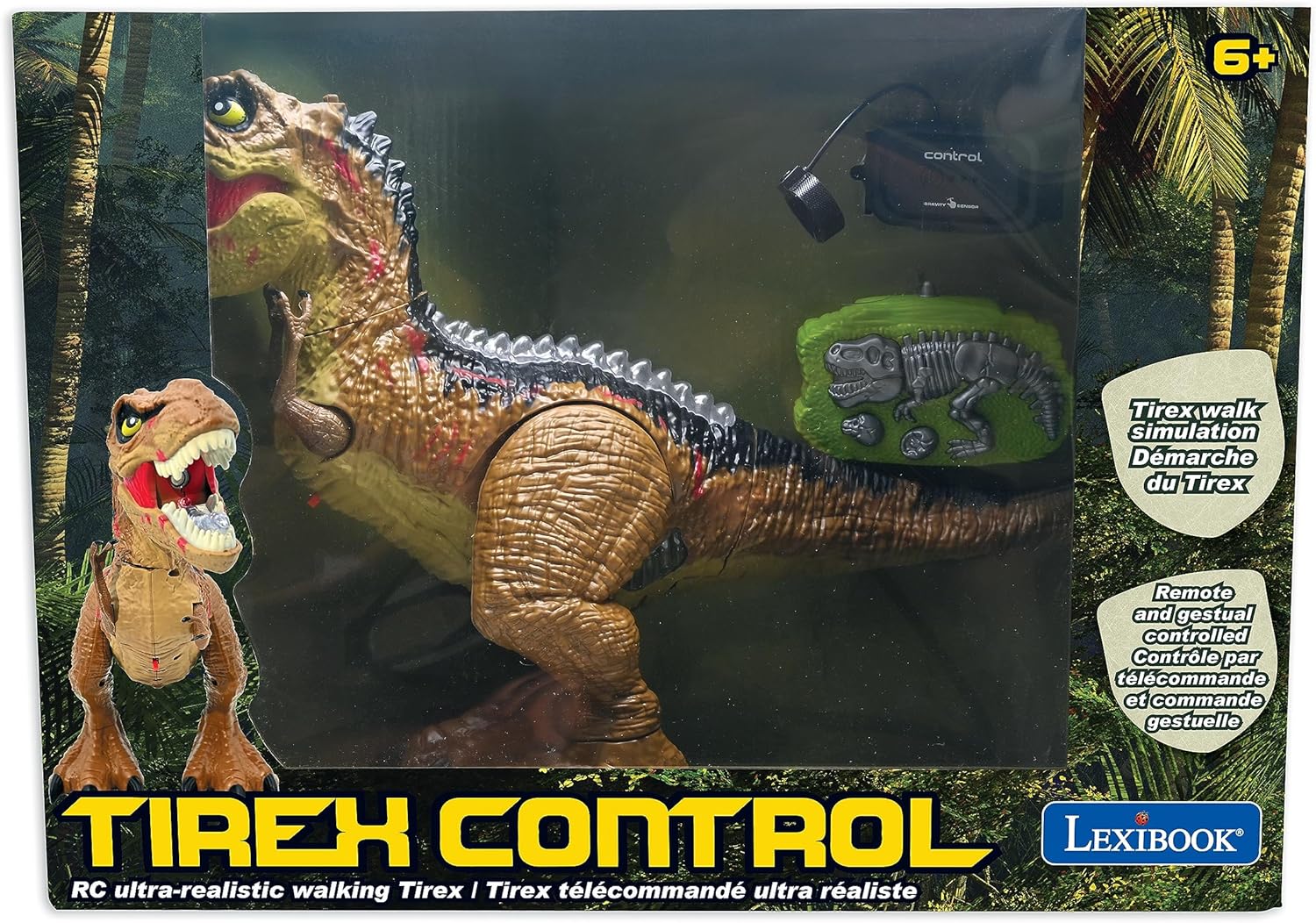
Image 7.3: The dinosaur demonstrating its smoke-spitting feature, creating a visual effect from its mouth.
- Locate the water reservoir opening on the top of the dinosaur's head.
- Using the provided water dropper, carefully fill the reservoir with clean water. Do not overfill.
- Activate the smoke function using the appropriate button on the fossil remote control or a specific gesture with the wrist remote.
7.4. Light and Sound Effects
The dinosaur features integrated light and sound effects that enhance the play experience.

Image 7.4: The dinosaur showcasing its dazzling light effects along its back, illuminating in various colors.
- Roaring Sounds: The dinosaur emits realistic roaring sounds during movement and when specific actions are triggered.
- Light Effects: Lights along the dinosaur's back illuminate and change color, adding a dynamic visual element. These lights often activate with movement or specific button presses.
7.5. Official Product Video
Watch this video for a demonstration of the LEXiBOOK RC Tyrannosaurus Control DINO02's features and operation.
Video 7.5: An official product video from Lexibook Limited demonstrating the RC Tyrannosaurus's simulated shapes, water addition for smoke, head swing, simulated flame effect, sliding walk, simulated walking, 360-degree rotation, one-click demo, watch remote control, and dazzling lights.
8. Maintenance
- Cleaning: Wipe the dinosaur and remote controls with a soft, dry cloth. Do not use harsh chemicals or abrasive cleaners.
- Storage: Store the product in a cool, dry place away from direct sunlight when not in use.
- Water Reservoir: Empty the water reservoir after each use to prevent mold or residue buildup.
- Battery Care: Remove batteries from remote controls if storing for extended periods.
9. Troubleshooting
| Problem | Solution |
|---|---|
| Dinosaur does not turn on. | Ensure the dinosaur is fully charged. Check the power switch is in the 'ON' position. |
| Remote control not working. | Check if batteries are correctly installed and not depleted. Ensure the remote is paired with the dinosaur. Try re-pairing. |
| Dinosaur not moving or responding. | Verify the dinosaur and remote are both powered on and paired. Ensure there are no obstructions to movement. |
| Smoke effect not working. | Ensure the water reservoir is filled with clean water. Check if the smoke function button/gesture is correctly activated. |
| Short battery life. | Ensure the dinosaur is fully charged before each use. For remotes, replace with fresh, high-quality AA batteries. |
10. Specifications
| Feature | Detail |
|---|---|
| Model Number | DINO02 |
| Product Dimensions | 6.26 x 3.39 x 9.65 inches |
| Item Weight | 1.3 pounds |
| Recommended Age | 6 years and up |
| Dinosaur Power | Rechargeable Battery (USB charging) |
| Remote Control Power | 2 x AA batteries per remote (not included) |
| Control Frequency | 2.4 GHz |
| Manufacturer | Lexibook |
| Release Date | August 17, 2023 |
11. Warranty and Support
For warranty information, technical support, or further inquiries, please visit the official LEXiBOOK website or contact their customer service department. Keep your purchase receipt as proof of purchase.