
Introduction
Thank you for choosing the AKALULI L81 Digital Voice Activated Recorder. This device is designed for high-quality audio recording with features such as voice activation, long battery life, and ample storage. This manual provides detailed instructions to help you set up, operate, and maintain your recorder for optimal performance.

Image: The AKALULI L81 Digital Voice Recorder shown alongside its included 64GB TF card, highlighting its compact design and expandable memory.
Setup
1. Initial Charging
Before first use, fully charge the recorder. Connect the device to a computer or a USB power adapter using the supplied Micro USB-C cable. The 600mAh rechargeable battery supports up to 40 hours of continuous recording (at 512kbps) and 50 hours of playback when fully charged.
2. Memory Capacity
The recorder comes with a built-in 8GB memory and a 64GB TF card pre-inserted into the card slot, providing a total of 72GB storage capacity. This allows for up to 5300 hours of audio files at a 32kbps bit rate.
3. Setting Up Password Protection
To protect your recordings, you can set a password for the device. Refer to the on-screen prompts or the device's menu for password setup. This feature ensures your audio files remain secure.
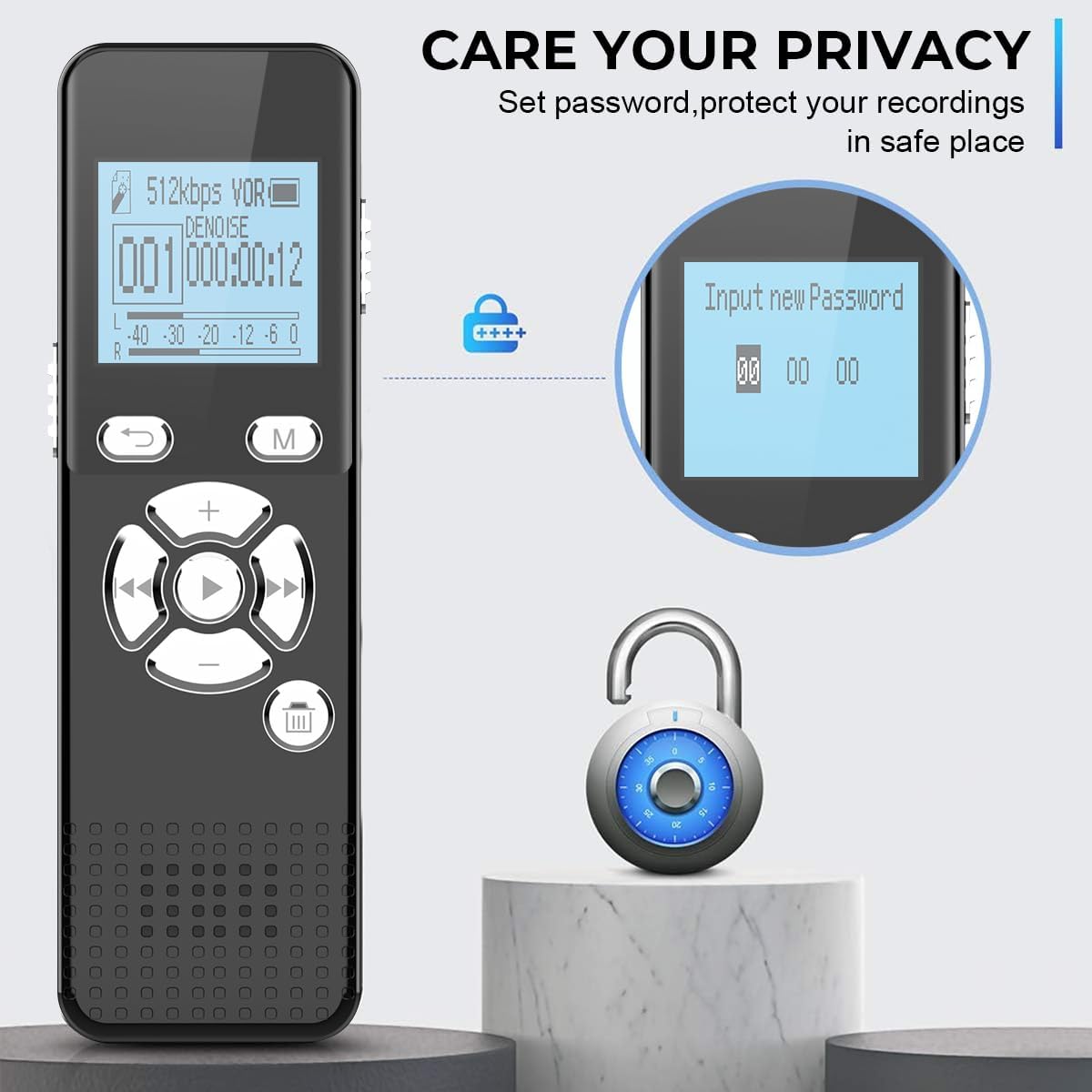
Image: The recorder's screen showing the 'Input new Password' interface, emphasizing the device's privacy protection feature.
Operating Instructions
1. One-Switch Recording
The L81 recorder features a quick one-switch recording function. To start recording, slide the dedicated switch upwards. To save the recording, slide the switch downwards. This allows for rapid capture of important audio even when the device is off.
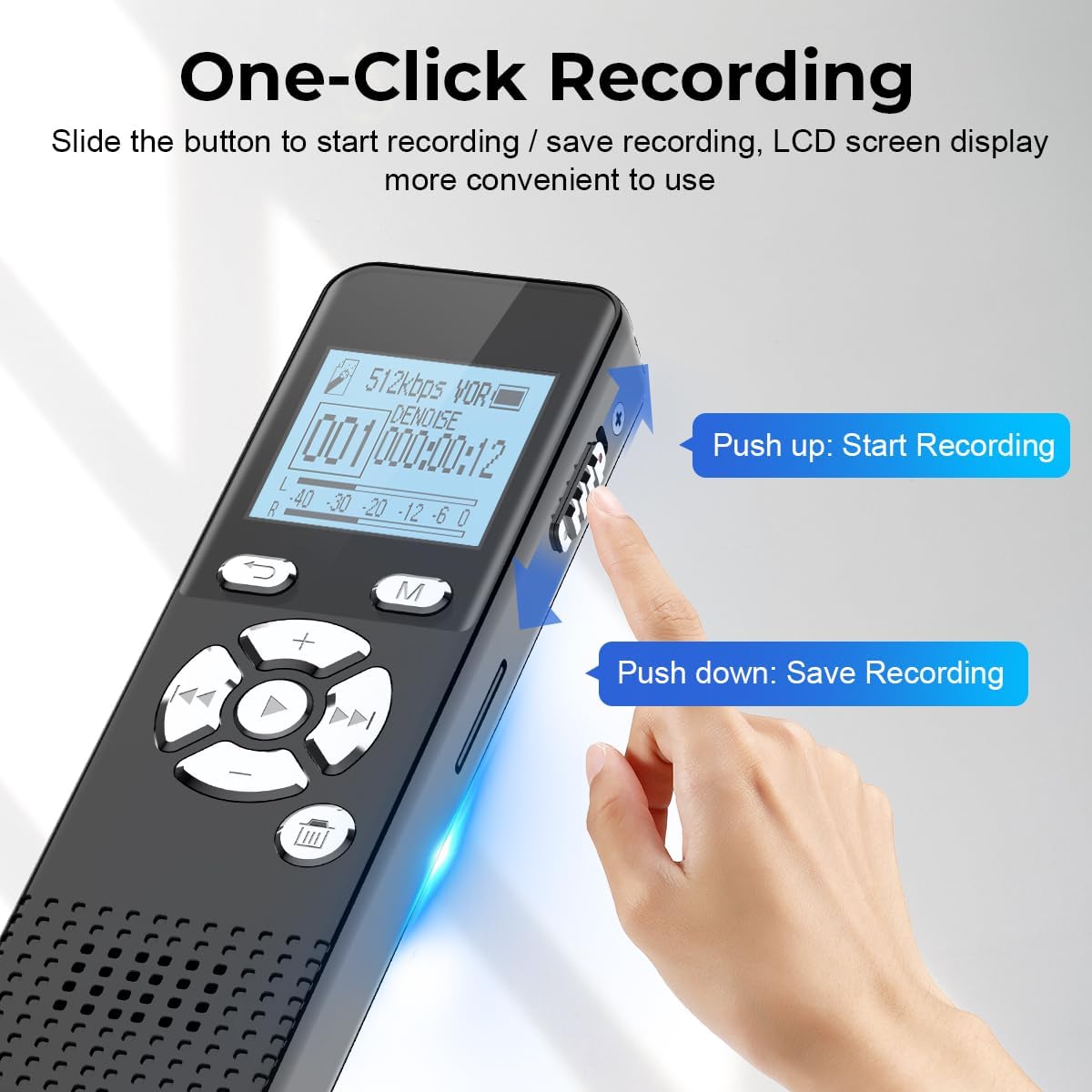
Image: A close-up of the recorder illustrating the 'Push up: Start Recording' and 'Push down: Save Recording' actions on the side switch.
2. Voice Activated Recording (VOR)
Activate the Voice Operated Recording (VOR) function to automatically start recording when sound is detected and pause when there is no sound. This feature conserves storage space and reduces silent periods in your recordings. The device offers 7 different levels of voice decibel sensitivity, allowing you to adjust it for various environments.

Image: A visual representation of the 7 voice activated sensitivity levels (1-7) available on the AKALULI L81 recorder, with corresponding decibel ranges.

Image: A diagram showing how the voice-activated recording function works, with the recorder activating when sound exceeds 40 decibels and pausing during silence.
3. High-Quality Audio Recording
The L81 utilizes an upgraded DSP noise reduction system and dual stereo microphones to reduce ambient noise by up to 90%. It supports professional recording ratios up to 1536kbps, capturing clear and detailed sound.
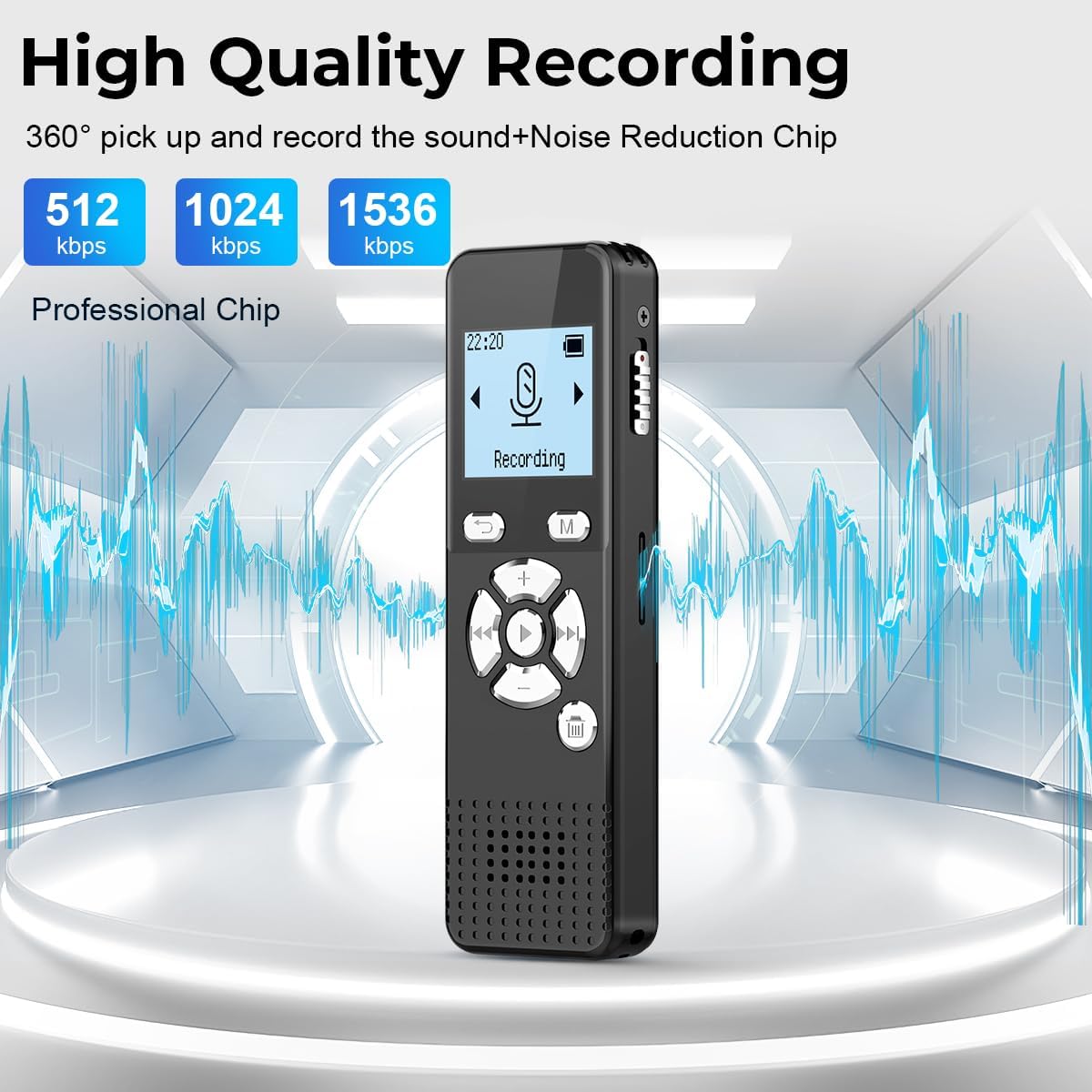
Image: The recorder displayed against a backdrop of sound waves, highlighting its 360-degree sound pickup and noise reduction chip, with options for 512kbps, 1024kbps, and 1536kbps recording bit rates.
4. Playback Functions
- A-B Repeat: This function allows you to loop a specific section of a recording. It is particularly useful for transcribing or studying by repeatedly listening to key information.
- Variable Speed Playback: Adjust the playback speed to listen to recordings faster or slower as needed.
- Fast Forward and Rewind: Navigate through your recordings quickly.

Image: A child wearing headphones and studying, with the voice recorder nearby, illustrating the utility of the A-B repeat function for learning.
5. File Transfer to Computer
Connect the recorder to your computer (Mac or Windows compatible) using the provided Micro USB-C cable. The device will appear as a removable disk, allowing you to easily transfer, edit, and manage your audio files. The cable also charges the device during connection.
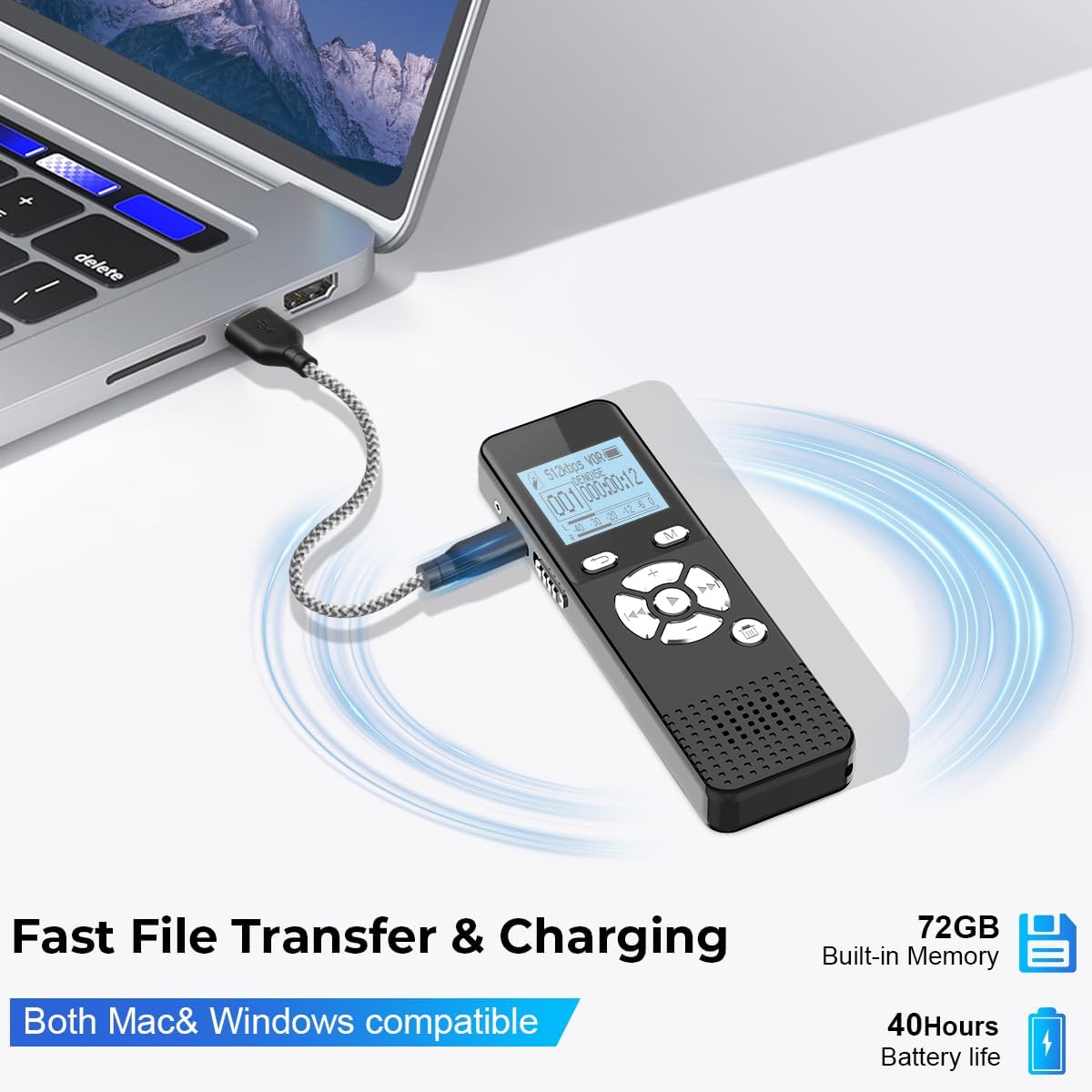
Image: The AKALULI L81 recorder connected to a laptop via its USB-C cable, demonstrating fast file transfer and charging capabilities for both Mac and Windows systems.
6. Other Recording Modes
- Timing Recording: Schedule the recorder to start and stop recording at specific times.
- Segment Recording: Automatically divide long recordings into shorter segments (e.g., 30, 60, or 90 minutes) for easier management.

Image: A visual representation of the segmented recording feature, showing options to divide recordings into 30, 60, or 90-minute files.

Image: A clock-face diagram illustrating the time recording function, indicating the ability to schedule recording times.
7. Automatic Save on Low Battery
The device is designed to automatically save your current recording when the battery level is critically low, preventing data loss.

Image: A visual depicting the automatic save feature, where the recorder saves files when the battery icon shows a low charge warning.
8. Usage Scenarios
The AKALULI L81 is suitable for various recording needs, including:
- Lectures
- Meetings
- Interviews
- Speeches
- Classroom learning

Image: A collage showing the voice recorder being used in different settings such as meetings, speeches, classes, and interviews, demonstrating its versatility.
Maintenance
To ensure the longevity and optimal performance of your AKALULI L81 Digital Voice Recorder, follow these maintenance guidelines:
- Cleaning: Use a soft, dry cloth to clean the exterior of the device. Avoid using liquid cleaners or abrasive materials, as they may damage the surface or internal components.
- Storage: Store the recorder in a cool, dry place away from direct sunlight, extreme temperatures, and high humidity. When not in use for extended periods, ensure the battery is partially charged (around 50%) to preserve its lifespan.
- Battery Care: Avoid fully discharging the battery frequently. Recharge the device when the low battery indicator appears.
- Avoid Impacts: Protect the device from drops and impacts, which can damage internal circuitry or the screen.
Troubleshooting
If you encounter issues with your AKALULI L81 Digital Voice Recorder, refer to the following common troubleshooting steps:
- Device Not Turning On:
- Ensure the battery is charged. Connect the device to a power source and allow it to charge for at least 30 minutes before attempting to power on again.
- Check the power switch position.
- No Recording or Poor Audio Quality:
- Verify that the recording switch is in the correct position.
- Check the microphone for any obstructions.
- Adjust the VOR sensitivity level if using voice activation.
- Ensure there is sufficient memory space available. Delete old files if necessary.
- Check the recording bit rate settings; higher bit rates (e.g., 1536kbps) offer better quality but consume more space.
- Cannot Connect to Computer:
- Ensure the USB-C cable is securely connected to both the recorder and the computer.
- Try a different USB port on your computer.
- Try a different USB-C cable if available.
- Restart your computer.
- Password Forgotten:
- Refer to the device's full user manual (if provided separately) or contact AKALULI customer support for instructions on password reset or recovery.
If these steps do not resolve the issue, please contact customer support for further assistance.
Specifications
| Feature | Specification |
|---|---|
| Brand | AKALULI |
| Model | L81 |
| Memory Storage Capacity | 72 GB (8GB built-in + 64GB TF card) |
| Digital Recording Time (at 32kbps) | Up to 5300 hours |
| Battery Life (Continuous Recording 512kbps) | Up to 40 hours |
| Battery Life (Playback) | Up to 50 hours |
| Battery Type | 2 Lithium Ion batteries (included) |
| Microphone Form Factor | Built-In |
| Microphone Operation Mode | Stereo |
| Recording Format | MP3, WAV |
| Playback Format | MP3, WAV, WMA, APE, FLAC, OGG, AAC |
| Recording Bit Rate | 32kbps, 64kbps, 192kbps, 512kbps, 768kbps, 1024kbps, 1536kbps |
| Hardware Interface | USB |
| Headphones Jack | 3.5 millimeters |
| Item Weight | 5.6 ounces |
| Package Dimensions | 5 x 4.06 x 0.87 inches |
Warranty and Support
For information regarding product warranty, please refer to the warranty card included with your purchase or visit the official AKALULI website. Specific warranty terms and conditions may vary.
If you require technical support or have questions not covered in this manual, please contact AKALULI customer service through their official website or the contact information provided with your product packaging.
Note: No official product videos were available in the provided data for embedding in this manual.
