
1. Introduction
The GardePro E8P Trail Camera is an advanced device designed for capturing high-quality images and videos of wildlife or for property surveillance. Featuring WiFi and Bluetooth connectivity, a long-lasting rechargeable battery, and robust night vision capabilities, the E8P offers reliable performance in various outdoor conditions.
This manual provides detailed instructions for setting up, operating, maintaining, and troubleshooting your GardePro E8P Trail Camera to ensure optimal performance and longevity.

Figure 1.1: GardePro E8P Trail Camera and its 8000mAh rechargeable battery pack.
2. Setup
2.1 Package Contents
- GardePro E8P Trail Camera
- 8000mAh Rechargeable Lithium Battery Pack
- Mounting Strap
- USB Type-C Cable
- User Manual
2.2 Battery Installation
The GardePro E8P comes with an 8000mAh rechargeable lithium battery pack. Ensure the battery is fully charged before first use. Use the provided USB Type-C cable to charge the battery.
- Open the camera housing latch on the side.
- Locate the battery compartment.
- Insert the 8000mAh lithium battery pack into the compartment, ensuring correct polarity.
- Close the camera housing securely until the latch clicks into place.

Figure 2.1: Inserting the 8000mAh rechargeable battery into the GardePro E8P camera.
2.3 SD Card Installation
A Micro SD card (not included) is required for storing images and videos. The camera supports cards up to 256GB.
- With the camera housing open, locate the Micro SD card slot.
- Insert the Micro SD card with the gold contacts facing up until it clicks into place.
- To remove, push the card in again until it springs out.
2.4 Mounting the Camera
The E8P camera can be mounted on a tree or wall using the provided strap or a separate mounting bracket.
- Tree Mount: Thread the mounting strap through the slots on the back of the camera and secure it around a tree trunk. Ensure the camera is stable and pointed towards the desired area.
- Wall Mount: Use a compatible wall mount (sold separately) and secure it to a flat surface. Attach the camera to the mount.

Figure 2.2: GardePro E8P camera mounted on a tree, ready for operation.
2.5 Initial App Connection
The GardePro E8P features WiFi and Bluetooth for convenient local connectivity via the dedicated GardePro Mobile app (available for iOS and Android).
- Download and install the "GardePro Mobile" app from your device's app store.
- Ensure Bluetooth is enabled on your smartphone.
- Open the GardePro Mobile app and follow the on-screen instructions to add a new camera.
- The app will use Bluetooth to discover the camera and then establish a direct WiFi connection for live viewing and settings adjustment. The effective range for this connection is typically 33ft to 45ft.

Figure 2.3: Steps for connecting the GardePro E8P to the mobile app.
3. Operating Instructions
3.1 Powering On/Off
To power on the camera, slide the power switch to the 'ON' position. To power off, slide it to 'OFF'.
3.2 Image and Video Capture
The E8P captures crisp 48MP still images and H.264 1296p video, ideal for detailed observation.

Figure 3.1: Example of sharp image clarity captured by the E8P camera.
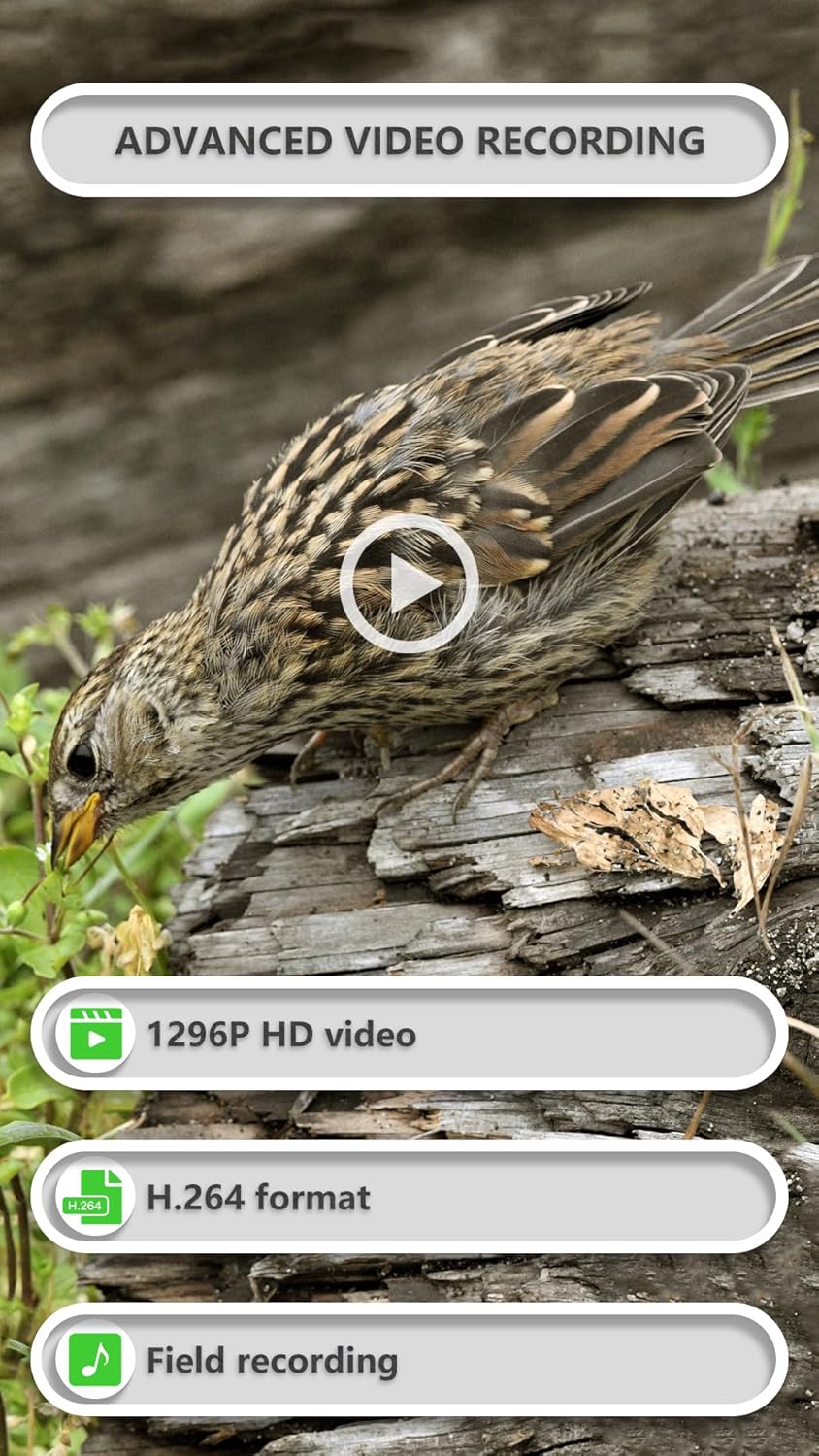
Figure 3.2: Example of advanced video recording quality (1296p H.264) from the E8P camera.
3.3 Motion Detection
The camera features an ultra-fast 0.1s trigger speed and a 120° detection zone with a 90ft detection distance, ensuring quick capture of moving subjects.

Figure 3.3: Illustration of the camera's motion detection capabilities.
3.4 Night Vision
Experience clear 100ft night vision with smart adaptive infrared illumination and 940nm no-glow IR LEDs, which are invisible to humans and animals.

Figure 3.4: Example of dynamic night vision performance.
3.5 Using the Mobile App
The GardePro Mobile app allows for real-time viewing, streaming, and management of captured images and videos without removing the SD card. You can also adjust camera settings directly from the app.
3.6 Solar Panel Compatibility
For extended battery life and continuous operation, the GardePro E8P is compatible with the GardePro SP300 solar panel (sold separately).
4. Maintenance
4.1 Battery Care
- Regularly charge the 8000mAh battery pack using the provided Type-C cable.
- The battery is designed for super cold resistance, but extreme temperatures can still affect performance.
4.2 SD Card Maintenance
- Format the Micro SD card periodically using the camera's menu or the mobile app to ensure optimal performance and prevent data corruption.
- Check the card for physical damage or wear.
4.3 Cleaning
- Gently clean the camera lens and IR sensors with a soft, lint-free cloth. Avoid abrasive materials.
- Wipe down the camera housing with a damp cloth to remove dirt and debris.
4.4 Weather Protection
The GardePro E8P features an IP66 waterproof rating, making it resistant to dust and strong jets of water. To maintain this protection, ensure all latches and covers are securely closed after accessing the battery or SD card compartments.

Figure 4.1: The E8P's robust housing design ensures durability in various weather conditions.
5. Troubleshooting
5.1 Camera Not Connecting to App
- Ensure the camera is powered on and within the effective WiFi/Bluetooth range (33-45ft).
- Check that Bluetooth and WiFi are enabled on your smartphone.
- Restart both the camera and the app.
- Verify that the app has necessary permissions on your phone.
5.2 Poor Image/Video Quality
- Clean the camera lens and IR sensors.
- Check camera settings in the app to ensure desired resolution (e.g., 48MP for photos, 1296p for video) is selected.
- Ensure sufficient lighting during daytime captures and that subjects are within the 100ft night vision range at night.
5.3 Motion Detection Issues
- Adjust the PIR (Passive Infrared) sensitivity setting in the camera menu or app.
- Ensure there are no obstacles (e.g., swaying branches) directly in front of the camera that could cause false triggers.
- Verify the camera is positioned to cover the desired detection zone effectively.
5.4 Battery Draining Fast
- Frequent triggers, long video recordings, and extensive use of WiFi/Bluetooth can consume more power. Adjust settings accordingly.
- Ensure the battery is fully charged before deployment.
- Consider using the GardePro SP300 solar panel for continuous power.
5.5 Water Ingress / Fogging
- While the camera is IP66 rated, it is crucial to ensure all latches, covers, and the USB port seal are completely and securely closed after opening the camera housing.
- Inspect the rubber seals for any damage or debris that might prevent a tight seal.
- If fogging occurs, open the camera in a dry environment to allow moisture to dissipate, then ensure all seals are properly re-secured.
6. Specifications
| Feature | Specification |
|---|---|
| Model | E8P |
| Image Resolution | 48MP |
| Video Resolution | 1296p (H.264) |
| Battery Type | 8000mAh Rechargeable Lithium Battery Pack |
| Connectivity | WiFi, Bluetooth (App Control) |
| Trigger Speed | 0.1s |
| Detection Zone | 120° |
| Detection Distance | 90ft |
| Night Vision Range | 100ft (940nm No-Glow IR) |
| Waterproof Rating | IP66 |
| Storage | Micro SD Card (up to 256GB, not included) |
| Operating Temperature | -4°F to 140°F (-20°C to 60°C) |
| Mounting Type | Tree Mount, Wall Mount |
7. Warranty and Support
GardePro products are designed for reliability and performance. For warranty information, technical support, or service inquiries, please refer to the warranty card included with your product or visit the official GardePro website. You can also contact GardePro customer support directly for assistance.
For more information and product updates, visit the GardePro Store.