1. Introduction
This manual provides detailed instructions for the Gelielim Portable Boombox CD Player, a versatile audio device designed for home and portable use. It combines a top-loading CD player, AM/FM stereo radio, Bluetooth connectivity, and support for USB, SD, and MMC drives. This unit is equipped with a headphone jack and can be powered by AC or batteries, offering flexibility for various listening environments.

The image displays the Gelielim Portable Boombox CD Player, featuring a blue top and black base with dual speakers. The control panel with buttons and an LCD display is visible on the front. An extendable antenna is shown at the back, and a handle is integrated for portability.
2. Product Features
- Multifunctional CD Player: Supports top-loading CD-R and CD-RW formats (not compatible with CD-MP3).
- Portable AM/FM Radio: Features a frequency range of FM: 88-108MHz and AM: 530-1710KHz. Equipped with a powerful DSP chip and extendable antenna for enhanced reception.
- Audio Playback Options: Includes Bluetooth connectivity, USB port, SD card slot, MMC drive support, and an AUX-in mode for versatile audio sources.
- Sound Quality: Dual stereo speakers provide dynamic and clear sound with loud volume, suitable for various environments.
- Headphone Jack: Allows for private listening.
- Dual Power Supply: Operates via AC power cable for indoor use or 6 C-size batteries (not included) for portable outdoor use.
- Portability: Compact size (8x7.5x4.3 inches) and lightweight (2.6 lbs) with an integrated handle for easy transport.
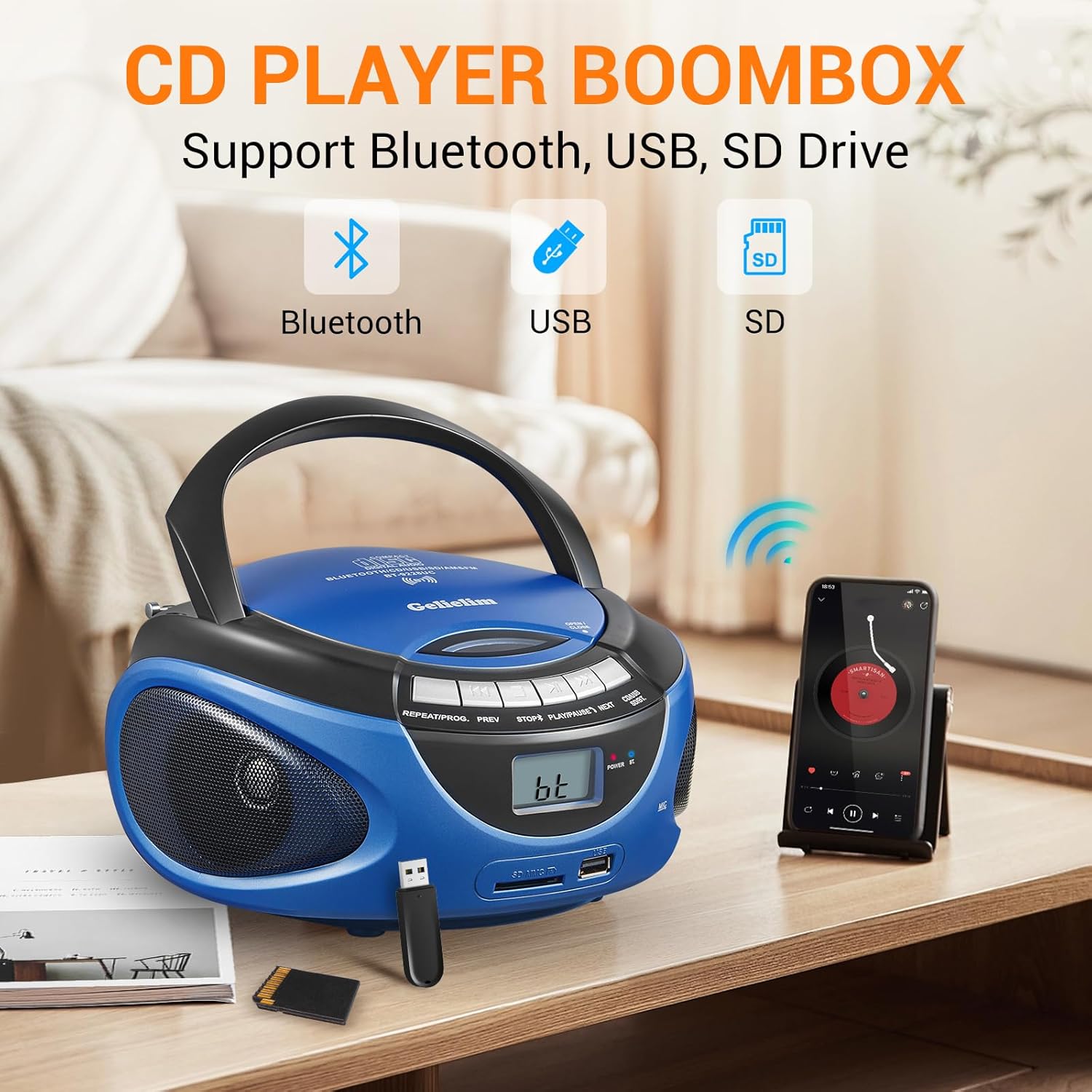
This image illustrates the Gelielim CD Player Boombox with icons representing its key features: Bluetooth, USB, and SD card support. A smartphone is shown wirelessly connected to the boombox, demonstrating Bluetooth playback. A USB drive and an SD card are also depicted, indicating their compatibility.
3. Setup
3.1 Power Supply
The Gelielim Portable Boombox offers two power options:
- AC Power: Connect the included AC power cable to the AC input jack on the back of the unit and plug it into a standard wall outlet.
- Battery Power: For portable use, insert 6 C-size batteries (not included) into the battery compartment located on the bottom of the unit. Ensure correct polarity (+/-) when inserting batteries.

This image illustrates the two power supply options for the Gelielim boombox. On the right, the boombox is shown connected to a wall outlet via its AC power cable. On the left, the underside of the boombox is displayed, revealing the battery compartment designed for 6 C-size batteries.
3.2 Antenna Setup (for Radio)
For optimal radio reception, extend the telescopic antenna located on the back of the unit. Adjust its position for the clearest signal.
4. Operating Instructions
4.1 CD Playback
- Ensure the unit is powered on.
- Press the "Open/Close" button on the top of the unit to open the CD compartment.
- Place a CD (CD-R or CD-RW) onto the spindle with the label side facing up.
- Close the CD compartment firmly.
- Select "CD" mode using the function switch (BT/CD/USB/SD/AUX).
- Press the PLAY/PAUSE button to start playback.
- Use the NEXT and PREV buttons to skip tracks.
- Press the STOP button to stop playback.
- Use the REPEAT/PROG button for repeat or program functions.

The image shows the Gelielim boombox with its top-loading CD compartment open, revealing a CD placed inside. The surrounding control buttons for CD playback are clearly visible.
4.2 Bluetooth Mode
- Select "BT" mode using the function switch. The LCD display will show "bt" and the Bluetooth indicator light will flash, indicating it's ready for pairing.
- On your Bluetooth-enabled device (e.g., smartphone, tablet), search for "Gelielim" in the Bluetooth settings.
- Select "Gelielim" to pair. Once connected, the Bluetooth indicator light will stop flashing and remain solid.
- You can now play audio from your device through the boombox.
4.3 AM/FM Radio
- Extend the telescopic antenna for better reception.
- Set the function switch to "Radio" mode.
- Use the FM/AM switch on the side/back of the unit to select your desired band (FM or AM).
- Turn the "Tuning" knob on the side of the unit to scan for radio stations.
- Note: Radio channels are displayed on the rear knob, not on the LCD screen. The LCD screen will be blank in Radio Mode.
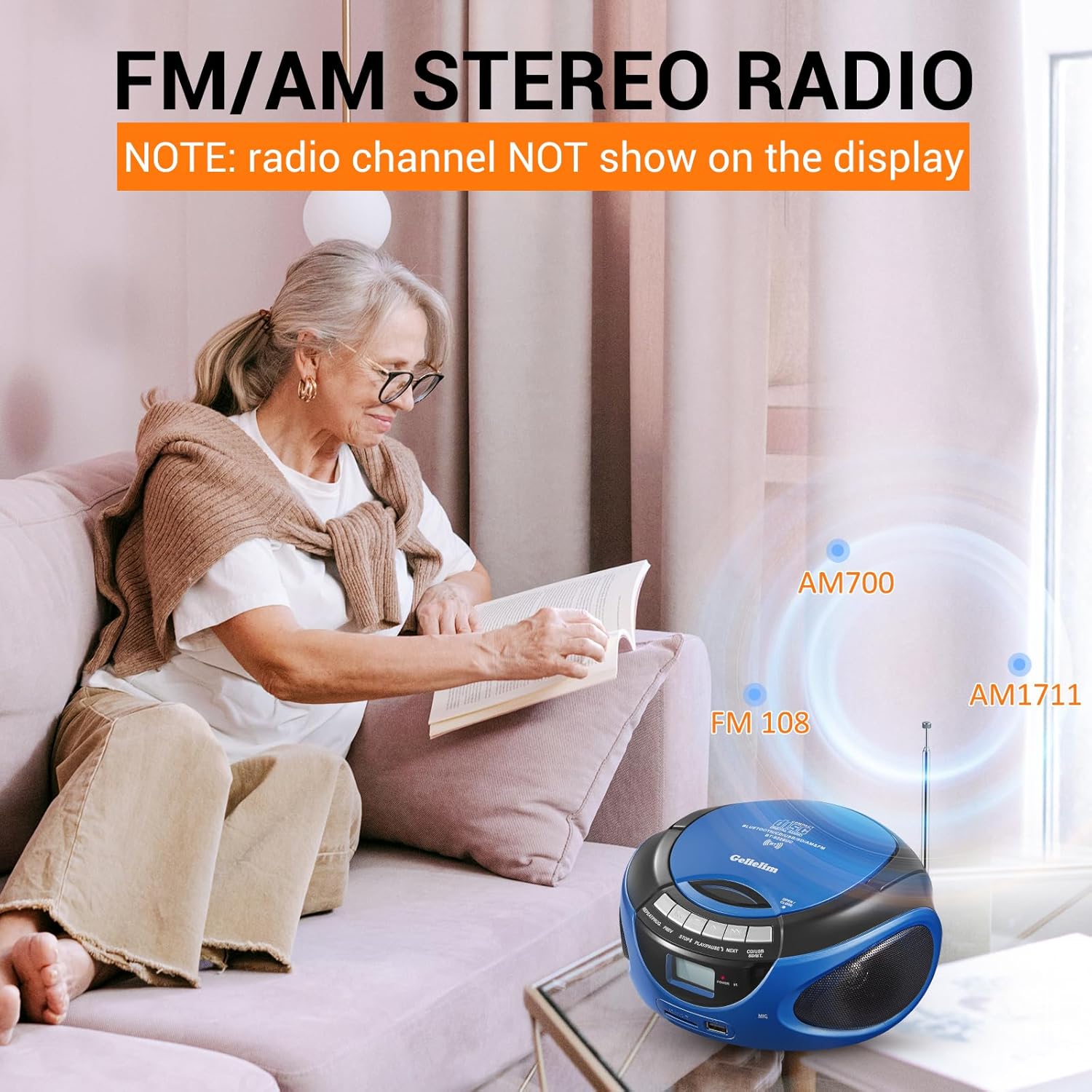
This image shows the Gelielim boombox positioned on a coffee table in a living room, with a person relaxing on a sofa in the background. Overlays indicate "FM 108", "AM 700", and "AM 1711", illustrating the radio's AM/FM capabilities and the range of frequencies it can tune into.
This video demonstrates how to switch the Gelielim boombox to radio mode and highlights that the LCD screen remains blank when in radio mode, with tuning done via the physical knob on the side.
4.4 USB/SD/MMC Playback
- Insert a USB drive into the USB port or an SD/MMC card into the corresponding slot on the front of the unit.
- Select "USB" or "SD" mode using the function switch. The unit will automatically detect and begin playing compatible audio files.
- Use the playback control buttons (PLAY/PAUSE, STOP, NEXT, PREV) to manage playback.
4.5 AUX-in Mode
- Connect an external audio device (e.g., MP3 player, smartphone) to the AUX-in jack on the back of the unit using a 3.5mm audio cable (not included).
- Select "AUX" mode using the function switch.
- Control audio playback directly from your connected external device.
4.6 Headphone Use
To listen privately, plug standard 3.5mm headphones into the headphone jack located on the back of the unit. The internal speakers will automatically mute when headphones are connected.
5. Maintenance
- Cleaning: Use a soft, dry cloth to clean the exterior of the unit. Do not use abrasive cleaners or solvents. For the CD lens, use a specialized CD lens cleaner.
- Storage: When not in use for extended periods, remove batteries to prevent leakage. Store the unit in a cool, dry place away from direct sunlight and extreme temperatures.
- Handling: Handle CDs and the unit with care to prevent scratches or damage. Avoid exposing the unit to moisture or dust.
6. Troubleshooting
| Problem | Possible Cause | Solution |
|---|---|---|
| Unit does not power on. | No power supply; batteries drained or incorrectly inserted; AC cable not connected. | Check AC cable connection. If using batteries, ensure they are fresh and inserted with correct polarity. |
| No sound from speakers. | Volume too low; headphones connected; incorrect mode selected. | Increase volume. Disconnect headphones. Ensure correct mode (CD, BT, Radio, USB/SD, AUX) is selected. |
| CD skipping or not playing. | CD is dirty or scratched; unit is on an unstable surface; CD-MP3 format (not supported). | Clean or replace CD. Place unit on a stable, flat surface. Ensure CD is CD-R or CD-RW format. |
| Poor radio reception. | Antenna not extended or adjusted; weak signal area. | Fully extend and adjust the telescopic antenna. Try relocating the unit for better signal. |
| Bluetooth pairing issues. | Unit not in BT mode; device too far; Bluetooth not enabled on external device. | Ensure unit is in "BT" mode. Move device closer to the boombox. Enable Bluetooth on your external device. |
| LCD screen is blank in Radio Mode. | This is normal operation. | Radio channels are displayed on the rear tuning knob, not the LCD screen. This is by design. |
| Difficulty with control buttons. | Unfamiliarity with layout. | Refer to the diagram in the manual for button identification and function. Practice using the controls. |
| Low volume with headphones. | Headphone impedance mismatch; source volume too low. | Ensure headphones are fully plugged in. Increase volume on both the boombox and the source device (if using AUX-in). |
7. Specifications
- Model Number: 9228
- Brand: Gelielim
- Product Dimensions (L x W x H): 8 x 7.5 x 4.3 inches
- Item Weight: 3.1 pounds
- Connectivity Technology: Bluetooth, USB, SD, MMC
- Color: Blue
- Speaker Type: Built-In Dual Stereo Speakers
- CD Compatibility: CD-R, CD-RW (Not CD-MP3)
- Radio Frequency Range: FM: 88-108MHz; AM: 530-1710KHz
- Power Source: AC Power Cable or 6 x C-size Batteries (not included)
- Headphone Jack: 3.5mm

This image provides a visual representation of the Gelielim Portable CD Player's dimensions, showing its length (8 inches), width (7.5 inches), and height (4.3 inches), emphasizing its compact and portable design.
8. Warranty and Support
Gelielim is committed to providing quality products and customer satisfaction. This portable CD player boombox is manufactured with premium materials for a long lifespan.
For any questions, concerns, or technical assistance, please contact the Gelielim customer service team. We offer 24/7 customer support to ensure a positive experience with your product.
Contact Information: Please refer to the product packaging or the official Gelielim website for the most current customer service contact details.
This video provides a comprehensive overview of the black Gelielim Portable CD Radio Boombox, showcasing its design, various features, and demonstrating its portability and ease of use in different settings, including outdoor environments.


