
Coby COBY-CETW553
Coby Pro Fitness True Wireless Earbuds User Manual
Model: COBY-CETW553
Brand: Coby
Introduction
Thank you for choosing the Coby Pro Fitness True Wireless Earbuds. These earbuds are designed to provide a superior audio experience with features tailored for an active lifestyle, including sweat resistance, secure fit, and high-definition audio. This manual will guide you through the setup, operation, and maintenance of your new earbuds.
What's in the Box
Ensure all items are present upon unboxing:
- Coby Pro Fitness True Wireless Earbuds (Left and Right)
- Charging Case
- Eartips (various sizes for optimal fit)
- USB Charging Cable
- User Manual (this document)
Product Overview
Familiarize yourself with the components of your Coby Pro Fitness True Wireless Earbuds.

Image: The Coby Pro Fitness True Wireless Earbuds, showing both earbuds and the open charging case with charging contacts visible.

Image: A visual representation of the earbuds and charging case, emphasizing key features such as 15 hours playtime, noise isolating design, sweat-resistance, non-slip fit, auto pairing, voice assistant compatibility, and wide compatibility.
Setup
1. Charging the Earbuds and Case
Before first use, fully charge both the earbuds and the charging case.
- Place the earbuds into the charging case. Ensure they are properly seated and the charging indicators light up.
- Connect the charging case to a USB power source using the provided USB cable.
- The charging case provides up to 20 hours of additional battery life, while the earbuds offer 15 hours of playtime on a full charge.
2. Pairing with Your Device
The Coby Pro Fitness Earbuds feature auto-pairing for seamless connectivity.
- Open the charging case. The earbuds will automatically enter pairing mode.
- On your device (smartphone, tablet, laptop), go to Bluetooth settings.
- Select "COBY-CETW553" from the list of available devices.
- Once connected, you will hear a confirmation tone, and the earbuds will be ready for use.
- Thanks to Bluetooth version 5.3, you can expect lightning-fast pairing and uninterrupted audio streaming within a 10-meter range.
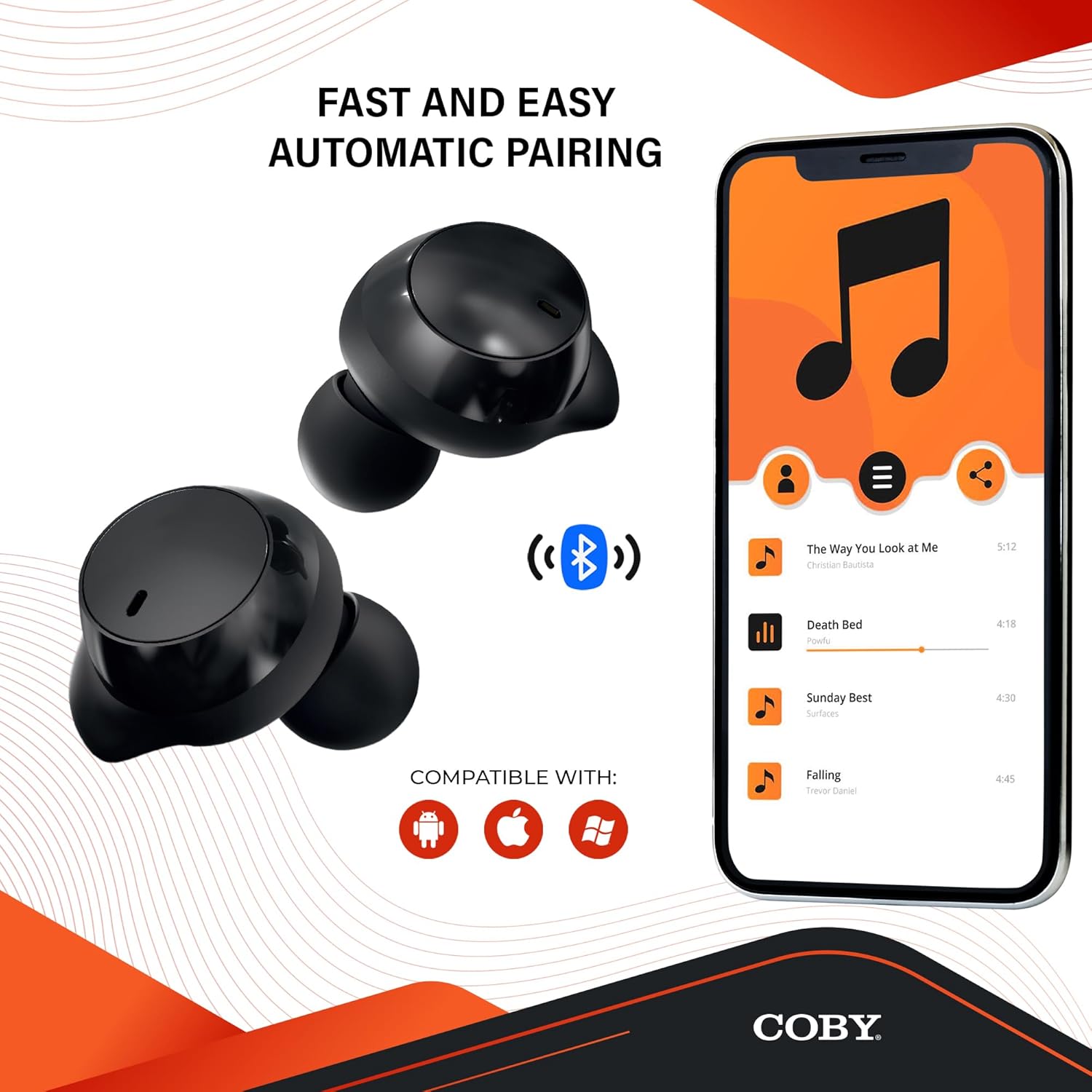
Image: The earbuds next to a smartphone displaying a music playlist, illustrating the fast and easy automatic pairing process and compatibility with Android, Apple, and Windows devices.
Operating Instructions
Audio Playback
Enjoy high-fidelity sound quality with dynamic audio and crystal-clear clarity for your music, podcasts, and audiobooks.
Hands-Free Calls
The earbuds support hands-free calling, allowing you to take calls directly through the earbuds.
Voice Assistant
Activate your preferred voice assistant (Siri or Google Assistant) with a quick voice command. This allows you to make calls, send texts, check notifications, and more without needing to access your phone.

Image: The earbuds with accompanying text emphasizing high-fidelity sound quality, sweat-resistant design, comfortable and secure fit, and compatibility with Siri and Google Assistant.

Image: The Coby Pro Fitness Earbuds displayed with logos indicating compatibility with Google Assistant and Siri.
Maintenance and Care
To ensure the longevity and optimal performance of your earbuds:
- Sweat Resistant Design: The earbuds are thoughtfully crafted to divert sweat and moisture, making them ideal for workouts. However, they are not fully waterproof; avoid submerging them in water.
- Cleaning: Regularly clean the earbuds and charging case with a soft, dry, lint-free cloth. Gently remove any earwax or debris from the eartips and speaker mesh using a small, soft brush or cotton swab.
- Storage: When not in use, store the earbuds in their charging case to protect them and keep them charged.
- Temperature: Avoid exposing the earbuds to extreme temperatures (hot or cold) or direct sunlight for extended periods.

Image: A person in athletic wear preparing to run, wearing the earbuds, illustrating the sweat-resistant design suitable for active use.

Image: Two individuals engaged in a workout, both wearing the earbuds, demonstrating their suitability for fitness activities.
Troubleshooting
If you encounter any issues with your Coby Pro Fitness Earbuds, try the following steps:
- No Sound:
- Ensure earbuds are charged.
- Check Bluetooth connection on your device.
- Increase volume on both earbuds and your device.
- Earbuds Not Pairing:
- Make sure Bluetooth is enabled on your device.
- Ensure earbuds are in pairing mode (open case).
- Forget the device from your phone's Bluetooth list and try pairing again.
- Ensure earbuds are within 10 meters of your device.
- Charging Issues:
- Verify the charging cable and power source are working.
- Ensure earbuds are correctly seated in the charging case.
- Clean the charging contacts on both earbuds and the case.
Specifications
| Feature | Detail |
|---|---|
| Model Name | CETW553 |
| Item Model Number | COBY-CETW553 |
| Connectivity Technology | Wireless (Bluetooth) |
| Bluetooth Version | 5.3 |
| Bluetooth Range | 10 Meters |
| Battery Life (Earbuds) | 15 Hours |
| Carrying Case Battery Life | 20 Hours (additional) |
| Water Resistance Level | Water Resistant (Sweat Resistant) |
| Noise Control | Sound Isolation |
| Control Type | Voice (Google Assistant, Siri Compatible) |
| Frequency Range | 20 Hz - 20,000 Hz |
| Item Weight | 1.4 Ounces |
| Product Dimensions | 0.96 x 0.7 x 0.94 inches |
| Material | Silicone (Eartips) |
| UPC | 643620020401 |
| Manufacturer | Summit Electronics LLC |
| Country of Origin | China |
Warranty and Support
For warranty information and customer support, please refer to the warranty card included with your product or visit the official Coby website.
You can also visit the Coby Store on Amazon for more information: Coby Amazon Store.
Related documentsCOBY-CETW553

Ask a question about this manual
Ask about setup, troubleshooting, compatibility, parts, safety, or missing instructions. Manuals+ will review the question and use this page’s manual context to help answer it.