1. Introduction
EA SPORTS NHL 24 brings authentic on-ice action to life with all-new gameplay features. Experience the intensity and strategic depth of hockey with enhanced mechanics and connected online play. This manual provides essential information to help you get started and master the game.

Image: The official cover art for NHL 24 on PlayStation 5, showing a player skating on the ice.
2. Key Features
NHL 24 introduces several new and improved features designed to enhance your gameplay experience:
- Exhaust Engine: Experience the rush and fatigue of a high-pressure game, where sustained pressure in the attack zone leads to new game-changing effects like goalie fatigue.
- Physics-Based Contact: Engage in realistic body checks that can break the glass and send players into the bench, adding a new layer of physical play.
- Vision Passing System: Gain unparalleled player command with a new passing system that allows for precise and strategic puck movement.
- Total Control Skill Moves: Execute a complete refresh of control setups, making highlight-reel moves more intuitive and accessible.
- Cross-Play: Chel is more connected than ever with cross-play functionality in all online team play modes.
- HUT Moments: Recreate classic moments in hockey history and today’s biggest plays.
- Flex Moments: Introduces 75+ new goal celebrations, complementing a refreshed presentation and enriched crowd atmosphere.
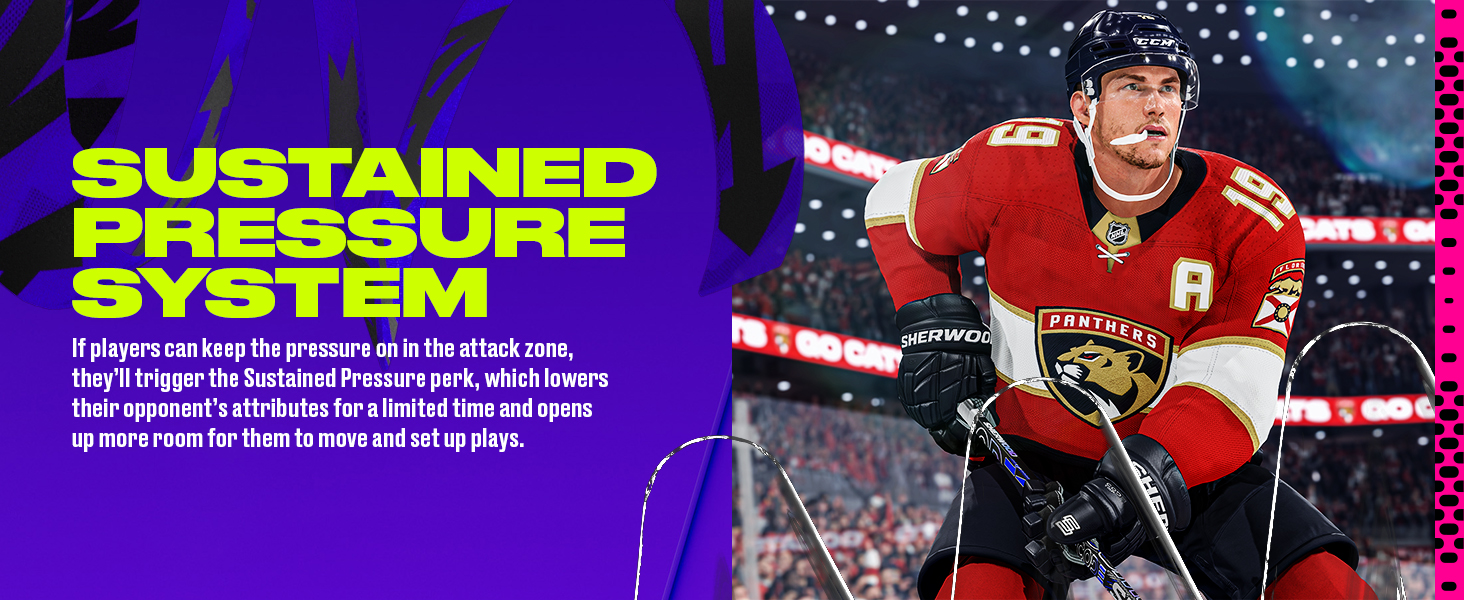
Image: Visual representation of the Sustained Pressure System, showing players in an offensive zone.
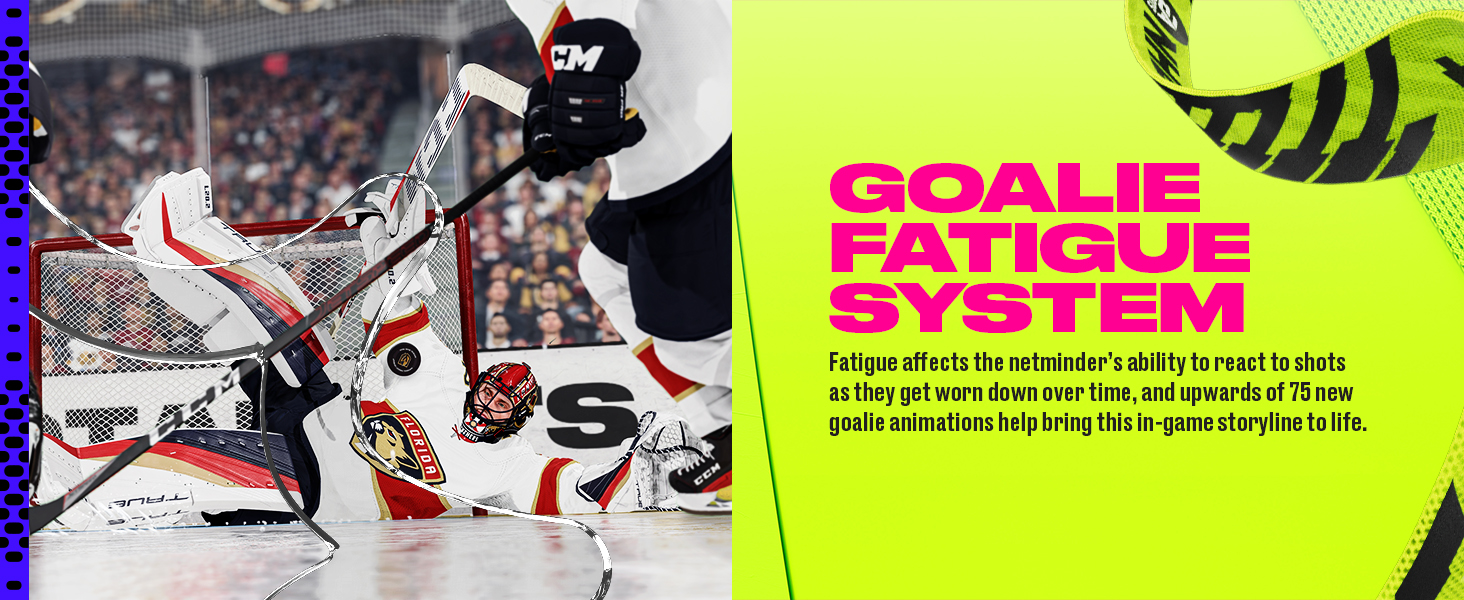
Image: A goalie making a save, illustrating the Goalie Fatigue System.
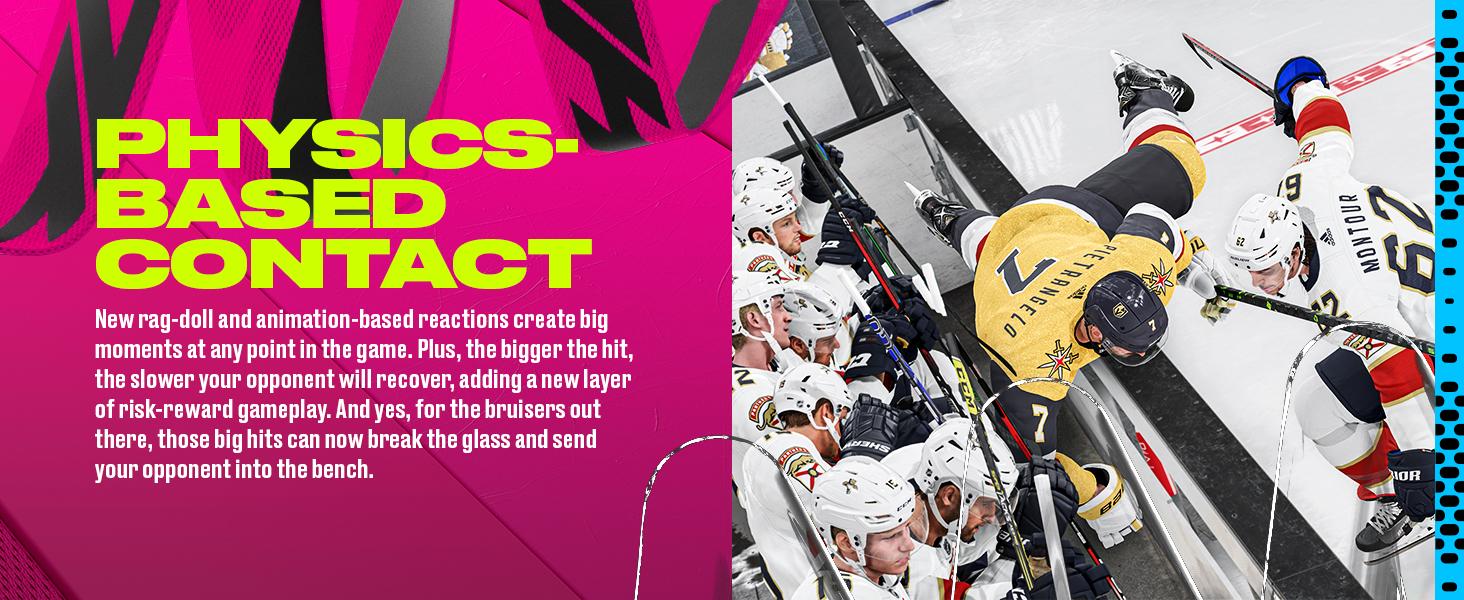
Image: Two players colliding near the boards, demonstrating Physics-Based Contact.

Image: A player performing a skill move with the puck, showcasing Total Control Skill Moves.
3. Installation and Setup
To install NHL 24 on your PlayStation 5 console, follow these steps:
- Insert the Game Disc: Place the NHL 24 game disc into your PlayStation 5 console's disc drive.
- Follow On-Screen Prompts: The console will automatically detect the disc and prompt you to install the game. Follow the instructions on your screen.
- System Updates: Ensure your PlayStation 5 system software is up to date for optimal performance.
- Game Updates: The game may require additional updates upon initial launch. An internet connection is required for these updates.
- Storage Space: The game requires approximately 50 GB of free storage space on your console. Ensure you have sufficient space before installation.

Image: The NHL 24 game disc, ready for insertion into a PlayStation 5 console.
4. Operating Instructions: Gameplay
NHL 24 offers intuitive controls and deep gameplay mechanics. Familiarize yourself with the basic controls and advanced features to maximize your performance on the ice.
Basic Controls (DualSense Controller)
- Left Stick: Player Movement
- Right Stick: Shooting / Deking / Stickhandling
- X Button: Pass
- Circle Button: Shoot (Slap Shot)
- Triangle Button: One-Timer / Faceoff
- L2 Trigger: Protect Puck / Glide
- R2 Trigger: Hustle / Sprint
- L1 Button: Vision Passing (New)
- R1 Button: Total Control Skill Moves (New)
Advanced Gameplay Tips
- Utilize the Exhaust Engine: Maintain offensive pressure to tire out opponents and create scoring opportunities, especially against the goalie.
- Master Physics-Based Contact: Time your hits effectively to separate opponents from the puck and gain possession.
- Precision Passing: Use the Vision Passing System to thread passes through tight defenses and set up teammates.
- Creative Deking: Experiment with Total Control Skill Moves to deke defenders and create space for shots or passes.

Image: A close-up of a hockey player on the ice during NHL 24 gameplay, demonstrating puck control.
5. Game Modes
NHL 24 offers a variety of game modes to suit different playstyles:
Hockey Ultimate Team (HUT)
Build your dream team by collecting player cards and competing in various challenges and online seasons. HUT Moments allow you to relive and recreate iconic hockey plays.
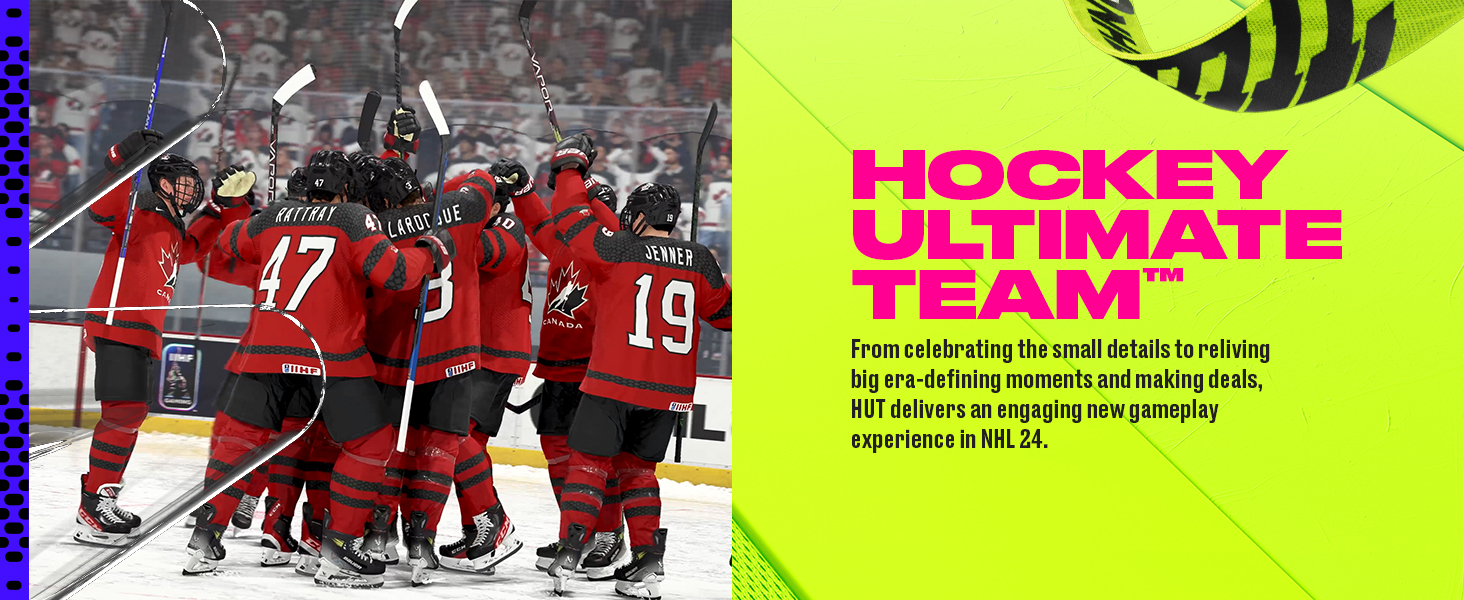
Image: A team celebrating a goal, representing the Hockey Ultimate Team mode.
World of Chel (WoC)
Create your own player and rise through the ranks in various online and offline modes, including EASHL, Threes Eliminator, and Ones Eliminator. Customize your player's appearance and gear.
Cross-Play
Connect with friends and compete against players across different platforms in all online team play modes. This feature expands the player pool and enhances the online experience.
Video: Official NHL 24 Launch Trailer from Electronic Arts, showcasing various gameplay elements and features.
6. Maintenance and Updates
To ensure the best gaming experience, keep your game and console updated:
- Game Updates: Connect your PlayStation 5 to the internet regularly to download the latest game patches and content updates. These updates often include bug fixes, performance improvements, and new features.
- System Software: Keep your PlayStation 5 system software updated to the latest version. This ensures compatibility and optimal performance for all your games.
- Disc Care: If using a physical disc, handle it by the edges and store it in its case when not in use to prevent scratches.
7. Troubleshooting
If you encounter any issues while playing NHL 24, consider the following common solutions:
- Game Not Loading: Ensure the game disc is clean and properly inserted. Check for any pending game or system software updates.
- Network Connection Issues: Verify your internet connection is stable. Restart your router or modem if necessary. For online play, ensure your PlayStation Plus subscription is active.
- Controller Malfunctions: Ensure your DualSense controller is charged and properly connected to the console. Try resetting the controller if issues persist.
- Performance Issues (Lag/Freezing): Close any other applications running in the background. Ensure your console has adequate ventilation to prevent overheating.
- Corrupted Save Data: If you suspect corrupted save data, try loading a previous save or deleting and reinstalling the game (your save data may be backed up to the cloud if you have PlayStation Plus).
For further assistance, refer to the official Electronic Arts support website.
8. Product Specifications
| Specification | Detail |
|---|---|
| Title | NHL 24 - PlayStation 5 |
| Brand | Electronic Arts |
| Model Number | ECCA38212PS5 |
| Compatible Console | Sony PlayStation 5 |
| UPC | 014633382129 |
| ASIN | B0CFG32CK3 |
| Release Date | October 6, 2023 |
| Item Weight | 2.88 ounces |
| Product Dimensions | 0.58 x 6.72 x 5.23 inches |
| ESRB Rating | Everyone 10+ |
| Language | English |
9. Warranty and Support
For information regarding product warranty, technical support, or customer service, please contact Electronic Arts directly.
- Electronic Arts Support: Visit the official EA Help website for FAQs, troubleshooting guides, and contact options: help.ea.com
- Amazon Returns: For return policies and procedures related to your purchase, please refer to Amazon's return policy or your order details.


