
1. Product Overview
The ErgoFocus Vertical Dual Monitor Stand is engineered to elevate two monitors in a stacked configuration, optimizing your workspace and promoting an ergonomic viewing posture. This desk mount offers extensive adjustability including height, tilt, swivel, and rotation, allowing for personalized screen positioning.
It supports most flat or curved monitors from 13 to 32 inches, with a weight capacity of up to 17.6 lbs (8 kg) per arm. The mount is compatible with VESA patterns 75x75mm and 100x100mm.

Figure 1.1: ErgoFocus Vertical Dual Monitor Stand in use.
2. Safety Information
Please read and understand all safety instructions before installation and use. Failure to do so may result in personal injury or property damage.
- Weight Capacity: Do not exceed the maximum weight capacity of 17.6 lbs (8 kg) per monitor arm. Overloading can cause instability and potential damage.
- Monitor Size: Ensure your monitors are within the supported size range of 13-32 inches.
- VESA Compatibility: Verify that your monitors have VESA mounting patterns of 75x75mm or 100x100mm.
- Desk Stability: Ensure your desk is sturdy enough to support the combined weight of the mount and two monitors.
- Installation: Follow all installation steps carefully. Improper installation can lead to equipment damage or personal injury.
- Cable Management: Route cables safely to prevent pinching or strain.
- Children and Pets: Keep small parts away from children and pets to prevent choking hazards.
3. Package Contents
Please verify that all components are present and undamaged before beginning installation. If any parts are missing or damaged, contact customer support.
- Main Pole
- Monitor Arms (2)
- VESA Plates (2)
- C-Clamp Assembly
- Grommet Mount Assembly
- Hardware Kit (screws, washers, spacers)
- Allen Wrenches
- Instruction Manual
4. Setup and Installation
The ErgoFocus Vertical Dual Monitor Stand offers two installation methods: C-clamp and Grommet mount. Choose the method that best suits your desk.
4.1. Desk Compatibility Check
Before installation, ensure your desk meets the following requirements:
- C-Clamp Installation: Desk thickness between 0.39 inches (1 cm) and 3.15 inches (8 cm).
- Grommet Installation: Desk thickness between 0.39 inches (1 cm) and 1.57 inches (4 cm). Hole diameter between 0.39 inches (1 cm) and 2.36 inches (6 cm).

Figure 4.1: Desk compatibility for C-clamp and grommet mounting.

Figure 4.2: Detailed C-clamp compatibility for various desk designs.
4.2. Choosing Your Mounting Method
Select either the C-clamp or grommet installation based on your desk type and preference.
4.2.1. C-Clamp Installation Steps
- Attach the C-clamp base to the bottom of the main pole.
- Position the C-clamp on the edge of your desk.
- Tighten the C-clamp screw until the mount is securely fastened to the desk. Ensure it is stable and does not wobble.
4.2.2. Grommet Installation Steps
- If your desk has a grommet hole, insert the grommet bolt through the hole.
- Attach the grommet plate and nut from underneath the desk.
- Tighten the nut until the mount is securely fastened.
4.3. Attaching Monitor Arms and Monitors
- Slide the monitor arms onto the main pole at your desired initial heights.
- Secure the monitor arms to the pole using the provided screws/knobs.
- Attach the VESA plates to the back of your monitors using the appropriate screws from the hardware kit.
- Carefully slide the monitors (with VESA plates attached) onto the monitor arms.
- Ensure the monitors are securely locked into place on the arms.
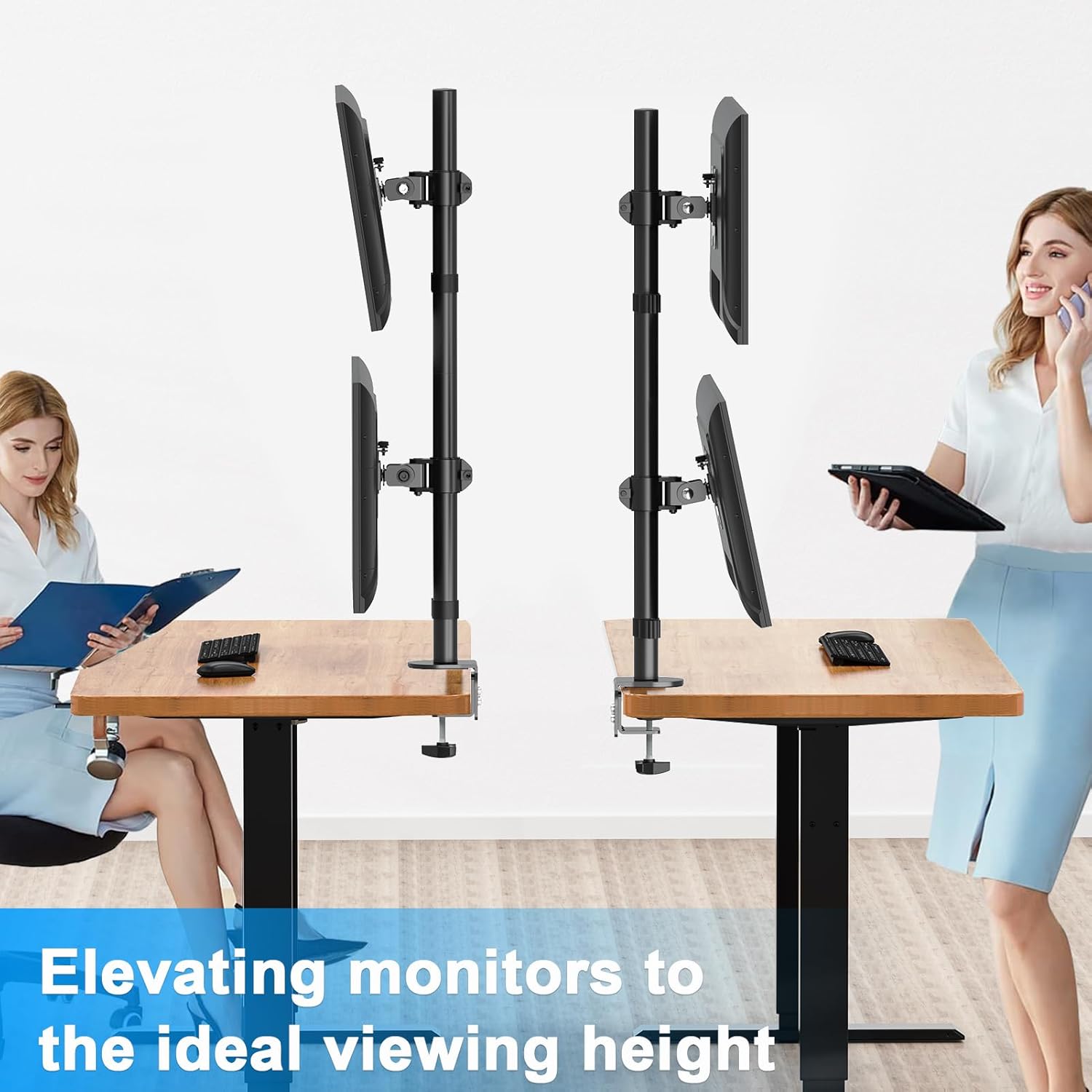
Figure 4.3: Monitor compatibility and VESA mounting details.
5. Operating Instructions and Adjustments
The ErgoFocus Vertical Dual Monitor Stand allows for various adjustments to achieve an optimal viewing experience.
5.1. Height Adjustment
Monitors can be adjusted vertically along the 31.7-inch main pole. Loosen the securing mechanism on each monitor arm, slide the monitor to the desired height, and then re-tighten to secure.

Figure 5.1: Vertical height adjustment along the 31.7-inch pole.
5.2. Tilt Adjustment
Each monitor can be tilted up or down from -30° to +30° to reduce glare and optimize viewing angles. Adjust the tilt mechanism behind the VESA plate.

Figure 5.2: Overview of tilt, height, swivel, and rotation adjustments.
5.3. Swivel Adjustment
Swivel your monitors left or right up to ±90° for collaborative work or to adjust your personal viewing angle. Gently rotate the monitor to the desired position.

Figure 5.3: Swivel adjustment for individual monitors.
5.4. Rotation Adjustment
Rotate your monitors 360° to switch between landscape and portrait orientations. This is useful for different tasks such as coding or document review.

Figure 5.4: 360-degree rotation for landscape or portrait viewing.
5.5. Cable Management
Utilize the integrated cable management clips on the monitor arms and pole to keep your cables organized and your workspace tidy. This helps prevent cable clutter and potential damage.

Figure 5.5: Cable management and space-saving benefits.
6. Maintenance
- Cleaning: Wipe the mount with a soft, dry cloth. Avoid abrasive cleaners or solvents.
- Tightness Check: Periodically check all screws and connections to ensure they remain tight and secure. Re-tighten if necessary.
- Lubrication: No lubrication is required for this product.
7. Troubleshooting
7.1. Monitor is unstable or wobbles
- Ensure the C-clamp or grommet mount is securely tightened to the desk.
- Verify that the monitor arms are firmly attached to the main pole.
- Check that the VESA plates are properly secured to both the monitors and the arms.
- Confirm that the combined weight of your monitors does not exceed the 17.6 lbs per arm capacity.
7.2. Difficulty adjusting monitor position
- Loosen the adjustment screws slightly before attempting to move the monitor, then re-tighten once in the desired position.
- Ensure no cables are snagged or preventing movement.
7.3. Monitors are not level
- Adjust the height of each monitor arm individually on the main pole until both monitors are level.
- Some VESA plates may have a small leveling screw for fine adjustments.
8. Specifications
| Feature | Specification |
|---|---|
| Brand | ErgoFocus |
| Model | Vertical Dual Monitor Stand |
| Material | Metal |
| Color | Black |
| Compatible Screen Size | 13-32 inches |
| Weight Capacity | Up to 17.6 lbs (8 kg) per arm |
| VESA Compatibility | 75x75mm, 100x100mm |
| Height Adjustment | 31.7 inches (along center pole) |
| Tilt Angle | -30° to +30° |
| Swivel Angle | ±90° |
| Rotation | 360° |
| Mounting Type | Tabletop Mount (C-Clamp, Grommet) |
| C-Clamp Desk Thickness | 0.39" - 3.15" (1cm - 8cm) |
| Grommet Desk Thickness | 0.39" - 1.57" (1cm - 4cm) |
| Grommet Hole Diameter | 0.39" - 2.36" (1cm - 6cm) |
| Item Weight | 8.07 pounds |
| Package Dimensions | 16.93 x 6.06 x 3.7 inches |
9. Warranty and Support
ErgoFocus products are manufactured with quality and durability in mind. For warranty information, technical support, or assistance with missing/damaged parts, please contact ErgoFocus customer service through the retailer where the product was purchased or visit the official ErgoFocus website.
Please retain your proof of purchase for warranty claims.