
DJI DJI Mini 4 Pro (DJI RC-N2)
DJI Mini 4 Pro User Manual
Model: DJI Mini 4 Pro (DJI RC-N2)
1. Product Overview
The DJI Mini 4 Pro is a lightweight, foldable drone designed for both beginners and experienced users, offering advanced imaging capabilities and enhanced safety features. Weighing less than 249 grams, it may not require registration in certain regions, providing a convenient and portable flying experience. It features a 4K/60fps HDR camera, omnidirectional obstacle sensing, and extended video transmission distance.

Figure 1.1: DJI Mini 4 Pro drone and DJI RC-N2 remote controller. This image displays the compact drone with its four propellers and the accompanying remote controller, highlighting the product's main components.
2. What's in the Box
Verify that all components are present in your package:
- DJI Mini 4 Pro Aircraft x 1
- DJI RC-N2 Remote Controller x 1
- DJI Mini 4 Pro Intelligent Flight Battery x 1
- Spare Propellers (Pair) x 1
- Spare Screws x 6
- Gimbal Protector x 1
- Propeller Holder x 1
- Type-C to Type-C PD Cable x 1
- Screwdriver x 1
- DJI RC-N2/N1 RC Cable (USB-C Connector) x 1
- DJI RC-N2/N1 RC Cable (Lightning Connector) x 1

Figure 2.1: Visual representation of the DJI Mini 4 Pro package contents. This image shows the drone, remote controller, and intelligent flight battery, along with various accessories included in the box.
3. Setup Guide
3.1 Initial Activation and App Download
The DJI Mini 4 Pro must be activated using the DJI Fly App. For the best user experience, download the DJI Fly App from the official DJI website before use. If you are using the DJI RC 2 remote controller, the DJI Fly App comes pre-installed, allowing for immediate use without connecting to a smartphone.
3.2 Battery Installation and Charging
Insert the Intelligent Flight Battery into the drone. Ensure the battery is fully charged before first flight. The battery charger is sold separately. For optimal charging speed, it is recommended to use a DJI 30W USB-C Charger or other USB Power Delivery chargers (30W).
3.3 Remote Controller Setup
Connect your mobile phone to the DJI RC-N2 remote controller using the appropriate RC cable (Lightning or USB-C). Ensure a stable connection for reliable control and video transmission.

Figure 3.1: User interacting with the DJI RC-N2 remote controller connected to a smartphone. This image illustrates the setup for controlling the drone via the DJI Fly App on a mobile device.
4. Operating the DJI Mini 4 Pro
4.1 Flight Characteristics
The DJI Mini 4 Pro is designed for stable and intuitive flight. It offers a flight time of 34 minutes with the standard Intelligent Flight Battery. With the Intelligent Flight Battery Plus (sold separately), flight time can be extended up to 45 minutes, or up to 135 minutes with three batteries in the Fly More Combo Plus.
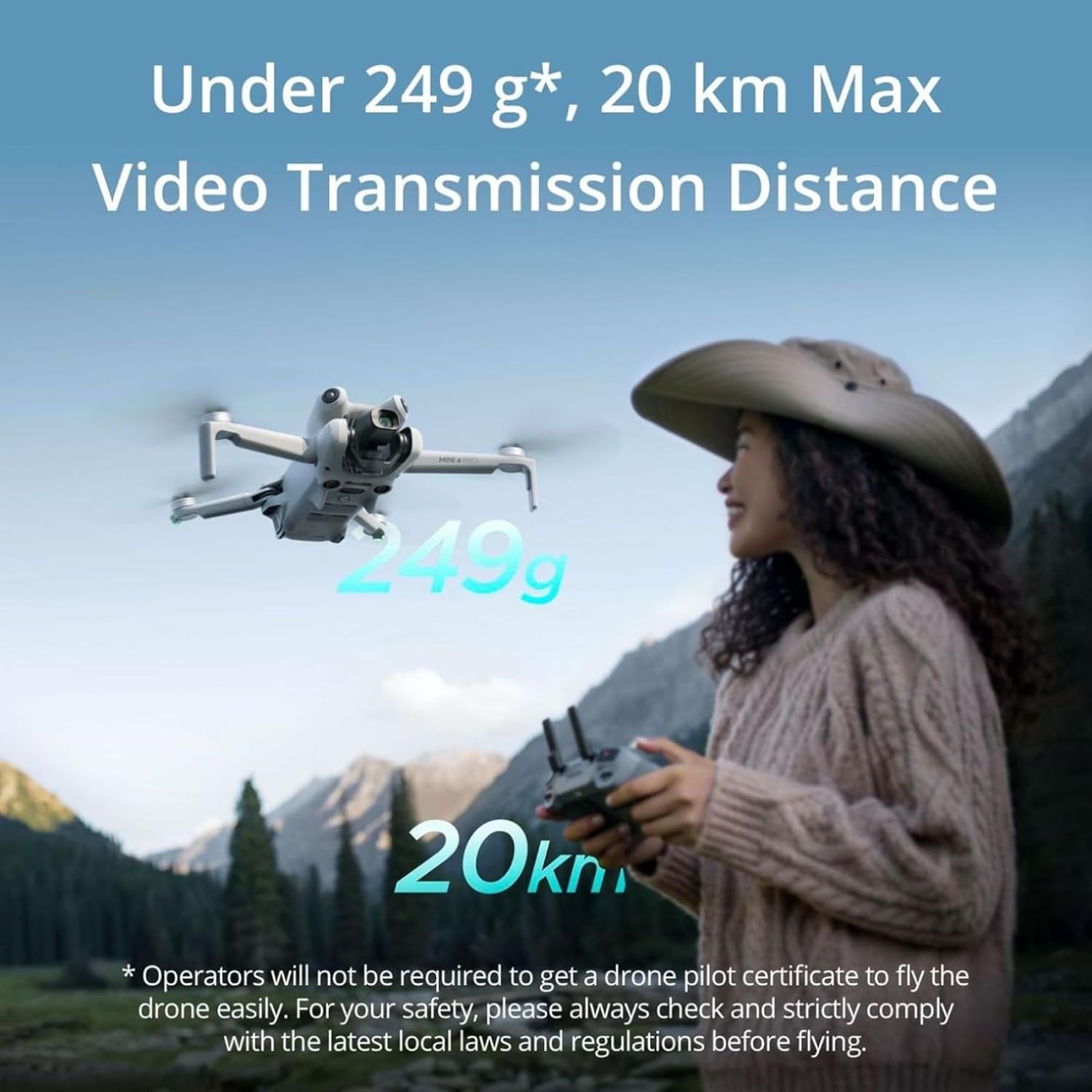
Figure 4.1: DJI Mini 4 Pro in flight, emphasizing its sub-249g weight and 20km maximum video transmission distance. This image shows the drone in an open environment with a user operating it, highlighting its portability and range.
4.2 Imaging and Video Features
Capture stunning visuals with the Mini 4 Pro's 48MP camera and 4K/60fps HDR video capabilities. It supports True Vertical Shooting for social media-ready content without cropping. The drone also offers 4K/100fps slow-motion video and 10-bit D-Log M/HLG color modes for professional post-production flexibility.

Figure 4.2: Overview of DJI Mini 4 Pro's advanced imaging features. This graphic highlights the drone's ability to capture high-resolution photos and videos, including HDR and slow-motion capabilities.
4.3 Safety and Obstacle Sensing
The Mini 4 Pro features Omnidirectional Obstacle Sensing, providing precise detection capabilities in all directions. This enhances flight safety, especially for new users, by helping the drone detect and avoid obstacles. Advanced Return-to-Home (RTH) plans a safe flight route back to its home point, with the process displayed via AR.

Figure 4.3: DJI Mini 4 Pro utilizing its omnidirectional obstacle sensing system. The image shows the drone navigating between virtual green grid lines, representing its ability to detect obstacles from all angles.
4.4 Intelligent Features
The drone includes intelligent features such as ActiveTrack 360°, allowing users to control the drone's tracking trajectory for complex and seamless operation effects. Even beginners can easily capture smooth videos. The Flagship O4 Video Transmission system provides ultra-responsive control and smooth 1080p/60fps FHD live feed image quality up to 20 km.

Figure 4.4: A collage showcasing various intelligent features of the DJI Mini 4 Pro, including ActiveTrack 360°, extended flight time, enhanced night mode, 20km FHD video transmission, 1.07 billion color recording, and Advanced RTH.
5. Maintenance
To ensure the longevity and optimal performance of your DJI Mini 4 Pro, regular maintenance is recommended:
- Clean the Drone: Regularly wipe down the drone's body, propellers, and camera lens with a soft, dry cloth. Avoid using harsh chemicals.
- Inspect Propellers: Before each flight, check propellers for any cracks, bends, or damage. Replace damaged propellers immediately using the provided screwdriver and spare screws.
- Battery Care: Store batteries in a cool, dry place. Do not overcharge or completely drain batteries. If storing for extended periods, charge them to approximately 50-60%.
- Gimbal Protection: Always attach the gimbal protector when transporting or storing the drone to prevent damage to the camera and gimbal system.
- Firmware Updates: Keep the drone and remote controller firmware updated to the latest version. Updates often include performance improvements, bug fixes, and new features.
6. Troubleshooting
This section addresses common issues you might encounter with your DJI Mini 4 Pro.
6.1 Firmware Update Failures
Several factors can lead to an update failure:
- The battery level of the aircraft or remote controller is below 20%.
- The aircraft or remote controller is powered off during an update. If this happens, restart the aircraft and remote controller, and try again.
- The network is disconnected during a firmware download.
- Your smartphone interface is switched to other apps during a firmware download.
The aircraft will restart multiple times during an update and automatically power off after completing the update.
6.2 Video Transmission Issues
The maximum transmission distance of the O4 video transmission system can vary significantly based on environmental interference levels:
- Unobstructed:
- Strong Interference (urban landscape): approx. 1.5-4 km
- Medium Interference (suburban landscape): approx. 4-10 km
- Low Interference (suburb/seaside): approx. 10-20 km
- Obstructed:
- Low Interference and Obstructed by Buildings: approx. 0-0.5 km
- Low Interference and Obstructed by Trees: approx. 0.5-3 km
Note: Data tested under FCC standard in an unobstructed environment without interference. Used for reference purposes only and provides no guarantee for actual transmission distance.
For more detailed troubleshooting, refer to the official Troubleshooting Guide (PDF).
7. Specifications
| Feature | Detail |
|---|---|
| Brand | DJI |
| Model Name | DJI Mini 4 Pro |
| Item Weight | 249 Grams (8.8 ounces) |
| Product Dimensions | 11.7"L x 14.6"W x 3.9"H |
| Video Capture Resolution | 4K |
| Effective Still Resolution | 48 MP |
| Max Transmission Distance | 20 Kilometers |
| Battery Capacity | 3850 Milliampere Hour (mAh) |
| Special Features | Compact, Foldable, Omnidirectional Obstacle Sensing, 4K/60fps HDR Video Recording, ActiveTrack 360° |
| Connectivity Technology | Bluetooth, Wi-Fi |
| Skill Level | All |
8. Warranty and Support
DJI offers an official warranty for its products, providing one-stop technical support. For detailed warranty information and to access support resources, please visit the official DJI website or your regional DJI support page.
You can also find the complete User Guide (PDF) for the DJI Mini 4 Pro for more in-depth instructions and information.
For additional support and product information, visit the DJI Store on Amazon.
Ask a question about this manual
Ask about setup, troubleshooting, compatibility, parts, safety, or missing instructions. Manuals+ will review the question and use this page’s manual context to help answer it.