
RIENOK Rienok S2
RIENOK Portable Waterproof Wireless Bluetooth Speaker User Manual
Model: Rienok S2
Introduction
This manual provides essential information for the safe and efficient operation of your RIENOK Portable Waterproof Wireless Bluetooth Speaker, Model S2. Please read this manual thoroughly before using the product and retain it for future reference. This speaker is designed for versatile use, offering robust sound and portability for various environments, including home, garden, parties, and camping.
Important Safety Information
To ensure safe operation and prevent damage, please observe the following precautions:
- Do not expose the speaker to extreme temperatures or direct sunlight for prolonged periods.
- Keep the speaker away from heat sources, sharp objects, and corrosive materials.
- Do not disassemble, repair, or modify the speaker yourself. Refer all servicing to qualified personnel.
- Ensure the charging port cover is securely closed when not charging to maintain IPX5 waterproof rating.
- Use only the provided charging cable or a certified equivalent.
- Avoid dropping or subjecting the speaker to strong impacts.
- Clean the speaker with a soft, dry cloth. Do not use abrasive cleaners or solvents.
Package Contents
Please check the box for the following items:
- RIENOK Portable Bluetooth Speaker (Model S2)
- USB Charging Cable
- User Manual

Image: Contents of the RIENOK Portable Bluetooth Speaker package, including the speaker, charging cable, and user manual.
Product Overview
Familiarize yourself with the components and controls of your RIENOK speaker.
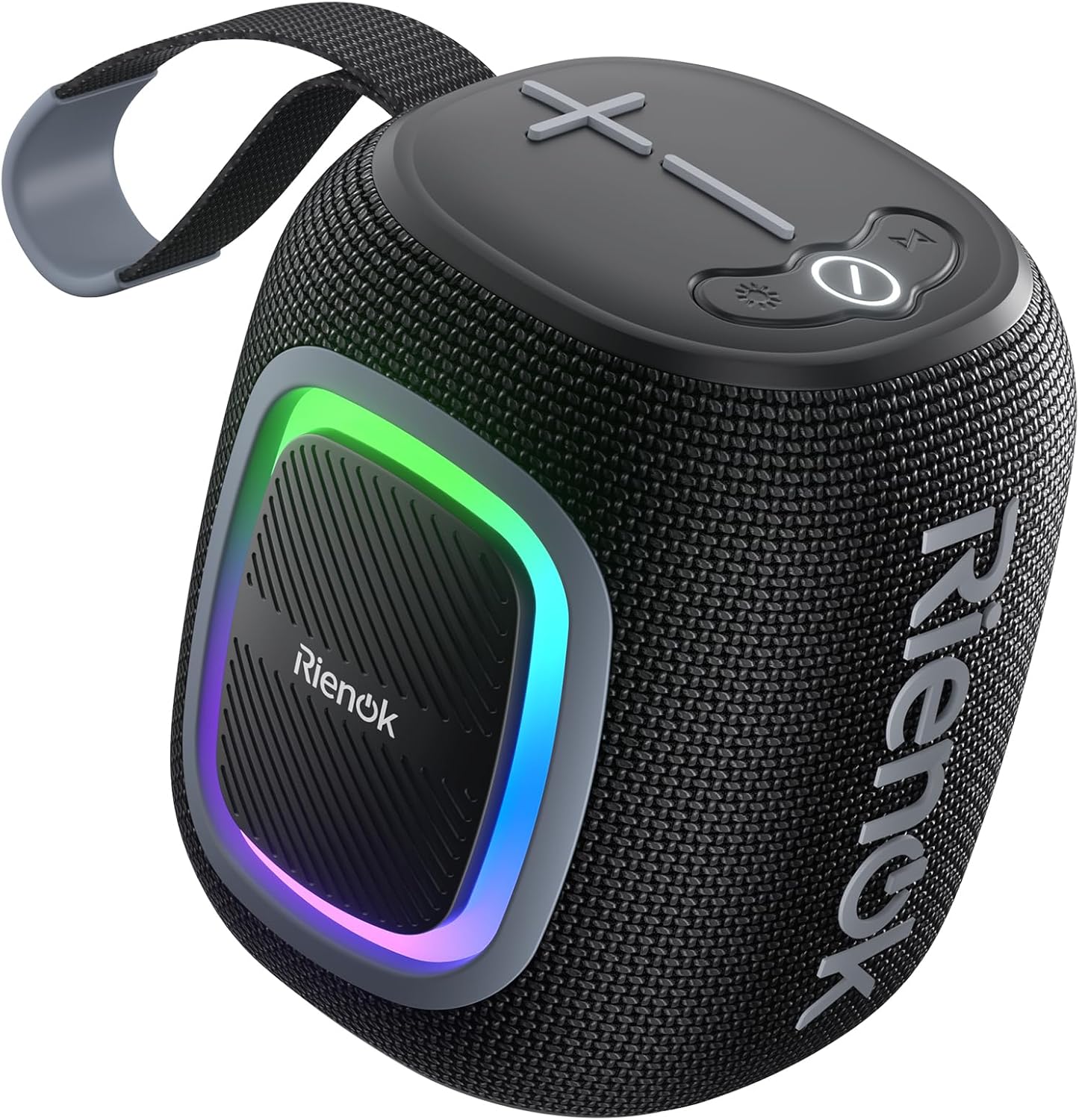
Image: The RIENOK speaker with its top-mounted control panel and front RGB light.
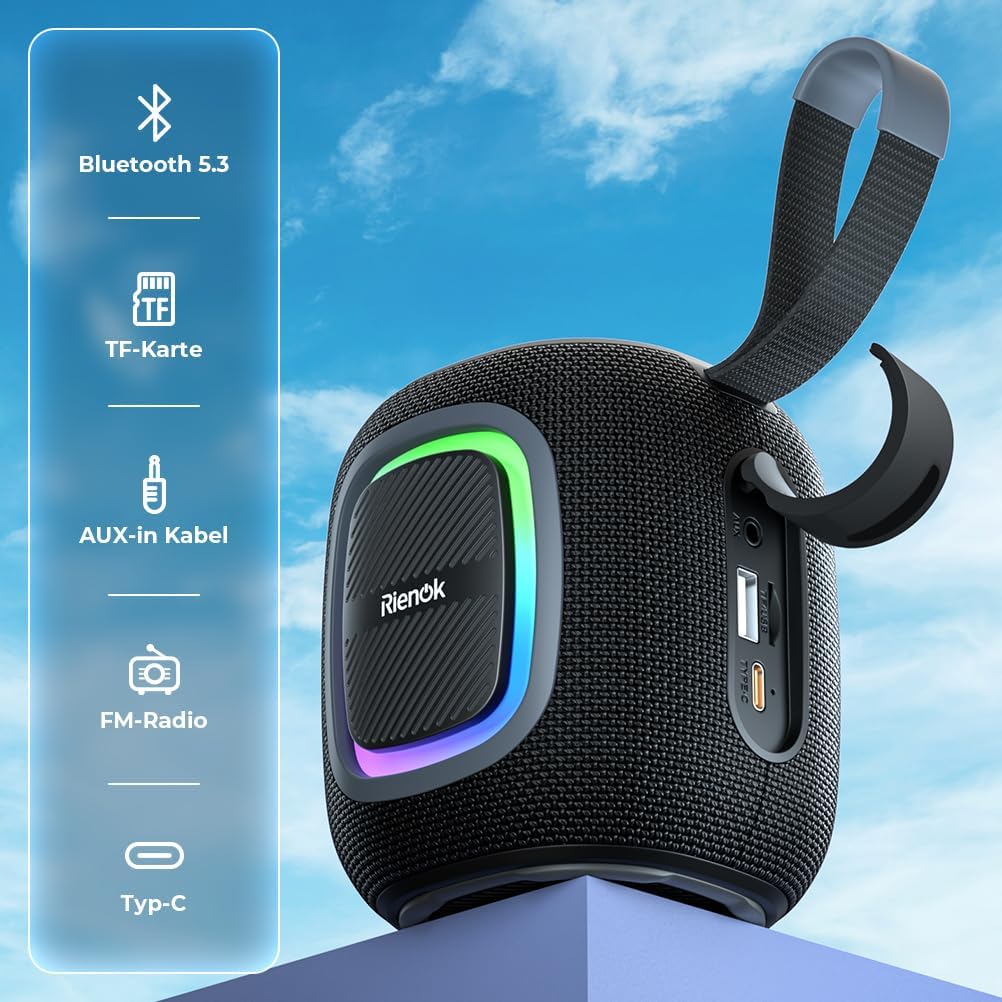
Image: Overview of the speaker's connectivity options, including Bluetooth 5.3, TF card slot, AUX-in, FM radio, and Type-C port.
Control Buttons:
- Power Button: Press and hold to turn on/off. Short press to play/pause.
- Mode Button (M): Short press to switch between Bluetooth, FM Radio, TF Card, USB, and AUX modes.
- Light Button: Short press to cycle through RGB light modes. Press and hold to turn lights off/on.
- Volume Down (-)/Previous Track: Short press for previous track. Press and hold to decrease volume.
- Volume Up (+)/Next Track: Short press for next track. Press and hold to increase volume.
Setup Guide
1. Charging the Speaker
Before first use, fully charge the speaker. Connect the provided USB charging cable to the Type-C port on the speaker and the other end to a USB power adapter (not included) or a computer USB port. The charging indicator light will show charging status and turn off when fully charged.
A full charge provides approximately 12-15 hours of playtime, depending on volume level and usage.

Image: The speaker in an outdoor setting, highlighting its long battery life for extended use.
2. Bluetooth Pairing
The speaker uses Bluetooth 5.3 for a stable and wide-range connection.
- Turn on the speaker by pressing and holding the Power button. It will automatically enter Bluetooth pairing mode, indicated by a flashing blue LED.
- On your device (smartphone, tablet, laptop), enable Bluetooth and search for available devices.
- Select "Rienok S2" from the list.
- Once connected, the speaker will emit a confirmation tone, and the blue LED will stop flashing and remain solid.

Image: Demonstrating the stable Bluetooth 5.3 connection between the speaker and a mobile device.
3. True Wireless Stereo (TWS) Pairing
For an immersive stereo experience, you can pair two Rienok S2 speakers together.
- Ensure both speakers are fully charged and turned off.
- Turn on both speakers. They will enter Bluetooth pairing mode.
- On one of the speakers, double-press the Power button. The speaker will attempt to connect to the other speaker.
- Once successfully paired, you will hear a confirmation tone, and the LEDs on both speakers will indicate a TWS connection (e.g., one solid, one flashing, or both solid).
- Now, connect your device to one of the speakers via Bluetooth as described in step 2. Both speakers will play audio in stereo.
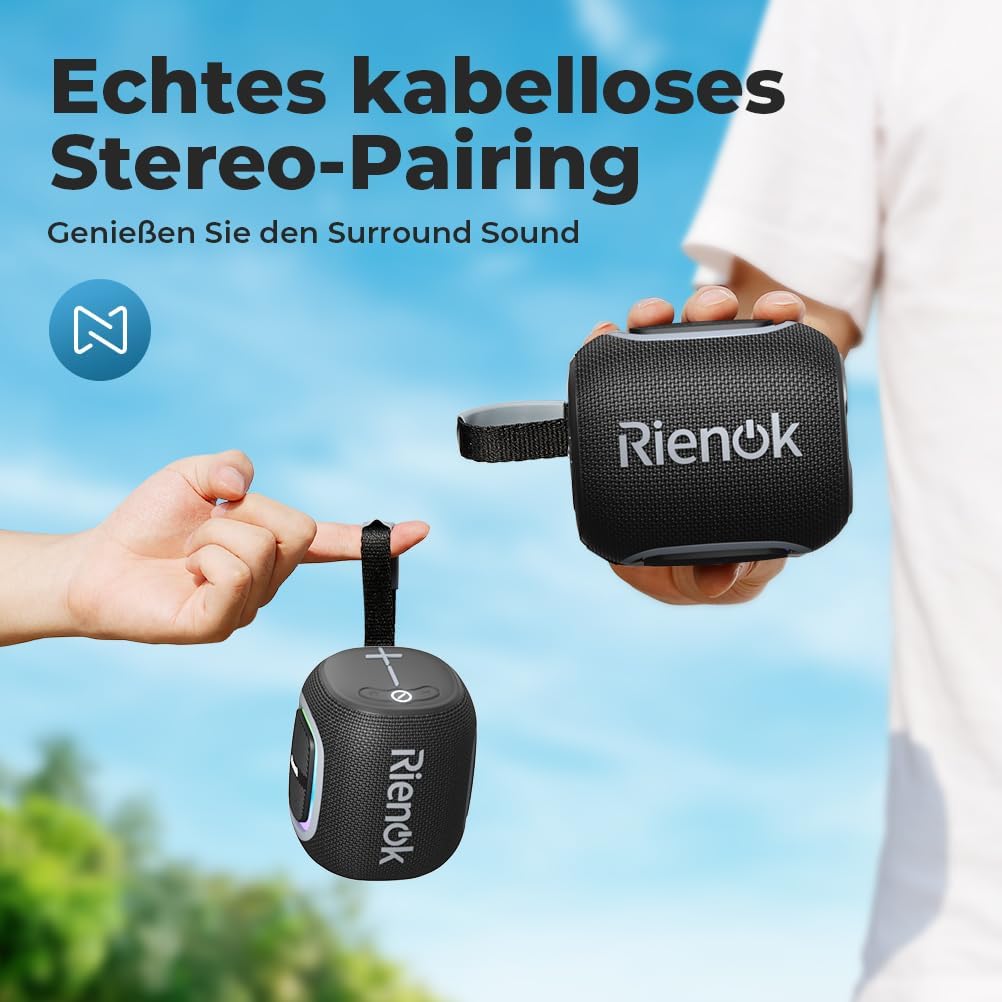
Image: Two speakers paired together for a true wireless stereo audio experience.
Operating Instructions
1. Basic Controls
- Power ON/OFF: Press and hold the Power button for 3 seconds.
- Play/Pause: Short press the Power button.
- Volume Adjustment: Press and hold the '+' button to increase volume, and the '-' button to decrease volume.
- Next/Previous Track: Short press the '+' button for the next track, and the '-' button for the previous track.
2. Mode Switching
Short press the 'M' (Mode) button to cycle through available modes: Bluetooth, FM Radio, TF Card, USB, and AUX.
3. FM Radio Mode
In FM mode, the speaker can automatically scan and save radio stations.
- Switch to FM Radio mode using the 'M' button.
- Press and hold the Power button to automatically scan and save available FM stations.
- Short press the '+' or '-' buttons to switch between saved stations.
4. TF Card and USB Playback
Insert a TF (microSD) card or a USB flash drive (up to 32GB) with audio files into the respective slot. The speaker will automatically switch to the corresponding mode and begin playback.
5. AUX Mode
Connect an external audio device (e.g., MP3 player, laptop) to the speaker's AUX-in port using a 3.5mm audio cable (not included). The speaker will automatically switch to AUX mode.
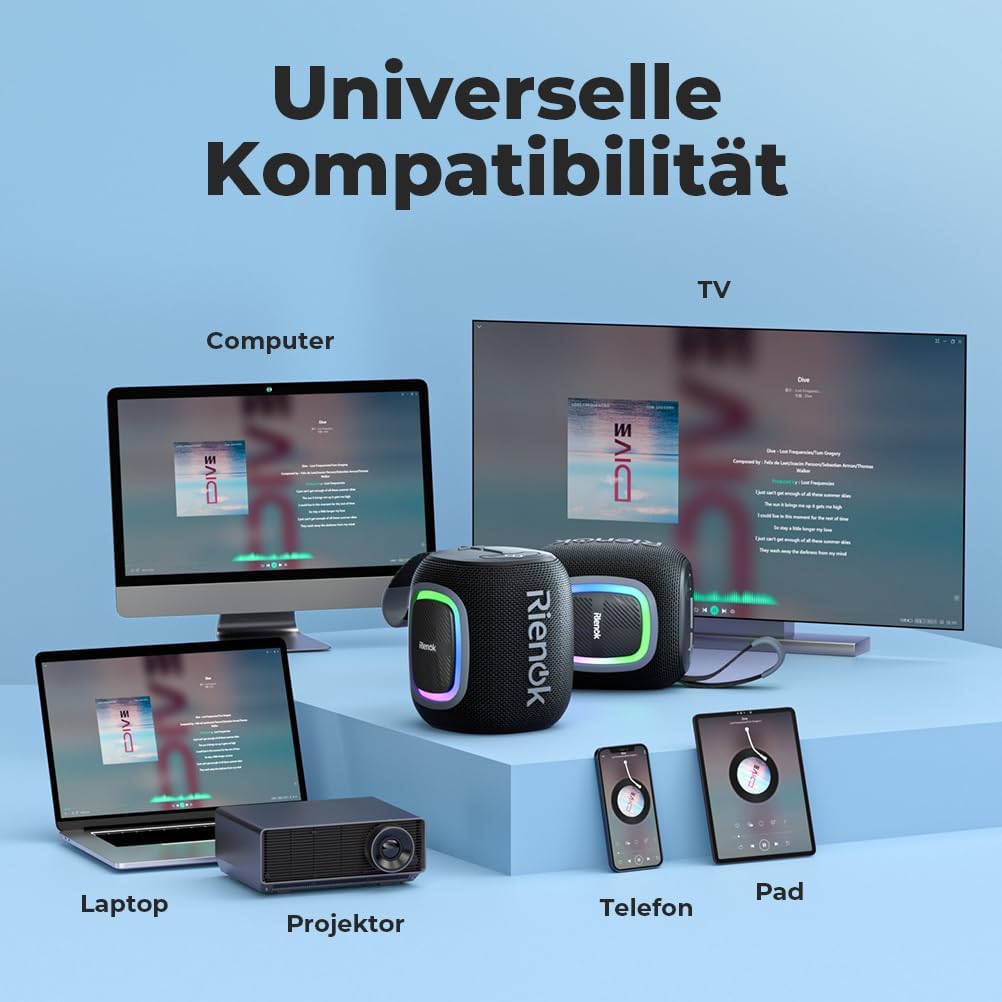
Image: The speaker's universal compatibility with a range of devices.
6. RGB Light Modes
The speaker features dynamic RGB lights that can enhance your listening experience.
- Short press the Light button to cycle through different light modes (e.g., pulsating with music, static colors, off).
- Press and hold the Light button to turn the RGB lights off or on.
7. Hands-Free Calling
When connected via Bluetooth to a smartphone, the built-in microphone allows for hands-free calls.
- Answer Call: Short press the Power button.
- End Call: Short press the Power button during a call.
- Reject Call: Press and hold the Power button.
Maintenance and Care
- Cleaning: Wipe the speaker with a soft, damp cloth. Do not use harsh chemicals or abrasive materials.
- Storage: Store the speaker in a cool, dry place when not in use for extended periods.
- Battery Care: To prolong battery life, charge the speaker at least once every three months if not used regularly. Avoid fully discharging the battery frequently.
- Water Resistance: The speaker is IPX5 waterproof, meaning it can resist a sustained, low-pressure water jet spray. Do not submerge the speaker in water. Ensure the charging port cover is sealed when near water.
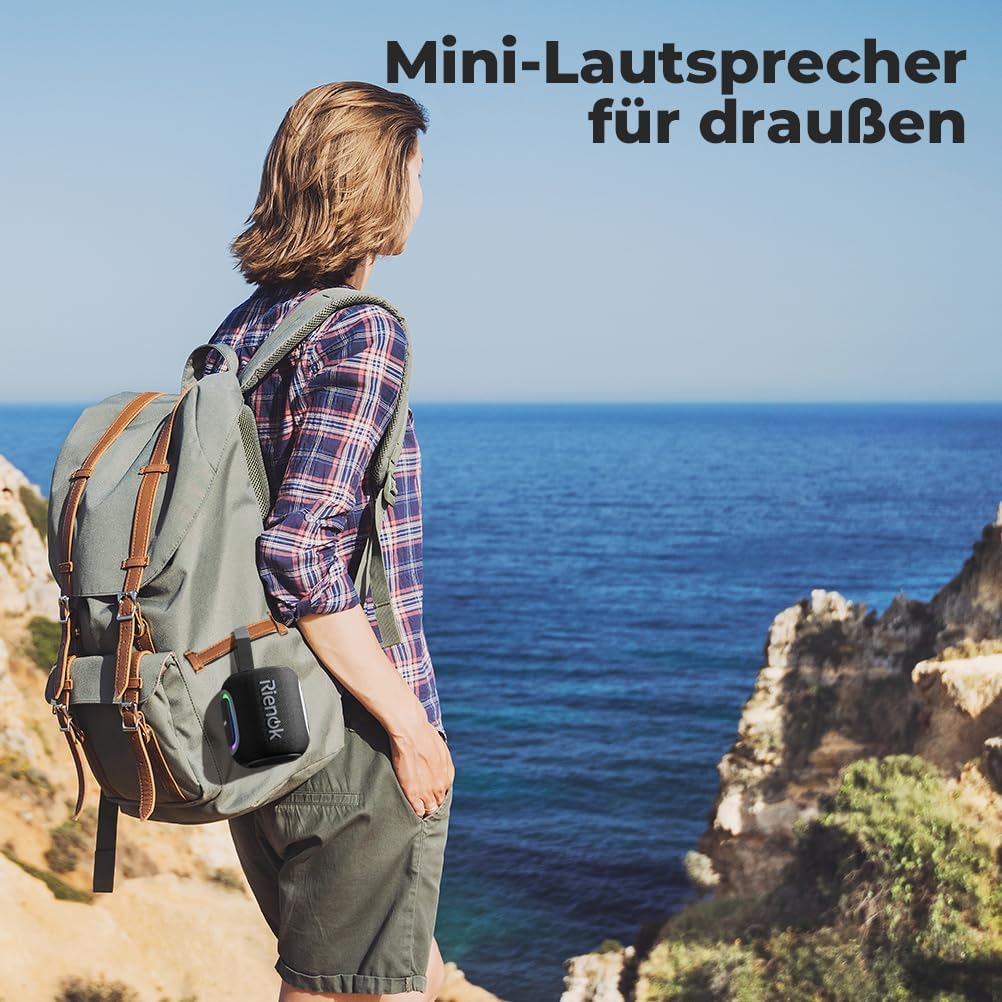
Image: The speaker's compact design and integrated loop make it ideal for outdoor adventures.
Troubleshooting
| Problem | Possible Cause | Solution |
|---|---|---|
| Speaker does not turn on. | Low battery. | Charge the speaker fully. |
| Cannot pair with Bluetooth device. | Speaker not in pairing mode; Device Bluetooth off; Speaker too far from device. | Ensure speaker is in pairing mode (flashing blue LED). Turn on Bluetooth on your device. Move speaker closer to device (within 10 meters). |
| No sound. | Volume too low; Incorrect mode; Device not playing. | Increase speaker and device volume. Ensure correct mode (Bluetooth, AUX, TF, USB, FM). Check if audio is playing on your device. |
| Poor FM radio reception. | Weak signal. | Move the speaker to an open area or near a window. |
| TWS pairing failed. | Speakers not reset; Too far apart. | Ensure both speakers are disconnected from other devices. Turn both off, then on, and try TWS pairing again. Keep speakers close during pairing. |
Specifications
| Model Name | Rienok S2 |
| Bluetooth Version | 5.3 |
| Speaker Output Power | 5 Watts |
| Battery Capacity | 1800 mAh |
| Playtime | Up to 15 hours (at 50% volume) |
| Charging Time | Approximately 2-3 hours |
| Waterproof Rating | IPX5 |
| Connectivity Options | Bluetooth, AUX, TF Card, USB, FM Radio |
| Built-in Microphone | Yes (for hands-free calls) |
| Dimensions (L x W x H) | 11 x 10 x 10 cm (approx. 4.3 x 3.9 x 3.9 inches) |
| Weight | 520 grams (approx. 1.15 lbs) |
| Material | Plastic or Rubber Material |
Warranty and Support
RIENOK products are designed with quality and customer satisfaction in mind. For warranty information and technical support, please refer to the contact details provided on the product packaging or visit the official RIENOK website. Please have your product model (Rienok S2) and ASIN (B0CFDXJH8R) ready when contacting support.
For the latest updates and support resources, please visit RIENOK's official Amazon store page.
Related documentsRienok S2


Ask a question about this manual
Ask about setup, troubleshooting, compatibility, parts, safety, or missing instructions. Manuals+ will review the question and use this page’s manual context to help answer it.