
Skullcandy S2DCW-R951
Skullcandy Dime 3 Wireless Earbuds Instruction Manual
Model: S2DCW-R951
Introduction
Welcome to the instruction manual for your Skullcandy Dime 3 Wireless Earbuds. These earbuds are designed for portability and durability, offering up to 20 hours of battery life, sweat and water resistance, and integrated Tile finding technology. This manual provides essential information for setup, operation, maintenance, and troubleshooting to ensure optimal performance of your device.
What's in the Box
Your Skullcandy Dime 3 package includes the following items:
- Dime® 3 True Wireless Earbuds
- Charging Case
- Ear Gels (S, M, L)
- User Manual
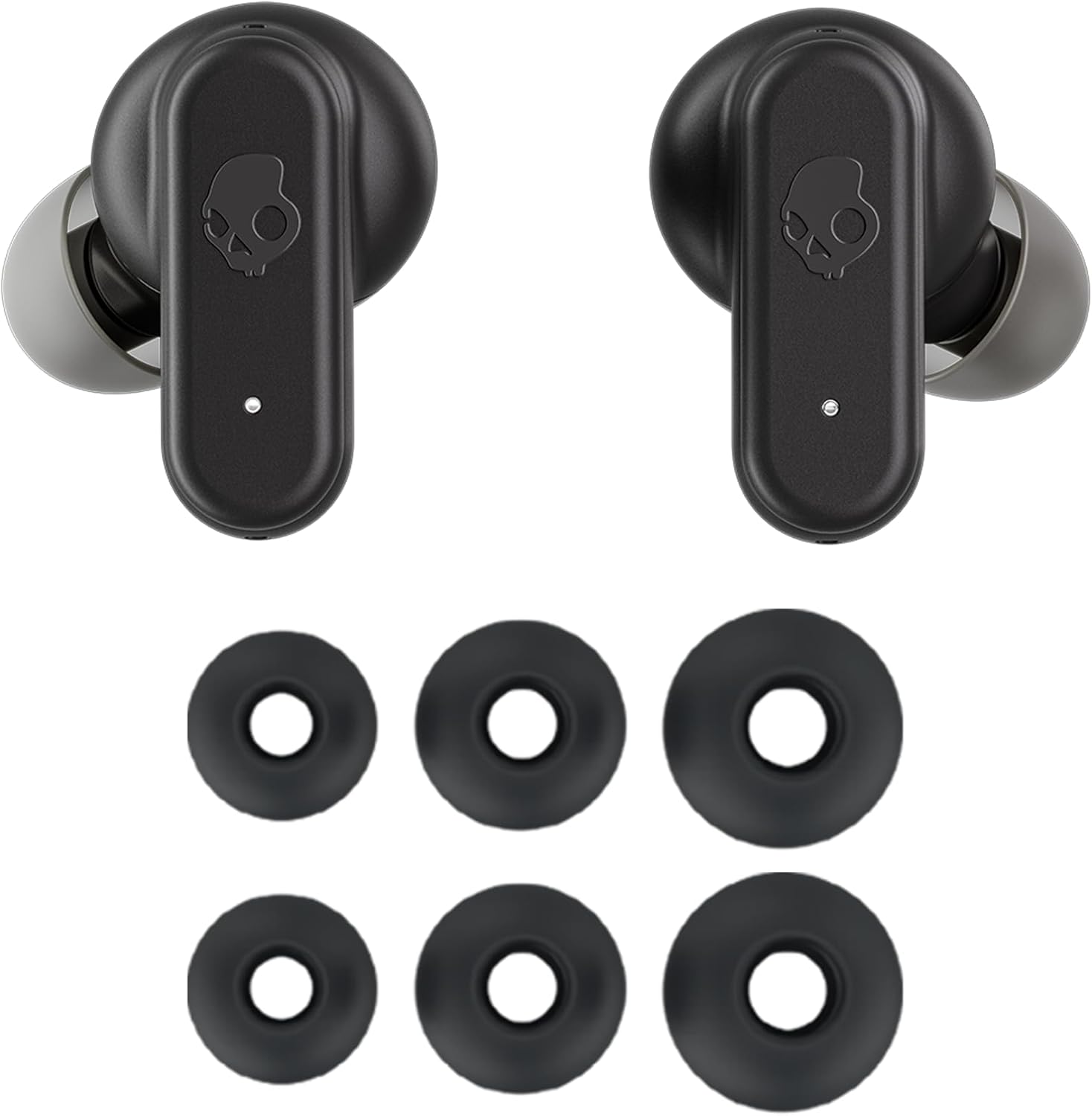
Image: Skullcandy Dime 3 earbuds with included ear gels in various sizes.
Product Overview
The Skullcandy Dime 3 earbuds are compact and designed for active use. They feature a durable plastic construction and an integrated lanyard for easy carrying.
Key Features:
- Battery Life: Up to 20 hours total (8 hours in earbuds + 12 hours in charging case).
- Rapid Charge: 10 minutes of charging provides 2 hours of listening time.
- Durability: IPX4 sweat and water resistant.
- Connectivity: Bluetooth 5.2 with Multipoint Pairing.
- Finding Technology: Built-in Tile™ finding technology.
- Sound Modes: 3 Preset EQ Modes (Music, Bass Boost, Podcast).
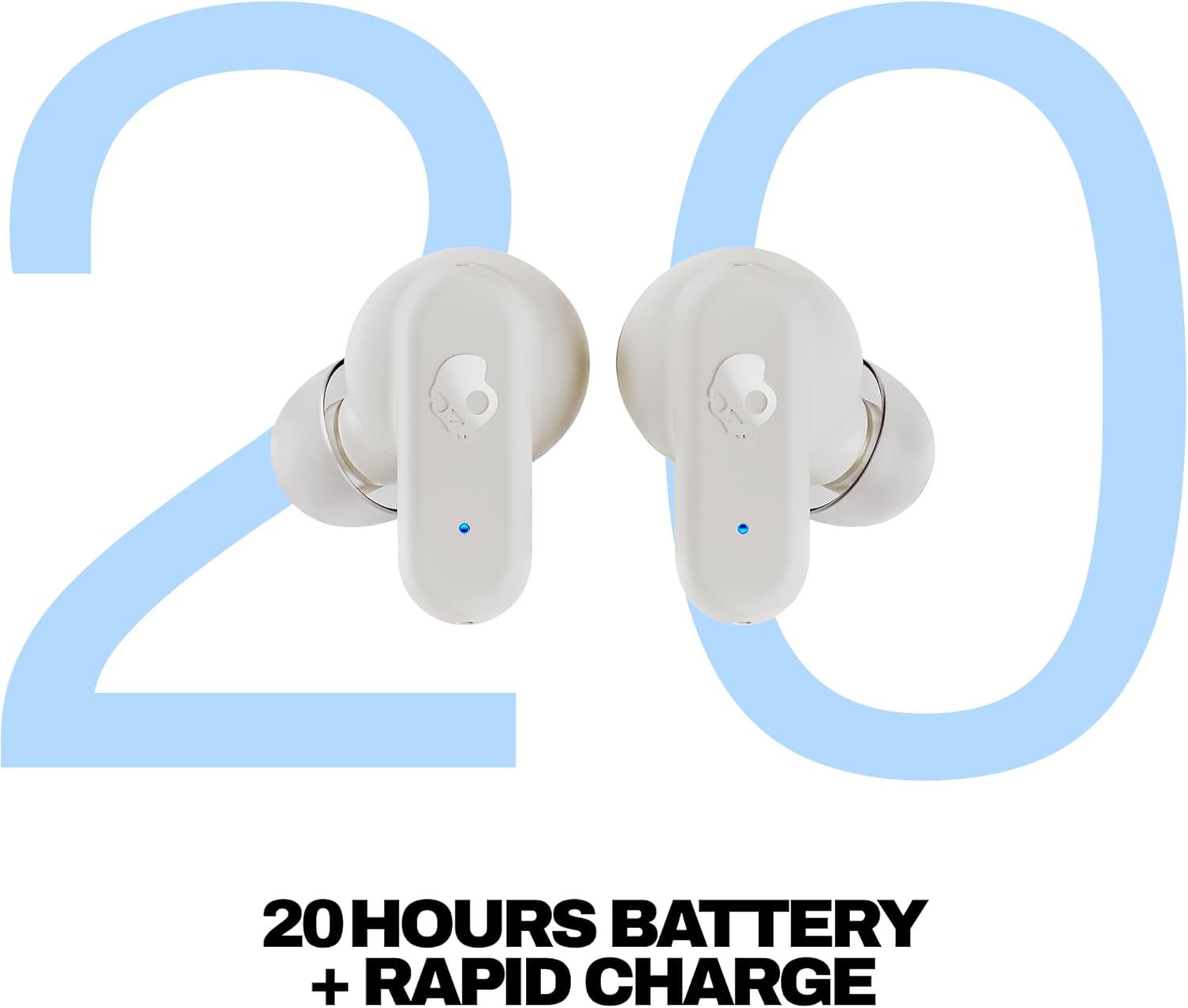
Image: Front view of the Skullcandy Dime 3 Wireless Earbuds in their open charging case.
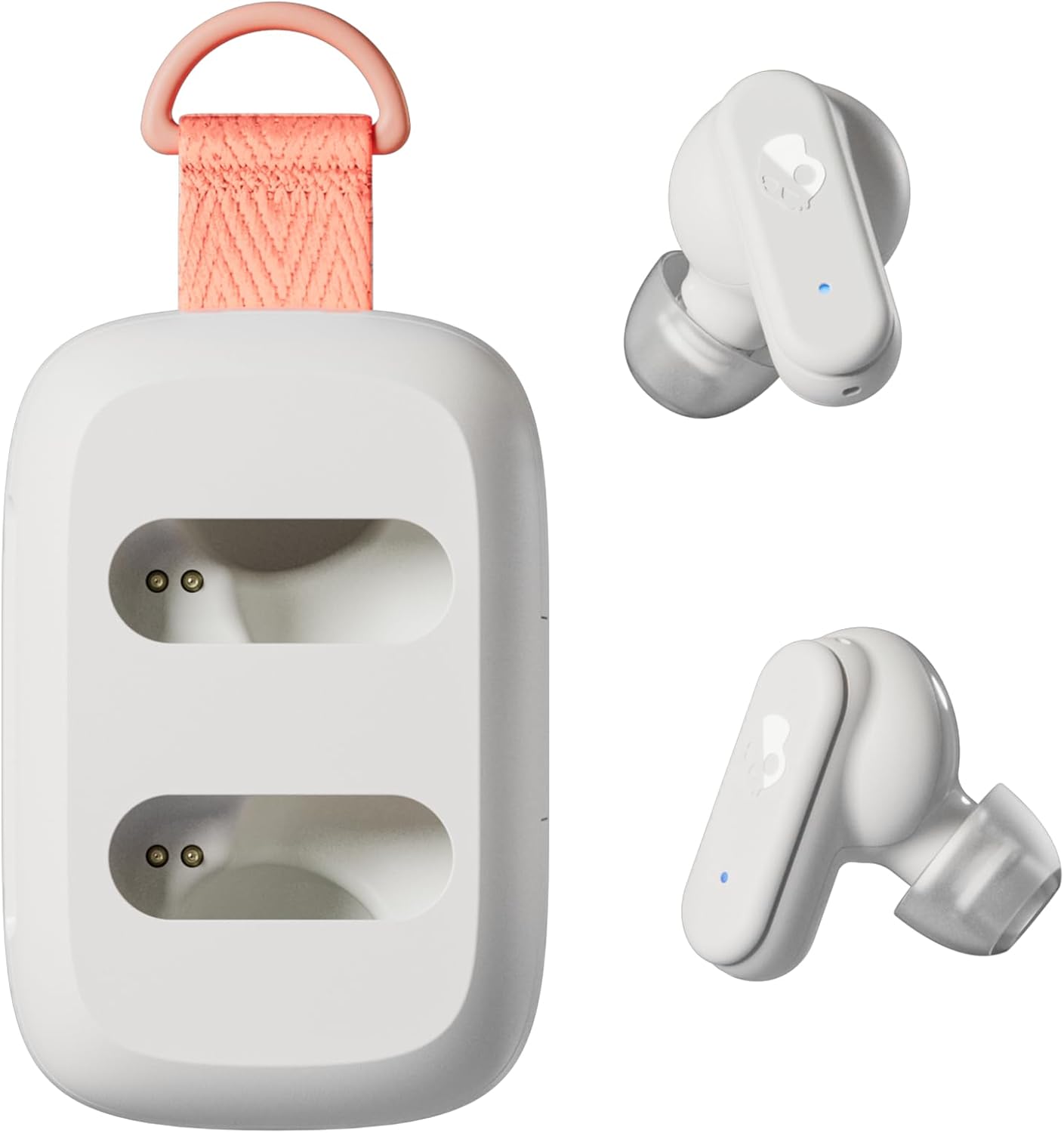
Image: Closed Skullcandy Dime 3 charging case with integrated orange lanyard.

Image: Summary of Skullcandy Dime 3 key features.
Setup
1. Charging Your Earbuds and Case:
Before first use, fully charge your Dime 3 earbuds and charging case. Connect the provided USB-C cable to the charging port on the case and to a power source. The indicator lights on the case and earbuds will show charging status.

Image: Earbuds placed in the charging case.
2. Bluetooth Pairing:
- Remove both earbuds from the charging case. They will automatically enter pairing mode.
- On your device (smartphone, tablet, etc.), go to Bluetooth settings.
- Select "Dime 3" from the list of available devices.
- Once connected, you will hear an audio prompt confirming successful pairing.
- To enter pairing mode manually, press and hold the button on either earbud for three seconds.
3. Multipoint Pairing:
The Dime 3 supports multipoint pairing, allowing you to connect to two devices simultaneously. After pairing with the first device, put the earbuds back in the case, then take them out and enter pairing mode again. Connect to the second device. The earbuds will intelligently switch between the two connected devices.
Operating Instructions
The Skullcandy Dime 3 earbuds feature physical buttons for control. Familiarize yourself with the following commands:
| Function | Action (Either Earbud) |
|---|---|
| Manually Power ON | Press and hold the button on either/both earbuds for 1 second. |
| Manually Power OFF | Press the button on either/both earbuds twice, then press and hold for 1 second. |
| Play/Pause Audio | Press the button on either earbud once. |
| Answer/Hang Up Call | Press the button on either earbud once. |
| Reject Incoming Call | Press the button on either earbud for 1 second. |
| Volume UP | Press the button on either earbud twice. |
| Volume DOWN | Press the button on either earbud three times. |
| Stay-Aware Mode On/Off | Press the button on either earbud once, then press and hold for 1 second. |
| Activate Assistant | Press the button on either earbud for 1 second. |
| EQ Mode Toggle | Press the button on either earbud four times. |
Preset EQ Modes:
The Dime 3 features three preset EQ modes to optimize your audio experience:
- Music Mode: Balanced sound for general listening.
- Bass Boost Mode: Enhances low frequencies for a more powerful bass.
- Podcast Mode: Optimizes vocals for clear speech.
Tile Integration:
Your Dime 3 earbuds come with built-in Tile finding technology. To utilize this feature, download the Tile app on your smartphone and register your earbuds. This will help you locate your earbuds if they are misplaced.

Image: Built-in Tile finding technology icon.
Maintenance
To ensure the longevity and optimal performance of your Skullcandy Dime 3 earbuds, follow these maintenance guidelines:
- Cleaning: Regularly clean the ear gels and charging contacts with a soft, dry cloth. Avoid using harsh chemicals or abrasive materials.
- Storage: When not in use, store the earbuds in their charging case to protect them from dust and damage.
- Water Exposure: While IPX4 rated for sweat and water resistance, avoid submerging the earbuds in water. Dry them thoroughly if they get wet.
- Temperature: Do not expose the earbuds to extreme temperatures (hot or cold) as this can affect battery life and performance.
Troubleshooting
If you encounter issues with your Dime 3 earbuds, try the following solutions:
- No Power: Ensure the earbuds and charging case are fully charged.
- Pairing Issues: Turn off Bluetooth on your device, then turn it back on. Remove "Dime 3" from your device's paired list and attempt to re-pair. Ensure earbuds are in pairing mode.
- One Earbud Not Working: Place both earbuds back in the case, close the lid, wait a few seconds, then remove them. This often re-syncs them.
- Poor Sound Quality: Ensure ear gels are properly fitted to create a good seal. Try different sized ear gels. Clean any debris from the earbud nozzles.
- Controls Not Responding: Ensure earbuds are powered on and connected. Try resetting the earbuds (refer to the full user guide for specific reset instructions if needed).
Specifications
| Feature | Detail |
|---|---|
| Model Name | Dime 3 |
| Item Model Number | S2DCW-R951 |
| Connectivity Technology | Bluetooth, Wireless |
| Bluetooth Version | 5.2 |
| Bluetooth Range | 10 Meters |
| Battery Life (Earbuds) | 8 Hours |
| Total Battery Life (with Case) | Up to 20 Hours |
| Rapid Charge | 10 minutes charge = 2 hours play |
| Water Resistance Level | IPX4 (Sweat and Water Resistant) |
| Noise Control | Stay-Aware Mode |
| Audio Driver Type | Dynamic Driver |
| Frequency Response | 20 KHz |
| Sensitivity | 104 dB |
| Impedance | 16 Ohms |
| Item Weight | 1.98 ounces (56 Grams) |
| Product Dimensions | 2.33 x 1.55 x 0.9 inches |
| Material | Plastic |
Warranty and Support
Your Skullcandy Dime 3 Wireless Earbuds come with a 1-Year USA Limited Warranty. For warranty claims or additional support, please visit the official Skullcandy website or contact their customer service.
For further assistance, you may refer to the comprehensive user manual included in your product packaging or visit the Skullcandy Store on Amazon.
Related documentsS2DCW-R951


Ask a question about this manual
Ask about setup, troubleshooting, compatibility, parts, safety, or missing instructions. Manuals+ will review the question and use this page’s manual context to help answer it.