1. Introduction
This manual provides detailed instructions for the setup, operation, and maintenance of your Strex 1080P Full HD Projector. Please read this manual thoroughly before using the product to ensure proper functionality, optimal performance, and safety. This projector is designed to deliver a high-quality visual experience for home entertainment, presentations, and more.
2. Safety Instructions
- Do not block the ventilation openings. Ensure adequate airflow around the projector to prevent overheating.
- Do not expose the projector to rain, moisture, or extreme temperatures.
- Use only the power adapter supplied with the projector.
- Avoid looking directly into the projector lens when the lamp is on, as it can cause eye damage.
- Place the projector on a stable, level surface to prevent it from falling.
- Keep the projector away from heat sources and direct sunlight.
- Do not attempt to disassemble or repair the projector yourself. Refer all servicing to qualified personnel.
- Keep out of reach of children.
3. Package Contents
Please check the box for the following items:
- 1x Strex Projector
- 1x 100-inch Projection Screen
- 1x Storage Bag
- 1x Remote Control
- 1x Adjustable Feet
- 1x HDMI Cable
- 1x Power Cable
- 1x RCA Cable (3-in-1 AV Cable)
- 1x Cleaning Cloth
- 1x User Manual

Figure 3.1: Overview of items included in the Strex Projector package.
4. Product Overview
The Strex Projector is a compact and portable device designed for versatile projection. It features a sleek white design with intuitive controls and multiple connectivity options.

Figure 4.1: Strex Projector in use, showcasing its compact design and projection capabilities.
4.1. Dimensions and Physical Features
The projector measures approximately 22 cm (length) x 19 cm (width) x 10 cm (height) and weighs 1.2 kilograms, making it easy to transport and set up in various locations.
Figure 4.2: Physical dimensions of the Strex Projector.
4.2. Ports and Controls
The projector is equipped with a variety of ports for extensive compatibility and user-friendly controls for easy operation.

Figure 4.3: Connectivity options and port layout on the Strex Projector.
- HDMI Ports (x2): For connecting devices like laptops, gaming consoles, and TV sticks.
- USB Ports (x2): For connecting USB drives to play media files.
- AV Port: For connecting older devices using the RCA cable.
- 3.5mm Audio Jack: For connecting external headphones or speakers.
- Focus Ring: Located near the lens for adjusting image clarity.
- Keystone Correction: For adjusting the image shape to be rectangular.
- Control Panel: Buttons on the top of the projector for basic navigation and settings.
5. Setup
5.1. Placement
Position the projector on a flat, stable surface. The optimal projection distance ranges from 1 to 5 meters, allowing for a screen size between 50 and 300 inches. Ensure there are no obstructions between the projector and the projection surface.
5.2. Power Connection
Connect the supplied power cable to the projector's power input and then plug it into a power outlet. The power indicator light will illuminate.
5.3. Focus and Keystone Correction
After powering on the projector, adjust the focus ring located around the lens until the projected image is clear and sharp. If the image appears trapezoidal, use the keystone correction feature to adjust it into a perfect rectangle. The projector supports a keystone correction of ±15%.

Figure 5.1: Adjusting the focus ring for image clarity.
6. Operating Instructions
6.1. Connecting Devices
The Strex Projector offers multiple ways to connect your devices:
- Wireless Streaming (WiFi): The projector features a built-in 5G WiFi chip, allowing you to wirelessly connect your smartphone, tablet, or laptop. Select the WiFi input source on the projector and follow the on-screen instructions to connect to your device.
- Bluetooth 5.0: Connect external Bluetooth speakers or headphones for enhanced audio. Navigate to the Bluetooth settings on the projector, enable Bluetooth, and pair with your desired audio device.
- HDMI Connection: Use an HDMI cable to connect devices such as laptops, Blu-ray players, gaming consoles (e.g., PlayStation, Xbox), or TV sticks to one of the two HDMI ports.
- USB Connection: Insert a USB flash drive into one of the two USB ports to play media files directly from the drive.
- AV Connection: Use the provided RCA cable to connect older devices with AV output.
- 3.5mm Audio Jack: Connect wired headphones or external speakers using a 3.5mm audio cable.

Figure 6.1: Wireless audio connection via Bluetooth 5.0.
6.2. Media Playback
Once a device is connected, select the corresponding input source from the projector's menu. Use the remote control or the control panel buttons to navigate through menus, select files, and control playback (play, pause, fast forward, rewind).
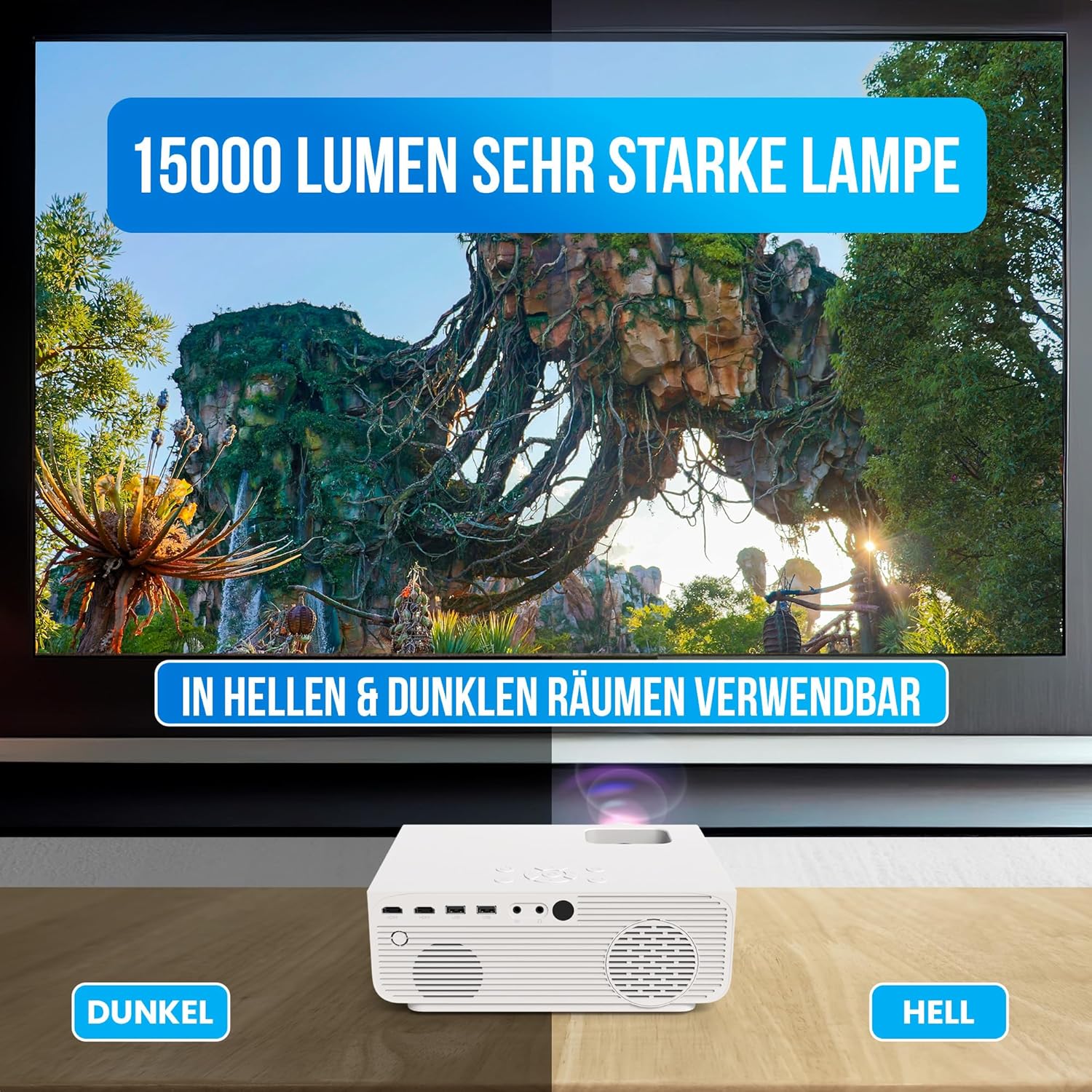
Figure 6.2: The projector's 15000 Lumen brightness ensures clear images in both dark and bright environments.
7. Maintenance
7.1. Cleaning
- Lens: Gently wipe the projector lens with the provided cleaning cloth or a soft, lint-free cloth. Do not use abrasive cleaners or solvents.
- Exterior: Clean the exterior of the projector with a soft, dry cloth. For stubborn marks, a slightly damp cloth can be used, followed by a dry wipe.
- Ventilation Openings: Periodically check and clean the ventilation openings to ensure proper airflow and prevent dust buildup. Use a soft brush or compressed air to remove dust.
7.2. Storage
When not in use, store the projector in a cool, dry place, away from direct sunlight and extreme temperatures. Use the provided storage bag to protect it from dust and scratches.
8. Troubleshooting
| Problem | Possible Cause | Solution |
|---|---|---|
| No image projected | Power cable not connected; Incorrect input source selected; Device not connected properly. | Ensure power cable is securely connected. Select the correct input source (HDMI, USB, WiFi, AV). Check all cable connections. |
| Image is blurry | Focus not adjusted; Projector too close/far from screen. | Adjust the focus ring until the image is clear. Ensure the projector is within the recommended projection distance (1-5 meters). |
| Image is trapezoidal | Keystone correction needed. | Adjust the keystone correction feature until the image is rectangular. |
| No sound | Volume too low; External audio device not connected/paired; Incorrect audio output selected. | Increase projector volume. If using Bluetooth, ensure device is paired. If using wired audio, check cable connection. Ensure audio output is set correctly on the source device. |
| Wireless connection issues | Weak WiFi signal; Incorrect password; Device compatibility. | Ensure projector is within WiFi range. Double-check WiFi password. Refer to your device's manual for wireless casting instructions. |
9. Specifications
| Feature | Detail |
|---|---|
| Brand | Strex |
| Model Number | SP281 |
| Product Type | WiFi Projector |
| Native Resolution | 1920x1080P Full HD |
| Brightness | 15,000 Lumens |
| Connectivity Technology | HDMI, USB, AV, Bluetooth, WiFi |
| Input Ports | 2x HDMI, 2x USB-A, 1x AV Port, 1x 3.5mm Audio Jack |
| Bluetooth Version | 5.0 |
| WiFi Chip | 5G WiFi |
| Projection Distance | 1 - 5 Meters |
| Projection Size | 50 - 300 Inches |
| Aspect Ratio | 4:3 / 16:9 |
| Keystone Correction | ± 15% |
| Zoom Function | 50-100% |
| Audio | Built-in Hi-Fi Stereo Speakers |
| Color | White |
| Product Dimensions (L x W x H) | 22 x 19 x 10 cm |
| Weight | 1.2 Kilograms |
10. Warranty and Support
For warranty information, technical support, or service inquiries, please contact your retailer or the manufacturer directly. Retain your proof of purchase for warranty claims.
For more information, visit the official Strex website or contact their customer service.


