
Bmax B6 Power
Bmax B6 Power Mini PC User Manual
Model: B6 Power | Brand: Bmax
1. Product Overview
The Bmax B6 Power Mini PC is a compact and powerful desktop computer designed for various applications, from daily office tasks to home entertainment and light gaming. It features an Intel Core i7-1060NG7 processor, 16GB LPDDR4 RAM, and a 1TB NVMe SSD, ensuring fast performance and ample storage. Its small form factor allows for versatile placement options, including on a desk or mounted behind a monitor.

Image: The Bmax B6 Power Mini PC, showcasing its compact design and sleek finish.
Key Features
- Intel Core i7-1060NG7 Processor: Provides excellent performance for complex tasks.
- 16GB LPDDR4 RAM & 1TB NVMe SSD: Ensures fast boot times, rapid application loading, and ample storage.
- Hyper-fast WiFi 6 & Bluetooth 5.2: Offers high-speed wireless connectivity.
- 4K/60Hz Triple-Display Output: Supports up to three 4K displays via HDMI and Type-C ports.
- Smart Fan & Dual Mode: Efficient heat dissipation with performance and balance modes for quiet operation.
- One-Click Recovery: Simplifies system restoration to factory settings.

Image: An infographic detailing the core components and features of the Bmax B6 Power Mini PC, including its processor, memory, storage, and connectivity options.
2. Package Contents
Please verify that all items listed below are included in your package:
- 1 x B6 Power MINI PC
- 1 x Power Adapter
- 1 x User Guide
- 1 x HDMI cable
- 1 x Metal Bracket
3. Initial Setup
Connecting Your Mini PC
Before powering on your Bmax B6 Power Mini PC, ensure all necessary peripherals are connected. This includes your monitor(s), keyboard, mouse, and network cable (if using a wired connection). The mini PC offers a variety of ports for connectivity.

Image: A detailed view of the Bmax B6 Power Mini PC's front and rear panels, highlighting the 3.5mm Headset Jack, Clear CMOS, Type-C, USB 3.0 ports, Power Button, HDMI ports, and Ethernet port.
Placement and Mounting
The compact size of the Bmax B6 Power Mini PC allows for flexible placement. You can place it directly on your desk or utilize the included metal bracket to mount it behind a compatible monitor, saving valuable desk space.
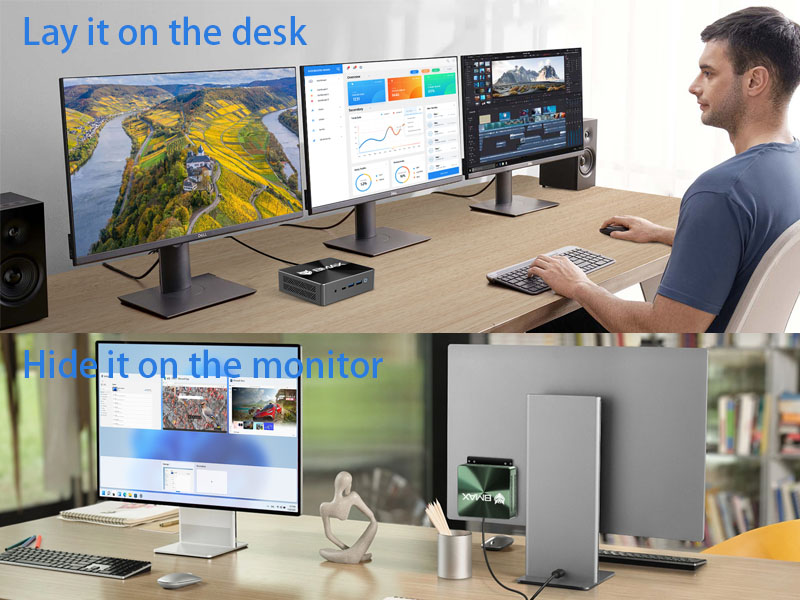
Image: Visual examples of the Bmax B6 Power Mini PC's versatile placement options, including sitting on a desk and being hidden behind a monitor using the included bracket.
4. Operating Your Bmax B6 Power Mini PC
Performance Modes
The Bmax B6 Power Mini PC offers dual operating modes to suit your needs:
- Performance Mode: Unleashes the full potential of the mini PC with high-speed fan operation for maximum performance.
- Balance Mode: Reduces fan speed for quieter operation, ideal for environments where noise is a concern.

Image: An internal view of the Bmax B6 Power Mini PC, highlighting the smart fan and dual copper heat pipes responsible for efficient cooling and enabling the dual performance modes.
Connectivity
Experience high-speed and stable connectivity with the integrated WiFi 6 and Bluetooth 5.2. WiFi 6 provides faster network speeds, lower latency, and improved coverage, making it suitable for environments with multiple connected devices. Bluetooth 5.2 ensures reliable connections with your wireless peripherals.

Image: A visual comparison demonstrating the speed and efficiency improvements of WiFi 6 over WiFi 5, alongside the benefits of Bluetooth 5.2.
Multi-Display Support
The Bmax B6 Power Mini PC supports up to three 4K/60Hz displays simultaneously via its HDMI and Type-C ports. This capability is ideal for multitasking, professional work, or an immersive home theater experience.

Image: A visual representation of the Bmax B6 Power Mini PC connected to three monitors, demonstrating its triple-display output capability and support for 4K/60Hz video signals.
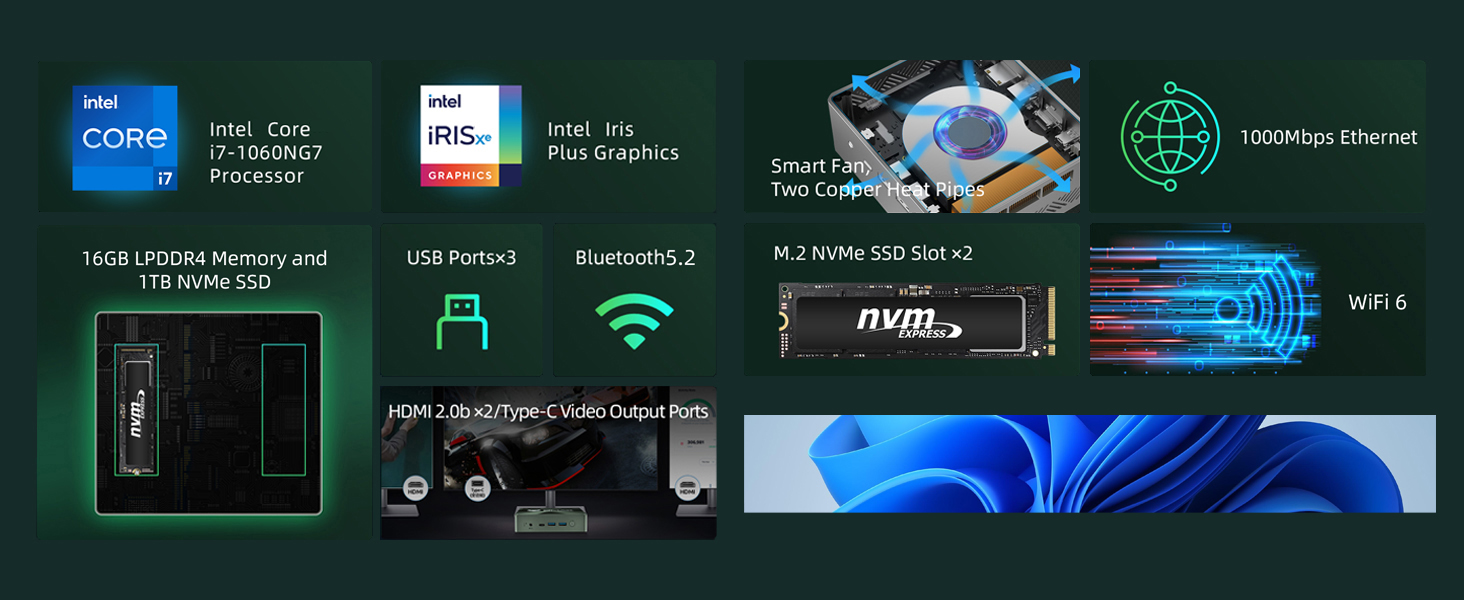
Image: A setup showing the Bmax Mini PC powering three independent displays, highlighting its versatility for extended desktop environments.
Typical Applications
The Bmax B6 Power Mini PC is versatile and suitable for a wide range of uses:
- Efficient Office Work: Handles daily office tasks, programming, and graphic design software smoothly.
- Home Theater: Seamlessly connects to large 4K TVs for an immersive viewing experience with streaming services.
- Education Use: Provides a reliable computing platform for learning and online classes.
- Business and Service Use: Ideal for various business applications, including point-of-sale systems and digital signage.

Image: A user engaged in efficient office work with multiple monitors powered by the Bmax Mini PC, demonstrating its capability for demanding professional applications.
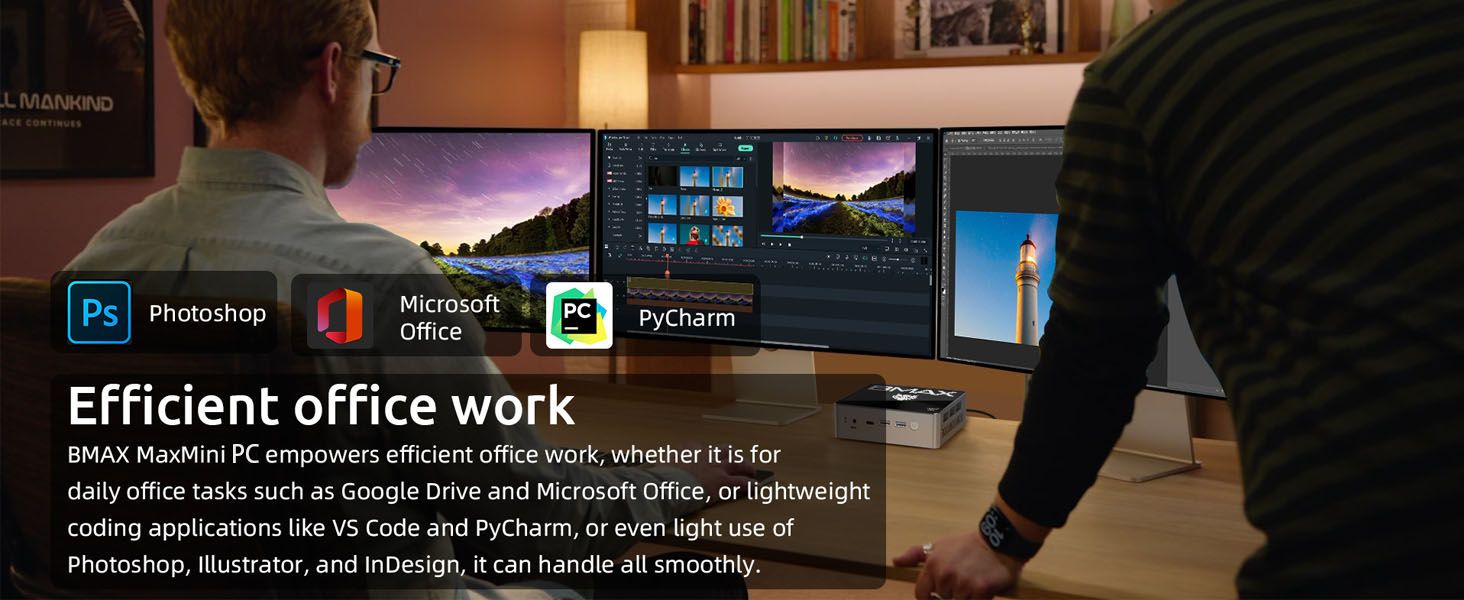
Image: A living room setting where the Bmax Mini PC is connected to a large TV, illustrating its use as a home theater PC for 4K movie viewing and streaming.
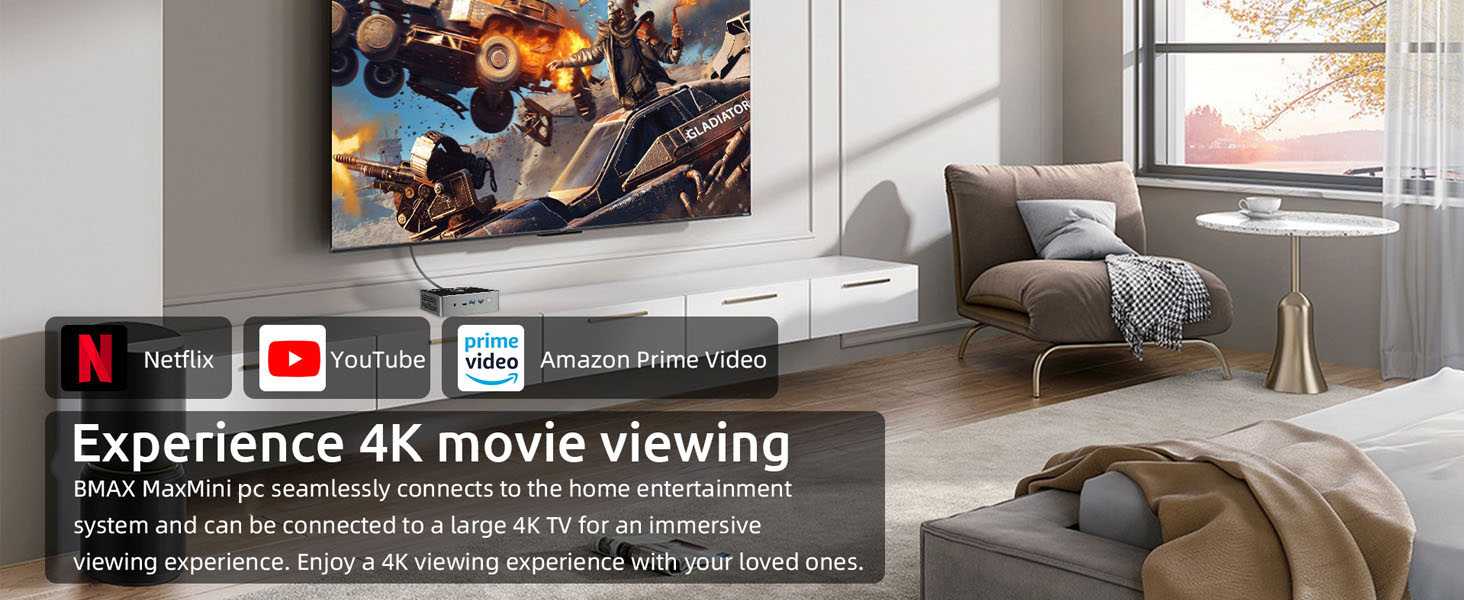
Image: A student using the Bmax Mini PC for educational purposes, highlighting its suitability for learning environments.
Product Introduction Video
Video: An official introduction to the Bmax B6 Power Mini PC, showcasing its design, features, and various applications.
5. Maintenance and Care
To ensure the longevity and optimal performance of your Bmax B6 Power Mini PC, follow these general maintenance guidelines:
- Keep the device in a clean, dust-free environment.
- Ensure proper ventilation by not blocking the air vents.
- Avoid exposing the device to extreme temperatures or humidity.
- Clean the exterior with a soft, dry cloth.
Storage Expansion
The Bmax B6 Power Mini PC supports easy storage expansion with two M.2 NVMe SSD slots, allowing you to upgrade or add additional storage as needed.

Image: An illustration demonstrating the installation of an NVMe SSD into the Bmax B6 Power Mini PC, highlighting its expandable storage capabilities.
6. Troubleshooting Common Issues
If you encounter any issues with your Bmax B6 Power Mini PC, please refer to the following common solutions. For persistent problems, contact customer support.
Smart Recovery Feature
The Bmax Mini PC includes a one-click smart recovery feature, allowing you to quickly restore your Windows system to its factory settings. This is useful for resolving software issues or preparing the device for a fresh start. Ensure your computer is connected to a stable network if updating, or use a wired connection to avoid interruptions.

Image: A screenshot of the Bmax Smart Recovery Environment interface, showing options for Factory Reset and Exit, designed for easy system restoration.
7. Technical Specifications
Detailed specifications for the Bmax B6 Power Mini PC:
| Feature | Specification |
|---|---|
| Processor | Intel Core i7-1060NG7 (3.8 GHz) |
| RAM | 16 GB LPDDR4 |
| Hard Drive | 1 TB NVMe SSD |
| Graphics Coprocessor | Intel Iris Xe Graphics |
| Max Screen Resolution | 3840 x 2160 pixels |
| Wireless Type | 802.11ax (WiFi 6) |
| Bluetooth | 5.2 |
| USB 3.0 Ports | 3 |
| HDMI Ports | 2 |
| Type-C Port | 1 |
| Operating System | OS (Pre-configured with Windows 11) |
| Item Weight | 1.63 pounds |
| Color | Black Green |

Image: A detailed view of the Intel Core i7-1060NG7 processor and its performance benchmark results, highlighting its capabilities.
8. Warranty and Customer Support
Bmax provides comprehensive support for your B6 Power Mini PC:
- Warranty: Enjoy a 12-month warranty from the date of purchase.
- Returns: Return within 30 days of purchase.
- Customer Service: Access 7x24 hours of one-to-one customer service for any inquiries or assistance.
For further information or to contact support, please visit the official Bmax store: Bmax Store on Amazon
Ask a question about this manual
Ask about setup, troubleshooting, compatibility, parts, safety, or missing instructions. Manuals+ will review the question and use this page’s manual context to help answer it.