
Introduction to Cricut Design Space
This handbook serves as a comprehensive guide for understanding and utilizing Cricut Design Space. It provides step-by-step instructions, practical insights, and project concepts to facilitate the creation of designs and precise material cutting.
The content is structured to assist users in creating intricate designs, learning layering, slicing, welding, and other functions to transform ideas into tangible projects.
Getting Started
This section outlines the initial steps required to begin using Cricut Design Space.
- Download/Install Design Space: Instructions for obtaining and installing the software on compatible devices.
- Design Space for Smartphone Users: Guidance specific to using the application on mobile devices.
Core Features and Panels
Understanding the primary interface elements is crucial for effective design creation.
- Design Space Canvas: An overview of the main workspace where designs are created and arranged.
- Editing Panel: Details on the tools available for modifying design elements, such as resizing, rotating, and aligning.
- Layer Panel: Explanation of how to manage and manipulate layers within a design, including grouping, ungrouping, and changing visibility.
Advanced Techniques and Project Ideas
This section delves into more advanced functionalities and provides inspiration for various projects.
- Design Space Tips & Tricks: Practical advice and shortcuts to enhance efficiency and design quality.
- Project Ideas: Concepts and examples to guide users in applying Design Space features to create diverse crafting projects.
Product Information
Back Cover Overview
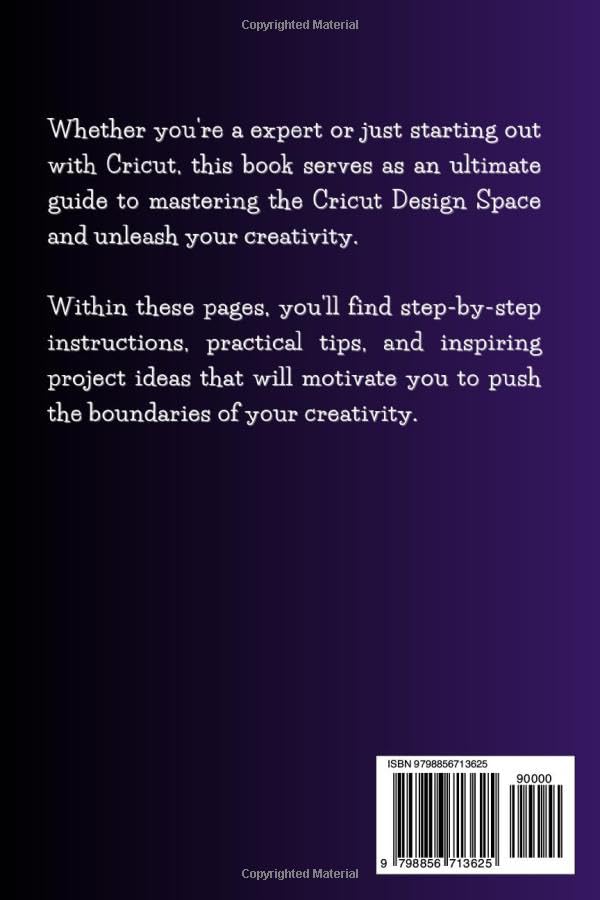
The back cover of the handbook provides a summary of its contents. It states: "Whether you're an expert or just starting out with Cricut, this book serves as an ultimate guide to mastering the Cricut Design Space and unleash your creativity. Within these pages, you'll find step-by-step instructions, practical tips, and inspiring project ideas that will motivate you to push the boundaries of your creativity."
The ISBN-13 is 979-8856713625.
Specifications
| ASIN | B0CF48V1DX |
| Publisher | Independently published |
| Publication Date | August 9, 2023 |
| Language | English |
| Print Length | 233 pages |
| ISBN-13 | 979-8856713625 |
| Item Weight | 14.7 ounces |
| Dimensions | 6 x 0.53 x 9 inches |
Support and Warranty Information
For support regarding Cricut Design Space software or Cricut machines, please refer to the official Cricut website or their customer service channels. This handbook provides instructional content for the software.
Information regarding product warranty for the physical book is typically covered by the retailer's return policy. For digital products or software, refer to the respective platform's terms of service.


