
1. Product Overview
The BOBLOV 007 Mini Body Camera is a compact and lightweight device designed for versatile video and audio recording. It features a user-friendly interface with dedicated buttons for video, voice, and snapshot functions, making it easy to operate. Its magnetic back clip allows for flexible attachment to clothing, bags, or metallic surfaces, providing a discreet recording solution for various scenarios, from personal security to capturing everyday moments.
1.1 Key Features
- Easy to Use: Three dedicated buttons for video recording, voice recording, and snapshot capture.
- Lightweight & Compact: Measures 1.3x1.1x3.6 inches and weighs only 1.2oz, making it highly portable.
- Magnetic Back Clip: Strong magnetic clip for secure attachment to pockets, bags, or metallic surfaces.
- Includes TF Card: Comes with a pre-installed TF card (64GB or 128GB depending on model) for immediate use.
- Loop Recording: Automatically overwrites old files to ensure continuous recording.
- Long Recording Time: Built-in 560mAh battery provides up to 3 hours of video recording or 7 hours of voice recording.
- Recording While Charging: Supports continuous operation while connected to a power source.
- Motion Detection: Records automatically when motion is detected.
- Date/Time Stamp: Ability to add a timestamp to recordings.
1.2 What's in the Box
- BOBLOV 007 Body Camera
- USB Cable
- User Manual
- Card Reader
- Pre-installed TF Card (64GB or 128GB)

Figure 1.2.1: Package Contents of the BOBLOV 007 Mini Body Camera.
2. Setup
2.1 Charging the Camera
Before first use, fully charge the BOBLOV 007 Mini Body Camera. Connect the camera to a USB power source (such as a computer or wall adapter) using the provided USB cable. The charging indicator lights will provide feedback on the charging status. A full charge typically takes approximately 1 hour, providing up to 3 hours of video recording or 7 hours of voice recording.

Figure 2.1.1: Charging and Battery Life Overview.
2.2 Inserting the TF Card
The camera comes with a pre-installed TF card. If you need to replace it or ensure it's properly seated, gently insert the TF card into the designated slot until it clicks into place. The camera supports Micro SD cards up to 128GB. It is recommended to format the TF card to FAT32 before initial use to ensure optimal performance and prevent potential recording issues.
To format the card, connect the camera to a computer. The camera will appear as a removable disk. Right-click on the disk and select "Format...", then choose FAT32 as the file system. Ensure to back up any important data on the card before formatting.
3. Operation
3.1 Basic Controls
The BOBLOV 007 Mini Body Camera features three primary control buttons for ease of use:
- Video Recording Button: Press once to start video recording, press again to stop.
- Voice Recording Button: Press once to start audio-only recording, press again to stop.
- Snapshot Button: Press once to capture a still image.
After turning the camera on, a single press of the respective button initiates the desired recording mode. The camera's indicator lights will provide feedback on the current operating status.
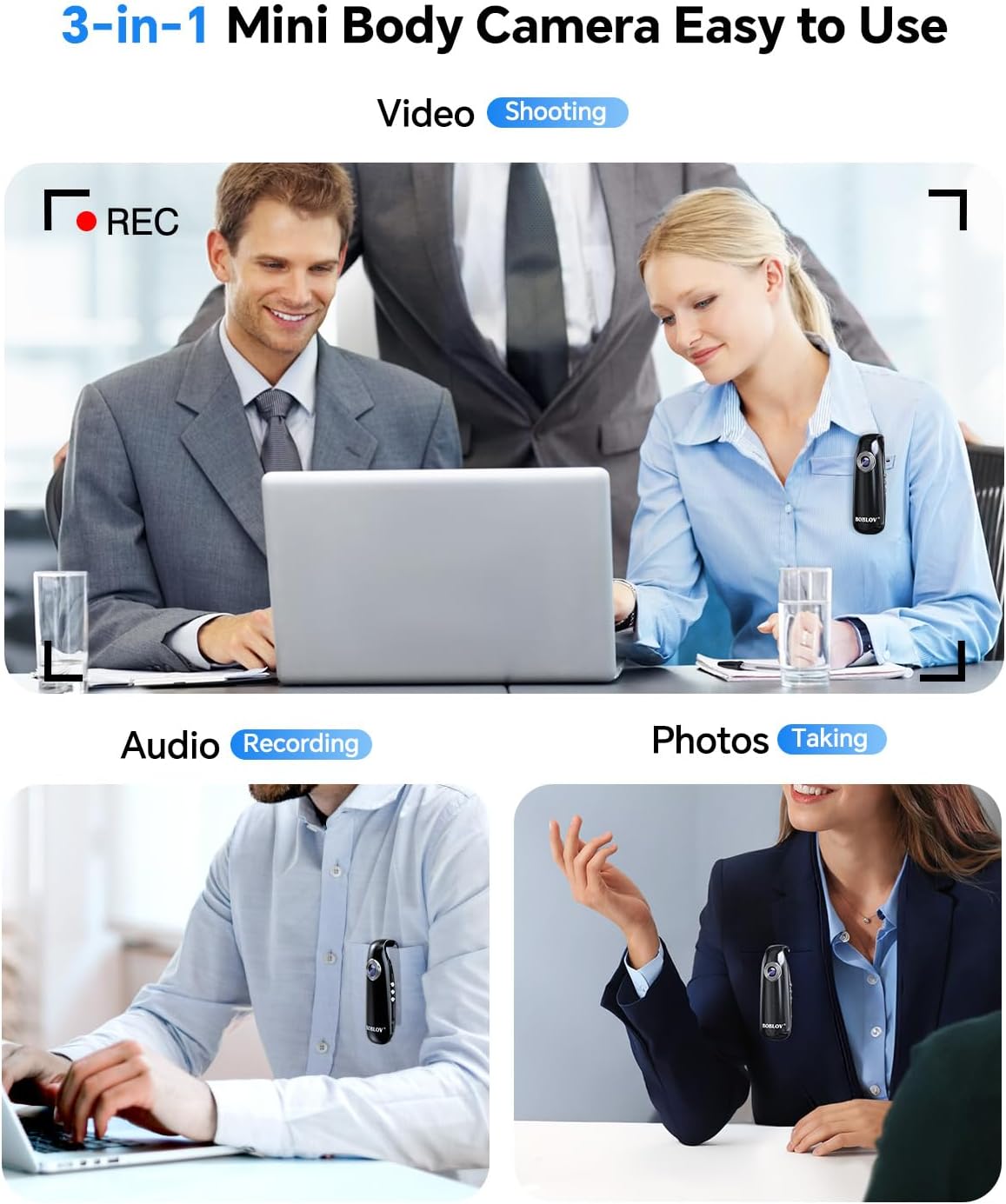
Figure 3.1.1: 3-in-1 Mini Body Camera Functions.
3.2 Loop Recording
The camera supports loop recording, which means that when the memory card is full, the camera will automatically overwrite the oldest files to make space for new recordings. This ensures continuous recording without the need for manual file management.

Figure 3.2.1: 1080P Loop Recording Feature.
3.3 Magnetic Back Clip Usage
The integrated magnetic back clip allows for versatile mounting options. You can easily clip the camera onto your pocket, bag, or backpack. Additionally, the strong magnet enables attachment to iron shelves, refrigerators, or other metallic surfaces for stationary recording.

Figure 3.3.1: Magnetic Back Clip in Use.
3.4 Setting Date and Time Stamp
To set or adjust the date and time stamp on your recordings, connect the camera to a computer. Locate the configuration file (often a .txt file) on the camera's storage. Open this file and follow the instructions within to set the correct date and time format. Save the file and safely eject the camera. The new settings will be applied to subsequent recordings.
3.5 Official Product Video
Video 3.5.1: Official BOBLOV 007 Mini Body Cam overview, demonstrating its portability, ease of use, magnetic clip, and various recording applications.
4. Maintenance
- Cleaning: Use a soft, dry cloth to clean the camera body and lens. Avoid using liquid cleaners or abrasive materials.
- Storage: Store the camera in a cool, dry place away from direct sunlight and extreme temperatures.
- Battery Care: To prolong battery life, avoid fully discharging the battery frequently. Charge the camera regularly, even if not in use for extended periods.
- TF Card Maintenance: Periodically format the TF card (to FAT32) to maintain optimal recording performance and prevent data corruption. Back up important files before formatting.
5. Troubleshooting
| Problem | Possible Cause | Solution |
|---|---|---|
| Camera turns off automatically after a few minutes. | TF card formatting issue or corruption. | Connect the camera to a computer and reformat the TF card to FAT32. Ensure no other processes are accessing the card during formatting. |
| Recordings show an upward angle (e.g., sky/treetops). | Camera orientation when clipped. | Adjust the camera's position or the angle of the clip on your clothing/surface to ensure the lens is pointing straight ahead. Using a lanyard or string can help balance the camera. |
| Date/Time stamp is incorrect or not saving. | Incorrect configuration file modification or saving. | Ensure the camera is fully charged. Reconnect to a computer, carefully edit the time configuration file, save it, and safely eject the camera. Refer to the detailed instructions in the included user manual for specific file names and formats. |
| Poor video quality. | Low light conditions, dirty lens, or expectations for a mini camera. | Ensure the lens is clean. Record in well-lit environments for best results. While 1080P, the camera's small sensor may have limitations in challenging lighting. |
6. Specifications
| Feature | Detail |
|---|---|
| Brand | BOBLOV |
| Model Name | 007 |
| Color | Black |
| Video Capture Resolution | 1080p |
| Video Capture Format | MP4 |
| Power Source | Battery Powered |
| Battery Capacity | 560mAh |
| Video Recording Time | Up to 3 hours |
| Voice Recording Time | Up to 7 hours |
| Charging Time | Approx. 1 hour |
| Flash Memory Installed Size | 64 GB (or 128GB depending on variant) |
| Flash Memory Type | Micro SD (supports up to 128GB) |
| Item Dimensions (L x W x H) | 0.39 x 0.16 x 0.12 inches (approx. 1.3 x 1.1 x 3.6 inches as per feature bullets) |
| Item Weight | 1.13 ounces (32 Grams) |
| Connectivity Technology | USB |
| Photo Sensor Technology | CMOS |
| Water Resistance Level | Not Water Resistant |
| Recommended Uses | Outdoor Security, Personal Recording, Pet/Home Monitoring |
7. Warranty Information
Please refer to the product packaging or the official BOBLOV website for detailed warranty information. Typically, BOBLOV products come with a limited warranty covering manufacturing defects. Retain your proof of purchase for any warranty claims.
8. Customer Support
For any questions, technical assistance, or support regarding your BOBLOV 007 Mini Body Camera, please contact our customer support team:
- Email: support@boblov.com
- Official Website: www.boblov.com
- Facebook: https://www.facebook.com/BoblovGlobal/
- Amazon Store: Visit the BOBLOV Store on Amazon
Our support team is dedicated to providing prompt and helpful assistance to ensure your satisfaction with BOBLOV products.


