
1. Introduction
This manual provides detailed instructions for the setup, operation, maintenance, and troubleshooting of your HWWR U30 Professional UHF Dual Wireless Microphones. Designed for clear audio transmission and ease of use, these microphones are suitable for various applications including karaoke, public speaking, and live events.
Key features include a 50-meter transmission range, anti-howling technology for clear sound, durable metal construction with high-density sponge, and up to 12 hours of battery life. The system is designed for simple plug-and-play functionality.
2. Package Contents
Upon unboxing, please ensure all the following items are present:
- 2 Wireless Microphones
- 1 Receiver
- USB Charging Cable
- 3.5mm to 6.35mm Adapter
- Anti-roll Rings (color may vary)
- User Manual

Figure 2.1: HWWR U30 Dual Wireless Microphones and included accessories.
3. Product Features
- Seamless Duets with 50M Range: Enjoy an impressive 50-meter transmission range for unrestricted movement during performances or presentations.
- Crystal-Clear Sound with Anti-Howling: Engineered to prevent feedback and howling, ensuring pristine sound quality that accurately captures your voice.
- Durable Metal Construction: Mics feature a high-density sponge inside a robust metal head, balancing clarity with longevity.
- Extended 12-Hour Battery Life: The microphones offer up to 12 hours of continuous use on a full charge, ideal for long events.
- Plug-and-Play Simplicity: No complicated setup required; simply plug in the receiver and power on the microphones to begin.
- Versatile Compatibility: Ideal for various occasions including teaching, karaoke parties, live streaming, worship, weddings, meetings, and stage performances.
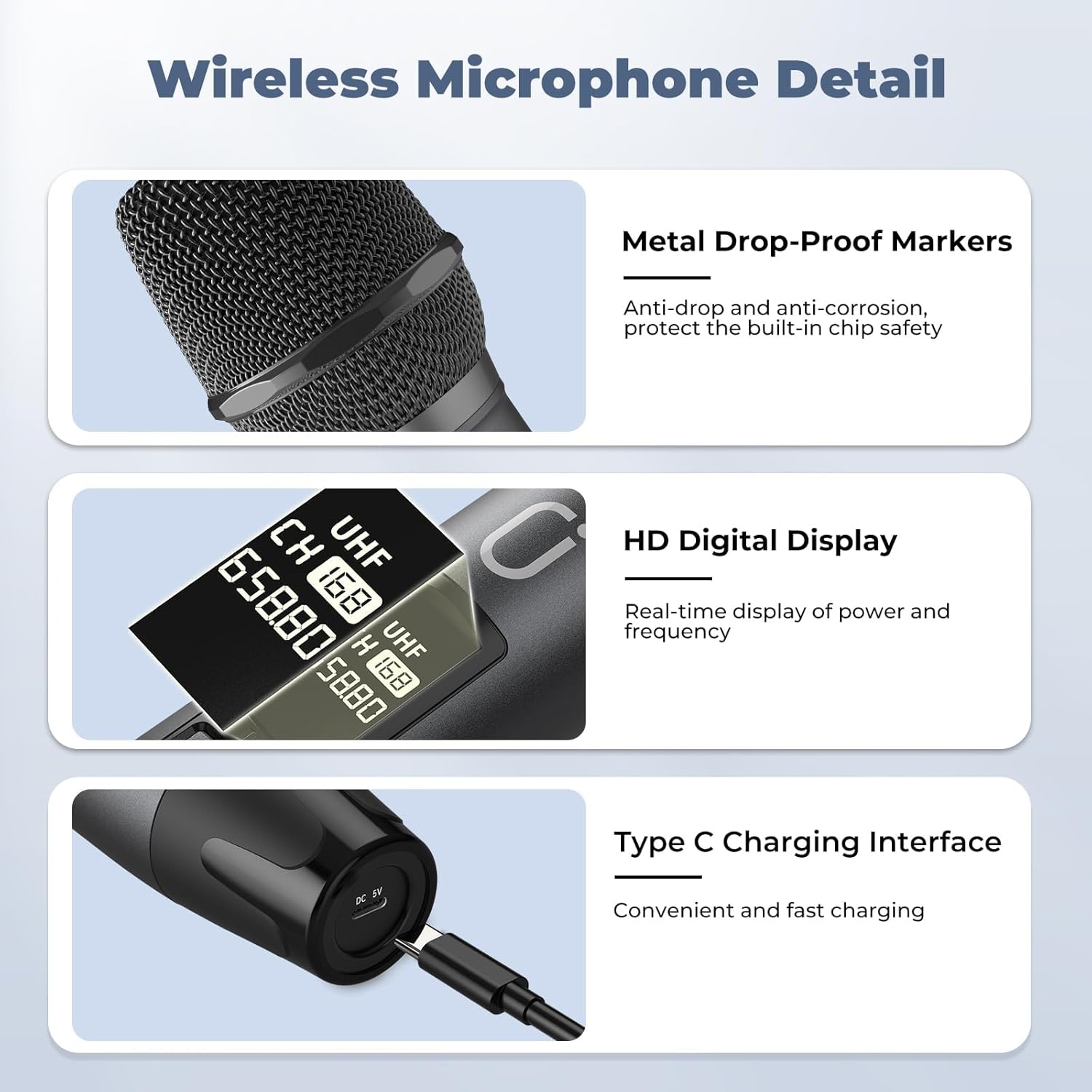
Figure 3.1: Wireless Microphone Detail - highlighting metal construction, HD digital display, and Type-C charging interface.

Figure 3.2: Rechargeable Large Capacity Battery - illustrating over 12 hours of operation.
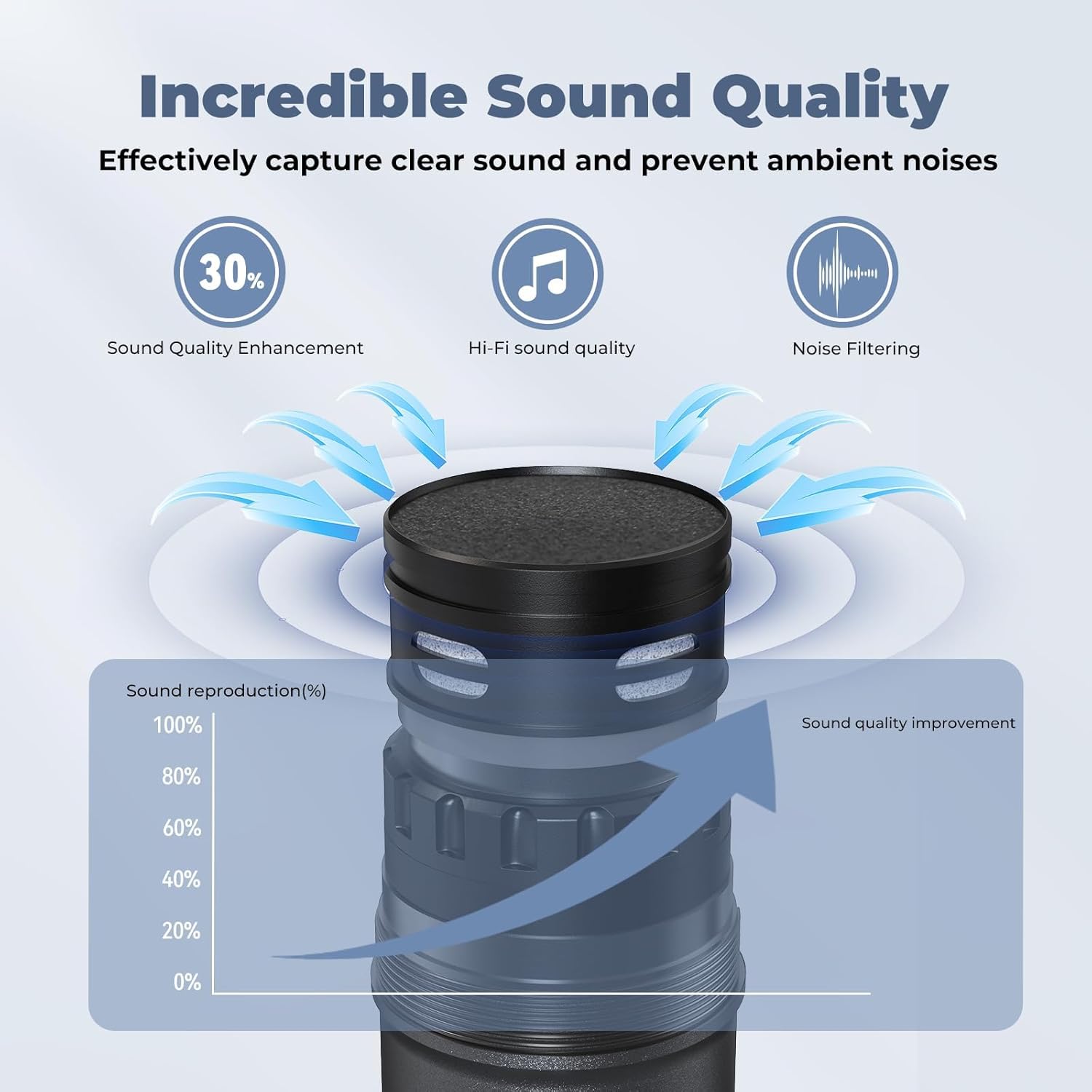
Figure 3.3: Incredible Sound Quality - demonstrating effective clear sound capture and ambient noise prevention.
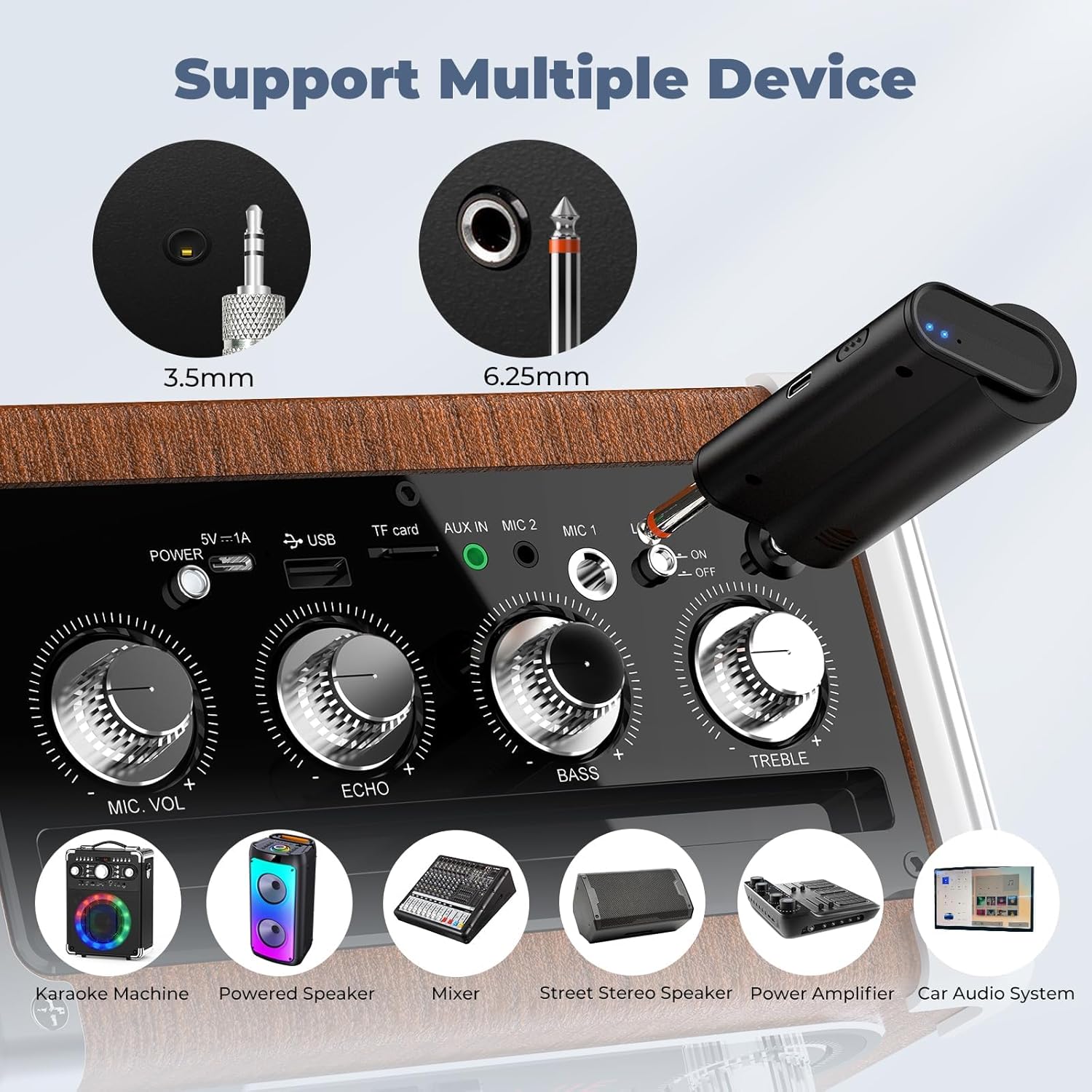
Figure 3.4: Support Multiple Devices - showing compatibility with various audio equipment.

Figure 3.5: Up to 100ft Range - highlighting the extensive wireless coverage.
4. Setup Guide
Follow these steps to set up your HWWR U30 Wireless Microphones:
- Charge the Microphones and Receiver: Use the provided USB charging cable to fully charge both wireless microphones and the receiver. The microphones feature a Type-C charging interface.
- Insert Batteries: Ensure the rechargeable batteries are correctly inserted into the microphones.
- Power On: Turn on both the microphones and the receiver. The devices are designed to automatically pair.
- Connect Receiver to Audio System: Plug the receiver into the microphone input (6.35mm or 3.5mm jack) of your speaker, PA system, karaoke machine, or mixer.
- Adjust Volume: Adjust the microphone volume and echo levels on your audio system or the receiver (if applicable) to your preference.

Figure 4.1: Plug and Play & Easy to Use Setup Guide.
Video 4.1: Demonstrates the unboxing and initial setup of the HWWR U50 wireless microphones, including connecting the receiver to a speaker.
Video 4.2: Shows the simple process of plugging in the receiver for quick setup.
5. Operating Instructions
Once set up, operating your HWWR U30 microphones is straightforward:
- Power On/Off: Use the power switch on each microphone to turn it on or off. The display will show the channel and battery status.
- Volume Control: Adjust the individual microphone volumes (Vol. A, Vol. B) and the overall microphone volume on your connected audio system or the receiver unit.
- Echo Adjustment: Use the echo control on your audio system or receiver to add desired reverb effects.
- Music Mix: If connecting an external music source, use the music mix control on the receiver to balance the microphone audio with the background music.
- Channel Selection: If experiencing interference, briefly press the channel button on the microphone to switch to a different UHF frequency.
Video 5.1: Demonstrates the use of the HWWR U30 microphones in a home setting, highlighting their ease of operation.
Video 5.2: Shows the HWWR wireless microphones in action, emphasizing their clear sound and wireless freedom.
Video 5.3: Illustrates the dual microphone functionality for karaoke duets.
Video 5.4: Showcases the product's performance and quality during use.
6. Maintenance
To ensure the longevity and optimal performance of your HWWR U30 Wireless Microphones, please follow these maintenance guidelines:
- Charging: Always use the included charging cable. Avoid fast-charging plugs as they are not supported and may damage the microphones.
- Battery Care: Fully charge the microphones before first use and after each extended period of use.
- Cleaning: Gently wipe the microphones with a soft, dry cloth. Avoid using harsh chemicals or abrasive materials.
- Storage: Store the microphones and receiver in a cool, dry place away from direct sunlight and extreme temperatures. Use the anti-roll rings to prevent damage when placing microphones on surfaces.
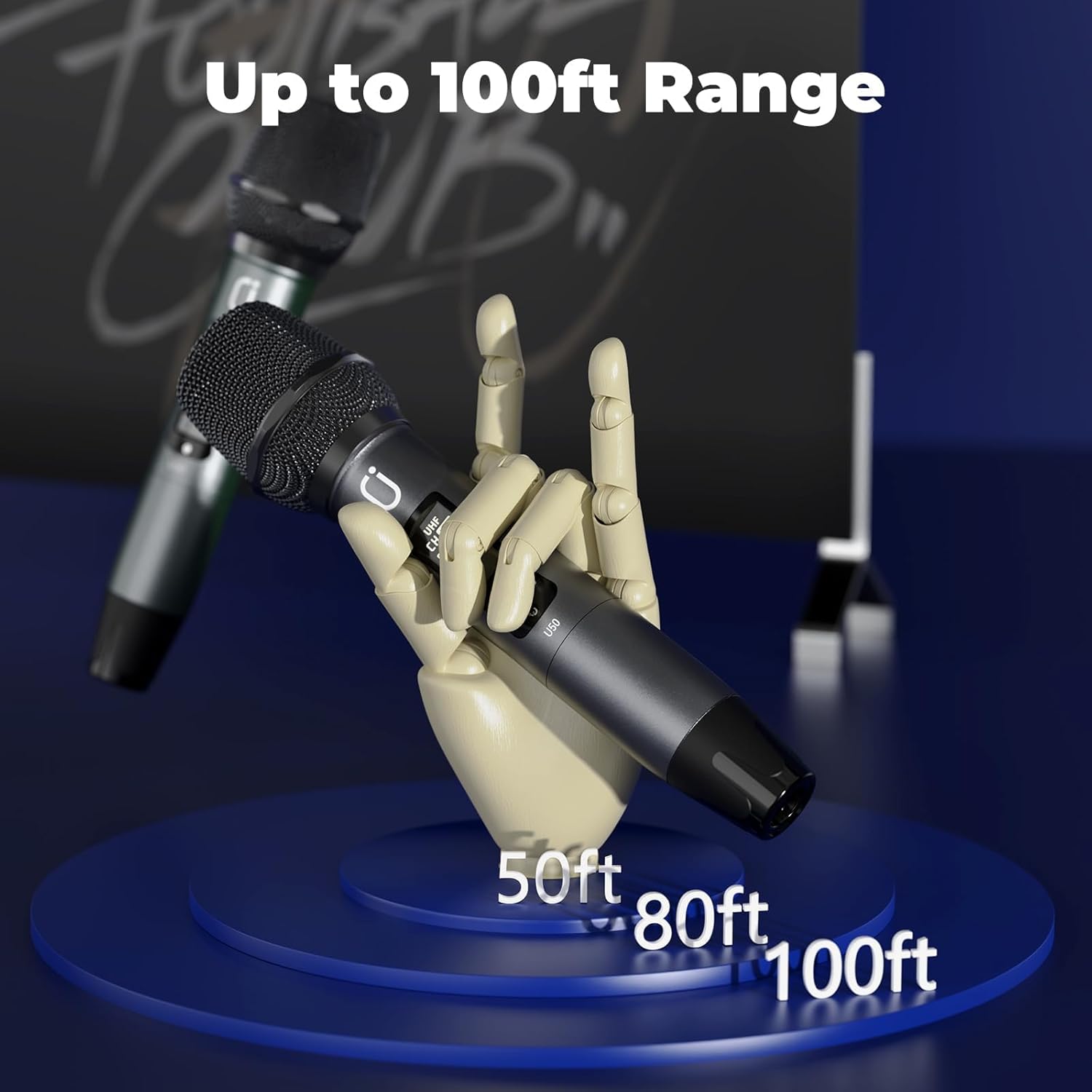
Figure 6.1: Type-C Charging Interface on the microphone.
7. Troubleshooting
If you encounter any issues with your HWWR U30 Wireless Microphones, please refer to the following common solutions:
- Microphone Not Working:
- Ensure the microphones and receiver are fully charged.
- Verify that the microphones and receiver are powered on and paired.
- Check the connection between the receiver and your audio system's microphone input.
- Try switching to a different channel on the microphone if interference is suspected.
- Charging Issues:
- Only use the charging cable included in the package. Fast-charging plugs are not compatible.
- Compatibility:
- The HWWR U30 microphones are compatible with speakers and PA systems. Ensure your device has a compatible microphone input (6.35mm or 3.5mm jack).
8. Specifications
| Feature | Detail |
|---|---|
| Item Dimensions (L x W x H) | 2.68 x 4.02 x 9.84 inches |
| Power Source | Battery Powered |
| Material | Metal |
| Signal-to-Noise Ratio | 60 dB |
| Hardware Platform | Karaoke Machine |
| Number of Channels | 1 |
| Item Weight | 1.63 pounds |
| Item Model Number | U30 |
| Connectivity Technology | 6.35 mm Jack, 3.5 mm Jack |
| Special Feature | Rechargeable, UHF Dual Microphones, Plug and Play, Noise Reduction |
| Compatible Devices | Speaker |
| Included Components | 2 Wireless microphones, Receiver |
| Polar Pattern | Omnidirectional |
| Microphone Form Factor | Handheld |
9. Warranty and Support
HWWR provides a 12-month warranty for any quality-related problems with the U30 Professional UHF Dual Wireless Microphones.
For any questions or issues not covered in this manual, please contact HWWR customer support through the Amazon platform or visit the official HWWR website for assistance.


