Introduction
This manual provides detailed instructions for the AGPTEK A51PL 16GB Clip MP3 Player. Please read this manual thoroughly before using the device to ensure proper operation and to maximize its features. This portable music player is designed for ease of use, featuring Bluetooth connectivity, FM radio, and a convenient clip for active lifestyles.
Product Overview
Familiarize yourself with the physical components and controls of your AGPTEK A51PL MP3 player.

Image: Overview of the AGPTEK A51PL MP3 Player's physical features, including the back clip, power/volume buttons, function buttons, headphone jack, and Type-C port.
Key Features:
- Clip Design: Lightweight and portable, designed for secure attachment during sports or other activities.
- Bluetooth Connectivity: Connects wirelessly to Bluetooth headphones or speakers.
- FM Radio: Built-in FM radio for listening to broadcasts.
- 16GB Internal Storage: Ample space for music files.
- Intuitive Controls: Easy-to-use buttons for navigation and playback.
Setup
1. Charging the Device
Before first use, fully charge the MP3 player. Connect the device to a computer's USB port or a USB wall adapter (not included) using the provided Type-C USB cable. The battery indicator will show charging status.
2. Transferring Music Files
Connect the MP3 player to your computer using the Type-C USB cable. The device will appear as a removable disk. Drag and drop your music files (MP3 format supported) into the device's storage folder. Ensure the device is safely ejected from your computer before disconnecting the cable.
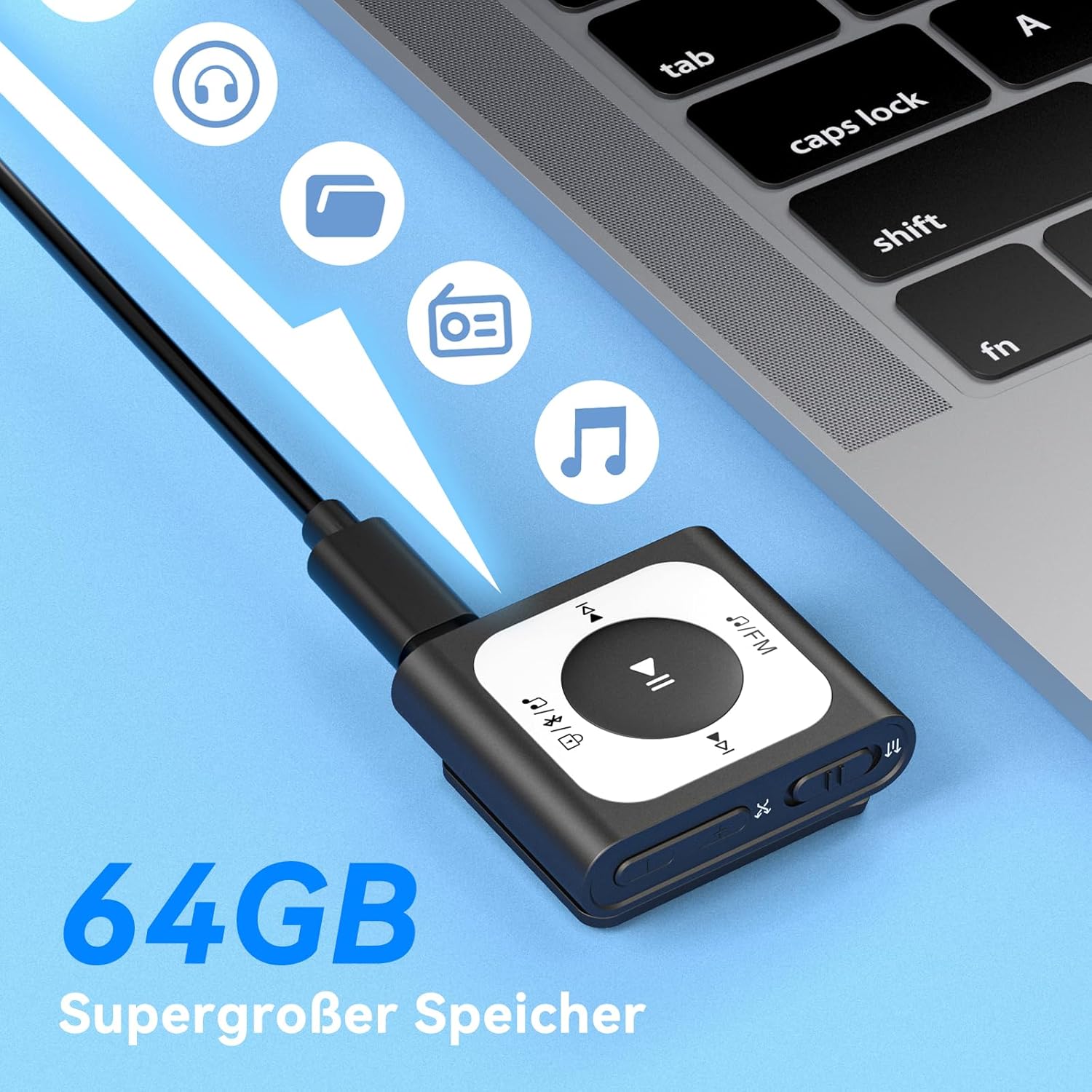
Image: The MP3 player connected to a laptop, illustrating the process of transferring music files to its internal storage. The device has 16GB of internal storage.
3. Powering On/Off
- To Power On: Press and hold the Power/Volume button (located on the side) for a few seconds until the screen illuminates.
- To Power Off: Press and hold the Power/Volume button until the device shuts down.
Operating Instructions
1. Basic Music Playback
- Navigate to the 'Music' menu.
- Select a song or playlist using the navigation buttons.
- Press the Play/Pause button (center button) to start or pause playback.
- Use the 'Previous' and 'Next' buttons to skip tracks.
- Adjust volume using the Volume Up/Down buttons on the side.
2. Bluetooth Connection
To connect to Bluetooth headphones or speakers:
- Ensure your Bluetooth audio device is in pairing mode.
- On the MP3 player, go to the 'Bluetooth' menu.
- Select 'Search for Device' or similar option.
- Choose your Bluetooth device from the list and confirm pairing.

Image: The MP3 player demonstrating its Bluetooth 5.3 compatibility, capable of connecting to various audio devices such as Bluetooth earbuds, headphones, and speakers.
3. FM Radio Operation
To use the FM radio function:
- Plug in wired headphones; they act as the antenna for the FM radio.
- Navigate to the 'FM Radio' menu.
- Select 'Auto Search' to find available stations.
- Use the navigation buttons to switch between saved stations or manually tune.
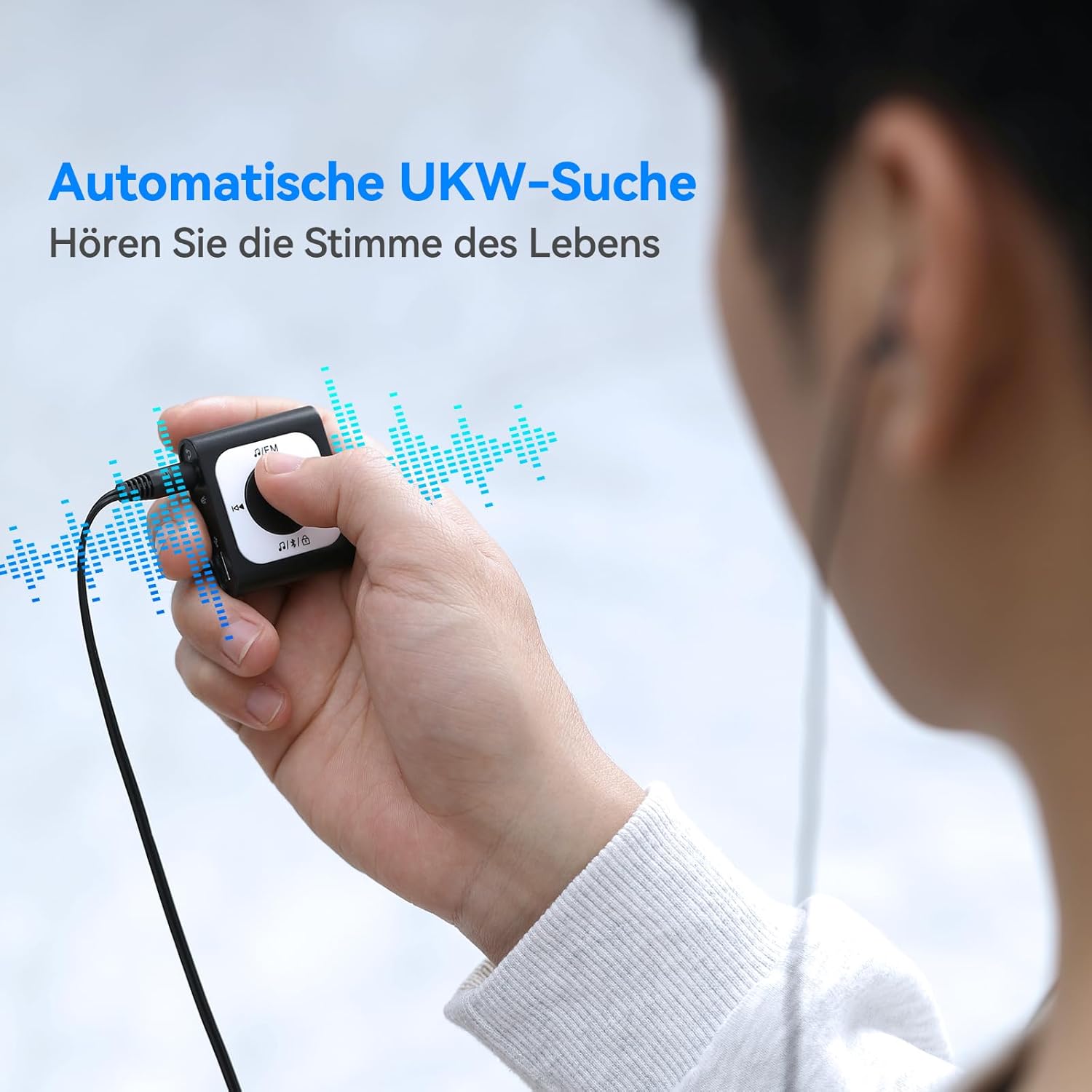
Image: A user operating the MP3 player's automatic FM search function while wearing wired headphones, which are essential for receiving radio signals.
4. Screen Lock Function
To prevent accidental button presses during activity, use the screen lock feature.
- To Lock: Double-click the dedicated lock button (often indicated by a padlock icon).
- To Unlock: Double-click the lock button again.

Image: The MP3 player highlighting the lock/unlock function, activated by a double-click on the designated button to prevent unintended operations.
5. Using the Clip
The integrated clip allows you to securely attach the MP3 player to clothing, bags, or other items, making it ideal for sports and on-the-go use.

Image: Demonstrations of the MP3 player's portable clip design, showing it attached to a shirt collar, waistband, and backpack strap for convenient, hands-free use.
Maintenance
Cleaning:
- Wipe the device with a soft, dry cloth.
- Do not use abrasive cleaners, alcohol, or solvents, as these can damage the surface.
Storage:
- Store the device in a cool, dry place away from direct sunlight and extreme temperatures.
- Avoid storing in dusty or humid environments.
Battery Care:
- Charge the battery regularly, even if the device is not used frequently, to maintain battery health.
- Avoid completely draining the battery before recharging.
Troubleshooting
Device Does Not Turn On:
- Ensure the battery is charged. Connect the device to a power source and try again.
- Press and hold the Power button for an extended period (10-15 seconds) to perform a hard reset.
Cannot Connect to Bluetooth Device:
- Make sure both the MP3 player and the Bluetooth audio device are in pairing mode and within range.
- Ensure no other devices are actively connected to either the MP3 player or the Bluetooth audio device.
- Try restarting both devices and attempting to pair again.
No Sound:
- Check the volume level on both the MP3 player and your connected headphones/speakers.
- Ensure headphones are properly plugged into the jack (if using wired).
- If using Bluetooth, verify the connection is active and the correct output device is selected.
- Test with different headphones or speakers to rule out a faulty accessory.
Files Not Transferring:
- Ensure the USB cable is securely connected to both the MP3 player and the computer.
- Try a different USB port or cable.
- Verify that the music files are in a supported format (e.g., MP3).
- Check if the device's storage is full.
Specifications
| Product Dimensions | 5.91 x 3.94 x 0.79 inches |
| Item Weight | 3.87 ounces |
| Brand | AGPTEK |
| Model Name | A51PL (SMPA51PLBN-VAEU) |
| Special Feature | FM Radio |
| Connectivity Technology | Bluetooth |
| Memory Storage Capacity | 16 GB |
| Color | Black |
| Compatible Devices | Bluetooth devices |
| Included Components | MP3 Player |
| Supported Standards | MP3 |
Warranty and Support
Warranty Information:
For detailed warranty information, please refer to the warranty card included with your product or visit the official AGPTEK website. Keep your purchase receipt as proof of purchase for warranty claims.
Customer Support:
If you encounter any issues not covered in this manual or require further assistance, please contact AGPTEK customer support through their official website or the contact information provided with your product packaging.