
1. Product Overview
The Withings Body Scan is an advanced smart scale designed to provide comprehensive body composition analysis, vascular age assessment, and heart rate monitoring. It goes beyond basic weight measurement to offer detailed insights into your health and fitness.
Key Features:
- The ultimate body analyzer for precise fitness improvement.
- Segmental body composition analysis to identify muscle imbalance or excess fat.
- Consistent and precise weight measurements (50 g / 0.1 lb) with trend tracking on the scale's color screen or app.
- Vascular Age estimation for a clearer picture of heart health.
- Heart rate evaluation at every weigh-in.
- Electrodermal Activity Assessment to visualize the impact of stress and emotions.
- Rechargeable battery for extended use.
- Seamless Wi-Fi sync for data transfer.
- Automatic user recognition for multiple profiles.
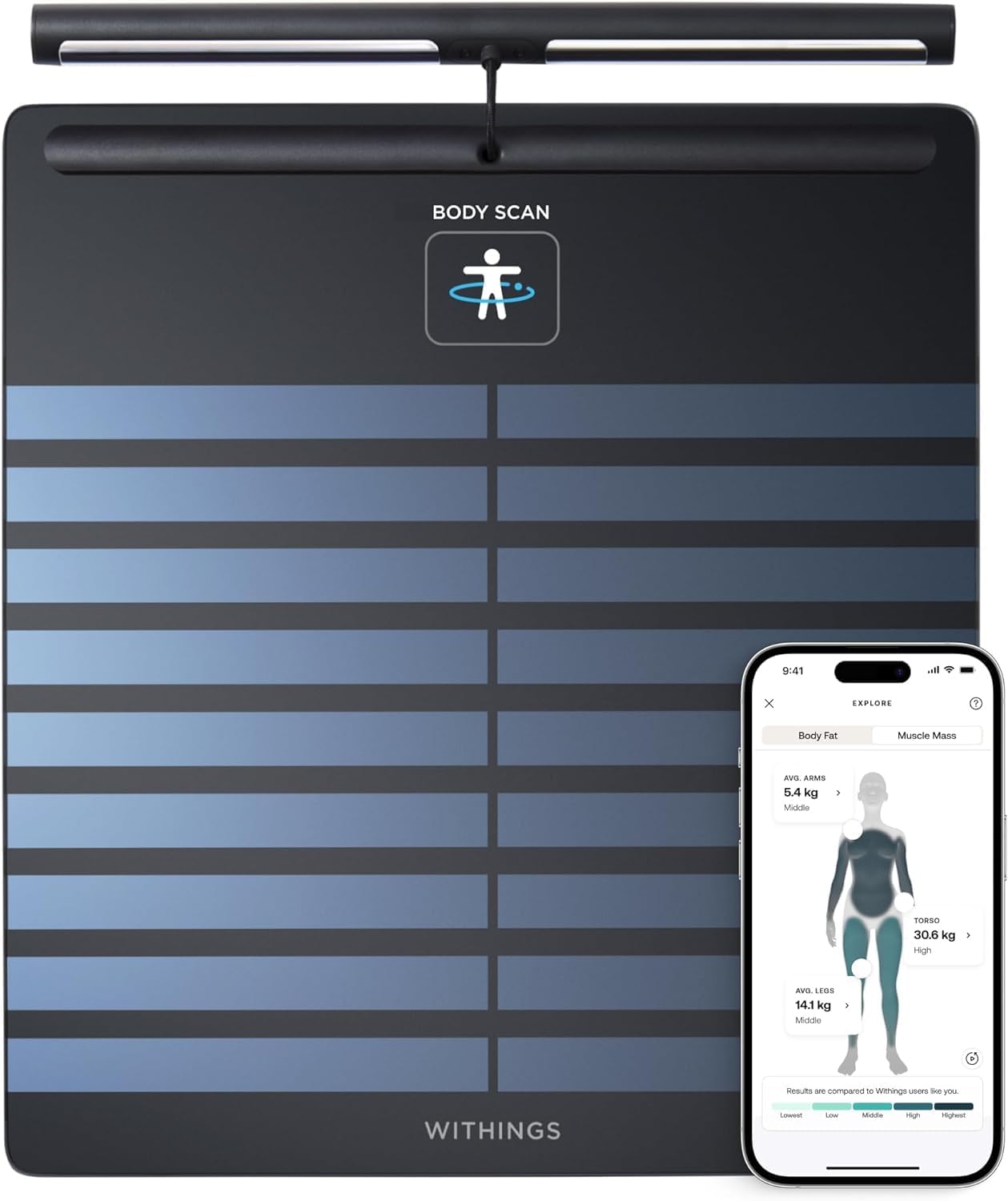
Image: The Withings Body Scan smart scale, showcasing its main unit with a retractable handle for advanced measurements, alongside a smartphone displaying the companion app's detailed body composition analysis.
Official Product Video:
Video: An official product video titled "Withings Body Segment" demonstrating the key features and benefits of the Withings Body Scan smart scale, including body composition analysis, heart health assessment, and user recognition.
2. What's in the Box
- Withings Body Scan Smart Scale
- USB-C Charging Cable
- Product Guide
3. Setup Guide
Initial Setup:
- Charge the Device: Before first use, fully charge your Withings Body Scan using the provided USB-C charging cable. Connect the cable to the scale and a compatible USB power adapter (not included).
- Download the App: Download the official Withings Health Mate app from your smartphone's app store (iOS or Android).
- Create an Account: Open the Health Mate app and follow the on-screen instructions to create a new user account or log in to an existing one.
- Pair the Scale: In the Health Mate app, navigate to the device setup section and select "Body Scan" to begin the pairing process. Follow the app's prompts to connect your scale via Bluetooth and Wi-Fi. Ensure your Wi-Fi network is active and within range.
- Initial Weigh-in: Once paired, step onto the scale barefoot. The scale will guide you through your first measurement, including body composition and heart health readings.
4. Operating Instructions
Taking a Measurement:
- Place the scale on a hard, flat surface. Avoid carpets or uneven flooring.
- Step onto the scale barefoot, ensuring your feet are positioned correctly on the electrodes.
- For segmental body composition analysis, grasp the retractable handle firmly with both hands, keeping your arms straight and close to your body.
- Remain still during the measurement process. The scale's display will show your weight and other metrics as they are measured.
- Your data will automatically sync to the Health Mate app via Wi-Fi.

Image: A user demonstrating the correct posture for segmental body composition analysis on the Withings Body Scan scale, holding the retractable handle.

Image: The Withings Body Scan scale showing a weight reading and trend graph on its display, illustrating how users can track their progress.
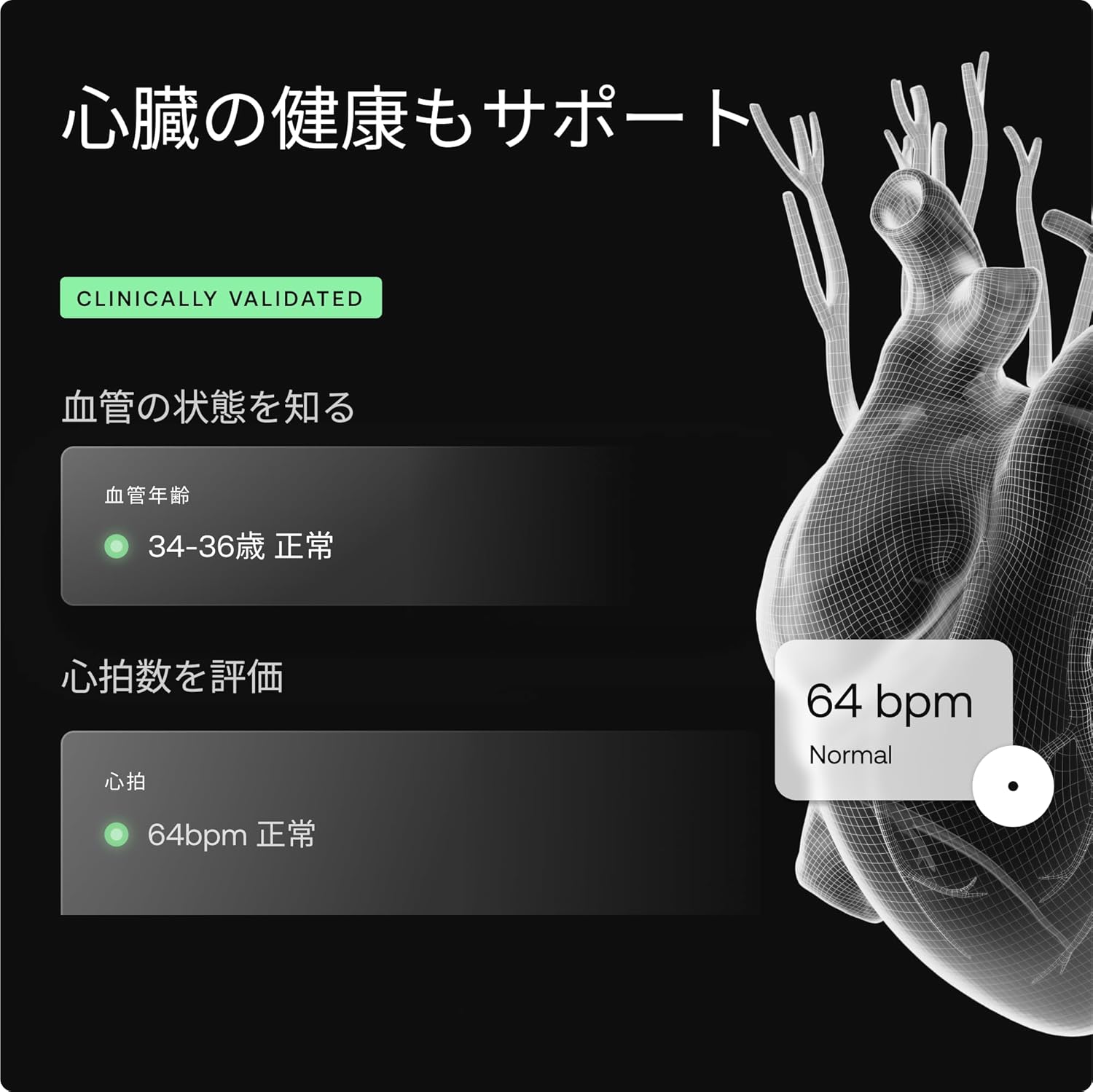
Image: A visual representation of the Withings Health Mate app interface, highlighting the display of vascular age and heart rate measurements for comprehensive health monitoring.

Image: The Withings Body Scan's display showing an Electrodermal Activity (EDA) reading, indicating the scale's capability to assess stress and emotional impact on the body.

Image: A Shiba Inu dog standing on a Withings scale, demonstrating the scale's ability to accurately weigh pets by holding them while stepping on the scale, with independent accounts for health management.
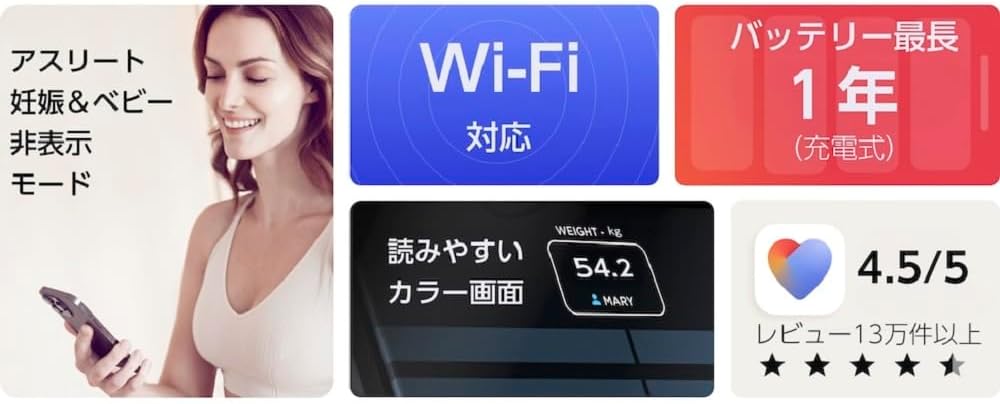
Image: A collage highlighting various features of the Withings Body Scan, including specialized modes for athletes, pregnant users, and babies, Wi-Fi connectivity, a 1-year rechargeable battery life, a clear color display, and a high app rating.
Automatic User Recognition:
The Body Scan scale is designed to automatically recognize individual users based on their weight and previous measurements. For new users or if recognition fails, the scale may prompt you to select your profile via the Health Mate app.
5. Maintenance
Cleaning:
Wipe the scale's surface with a soft, damp cloth. Do not use abrasive cleaners or immerse the scale in water. Ensure the scale is dry before storage or next use.
Battery:
The Withings Body Scan features a rechargeable battery. When the battery level is low, a notification will appear on the scale's display and in the Health Mate app. Recharge the scale using the provided USB-C cable.
6. Troubleshooting
- Inaccurate Readings: Ensure the scale is on a hard, flat surface. Make sure your feet are clean and dry, and positioned correctly on the electrodes. For segmental analysis, ensure you are holding the handle correctly and standing still.
- Connectivity Issues (Wi-Fi/Bluetooth): Check that your Wi-Fi router is on and within range. Restart your scale and your smartphone. Ensure Bluetooth is enabled on your phone. If issues persist, try re-pairing the scale through the Health Mate app.
- Scale Not Turning On: The battery may be depleted. Connect the scale to the USB-C charging cable and allow it to charge for at least 30 minutes before attempting to turn it on again.
- User Recognition Failure: If the scale doesn't recognize you, select your profile manually via the scale's display or the Health Mate app. Ensure your profile details (e.g., height) are accurate in the app.
7. Specifications
| Feature | Detail |
|---|---|
| Brand | Withings |
| Model Number | WBS08 |
| Color | Black |
| Recommended Uses | Humans, Health & Fitness |
| Special Feature | Smart |
| Display Type | LED or LCD |
| Weight Limit | 200 Kilograms |
| Form Factor | Mini |
| Material | Metal, Tempered Glass |
| Readout Accuracy | +- 0.1 kilograms |
| Item Weight | 3.8 Kilograms |
| Weigh Scale Type | Floor Scale |
| Room Type | Bathroom |
| Measurement Type | kilograms |
8. Warranty and Support
Specific warranty details are not provided in this manual. For comprehensive warranty information, product support, and frequently asked questions, please visit the official Withings support website or contact their customer service directly.
You can find more information and support resources on the Withings Store on Amazon.


