
Huawei FreeBuds SE 2
HUAWEI FreeBuds SE 2 Wireless Earbuds User Manual
Model: FreeBuds SE 2 (55037015)
1. Introduction
This manual provides essential instructions for the proper use, setup, and maintenance of your HUAWEI FreeBuds SE 2 Wireless Earbuds. Please read this manual thoroughly before using the product to ensure optimal performance and safety.
2. Package Contents
Verify that all items are present in your package:
- HUAWEI FreeBuds SE 2 Earbuds (Left and Right)
- Charging Case
- USB-C Charging Cable
- Quick Start Guide / Safety Information (This Manual)
Note: The "Blu-ray" component listed in some product specifications is an error and not included with this product.
3. Product Overview
The HUAWEI FreeBuds SE 2 are compact, in-ear wireless earbuds designed for extended listening and clear communication. They feature a lightweight design, robust Bluetooth 5.3 connectivity, and IP54 dust and splash resistance.

Image: The HUAWEI FreeBuds SE 2 charging case shown open, revealing both earbuds securely placed inside. The case is light blue with the HUAWEI logo.

Image: The HUAWEI FreeBuds SE 2 earbuds are shown outside their charging case, highlighting their individual design and the compact nature of the case.

Image: An illustration demonstrating the battery life: 9 hours of music playback on a full charge for the earbuds, and up to 40 hours with multiple recharges from the charging case.

Image: A person wearing one HUAWEI FreeBuds SE 2 earbud, illustrating the comfortable and optimized fit of the earbud in the ear.

Image: An exploded diagram of the HUAWEI FreeBuds SE 2 earbud, showcasing its internal components for balanced sound delivery.

Image: Two HUAWEI FreeBuds SE 2 earbuds surrounded by water droplets, indicating their IP54 dust and splash resistance.
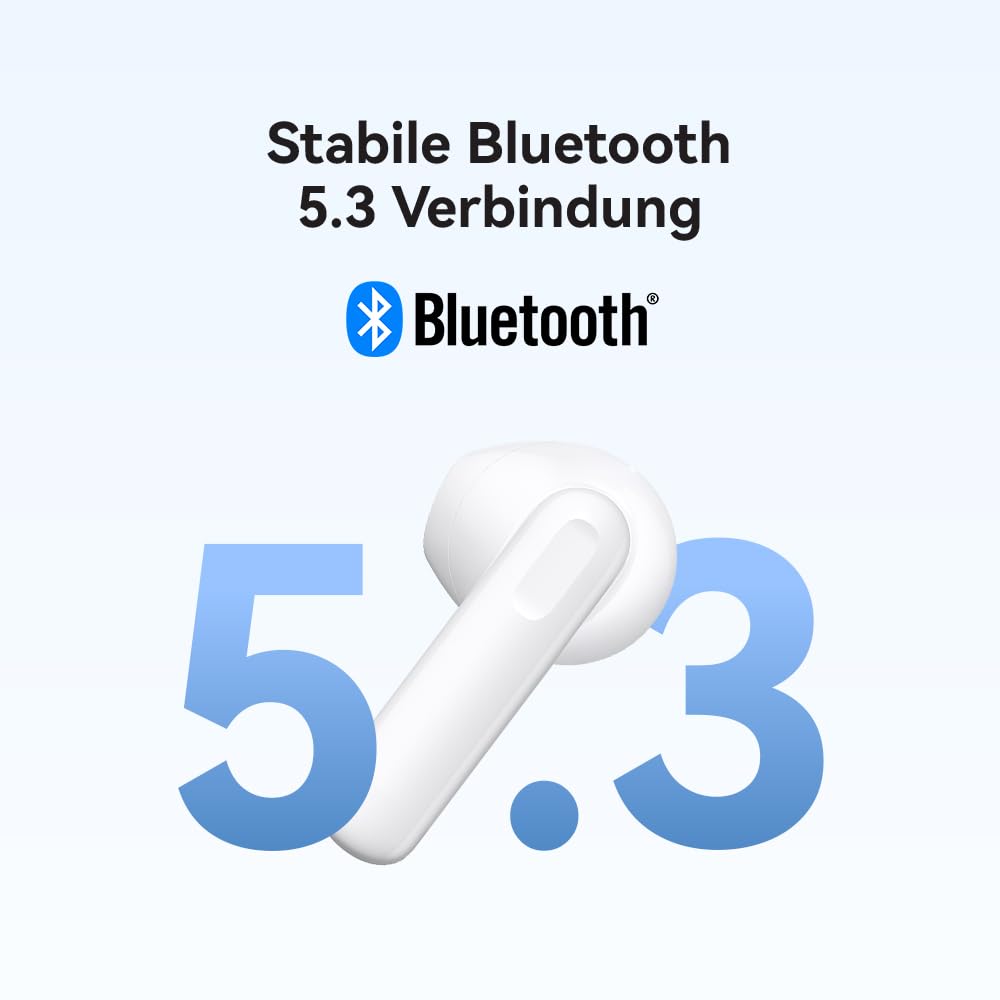
Image: A HUAWEI FreeBuds SE 2 earbud next to a large "5.3" and the Bluetooth logo, emphasizing its stable Bluetooth 5.3 connection.
4. Setup
4.1 Charging the Earbuds and Case
Before first use, fully charge the charging case and earbuds. Connect the USB-C charging cable to the charging port on the case and to a power adapter (not included). The indicator light on the case will show charging status.
- A full charge provides up to 9 hours of listening time for the earbuds.
- With the charging case, total listening time extends up to 40 hours.
- A 10-minute charge can provide approximately 3 hours of music playback.
4.2 Pairing with a Device
- Ensure the earbuds are in the charging case and the case lid is open.
- On your device (smartphone, tablet, etc.), enable Bluetooth.
- In the Bluetooth settings, search for available devices.
- Select "HUAWEI FreeBuds SE 2" from the list to pair.
- Once paired, the earbuds will automatically connect to your device when taken out of the case and Bluetooth is enabled on your device.
5. Operating Instructions
5.1 Wearing the Earbuds
Gently insert the earbuds into your ear canals. Adjust them slightly to ensure a comfortable and secure fit for optimal sound quality and stability.
5.2 Touch Controls
The FreeBuds SE 2 feature touch-sensitive areas on each earbud for control. Specific functions may vary slightly depending on your device and app settings.
- Double-tap: Play/Pause music, Answer/End call.
- Long press: (Functionality may be customizable via HUAWEI AI Life app, if supported).
For advanced customization of touch controls, refer to the HUAWEI AI Life app (available on Android and iOS).
5.3 Power On/Off
- Power On: Open the charging case, and the earbuds will automatically power on.
- Power Off: Place the earbuds back into the charging case and close the lid. They will automatically disconnect and power off.
6. Maintenance
6.1 Cleaning
- Regularly clean the earbuds and charging case with a soft, dry, lint-free cloth.
- Do not use harsh chemicals, cleaning solvents, or strong detergents.
- Ensure charging contacts on both earbuds and case are clean and dry to prevent charging issues.
6.2 Storage
- When not in use, store the earbuds in their charging case to protect them and conserve battery.
- Store in a cool, dry place, away from extreme temperatures and direct sunlight.
7. Troubleshooting
| Problem | Solution |
|---|---|
| Earbuds do not pair with device. |
|
| No sound from one or both earbuds. |
|
| Charging issues. |
|
| Poor sound quality or disconnections. |
|
8. Specifications
| Brand | Huawei |
| Model Name | HUAWEI FreeBuds SE2 |
| Item Model Number | 55037015 |
| Connectivity Technology | Wireless (Bluetooth) |
| Wireless Communication Technology | Bluetooth 5.3 |
| Ear Placement | In Ear |
| Form Factor | In Ear |
| Special Features | Noise Cancellation (Note: This might refer to passive noise isolation or call noise reduction, not active noise cancellation as a primary feature), IP54 Dust and Splash Resistant |
| Battery Life (Earbuds) | Up to 9 hours (single charge) |
| Total Battery Life (with Case) | Up to 40 hours |
| Quick Charge | 3 hours playback from 10-minute charge |
| Item Weight (each earbud) | 3.8 g |
| Product Dimensions | 5.04 x 2.34 x 5.03 cm (case) |
| Material | Plastic |
| Recommended Uses | Calling, Gaming |
| Control Type | Media Control (Touch) |
Note: Specifications are subject to change without prior notice. For the most up-to-date information, please refer to the official HUAWEI website.
9. Safety Information
- Do not expose the earbuds or charging case to extreme temperatures, direct sunlight, or high humidity.
- Avoid dropping, disassembling, or modifying the device.
- Keep out of reach of children and pets.
- Use only approved chargers and cables.
- Prolonged exposure to high volume levels can cause hearing damage. Adjust volume to a safe level.
- Do not use earbuds in situations where you need to hear your surroundings (e.g., driving, cycling, walking in traffic).
10. Warranty and Support
For detailed warranty information, technical support, and service inquiries, please visit the official HUAWEI website or contact your local HUAWEI customer service center. Keep your proof of purchase for warranty claims.
Official Huawei Store: Huawei Store on Amazon.in
Related documentsFreeBuds SE 2


Ask a question about this manual
Ask about setup, troubleshooting, compatibility, parts, safety, or missing instructions. Manuals+ will review the question and use this page’s manual context to help answer it.