
Introduction
Thank you for choosing Monster Open Ear Headphones. These innovative headphones combine bone and air conduction technologies to deliver premium sound while maintaining awareness of your surroundings. Designed for comfort and durability, they are ideal for sports, workouts, and daily listening. This manual provides essential information on setup, operation, maintenance, and troubleshooting to ensure optimal performance of your device.
What's in the Box
- Monster Open Ear Headphones (Model E11)
- USB Charging Cable
Setup Guide
1. Charging Your Headphones
Before first use, fully charge your headphones. Connect the supplied USB charging cable to the magnetic charging dock on the headphones and plug the other end into a USB power source (e.g., computer USB port, wall adapter). A full charge takes approximately 2 hours and provides up to 7 hours of playback time.

The headphones are conveniently charged using the magnetic dock and USB cable. A 2-hour charge provides up to 7 hours of playback.
2. Bluetooth Pairing
- Ensure the headphones are powered off.
- Press and hold the power button until the LED indicator flashes blue and red, indicating pairing mode.
- On your device (smartphone, tablet, computer), enable Bluetooth and search for new devices.
- Select "Monster E11" from the list of available devices.
- Once connected, the LED indicator will turn solid blue.

Equipped with advanced Bluetooth 5.3, these headphones offer a stable and fast connection with low latency.
Operating Instructions
Wearing the Headphones
The Monster Open Ear Headphones are designed to rest comfortably around your ears, allowing for open-ear listening. Place the ear hooks over your ears and position the transducers near your cheekbones. The flexible titanium frame ensures a secure fit during various activities.

Experience all-day listening comfort with the open-ear design, which prevents ear pain.

The ergonomic design and titanium frame ensure a stable and secure fit, even during intense physical activity.
Basic Controls (Touch)
The headphones feature touch controls for easy management of audio and calls:
- Play/Pause: Single tap on either earbud.
- Volume Up: Tap and hold on the right earbud.
- Volume Down: Tap and hold on the left earbud.
- Next Track: Double tap on the right earbud.
- Previous Track: Double tap on the left earbud.
- Answer/End Call: Single tap on either earbud during an incoming call.
- Reject Call: Tap and hold on either earbud during an incoming call.
- Activate Voice Assistant: Triple tap on either earbud.
Sound Experience
These headphones utilize both bone and air conduction to deliver sound. Bone conduction transmits sound vibrations directly to your inner ear through your cheekbones, while air conduction provides additional audio clarity. This combination allows for a rich audio experience while keeping your ears open to ambient sounds, enhancing safety during outdoor activities.
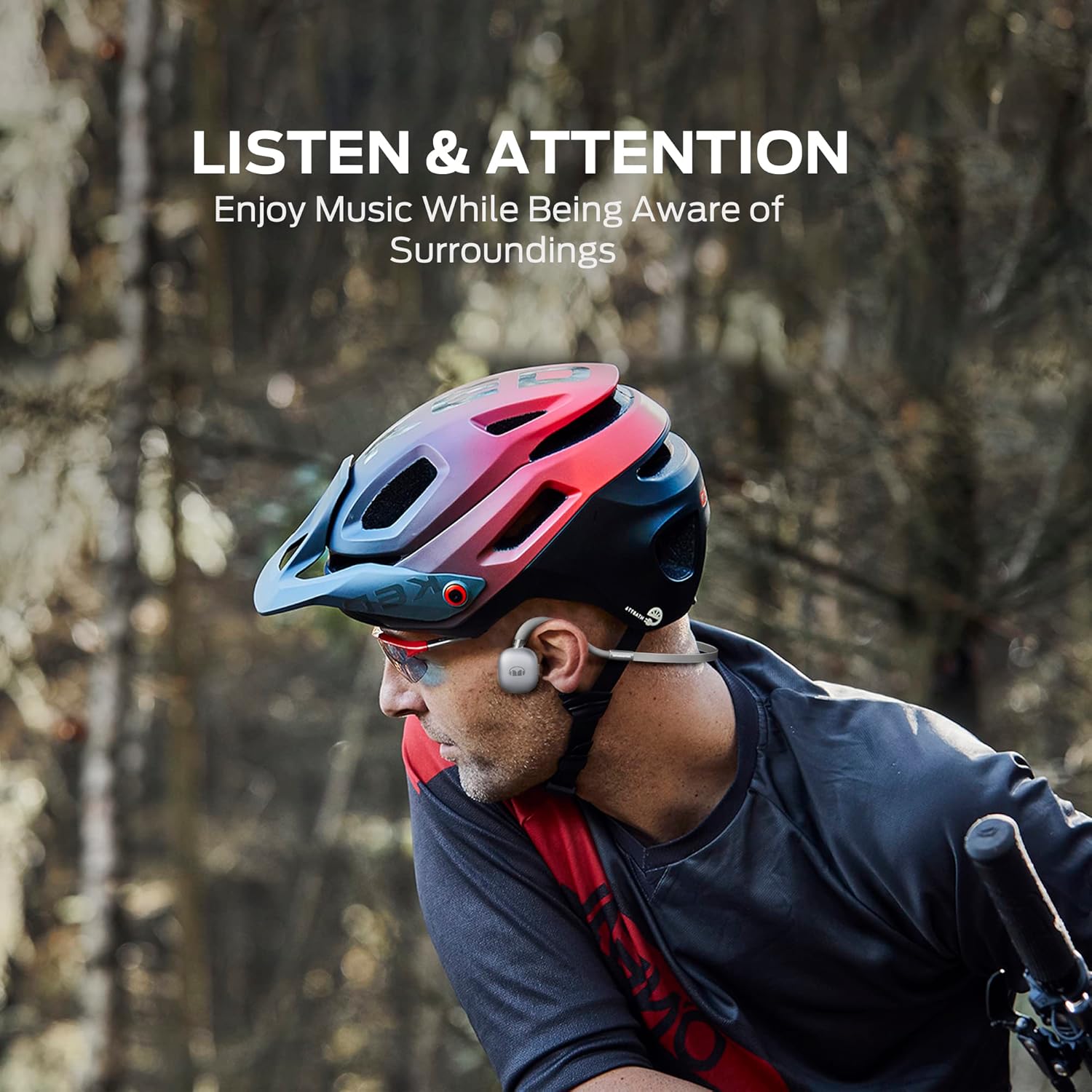
Enjoy your music while remaining fully aware of your environment, ideal for outdoor activities.

Pure Monster Sound is achieved by transmitting audio directly through the cheekbone to the inner ear.
Maintenance
Cleaning
To maintain the performance and appearance of your headphones, wipe them regularly with a soft, dry cloth. For stubborn dirt, a slightly damp cloth can be used. Do not use harsh chemicals or abrasive cleaners.
Water Resistance (IPX5)
Your headphones are IPX5 water-resistant, meaning they can withstand sweat and light splashes of water. They are not designed for submersion in water. After exposure to sweat or rain, wipe the headphones dry before charging to prevent corrosion.

The IPX5 water-resistant rating ensures the headphones can endure sweat, moisture, or sudden rain.
Storage
Store your headphones in a cool, dry place away from direct sunlight and extreme temperatures. Avoid placing heavy objects on them.
Troubleshooting
| Problem | Possible Cause | Solution |
|---|---|---|
| Headphones won't turn on | Low battery | Charge the headphones fully. |
| Cannot pair with device | Headphones not in pairing mode; device Bluetooth off; too far from device | Ensure headphones are in pairing mode (flashing blue/red). Turn on device Bluetooth. Move headphones closer to device. Forget device on phone and re-pair. |
| No sound | Volume too low; not connected; audio source issue | Increase headphone and device volume. Check Bluetooth connection. Try playing audio from a different source. |
| Poor sound quality | Interference; improper fit | Move away from sources of interference. Adjust headphone position for optimal fit on cheekbones. |
Specifications
| Feature | Detail |
|---|---|
| Model Number | E11 |
| Connectivity Technology | Wireless (Bluetooth 5.3) |
| Ear Placement | Open Ear |
| Form Factor | Open Ear |
| Water Resistance Level | IPX5 |
| Control Type | Touch, Media Control |
| Playtime | Up to 7 hours |
| Charging Time | Approx. 2 hours |
| Audio Latency | 60ms (Gaming Mode) |
| Included Components | USB Charging Cable |
| Item Weight | 7.4 ounces |
| Color | Silver |
Warranty and Support
Monster products are designed and manufactured to the highest quality standards. For information regarding warranty coverage, technical support, or service, please refer to the official Monster website or contact their customer service directly. Keep your proof of purchase for warranty claims.


