1. Introduction
Thank you for choosing the Belkin BoostCharge Pro 2-in-1 Wireless Charging Pad with MagSafe 15W. This dual charging pad offers ultra-convenient wireless charging for your compatible devices. It is designed to deliver fast charging to your iPhone and simultaneously charge a second device like AirPods, leveraging MagSafe technology for a secure and aligned connection. The built-in LED indicator light provides clear charging status at a glance.
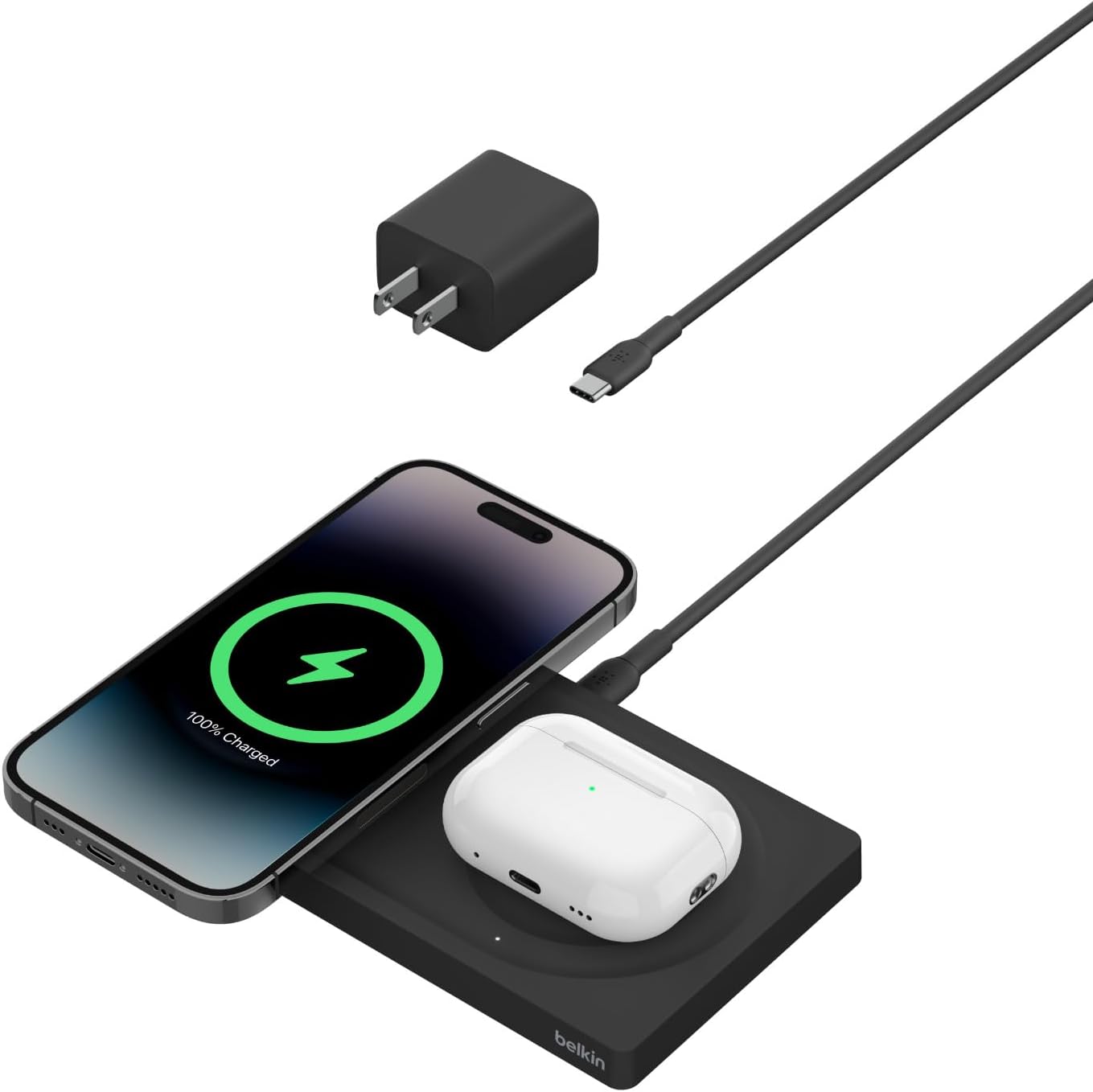
Figure 1: Belkin BoostCharge Pro 2-in-1 Wireless Charging Pad with included accessories.
2. Product Overview
- 2-in-1 Fast Charging: Provides up to 15W MagSafe charging for iPhone 12 series and newer (including iPhone 17, 16, 15, 14, 13) and up to 5W Qi charging for AirPods or other compatible devices.
- Travel-Friendly Design: Features a slim, lightweight, and compact design, making it ideal for travel. Includes a 5ft USB-C to USB-C cable for versatile power connections.
- LED Indicator Light: A dedicated LED on the 5W Qi pad indicates the charging status of your AirPods or other device.
- Case Compatible: Charges through most MagSafe-compatible cases without requiring removal.
- Built-in Safeguards: Incorporates temperature control, overvoltage protection, and foreign object detection to ensure device safety.
- Eco-Friendly Construction: Product housing is made from a minimum of 72% post-consumer recycled content, and packaging is 100% plastic-free.
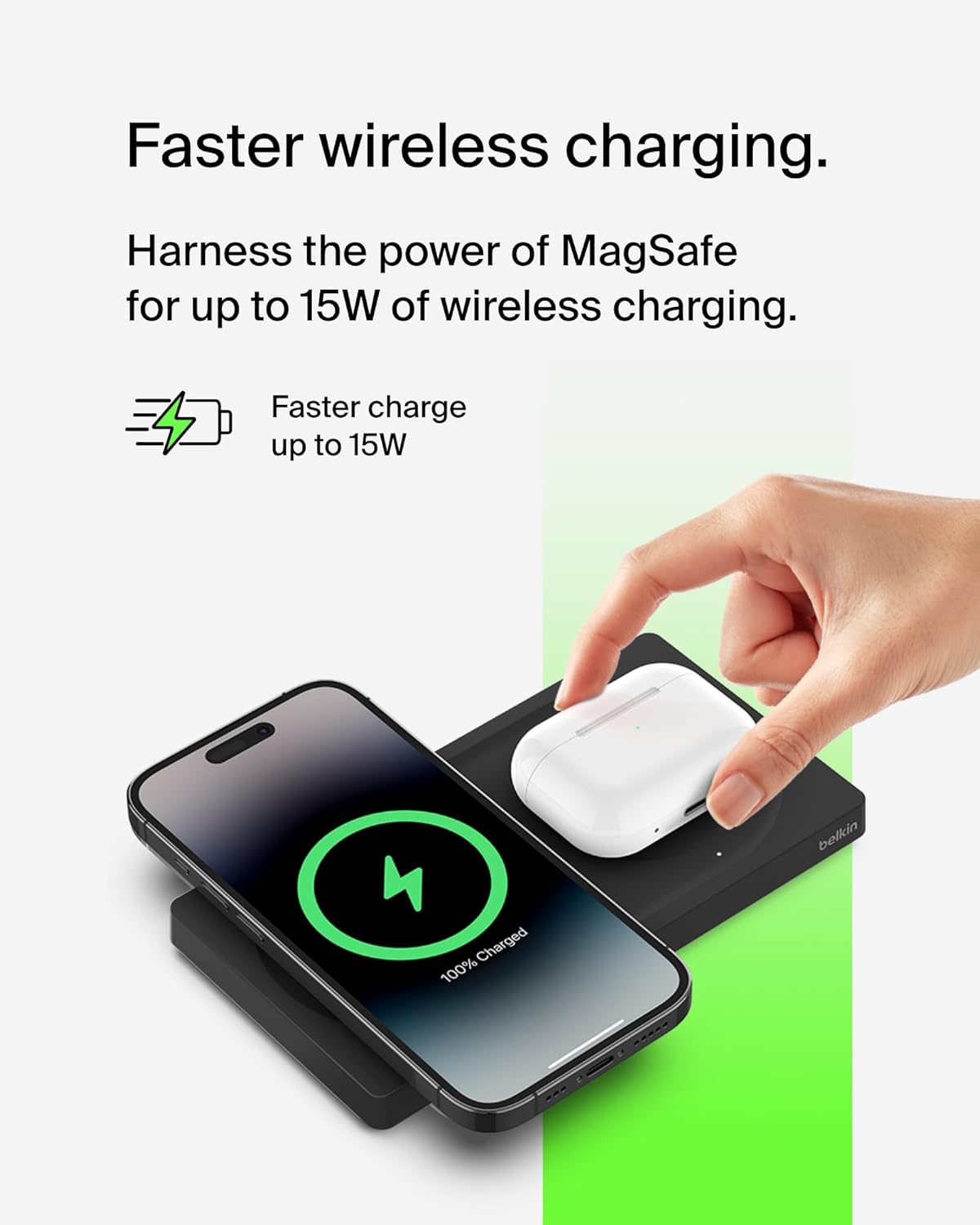
Figure 2: Faster wireless charging for iPhone.

Figure 3: Dual device charging capability.
3. What's in the Box
The package includes the following items:
- 1 x Belkin BoostCharge Pro 2-in-1 Wireless Charging Pad with MagSafe 15W
- 1 x USB-C to USB-C cable (5ft)
4. Setup
- Connect to Power: Plug one end of the included USB-C to USB-C cable into the USB-C port on the back of the Belkin 2-in-1 Wireless Charging Pad.
- Power Source: Connect the other end of the USB-C cable to a compatible USB-C power adapter (not included, but a 45W USB-C power supply is recommended for optimal performance) or a USB-C port on a device like a MacBook.
- Placement: Place the charging pad on a flat, stable surface.
Once connected, the charging pad is ready for use.
5. Operating Instructions
5.1 Charging an iPhone (MagSafe)
- Ensure your iPhone is MagSafe compatible (iPhone 12 series or newer).
- Place your iPhone directly onto the MagSafe charging area of the pad. The magnets will align your iPhone for optimal charging.
- Your iPhone screen will indicate that charging has begun.
5.2 Charging AirPods or Other Qi Devices
- Place your AirPods (or other Qi-compatible device) onto the 5W Qi charging area of the pad.
- The built-in LED indicator light on the pad will illuminate to confirm charging status.
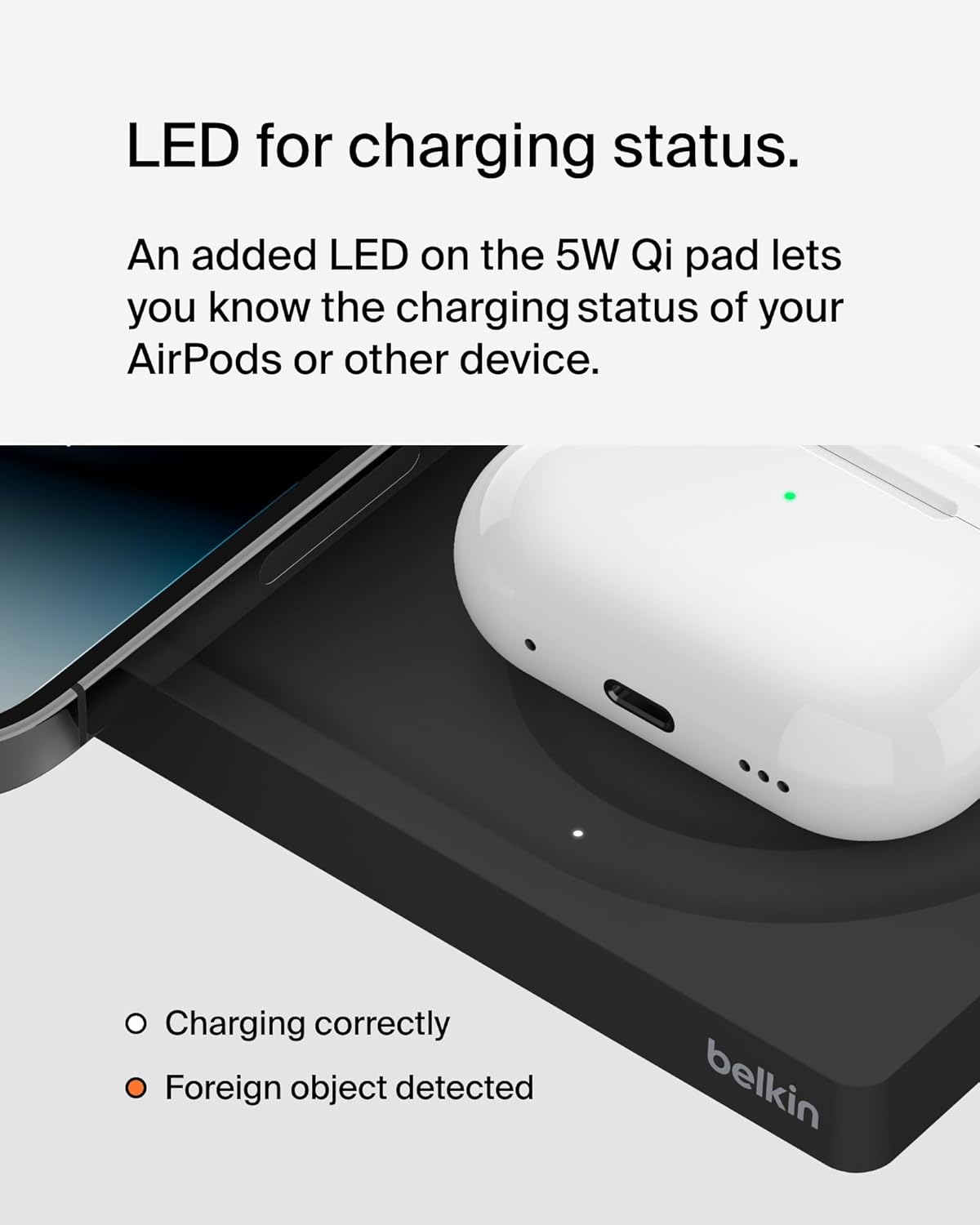
Figure 4: LED indicator for charging status.
6. Safety Features
The Belkin BoostCharge Pro 2-in-1 Wireless Charging Pad is equipped with advanced safety features to protect your devices:
- Temperature Control: Prevents overheating during charging.
- Overvoltage Protection: Safeguards against power surges.
- Foreign Object Detection (FOD): Detects metallic objects on the charging surface that could interfere with charging or cause damage, preventing power delivery until the object is removed.

Figure 5: Built-in safeguards for device protection.
7. Care and Maintenance
- Keep the charging pad clean and free from dust and debris. Use a soft, dry cloth for cleaning.
- Avoid placing metallic objects on the charging surface to prevent interference with charging and potential damage.
- Do not expose the device to extreme temperatures or moisture.
- Handle the charging pad with care to prevent physical damage.
8. Troubleshooting
8.1 Device Not Charging
- Check Power Connection: Ensure the USB-C cable is securely connected to both the charging pad and the power adapter, and that the power adapter is plugged into a working wall outlet.
- Device Placement: Verify that your device is correctly centered on the charging area. For MagSafe, ensure proper magnetic alignment. For Qi, check the LED indicator.
- Case Compatibility: If using a phone case, ensure it is MagSafe compatible and not excessively thick (generally up to 3mm). Remove the case to test if it's interfering with charging.
- Foreign Objects: Remove any metallic objects, cards, or other foreign materials between your device and the charging pad. The Foreign Object Detection feature will prevent charging if such objects are present.
- Restart Device: Sometimes, simply restarting your phone or AirPods can resolve minor charging issues.
8.2 Slow Charging
- Power Adapter: Ensure you are using a sufficiently powerful USB-C power adapter. For optimal 15W MagSafe charging, a 45W or higher power adapter is recommended.
- Background Apps: Close any power-intensive applications running in the background on your device.
- Device Usage: Avoid using your device extensively while it is wirelessly charging, as this can slow down the charging process.
9. Specifications
| Feature | Detail |
|---|---|
| Product Dimensions | 7 x 3.25 x 4 inches |
| Item Weight | 1 pounds |
| Item Model Number | WIZ019ttBK |
| Manufacturer | Belkin |
| Connector Type | USB-C |
| Compatible Devices | iPhone 12 series, iPhone 13 series, iPhone 14 series, iPhone 15 series, iPhone 16 series, iPhone 17 series, AirPods (Qi-compatible) |
| Special Features | 15W MagSafe, 5W Qi pad, Built-in LED Indicator Light, Fast Charging, Magsafe Compatible, Slim & Lightweight, Modern Design, Temperature Control, Overvoltage Protection, Foreign Object Detection |
| Input Voltage | 9 Volts |
| Amperage | 1.67 Amps |
| Total USB Ports | 1 (for power input) |
10. Warranty and Support
This Belkin BoostCharge Pro 2-in-1 Wireless Charging Pad comes with a 2-year warranty. For detailed warranty information, product support, or to contact customer service, please visit the official Belkin website or refer to the product information included in the packaging.
11. Product Videos
Belkin SoundForm 2-in-1 Unboxing
This video provides a brief unboxing of a Belkin 2-in-1 charging pad, showcasing its appearance and initial contents.
Belkin MagSafe 2-in-1 Overview
This video offers an overview of the Belkin MagSafe 2-in-1 charging pad, highlighting its design and functionality.


