Introduction
This manual provides instructions for the ZdalaMit RAV574 VDM8690 replacement remote control. This remote is designed to function as a direct replacement for the original remote controls of specific Yamaha AV Receiver models without requiring any programming.
Compatible Yamaha AV Receiver Models:
- RX-V4A
- RX-V4ABL
- RXV4A
- RXV4ABL
- YHT-5960U
- YHT-5960UBL
- YHT5960U
- YHT5960UBL
Please ensure your AV receiver model is listed above for proper compatibility.
Setup
Battery Installation
The remote control requires two (2) 1.5V AAA Alkaline batteries (not included). Follow these steps to install the batteries:
- Locate the battery compartment cover on the back of the remote control.
- Slide the cover downwards or press the latch (if present) and lift to open the compartment.
- Insert two AAA batteries, ensuring the positive (+) and negative (-) terminals align correctly with the markings inside the compartment.
- Replace the battery compartment cover by sliding it back into place until it clicks securely.
Once batteries are installed, the remote control is ready for immediate use with compatible Yamaha AV receivers. No additional programming is required.
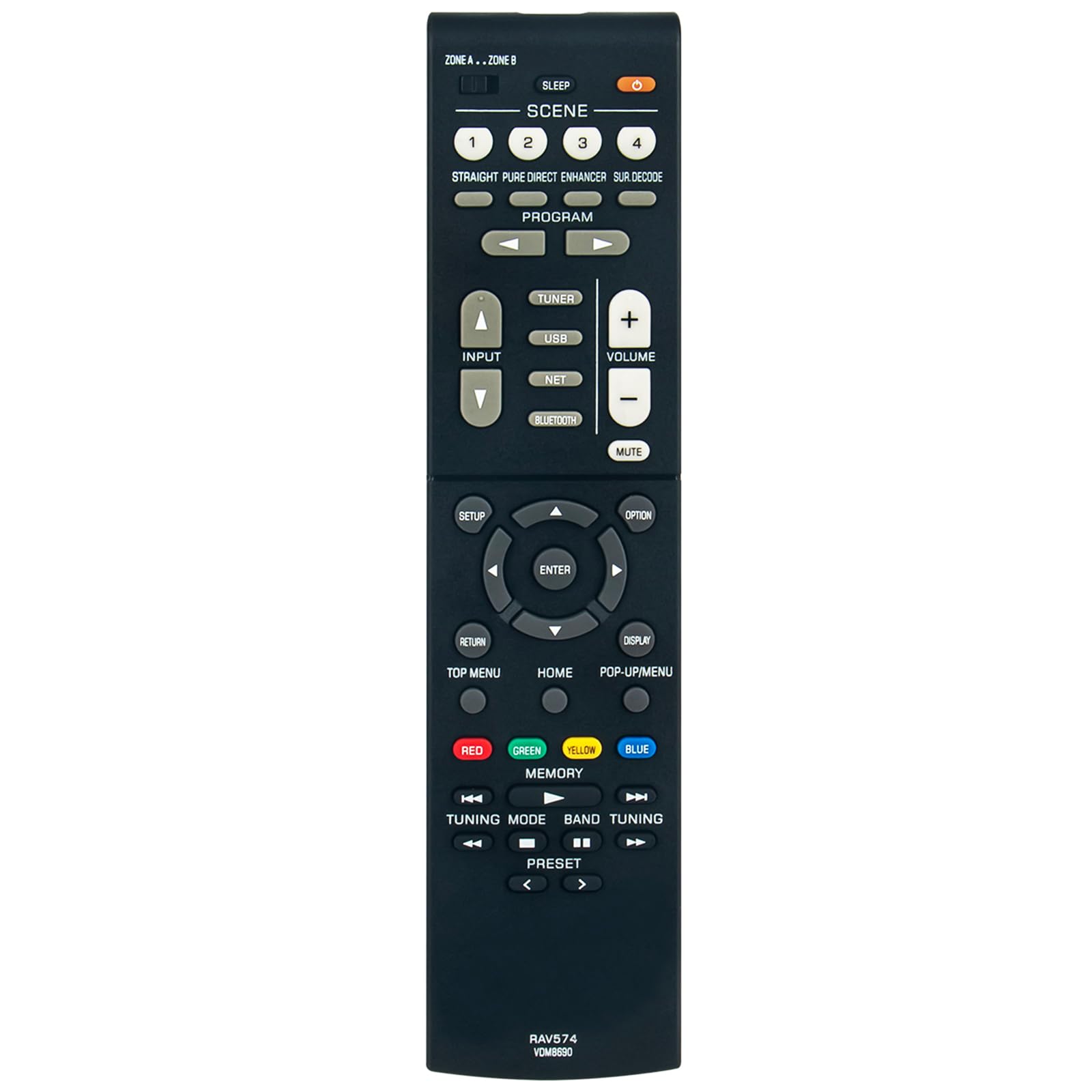
Image: ZdalaMit RAV574 VDM8690 Replacement Remote Control. This image displays the full remote control from an angled perspective, highlighting the layout of its various buttons including power, volume, channel, input selection, and navigation controls.
Operating Instructions
This replacement remote control provides full functionality for your compatible Yamaha AV receiver. Below are general instructions for common functions:
- Power On/Off: Press the POWER button to turn the AV receiver on or off.
- Volume Control: Use the VOLUME + and VOLUME - buttons to adjust the audio level.
- Mute: Press the MUTE button to temporarily silence the audio. Press again to restore sound.
- Input Selection: Use the INPUT buttons (e.g., HDMI 1, HDMI 2, AV, TUNER, USB, NET) to select the desired audio/video source.
- Navigation: The directional arrow buttons (UP, DOWN, LEFT, RIGHT) and ENTER button are used to navigate menus and confirm selections on your AV receiver's display.
- Menu Access: Buttons like SETUP, HOME, OPTION, and POP-UP/MENU provide access to the receiver's settings and on-screen menus.
- Scene Selection: The SCENE 1-4 buttons allow for quick recall of pre-programmed settings for different listening or viewing scenarios.
- Playback Controls: If your receiver supports media playback, use buttons such as PLAY, PAUSE, STOP, FAST FORWARD, REWIND, SKIP for media control.
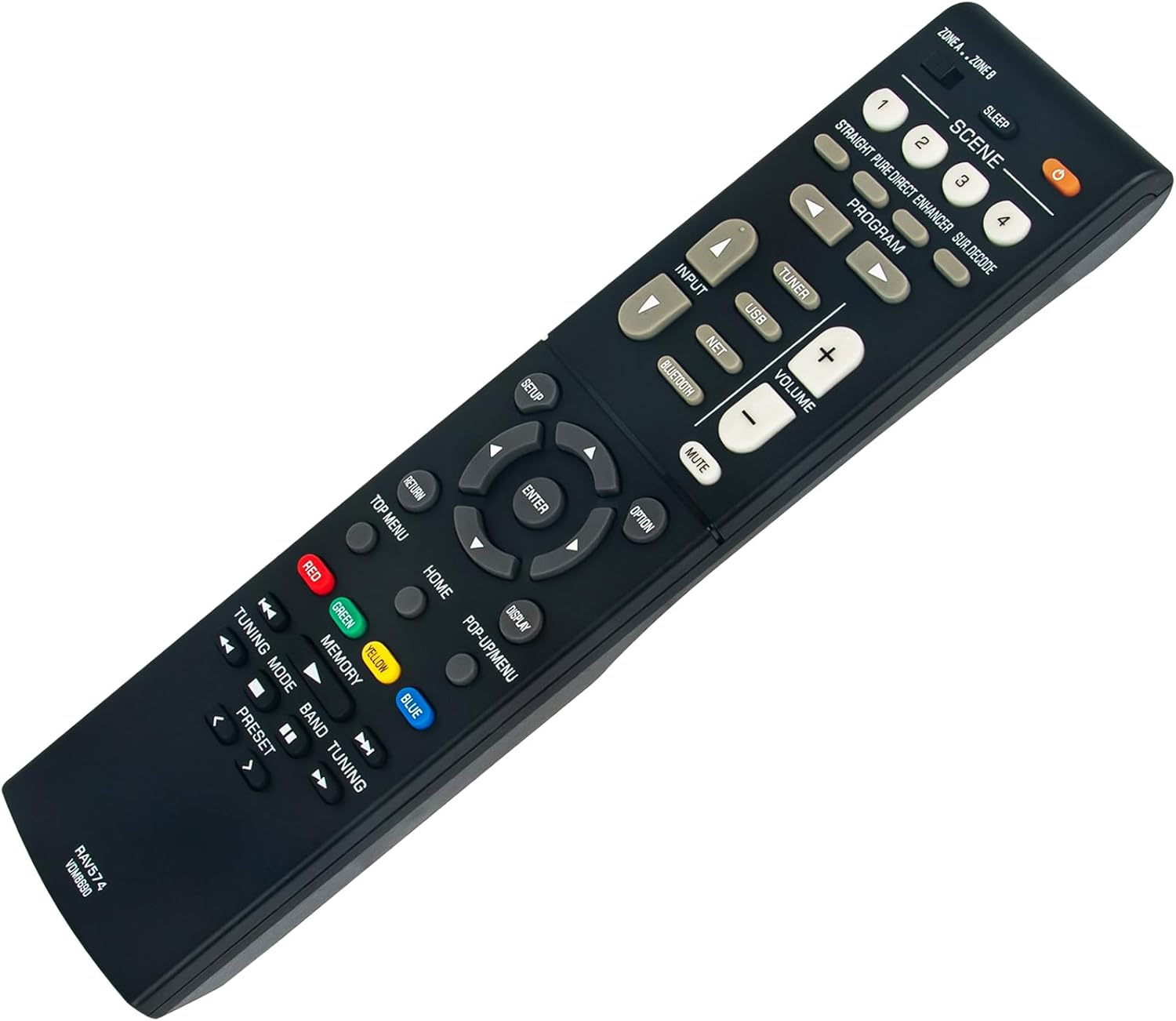
Image: Close-up view of the ZdalaMit RAV574 VDM8690 Replacement Remote Control buttons. This image provides a detailed look at the various function buttons, including the colored buttons (Red, Green, Yellow, Blue) and navigation cluster.
Troubleshooting
If you experience issues with your remote control, please refer to the following common solutions:
- Remote Not Responding:
- Check if the batteries are inserted correctly with the correct polarity (+/-).
- Replace old batteries with new AAA Alkaline batteries.
- Ensure there are no obstructions between the remote control and the AV receiver's infrared sensor.
- Confirm the remote is pointed directly at the AV receiver.
- Limited Range:
- Ensure batteries are fresh. Weak batteries can reduce the remote's operating range.
- Avoid strong light sources (e.g., direct sunlight, fluorescent lights) that might interfere with the infrared signal.
- Specific Functions Not Working:
- Verify that your AV receiver model is listed as compatible in the "Introduction" section.
- Some advanced functions may require specific settings on your AV receiver. Refer to your Yamaha AV receiver's original manual for detailed operation.
Specifications
| Product Dimensions | 6 x 2 x 0.5 inches |
| Item Weight | 1.41 ounces |
| Power Supply | 2 x 1.5V AAA Alkaline Batteries (not included) |
| Special Feature | Pre-Programmed, No Setup Required |
| Color | Black |
| Compatible Devices | Yamaha AV Home Theater Receivers (specific models listed in Introduction) |
Support
For further assistance or inquiries regarding this replacement remote control, please contact the seller or manufacturer through your purchase platform. Ensure to provide your product details for efficient support.


