1. Introduction
This manual provides detailed instructions for the assembly, operation, and maintenance of your HOOBRO Rolling TV Stand with Mount and Power Outlet (Model BB66UDS01). Please read this manual thoroughly before beginning assembly or use to ensure safe and correct operation of the product.
The HOOBRO Rolling TV Stand offers a versatile solution for your entertainment needs, featuring a mobile design with lockable casters, an adjustable TV mount for various screen sizes, integrated power outlets for convenience, and three tiers of storage shelves for media equipment and accessories.
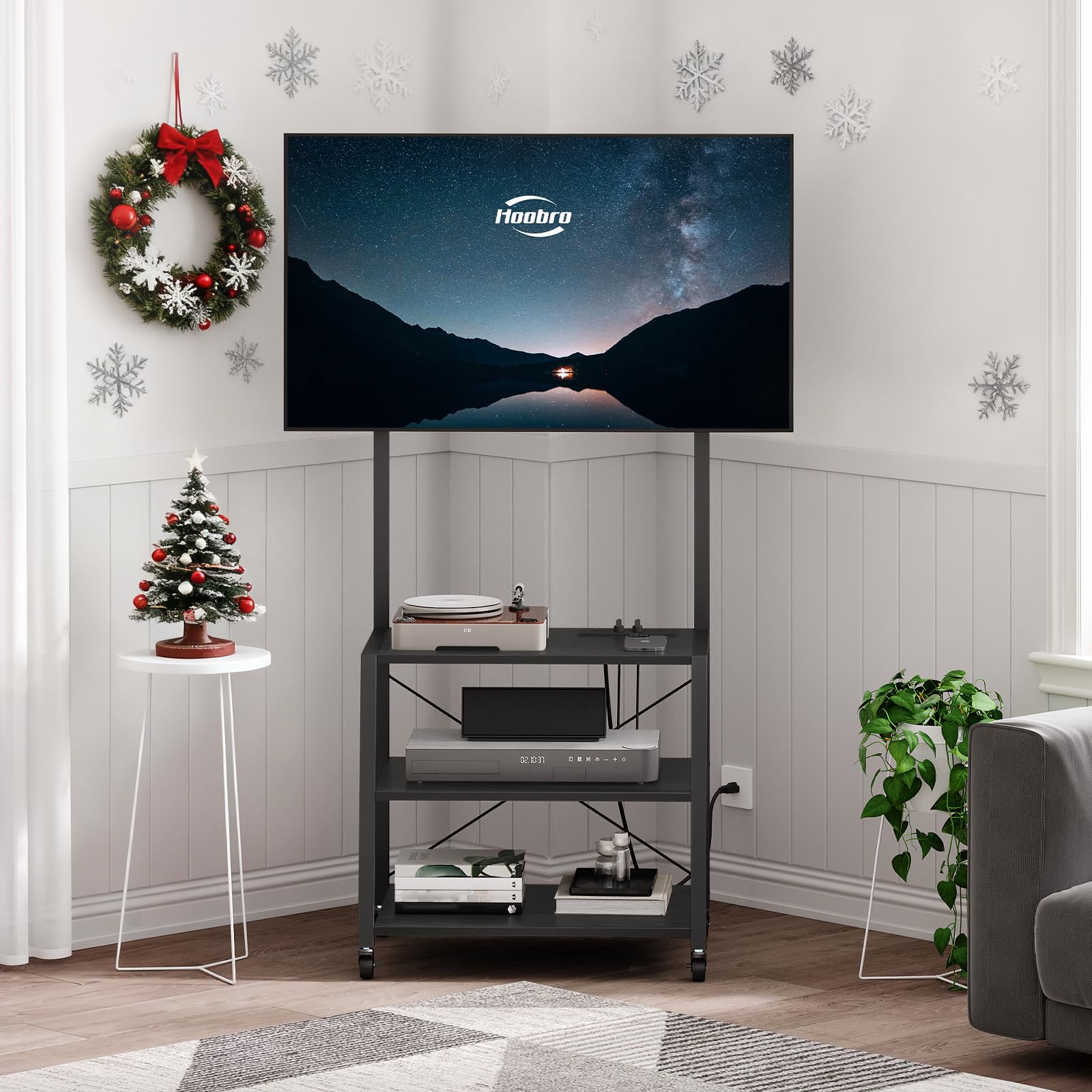
Figure 1.1: Overview of the HOOBRO Rolling TV Stand.
2. Safety Information
Please observe the following safety precautions to prevent injury or damage to the product:
- Read all instructions carefully before assembly and use.
- Do not exceed the maximum weight capacity for the TV mount or shelves. Refer to the Specifications section for details.
- Ensure all screws, bolts, and connections are securely tightened before placing a TV or other items on the stand, and before moving the stand.
- Keep children and pets away from the assembly area. Small parts can be a choking hazard.
- Place the stand on a level surface to prevent tipping. If using casters, ensure they are locked when the stand is stationary.
- Do not attempt to modify the product. Any modifications may compromise safety and void the warranty.
- When moving the stand, ensure the TV is securely mounted and all items on shelves are stable to prevent them from falling.
- Avoid exposing the power outlet to moisture or excessive heat. Do not overload the power outlets.
3. Package Contents
Before assembly, verify that all components listed below are present and undamaged. If any parts are missing or damaged, contact customer support.
- TV Stand Frame Components (metal tubes, crossbars)
- 3 x Storage Shelves (engineered wood)
- Adjustable TV Mount Bracket
- 4 x Casters (2 with locks)
- 4 x Adjustable Feet
- Power Outlet Unit with Cable
- Assembly Hardware (screws, bolts, washers, Allen wrench)
- Cable Management Clips
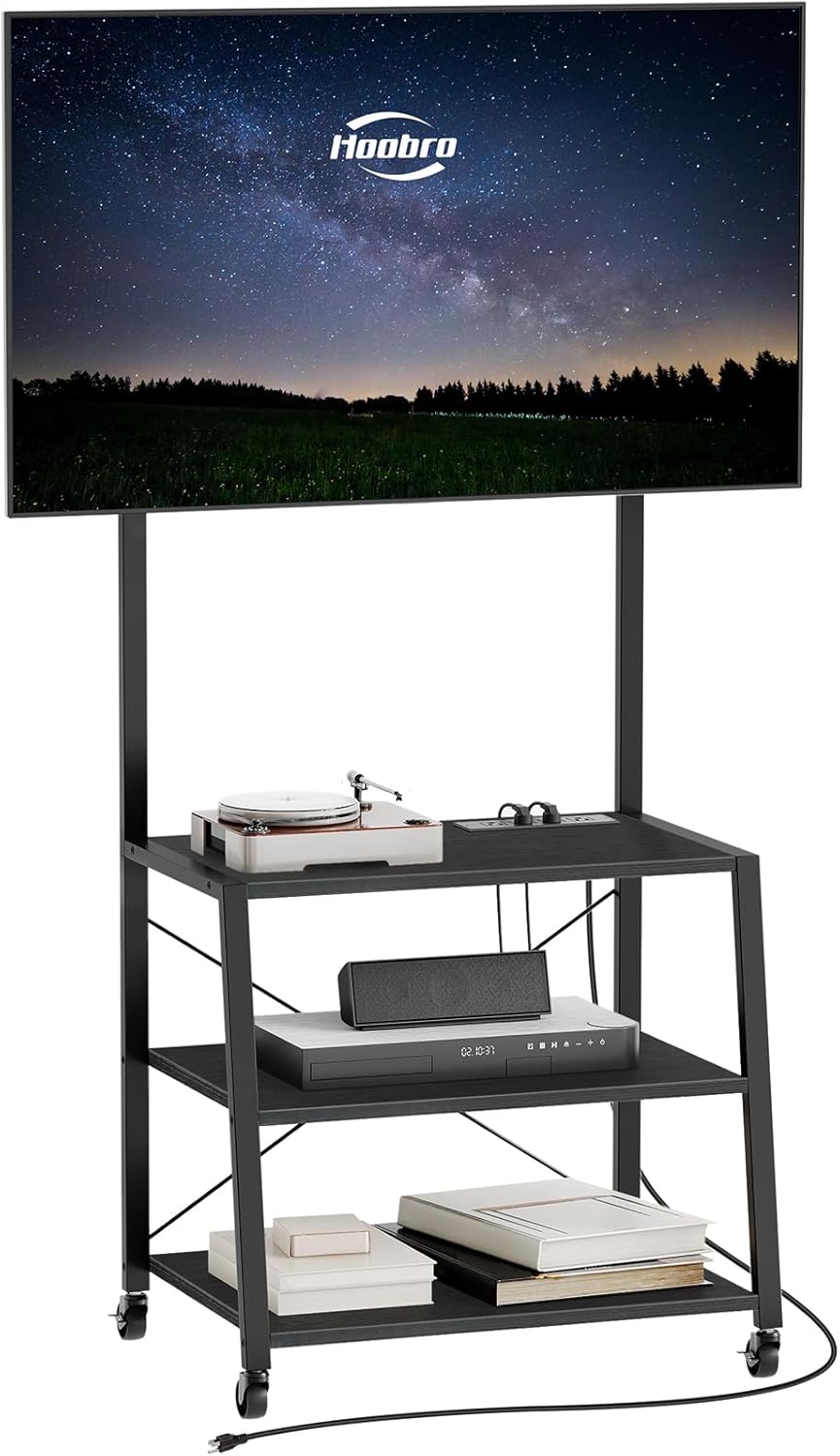
Figure 3.1: Example of assembly hardware and frame connection points.
4. Setup & Assembly
Follow these steps to assemble your HOOBRO Rolling TV Stand. It is recommended to have a second person assist with TV mounting.
- Unpack and Identify Parts: Lay out all components on a clean, soft surface to prevent scratches. Refer to the parts list to ensure everything is present.
- Assemble the Base Frame: Connect the metal frame components according to the diagrams provided in your product packaging. Ensure all screws are finger-tightened initially.
- Attach Casters or Adjustable Feet: Decide whether you want to use the rolling casters for mobility or the adjustable feet for a stationary setup. Screw the chosen components into the bottom of the stand's legs. If using casters, ensure the two lockable casters are placed on the front side for easy access.
- Install Shelves: Place the three engineered wood shelves onto the designated frame sections. Secure them with the provided screws.
- Install TV Mount Pole: Attach the vertical pole for the TV mount to the top shelf and base frame, ensuring it is stable and upright.
- Attach TV Mount Bracket: Secure the adjustable TV mount bracket to the vertical pole. Do not fully tighten until the TV is attached, as adjustments may be needed.
- Mount the TV: Carefully attach your television to the TV mount bracket. Ensure the TV is centered and level. Tighten all screws on the mount securely. The mount allows for vertical and horizontal adjustment to fit various TV sizes up to 55 inches.
- Install Power Outlet: Integrate the power outlet unit into the designated slot on the top shelf. Route the power cord safely.
- Cable Management: Use the provided cable clips on the metal frame to organize and secure TV and device cables, keeping the area tidy and safe.
- Final Tightening: Once fully assembled and the TV is mounted, go back and securely tighten all screws and bolts on the entire stand.

Figure 4.1: The adjustable TV mount allows for flexible positioning of your television.

Figure 4.2: Product dimensions for planning placement.

Figure 4.3: Utilize the integrated cable clips for tidy cable management.
5. Operating Instructions
5.1 Adjusting the TV Mount
The TV mount allows for both horizontal and vertical adjustments to optimize your viewing experience. Loosen the adjustment screws on the mount, carefully reposition the TV, and then securely tighten the screws to fix it in place. Ensure the TV is balanced before releasing.
5.2 Using the Casters and Adjustable Feet
If you have installed the casters, you can easily move the TV stand to different locations. To secure the stand in place, press down on the locking levers of the two lockable casters. To move the stand, lift the locking levers. If you have installed the adjustable feet, you can rotate them to level the stand on uneven surfaces, ensuring stability.

Figure 5.1: Casters provide mobility, while adjustable feet offer stability on uneven floors.
Figure 5.2: Adjustable feet can be rotated to ensure the stand is level.
5.3 Integrated Power Outlet
The stand includes a power outlet unit with 4 AC outlets. Plug your TV, media players, game consoles, and other electronic devices into these outlets for convenient power access. Ensure the total power consumption does not exceed the maximum rating of 1500 Watts.

Figure 5.3: The integrated power outlet provides convenient access for multiple devices.
5.4 Storage Shelves
Utilize the three open storage shelves to organize your DVD players, game consoles, sound systems, remote controls, books, and other home decorations. Distribute weight evenly across the shelves.

Figure 5.4: The three open shelves offer ample space for organizing media devices and accessories.
6. Maintenance
To ensure the longevity and appearance of your TV stand:
- Cleaning: Wipe the surfaces with a soft, damp cloth. Avoid harsh chemicals or abrasive cleaners that may damage the finish.
- Tightness Check: Periodically check all screws and bolts to ensure they remain tight. Re-tighten if necessary to maintain stability.
- Caster Care: If using casters, keep them free of debris (hair, dust) to ensure smooth rolling.
- Power Outlet: Inspect the power cord and outlets regularly for any signs of wear or damage. Discontinue use if damage is found and contact customer support.
7. Troubleshooting
If you encounter any issues with your HOOBRO Rolling TV Stand, refer to the following common problems and solutions:
- Stand is Wobbly:
- Ensure all assembly screws and bolts are securely tightened.
- If using adjustable feet, rotate them to level the stand on uneven floor surfaces.
- If using casters, ensure they are all making contact with the floor and are not damaged.
- TV Not Fitting the Mount:
- Verify your TV's size is within the supported range (up to 55 inches).
- Check your TV's VESA mounting pattern against the mount's compatibility.
- Ensure the TV mount bracket is correctly installed and adjusted.
- Power Outlet Not Working:
- Ensure the stand's main power cord is securely plugged into a functional wall outlet.
- Check if the devices are properly plugged into the stand's outlets.
- Avoid overloading the outlets; the maximum power is 1500 Watts.
8. Specifications
| Model | BB66UDS01 |
| Product Dimensions | 23.62 x 17.91 x 52.76 inches (60 x 45.5 x 134 cm) |
| Item Weight | 26.7 pounds (12.1 kg) |
| Material | Engineered Wood, Metal |
| Color | Black |
| Mounting Type | Floor Mount |
| Movement Type | Wheeled (with lockable casters) |
| Compatible TV Size | Up to 55 inches |
| Power Outlet | 4 AC Outlets, 125V/12A |
| Max. Power Output | 1500 Watts |
| Power Cord Length | 4.9 feet |
9. Warranty & Support
For warranty information, product support, or to report missing/damaged parts, please contact HOOBRO customer service. Refer to your purchase documentation or the HOOBRO official website for contact details.
Please retain your proof of purchase for warranty claims.
10. Video Demonstration
Product Features Overview
Video 10.1: This video provides a brief overview of the HOOBRO TV Stand's key features, including its suitability for various TV sizes, large storage capacity, and mobility. (Source: Seller)