
Introduction
Welcome to the world of the LEXIBOOK Extreme Crosslander® RC Car. This manual provides essential information for the safe and optimal operation of your new remote-controlled vehicle. The Extreme Crosslander® is designed for exciting off-road adventures, featuring powerful 4-wheel drive, exceptional maneuverability, and dynamic lighting effects. It can be controlled via a traditional remote control or an innovative gesture control wristband, allowing for 360° rotations and multi-directional movement. Please read this manual thoroughly before use.
Safety Information
WARNING! Not suitable for children under 3 years. Choking hazard - small parts.
Always supervise children during operation. Do not operate near water, roads, or in crowded areas. Ensure the play area is clear of obstacles and hazards. Do not modify the product. Use only specified batteries and charging methods.
What's in the Box
Upon unpacking, please ensure all the following components are present:
- 1 x Remote Control Car
- 1 x Remote Control
- 1 x Wrist Remote Control
- 1 x Instruction Manual

Image: The complete package contents of the LEXIBOOK Extreme Crosslander® RC Car, showing the car, both controllers, and rechargeable batteries.
Setup
Battery Installation and Charging
- Car Battery: The car requires a rechargeable battery. Connect the car's battery to the provided charging cable and plug it into a suitable USB power source. A full charge takes approximately 2.5-3 hours and provides about 20 minutes of playtime.
- Remote Control Batteries: Insert the required batteries (not specified in product data, typically AA or AAA) into the remote control, ensuring correct polarity.
- Wrist Remote Control Battery: The wristband controller has a built-in rechargeable battery. Charge it for approximately 1 hour for up to 8 hours of use.
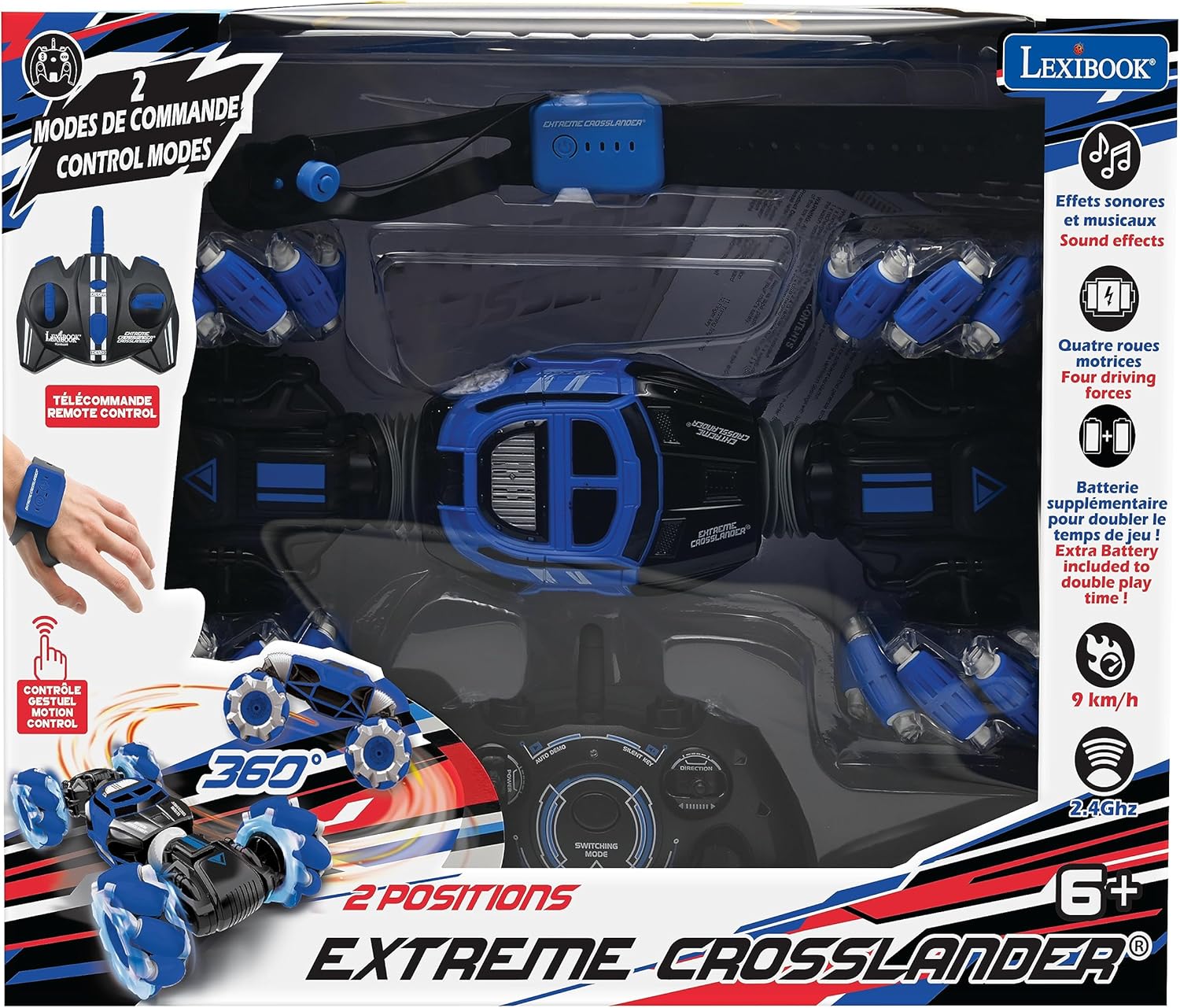
Image: The product packaging, illustrating the two available control modes (remote and gesture) and the car's ability to perform 360-degree rotations.
Operating Instructions
Powering On
Turn on the power switch on the car, the remote control, and the wrist remote control. The devices will automatically pair. If pairing fails, turn them off and on again.
Control Modes
The Extreme Crosslander® offers two distinct control methods:
- Remote Control: Use the traditional handheld remote control for precise steering and speed adjustments. The remote control has a range of up to 25 meters.
- Gesture Control Wristband: Wear the wristband and use hand gestures to control the car's movement. This allows for intuitive control, including forward, backward, sideways, and 360° rotations. The gesture control range is up to 15 meters.

Image: A child using the standard remote control to maneuver the LEXIBOOK Extreme Crosslander® RC Car outdoors.

Image: A hand wearing the gesture control wristband, demonstrating the intuitive control method for the LEXIBOOK Extreme Crosslander® RC Car.
Driving Modes and Features
- Two Driving Modes: Switch between racing mode for speed and off-road mode for enhanced maneuverability on varied terrains.
- 360° Rotation: Perform impressive 360-degree spins with ease using either control method.
- Light and Sound Effects: The car features spectacular lighting effects and integrated sound and musical effects for an immersive play experience.
- Demo Mode: Activate the demo mode to watch the car perform a series of pre-programmed stunts to the rhythm of music.
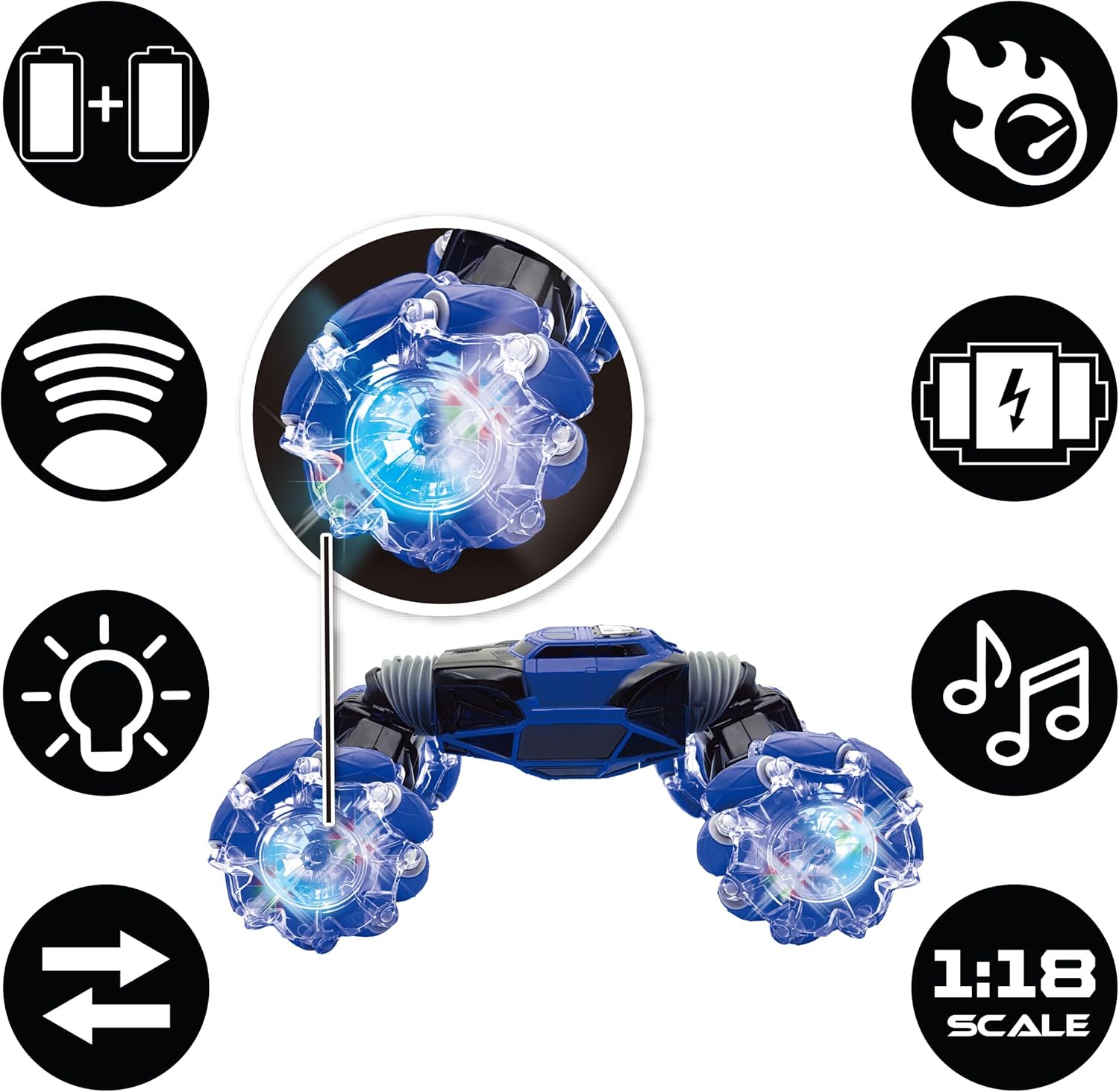
Image: A visual representation of the LEXIBOOK Extreme Crosslander® RC Car's key features, such as its 4-wheel drive, lighting, sound effects, and 1:18 scale.

Image: A graphic demonstrating the LEXIBOOK Extreme Crosslander® RC Car's ability to perform a full 360-degree rotation.

Image: The LEXIBOOK Extreme Crosslander® RC Car in action, showcasing its luminous wheels and dynamic movement.
Maintenance
To ensure the longevity of your Extreme Crosslander® RC Car, follow these maintenance guidelines:
- Cleaning: Use a soft, dry cloth to wipe down the car after use. Avoid using water or harsh chemicals, as this can damage electronic components.
- Storage: Store the car and controllers in a cool, dry place away from direct sunlight and extreme temperatures. Remove batteries from the remote control if storing for extended periods.
- Battery Care: Always fully charge the car and wristband batteries before use. Do not overcharge. If the car will not be used for a long time, it is recommended to partially charge the battery (around 50%) before storage.
Troubleshooting
If you encounter issues with your Extreme Crosslander® RC Car, try the following solutions:
- Car Not Responding:
- Ensure the car, remote control, and wristband are all powered on.
- Check if batteries are fully charged in the car and controllers.
- Turn all devices off and then on again to re-establish pairing.
- Ensure you are within the operational range (15m for gesture, 25m for remote).
- Short Playtime:
- Ensure the car battery is fully charged (2.5-3 hours).
- Battery performance can decrease over time; consider replacing if significantly degraded.
- Lights/Sounds Not Working:
- Check car battery level.
- Ensure no physical damage to the car's light or speaker components.
Specifications
| Feature | Detail |
|---|---|
| Product Dimensions | 10.24 x 5.91 x 2.76 inches |
| Item Weight | 1.07 pounds |
| Item Model Number | RC49 |
| Manufacturer Recommended Age | 6 years and up |
| Batteries Required | 1 CR2032 batteries required (for wristband, car battery rechargeable) |
| Release Date | July 28, 2023 |
| Manufacturer | Lexibook |
| Max Speed | Up to 9 km/h |
| Car Battery Life | Approx. 20 minutes |
| Car Charge Time | Approx. 2.5-3 hours |
| Wristband Battery Life | Approx. 8 hours |
| Wristband Charge Time | Approx. 1 hour |
| Gesture Control Range | 15 meters |
| Remote Control Range | 25 meters |
Warranty and Support
LEXIBOOK products are designed for quality and safety. For any questions, technical support, or warranty information, please refer to the official LEXIBOOK website or contact their customer service directly. You can also visit the LEXIBOOK Store on Amazon for more information.