
Chuboor PJ-LX-001, PJ-001 (Compatible with PJ01 and PJ08 Air Purifiers)
Chuboor Air Purifier Replacement Filter Instruction Manual
Model: PJ-LX-001, PJ-001 (Compatible with PJ01 and PJ08 Air Purifiers)
1. Introduction
This manual provides essential information for the proper use, installation, and maintenance of your Chuboor 3-in-1 True HEPA Replacement Filter. This filter is specifically designed for Chuboor PJ01 and PJ08 Air Purifiers to ensure optimal air quality in your home or office environment.

This image displays the Chuboor 3-in-1 True HEPA replacement filter, designed for optimal air purification. It features a cylindrical shape with a yellow pleated filter material, a black activated carbon layer visible at the top, and a sturdy white frame.
2. Product Features
The Chuboor replacement filter features a comprehensive 3-in-1 filtration system designed to capture a wide range of airborne particles and odors:
- Pre-filter: Captures large particles such as dust, lint, fibers, and pet fur, extending the life of the other filters.
- H13 True HEPA Filter: Traps 99.97% of airborne particles 0.3 microns in size, including pollen, dust mites, pet dander, and smoke particles.
- Activated Carbon Filter: Absorbs various household odors from pets, cooking, smoke, and harmful VOCs (Volatile Organic Compounds).
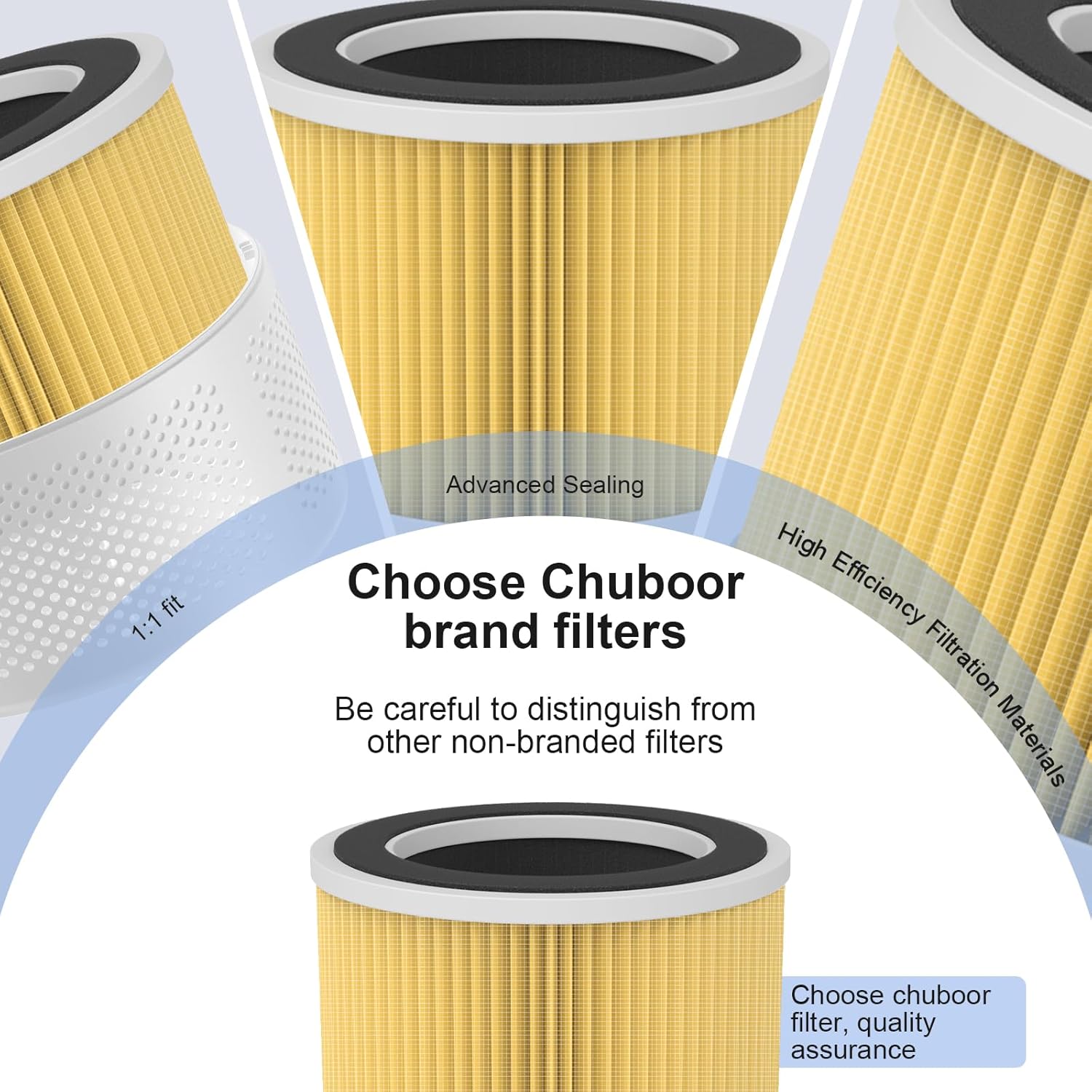
This image illustrates the internal construction of the Chuboor filter, emphasizing its advanced sealing for a secure fit and the high-efficiency filtration materials used to capture airborne particles. It shows the pleated HEPA layer and the activated carbon layer.

This image visually compares the filtration effectiveness of a Chuboor filter (yellow) against a generic filter (gray). It highlights that Chuboor filters achieve 99.9% filtration for certain particles (like viruses) compared to 89% for generic filters, and 95% for other particles (like bacteria) compared to 85% for generic filters, demonstrating superior performance.
3. Specifications
| Brand Name | Chuboor |
| Model Info | PJ-LX-001 |
| Item Weight | 10.8 ounces (0.42 lbs) |
| Product Dimensions | 6.3 x 6.3 x 5.12 inches |
| Item Model Number | PJ-LX-001 |
| Part Number | PJ-001 |
| Color | milky white |
| Compatible Device | Air Purifier (Chuboor PJ01 and PJ08) |
| Material Type | H13 True HEPA |
| Included Components | 3-in-1 True HEPA Replacement Filter |

This image provides the precise measurements of the Chuboor replacement filter: 6.89 inches in diameter, 5.08 inches in height, and a top opening diameter of 4.53 inches. The filter weighs 0.42 lbs.
4. Installation (Filter Replacement Procedure)
To maintain optimal performance of your Chuboor Air Purifier, replace the filter according to the following steps:
- Step 1: Power Off and Unplug. Before replacing the filter, ensure your air purifier is turned off and unplugged from the power outlet.
- Step 2: Remove Top Cover. Gently twist and lift the top cover of the air purifier to expose the filter compartment.
- Step 3: Remove Old Filter. Carefully lift the old filter out of the air purifier. Dispose of the used filter responsibly.
- Step 4: Insert New Filter. Place the new Chuboor replacement filter into the compartment, ensuring it is seated correctly.
- Step 5: Replace Top Cover. Align the top cover and twist it back into place until it is securely fastened.
- Step 6: Reset Filter Indicator. Plug in the air purifier. Locate the filter reset button on the control panel (it may be flashing red). Press and hold the reset button for a few seconds until the indicator light turns off or changes color, signifying the filter has been reset.

This diagram outlines the four-step procedure for replacing the filter in your Chuboor air purifier. It shows how to remove the top cover, lift out the old filter, insert the new filter, and then reset the filter indicator on the control panel.
5. Maintenance
Regular filter replacement is crucial for maintaining the efficiency and effectiveness of your air purifier. The lifespan of the filter depends on air quality and usage frequency.
- Replacement Frequency: We generally recommend replacing the filter every 2-3 months.
- Filter Indicator: The air purifier is equipped with a filter reset button and an indicator light. When the filter needs to be replaced, this indicator will flash red.
- Cleaning: The filter itself is not washable. Do not attempt to clean the HEPA or activated carbon layers with water or other liquids, as this can damage the filter and reduce its effectiveness.
6. Troubleshooting
If you encounter issues after replacing your filter, consider the following:
- Filter Indicator Still Flashing Red: Ensure you have pressed and held the filter reset button on the air purifier's control panel for the required duration (typically a few seconds) after installing the new filter. If the light persists, try unplugging the unit for 10 minutes and then plugging it back in and resetting again.
- Reduced Airflow or Odor: If you notice reduced airflow or persistent odors shortly after replacement, verify that the new filter is correctly seated and that the air purifier's top cover is securely closed. Ensure you are using a genuine Chuboor replacement filter.

This image shows a white Chuboor air purifier alongside a new Chuboor replacement filter, illustrating the compatible components. The air purifier's display shows air quality readings, emphasizing the system's function.
7. Safety Information
- Always unplug the air purifier from the power outlet before attempting any filter replacement or maintenance.
- Do not wash or reuse the filter. The filtration media is designed for single-use and loses effectiveness when wet.
- Keep replacement filters in their sealed packaging until ready for use to maintain their integrity and effectiveness.
- Dispose of used filters according to local waste disposal regulations.
8. Warranty and Support
Specific warranty details and direct support contact information for this replacement filter are not available in the provided product data. For warranty claims, technical support, or further inquiries, please refer to the original air purifier's user manual or visit the official Chuboor website for the most up-to-date information.
Ask a question about this manual
Ask about setup, troubleshooting, compatibility, parts, safety, or missing instructions. Manuals+ will review the question and use this page’s manual context to help answer it.