Introduction
The JBL Tune Beam True Wireless Active Noise Cancelling Earbuds are designed to provide an immersive audio experience with advanced features for comfort and clarity. This manual provides essential information for setting up, operating, maintaining, and troubleshooting your earbuds.

Figure 1: JBL Tune Beam True Wireless Earbuds in purple charging case with one earbud removed.
What's in the Box
Your JBL Tune Beam package includes the following items:
- 1 x JBL Tune Beam earbuds
- 1 x Charging case
- 1 x Type-C to Type-A charging cable
- 1 x 3 sizes of eartips
- 1 x Warranty / Warning
- 1 x Quick Start Guide / Safety Sheet
Video 1: Unboxing the JBL Tune Beam Earbuds, showing the contents of the package.
Setup
1. Initial Charging
Before first use, fully charge your JBL Tune Beam earbuds and charging case. A full charge takes approximately 2 hours. The earbuds can be charged by simply placing them in the case.
2. Bluetooth Pairing
The JBL Tune Beam earbuds feature Bluetooth 5.3 for stable and high-quality audio streaming. To pair your earbuds with a device:
- Open the charging case. The earbuds will automatically enter pairing mode.
- On your device (smartphone, tablet, etc.), go to the Bluetooth settings.
- Search for "JBL Tune Beam" in the list of available devices and select it to connect.
- Once connected, you will hear an audible confirmation, and the earbuds' indicator lights will change.
Video 2: A guide on how to pair your JBL Tune Beam earbuds via Bluetooth.
3. Fitting the Earbuds
For optimal sound quality and comfort, ensure a proper fit. The package includes three sizes of eartips to help you find the best seal for your ears.

Figure 2: Diagram illustrating the correct in-ear placement for the earbuds.

Figure 3: Close-up of the earbud tips, showing the design for a secure fit.
Operating Instructions
Controls and Features
The JBL Tune Beam earbuds offer intuitive touch controls for managing your audio and calls. Key features include:
- JBL Pure Bass Sound: Experience deep, powerful bass from smartly designed 6mm drivers.
- Active Noise Cancelling (ANC): Tune out distractions for focused listening.
- Smart Ambient: Stay aware of your surroundings without removing your earbuds.
- TalkThru: Engage in quick conversations by lowering music volume and amplifying voices.
- 4-Mic Technology for Crisp, Clear Calls: Dual microphones ensure your voice is heard with perfect clarity. VoiceAware allows you to control the level of your own voice heard during calls.
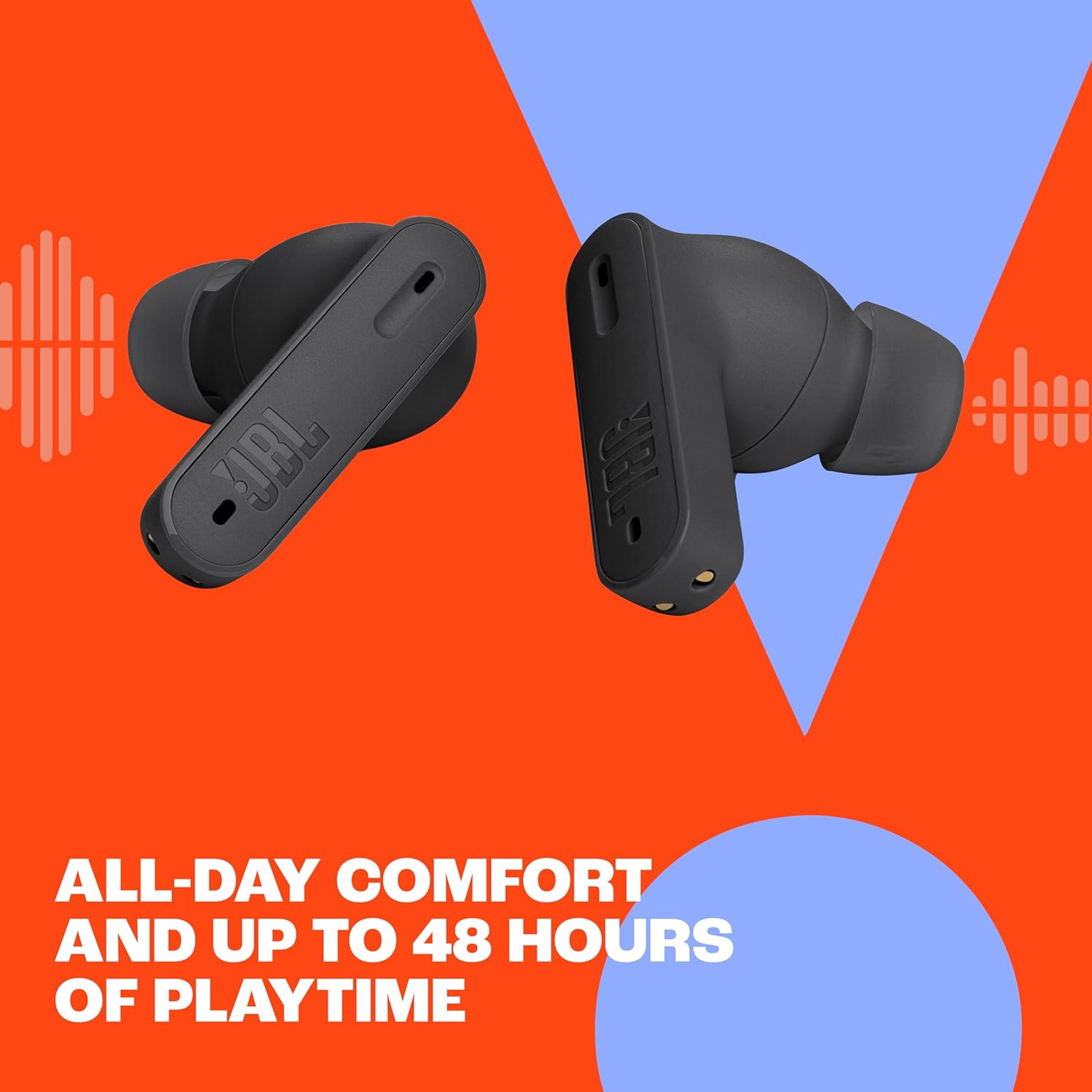
Figure 4: User demonstrating Active Noise Cancelling in an urban setting.
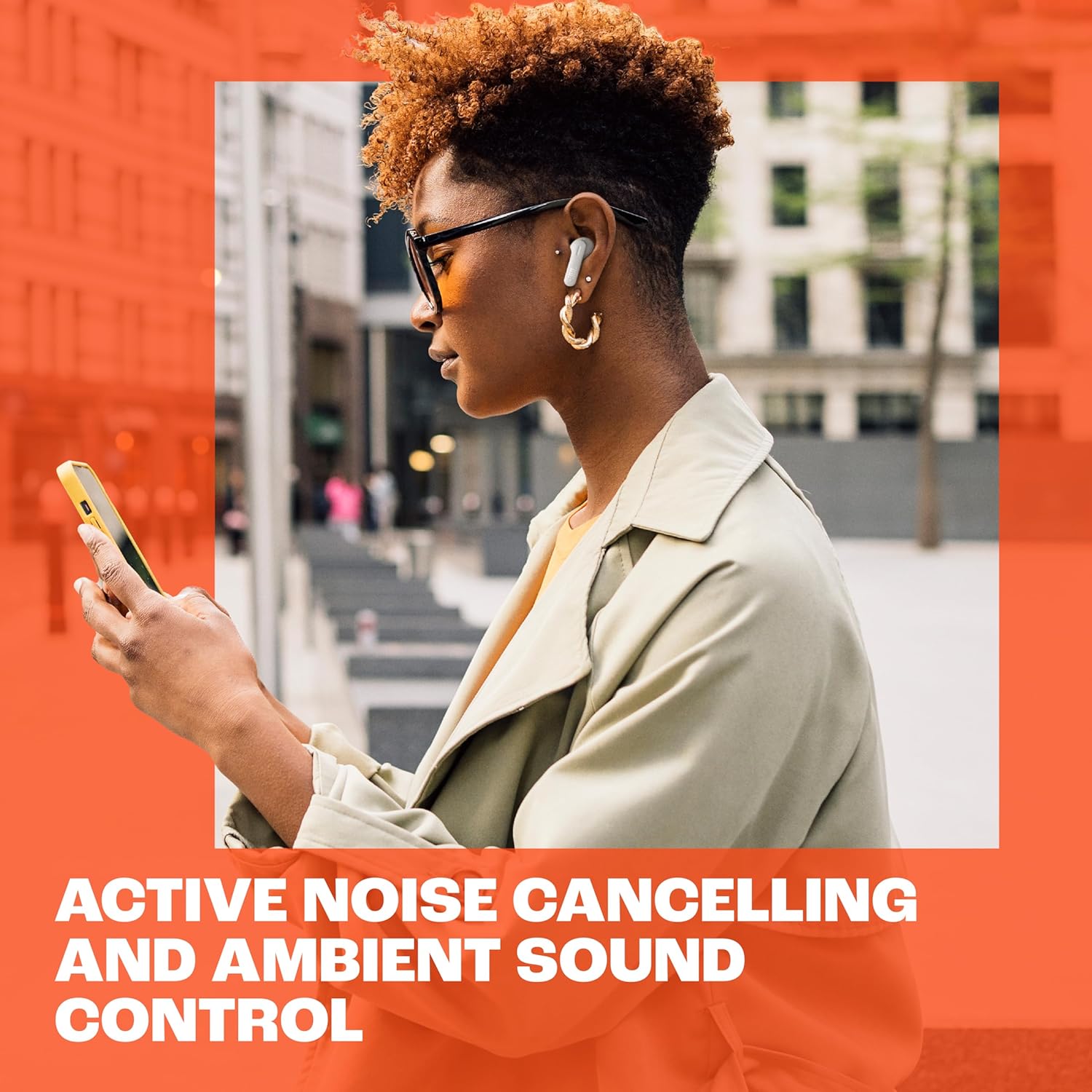
Figure 5: Earbuds designed for all-day comfort and extended wear.

Figure 6: Experience powerful JBL Pure Bass Sound.
JBL Headphones App
Enhance your experience by downloading the free JBL Headphones App. The app allows you to:
- Check battery levels for each earbud and the charging case.
- Customize touch controls and gestures.
- Adjust equalizer settings for personalized audio.
- Control Ambient Sound Control features (ANC, Ambient Aware, TalkThru).
- Manage VoiceAware levels.
Video 3: An overview of the JBL Tune Beam's features, including noise cancelling and app integration.
Battery Life
Enjoy extended listening with up to 48 hours of total battery life. This includes 12 hours of playtime from the earbuds themselves and an additional 36 hours provided by the charging case. When Active Noise Cancelling is engaged, you get 10 hours of playtime from the earbuds and 30 hours from the case. A quick 15-minute Speed Charge provides 4 hours of playtime.
Water and Dust Resistance
The JBL Tune Beam earbuds are rated IP54, making them resistant to dust and splashes of water. This ensures durability for various activities, from workouts to outdoor adventures. The charging case is IPX2 rated, offering protection against dripping water.
Maintenance
Cleaning
To maintain optimal performance and hygiene, regularly clean your earbuds and charging case. Use a soft, dry, lint-free cloth to wipe the surfaces. For the eartips, remove them from the earbuds and gently clean with a damp cloth and mild soap, then rinse and dry thoroughly before reattaching. Ensure the charging contacts on both the earbuds and the case are clean and dry.
Storage
When not in use, store your earbuds in their charging case to protect them from dust, dirt, and physical damage. Store the case in a cool, dry place away from extreme temperatures.
Troubleshooting
If you encounter issues with your JBL Tune Beam earbuds, try the following common troubleshooting steps:
- No Sound/Connection Issues: Ensure Bluetooth is enabled on your device and the earbuds are charged. Try unpairing and re-pairing the earbuds.
- One Earbud Not Working: Place both earbuds back in the charging case, close the lid, wait a few seconds, then open and try again.
- Poor Sound Quality: Check the earbud fit and try different eartip sizes. Ensure there are no obstructions in the sound nozzles.
- Earbuds Not Charging: Verify the charging cable is securely connected and the charging contacts on both the earbuds and case are clean.
For more detailed troubleshooting and reset procedures, please visit the official JBL support website at support.jbl.com and search for "Reset Guide" for your specific model.
Specifications
| Feature | Specification |
|---|---|
| Model Name | JBL Tune Beam |
| Noise Control | Active Noise Cancellation |
| Connectivity Technology | Wireless (Bluetooth 5.3) |
| Battery Life (Earbuds) | Up to 12 hours (10 hours with ANC) |
| Battery Life (with Case) | Up to 48 hours (40 hours with ANC) |
| Speed Charge | 15 minutes for 4 hours playtime |
| Charging Time | 2 hours |
| Microphone Technology | 4-Mic Technology |
| Water Resistance Rating | IP54 (Earbuds) |
| Dust Resistance Rating | IP54 (Earbuds) |
| Charging Case Resistance | IPX2 |
| Control Method | Touch |
| Item Weight | 2.13 ounces (60.3 grams) |
Warranty and Support
Your JBL Tune Beam earbuds come with a standard manufacturer's warranty. Please refer to the included Warranty / Warning document for specific terms and conditions. For further assistance, product registration, or technical support, visit the official JBL support website at support.jbl.com or contact JBL customer service.


