
HOCO BS33_Military Green
HOCO BS33 Bluetooth Speaker User Manual
Model: BS33_Military Green
1. Product Overview
The HOCO BS33 Portable Bluetooth Speaker delivers immersive deep bass and high-quality audio. Designed for versatility, it connects effortlessly to various Bluetooth-enabled devices and supports multiple playback modes. Its compact and portable design makes it suitable for both indoor and outdoor use, offering up to 5 hours of continuous playback on a single charge.
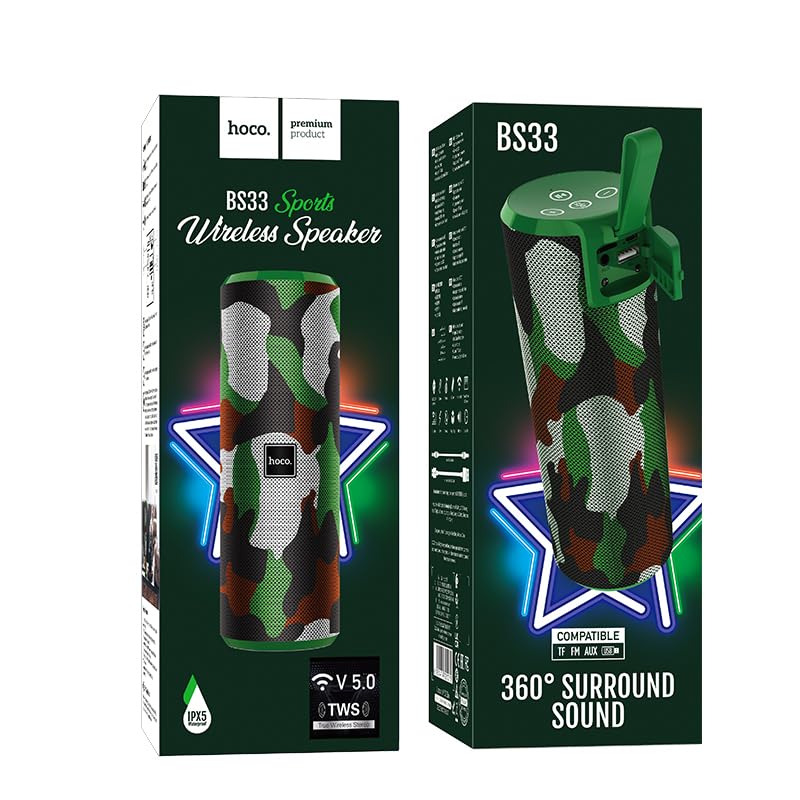
Image 1.1: HOCO BS33 Bluetooth Speaker in its packaging, highlighting its 360-degree surround sound feature and V5.0 Bluetooth.
2. Key Features
- Immersive Deep Bass: Enjoy powerful sound with deep bass for an enhanced listening experience.
- Wireless Connectivity: Bluetooth 5.3 ensures seamless connection to all Bluetooth devices - smartphones, tablets, laptops, and more.
- Multi-Mode Playback: Supports Bluetooth, FM radio, TF card, U disk, and AUX input for versatile audio enjoyment.
- Compact and Portable: Take this speaker anywhere with its portable design, perfect for indoor and outdoor use.
- Long Battery Life: 1200mAh battery offers up to 5 hours of continuous playback time with just 1.5 hours of charging.
- Easy-to-Use Button Controls: Conveniently control music playback, volume, and modes with intuitive buttons.
- Wide Bluetooth Range: Enjoy a wireless range of up to 10 meters for flexible placement options.
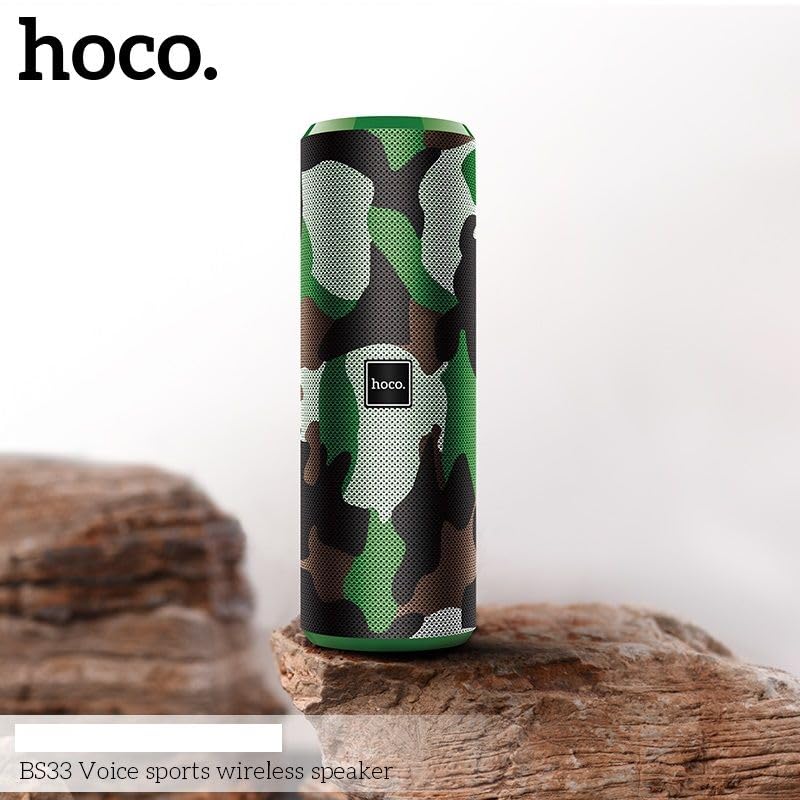
Image 2.1: The HOCO BS33 speaker in camouflage green, showcasing its portable design on a natural rock surface.
3. Getting Started
3.1 Charging the Speaker
Before first use, fully charge the speaker. Connect the speaker to a power source using the provided charging cable. The 1200mAh battery takes approximately 1.5 hours to fully recharge, providing up to 5 hours of continuous playback.
3.2 Powering On/Off
- To power on, press and hold the power button until the indicator light illuminates.
- To power off, press and hold the power button again until the indicator light turns off.
3.3 Bluetooth Pairing
- Ensure the speaker is powered on and in Bluetooth pairing mode (indicated by a flashing LED).
- On your device (smartphone, tablet, laptop), enable Bluetooth and search for available devices.
- Select "HOCO BS33" from the list of devices.
- Once connected, the speaker will emit an audible confirmation, and the LED indicator will become solid.
The speaker features Bluetooth 5.3 for stable and seamless connections with a wireless range of up to 10 meters.
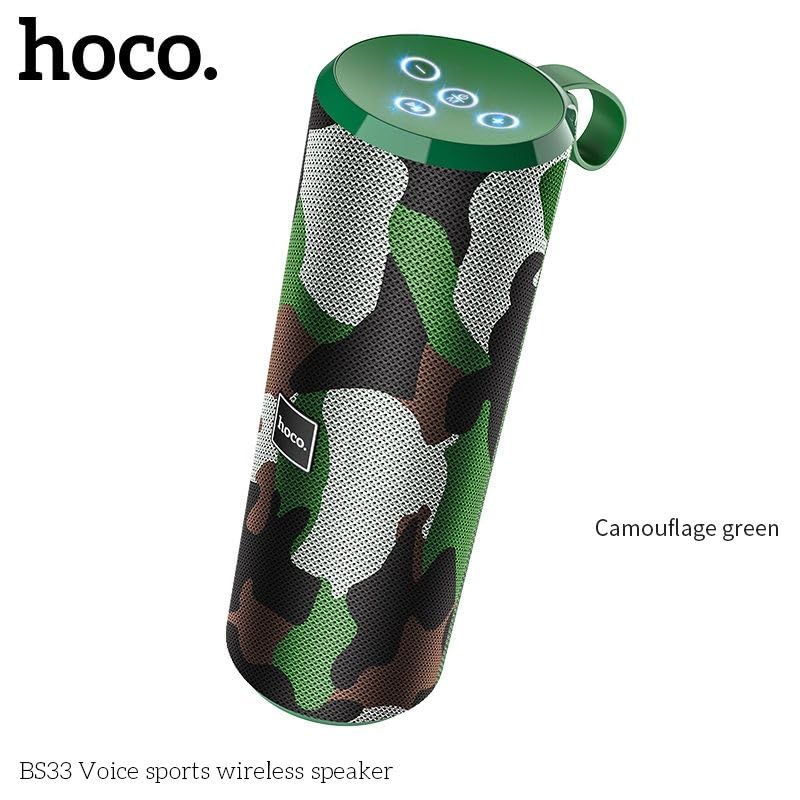
Image 3.1: Angled view of the HOCO BS33 speaker, highlighting the top panel with control buttons and the integrated carrying handle.
4. Operating Instructions
4.1 Playback Modes
The HOCO BS33 supports multiple playback options:
- Bluetooth Mode: Connect wirelessly to your smartphone, tablet, or laptop.
- FM Radio: Tune into your favorite radio stations.
- TF Card: Insert a TF (MicroSD) card with your music files.
- U Disk (USB Drive): Connect a USB flash drive with music files.
- AUX Input: Use a 3.5mm audio cable to connect to devices without Bluetooth.
4.2 Button Controls
The speaker features intuitive button controls for easy operation:
- Power Button: Press and hold to power on/off.
- Play/Pause Button: Press to play or pause music.
- Volume Up (+): Press to increase volume. Press and hold for next track.
- Volume Down (-): Press to decrease volume. Press and hold for previous track.
- Mode Button (M): Press to switch between Bluetooth, FM, TF card, U disk, and AUX modes.
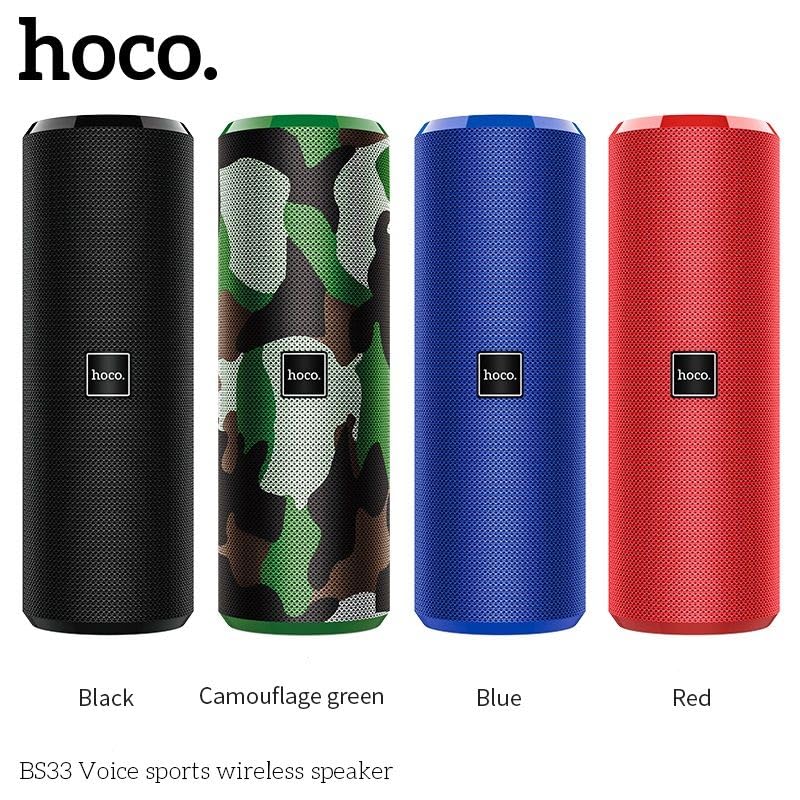
Image 4.1: A display of four HOCO BS33 speakers in various colors, including black, camouflage green, blue, and red, demonstrating the available aesthetic options.
5. Product Video
Video 5.1: Official product video showcasing the HOCO Bluetooth Speaker BS33, its features, and compatibility with various devices. This video provides a visual demonstration of the speaker's design and functionality.
6. Specifications
| Brand | HOCO |
| Model Name | BS33_Military Green |
| Speaker Type | Soundbar |
| Connectivity Technology | Bluetooth 5.3 |
| Bluetooth Specification | Bluetooth V5.0 JL AC6925F; support protocol A2DP, AVRCP, HFP |
| Wireless Range | Up to 10 meters |
| Battery Capacity | 1200mAh |
| Battery Life | Up to 5 hours |
| Charging Time | 1.5 hours |
| Speaker Maximum Output Power | 10 Watts |
| Frequency Response | 2400 Hz |
| Audio Output Mode | Stereo |
| Product Dimensions | 21D x 7.2W x 7H Centimeters |
| Weight | 471g |
| Is Waterproof | No |
| Controller Type | Button |
| Included Components | Bluetooth Speaker |
7. Troubleshooting
- No Power: Ensure the speaker is fully charged. Connect to a power source and try again.
- Cannot Pair Bluetooth:
- Ensure the speaker is in pairing mode (flashing LED).
- Make sure Bluetooth is enabled on your device.
- Move the speaker closer to your device (within 10 meters).
- Forget the device on your phone's Bluetooth settings and try pairing again.
- No Sound:
- Check the volume level on both the speaker and your connected device.
- Ensure the correct playback mode is selected (Bluetooth, AUX, TF, U Disk, FM).
- If using AUX, ensure the cable is fully inserted and not damaged.
- Poor Sound Quality:
- Move the speaker away from other electronic devices that may cause interference.
- Ensure the speaker is within the Bluetooth range.
- Check the audio source quality.
8. What's in the Box
The product package includes:
- HOCO BS33 Bluetooth Speaker
- Charging Cable (USB)
- User Manual (this document)
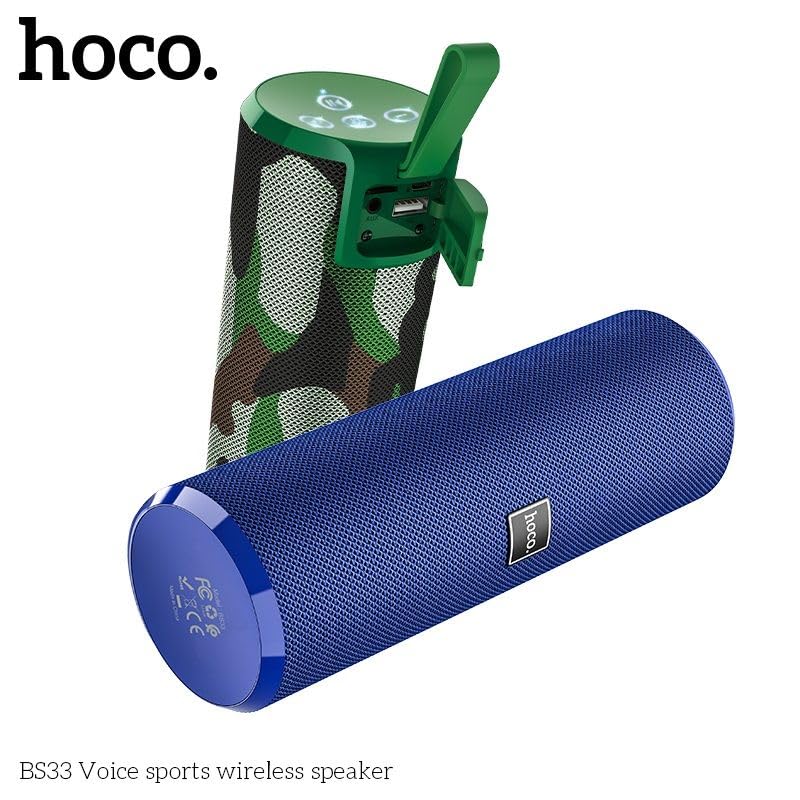
Image 8.1: Two HOCO BS33 speakers, one in camouflage green and another in blue, demonstrating the product's design and color variations.
9. Warranty and Support
This product comes with a standard brand warranty. For detailed information regarding warranty terms, conditions, and support, please refer to the warranty policy provided with your purchase or visit the official HOCO website.
For further assistance or technical support, please contact HOCO customer service.
Ask a question about this manual
Ask about setup, troubleshooting, compatibility, parts, safety, or missing instructions. Manuals+ will review the question and use this page’s manual context to help answer it.