
Introduction
Thank you for choosing the YKASEK Wireless Switch Pro Controller. This manual provides detailed instructions on how to set up, operate, and maintain your controller to ensure an optimal gaming experience. This controller is designed for use with Nintendo Switch, Switch Lite, OLED, and PC, offering advanced features such as NFC, dual vibration, and motion control.
Package Contents
Please check the package to ensure all items are present:
- Switch Pro Controller × 1
- Storage Case × 1
- Charging Cable × 1
- User Manual × 1
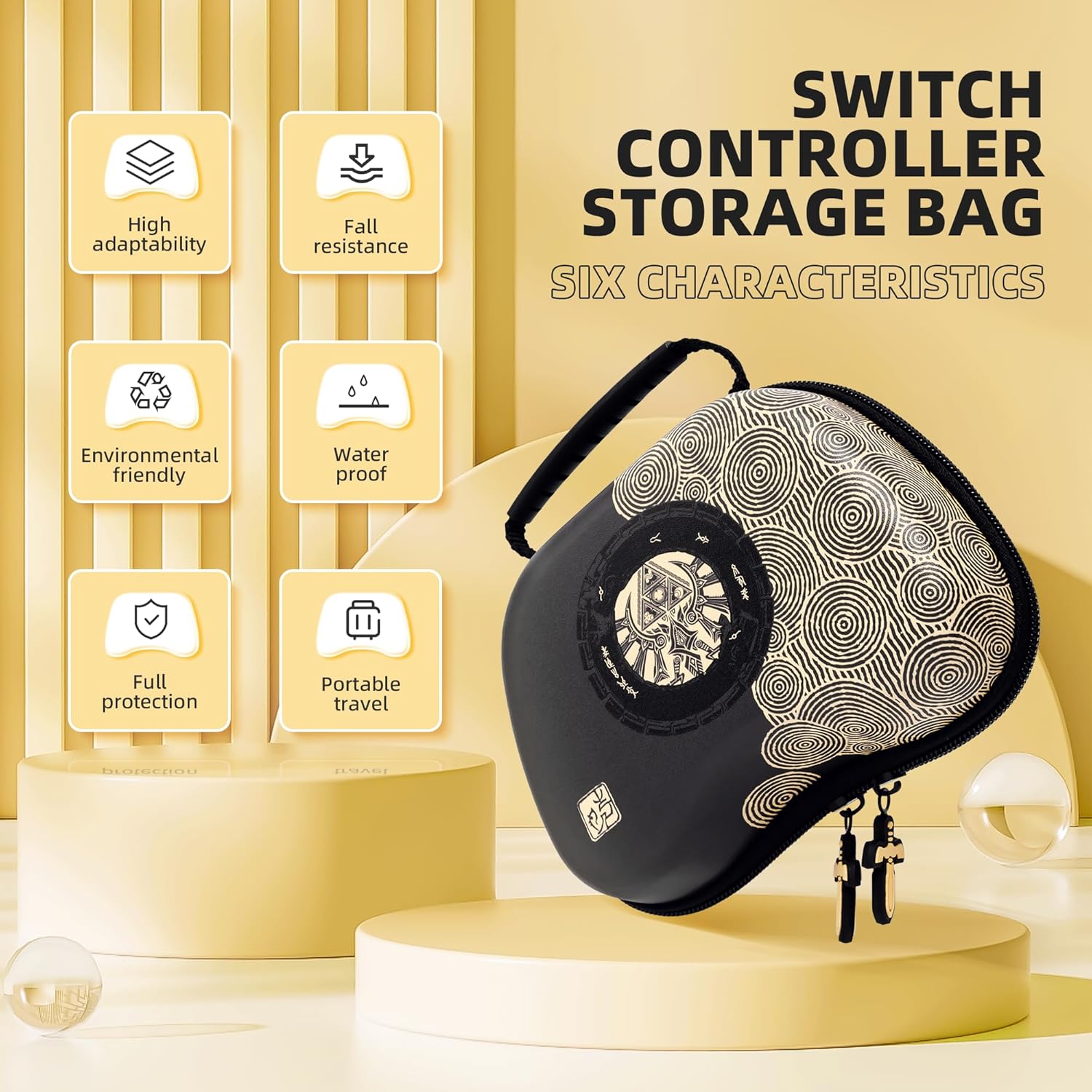
Image: The YKASEK Switch Pro Controller and its included storage case, highlighting the package contents.
Product Features
- Excellent Compatibility: Connects wirelessly or via wired connection to Nintendo Switch, Switch Lite, OLED, and PC.
- NFC Function: Supports Amiibo functionality for in-game interactions.
- Dual Vibration: Equipped with two motors for immersive haptic feedback.
- Motion Control: Features a six-axis gyroscope for precise motion sensing in games.
- Customizable Settings: Adjust button mapping, joystick sensitivity, light, and motor settings via the Keylinker App.
- Long Battery Life: Built-in 800 mAh rechargeable battery provides up to 22 hours of playtime on a 2-3 hour charge.
- Ergonomic Design: Crafted with ABS material for comfortable grip and reduced fatigue.
- Protective Storage Case: Durable, waterproof case made of three-layer material (PU outer, high-density EVA, polyester fiber) to protect the controller from impacts and splashes.
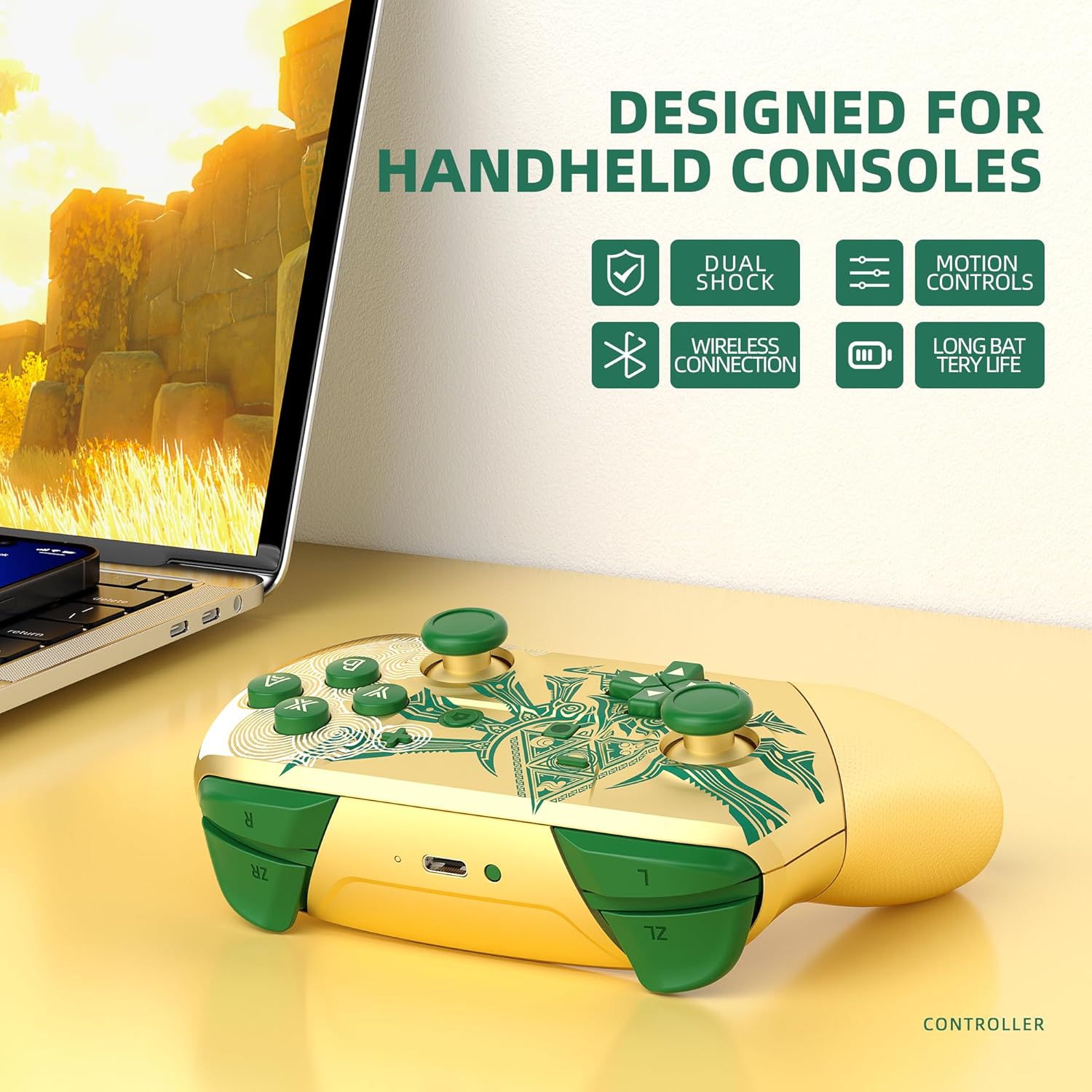
Image: The YKASEK Switch Pro Controller showcasing its key features: Dual Shock, Wireless Connection, Long Battery Life, and Motion Controls.
Video: A brief overview of the Gold and Green YKASEK Switch Pro Controller, including its design and the accompanying storage case.
Setup Instructions
Pairing with Nintendo Switch/Switch Lite/OLED
- Turn on your Nintendo Switch console.
- From the HOME Menu, select 'Controllers' > 'Change Grip/Order'.
- On the controller, press and hold the SYNC button (located on the top edge, near the USB-C port) for 3-5 seconds until the LED indicators start flashing rapidly.
- Once the controller is successfully paired, the player LED(s) corresponding to its player number will light up solid.
- You can now use your controller for gaming.
Connecting to PC (Wired)
- Connect the controller to your PC using the provided USB-C charging cable.
- The PC should automatically detect and install the necessary drivers.
- The controller will function as a standard XInput device. You may need to configure controller settings within specific games.
Operating Instructions
Basic Controls
The controller features standard button layouts for a Pro Controller:
- Left/Right Analog Sticks: For movement and camera control.
- D-Pad: Directional input.
- A/B/X/Y Buttons: Action buttons.
- L/R/ZL/ZR Buttons: Shoulder and trigger buttons.
- + (Plus) / - (Minus) Buttons: Start/Select functions.
- HOME Button: Returns to the Switch HOME Menu.
- Screenshot Button: Captures screenshots.
Wake-up Function
When the Switch console is in sleep mode, you can press the HOME button on the controller to wake up the console, provided the controller is already paired.
NFC Function
The controller supports NFC (Near Field Communication) for Amiibo figures. To use this feature:
- Ensure the game you are playing supports Amiibo functionality.
- When prompted in-game, place your Amiibo figure close to the sensing area located in the center of the controller, typically over the HOME button.
- The controller will read the Amiibo data, granting you special characters, items, or other in-game bonuses.
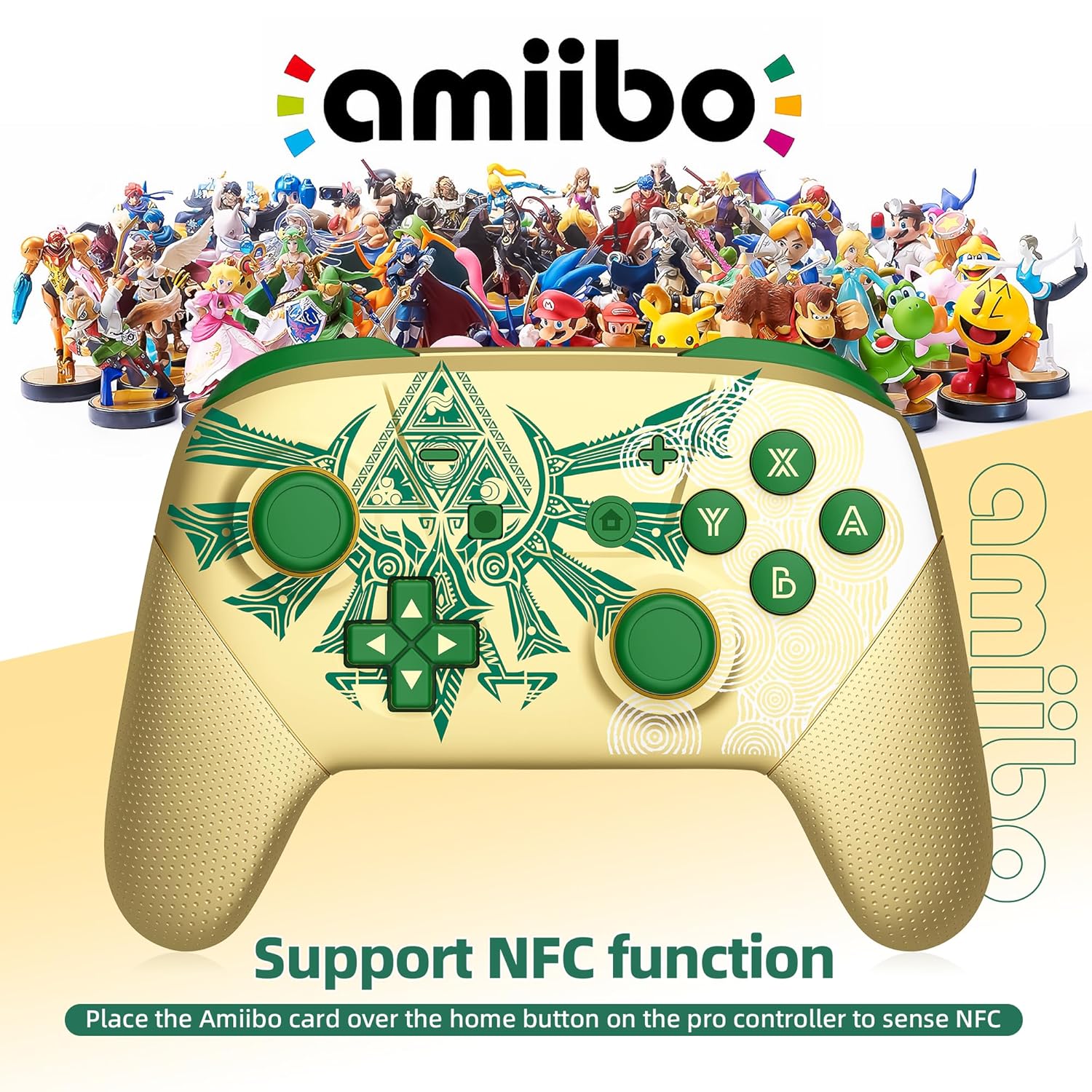
Image: The YKASEK Switch Pro Controller with an Amiibo logo, indicating support for NFC functionality by placing an Amiibo card over the home button area.
Motion Control
The YKASEK Pro Controller is equipped with a six-axis gyroscope, enabling precise motion control in compatible games. This allows for intuitive gameplay where tilting and moving the controller translates into in-game actions, enhancing the immersive experience.
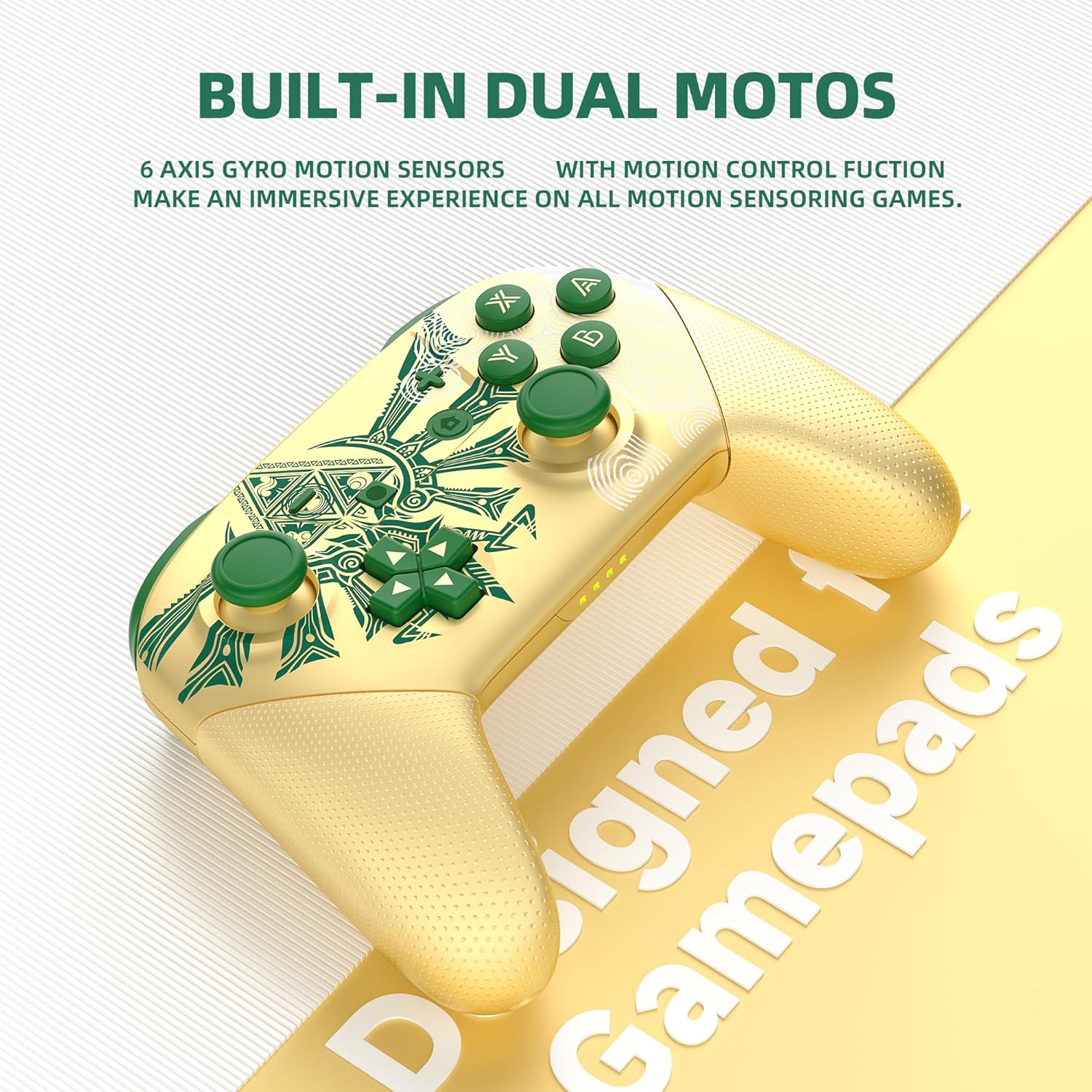
Image: The YKASEK Switch Pro Controller highlighting its built-in dual motors and 6-axis gyro motion sensors for an immersive gaming experience.
Customization with Keylinker App
Personalize your gaming experience using the Keylinker App. This application allows you to adjust various parameters of your Pro Controller to match your preferences and operating habits. You can:
- Remap button assignments.
- Adjust joystick sensitivity.
- Control LED lighting effects.
- Modify motor vibration intensity.
Refer to the Keylinker App's instructions for detailed usage.
Battery Life and Charging
The controller features an 800 mAh rechargeable battery. To charge the controller:
- Connect the provided USB-C charging cable to the controller's USB-C port.
- Connect the other end of the cable to a USB power source (e.g., Switch dock, PC, USB wall adapter).
- Charging typically takes 2-3 hours.
- A full charge provides up to 22 hours of playtime.
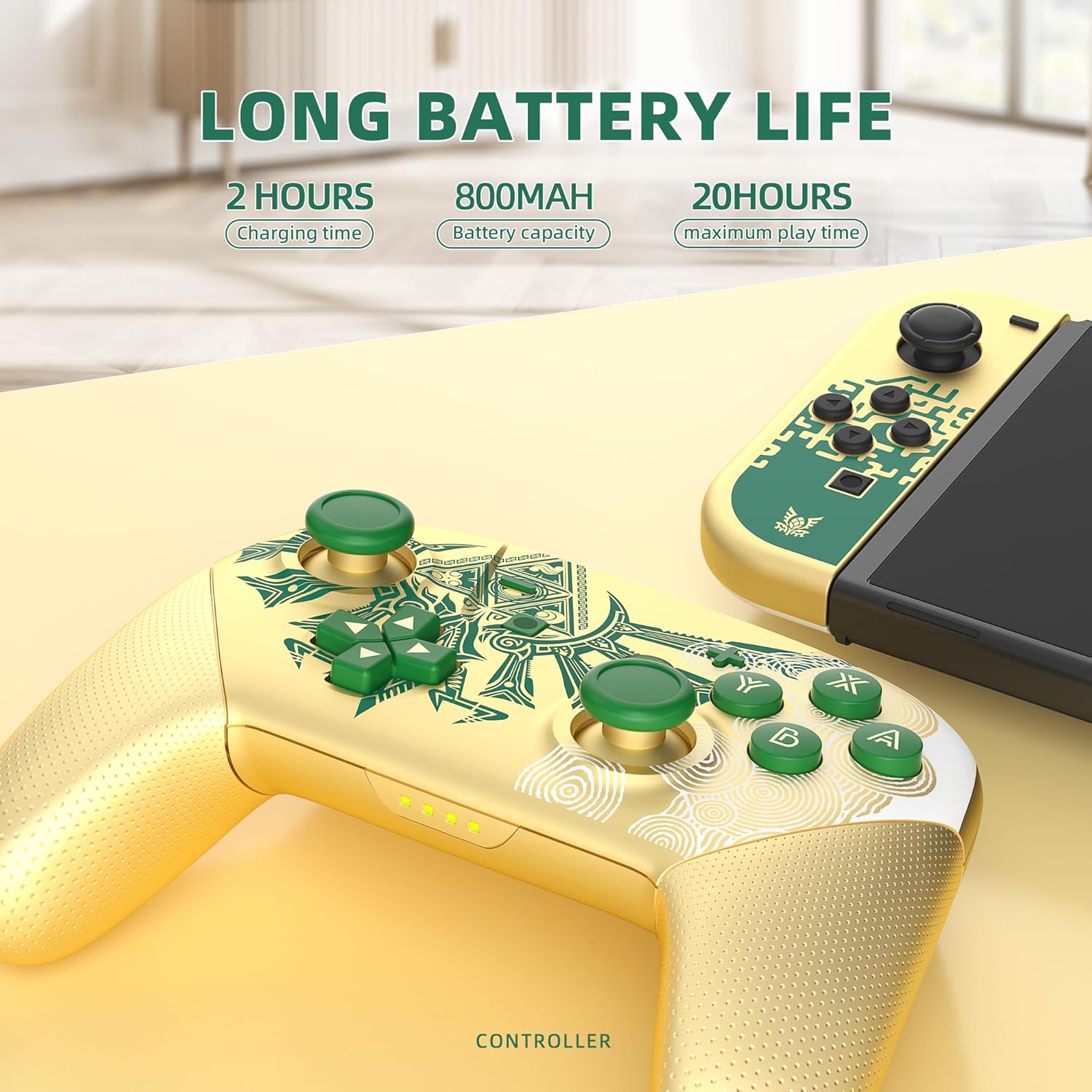
Image: The YKASEK Switch Pro Controller highlighting its long battery life, with details on charging time (2 hours), battery capacity (800mAh), and maximum play time (20 hours).
Maintenance
To ensure the longevity and optimal performance of your controller:
- Cleaning: Use a soft, dry cloth to wipe the controller. Avoid using harsh chemicals or abrasive materials.
- Storage: Store the controller in its included storage case when not in use to protect it from dust, scratches, and accidental damage.
- Avoid Extreme Conditions: Do not expose the controller to extreme temperatures, direct sunlight, or high humidity.
- Liquid Contact: Keep the controller away from liquids. The storage case offers splash protection, but the controller itself is not waterproof.

Image: The YKASEK Switch Pro Controller storage case demonstrating its compression and fall resistance, made from a three-layer material for protection.
Troubleshooting
| Problem | Possible Solution |
|---|---|
| Controller does not connect/pair. |
|
| Buttons/Joysticks are unresponsive. |
|
| Controller does not charge. |
|
| NFC function not working. |
|
Specifications
| Feature | Detail |
|---|---|
| Brand Name | YKASEK |
| Model Number | B0CCXBYQB4 |
| Compatible Devices | PC, Nintendo Switch, Switch Lite, Switch OLED |
| Controller Type | Gamepad |
| Connectivity Technology | Wireless, USB (Wired) |
| Additional Features | NFC, Dual Vibration, Motion Control (6-axis gyroscope), Customizable via Keylinker App |
| Button Quantity | 13 |
| Power Source | Battery Powered (800 mAh rechargeable) |
| Charging Time | 2-3 hours |
| Play Time | Up to 22 hours |
| Material | ABS (Controller), PU/EVA/Polyester Fiber (Case) |
Warranty and Support
Your YKASEK Wireless Switch Pro Controller comes with a 12-month warranty from the date of purchase. If you encounter any issues or have questions regarding your product, please do not hesitate to contact our customer support team. We are committed to providing excellent service and assistance.
For support, please refer to the contact information provided with your purchase or visit the official YKASEK store on Amazon: YKASEK Store