
1. Introduction
The BUVAYE YS03 is a versatile 6-in-1 portable device designed for automotive emergencies and convenience. It functions as a powerful car jump starter, a tire inflator with an air compressor, a portable power bank for electronic devices, an SOS light, and a flashlight. This manual provides detailed instructions for safe and effective use of your BUVAYE YS03 device.
2. Product Overview and Package Contents
The BUVAYE YS03 unit combines multiple essential tools into one compact device. Familiarize yourself with the components included in your package:

Image: Contents of the BUVAYE YS03 package, including the main unit, smart clamps, air hose, nozzle adapters, USB cable, storage case, and user manual.
- 1x BUVAYE YS03 Jump Starter with Air Compressor Unit
- 1x Smart Jump Starter Clamps
- 1x Inflatable Hose
- 4x Nozzle Adapters (for various inflatables)
- 1x USB Cable
- 1x Storage Case
- 1x User Manual
3. Setup and Initial Charging
Before first use, ensure the BUVAYE YS03 unit is fully charged. Connect the provided USB cable to the device's input port and a suitable USB power adapter (not included). The LCD display will indicate the charging status. A full charge is recommended for optimal performance.
4. Operating Instructions
4.1. Jump Starting a Vehicle
The BUVAYE YS03 can restart 12V dead vehicles (up to 8L Gas/5L Diesel engines) in seconds, even in extreme temperatures (-4°F~140°F).

Image: Visual guide for jump starting a vehicle.
- Insert the Smart Clamp: Plug the smart jump starter clamps securely into the jump start port on the BUVAYE YS03 unit.
- Connect to Vehicle Battery: Attach the red (+) clamp to the positive terminal of the vehicle battery and the black (-) clamp to the negative terminal. Ensure a secure connection. The smart clamp has a built-in buzzer alarm system for connection errors.
- Start the Vehicle: Once connected correctly, start your vehicle. If the vehicle does not start immediately, wait a few minutes and try again.
- Disconnect: After the vehicle starts, disconnect the smart clamps from the vehicle battery first, then from the BUVAYE YS03 unit.
4.2. Using the Air Compressor
The integrated air compressor can inflate car tires, motorcycle tires, bicycle tires, balls, and other inflatables up to 150 PSI. It features 4 preset inflation modes with memory function and automatic shut-off.

Image: Visual guide for using the air compressor.
- Connect Air Tube: Screw the inflatable hose onto the air compressor port on the BUVAYE YS03 unit. Attach the other end to the tire valve or appropriate nozzle adapter.
- Turn On and Select Mode: Power on the device. Press the mode button (often indicated by a 'M' or similar icon) to cycle through the preset inflation modes (e.g., car, motorcycle, bicycle, ball). The LCD display will show the current pressure and target pressure.
- Adjust Pressure: Use the '+' and '-' buttons to adjust the desired target pressure. The device will remember your last setting for each mode.
- Start Inflation: Press the power/start button to begin inflation. The compressor will automatically stop once the preset pressure is reached.
- Disconnect: Disconnect the air tube from the tire valve and the BUVAYE YS03 unit.
4.3. Using as a Power Bank
The BUVAYE YS03 includes USB output ports to charge your electronic devices.
- Connect your device's USB charging cable to the USB OUT port on the BUVAYE YS03.
- The device will automatically begin charging your phone, tablet, or other compatible electronics.
4.4. Using the LED Lights
The device features an LED light with multiple modes for emergencies.
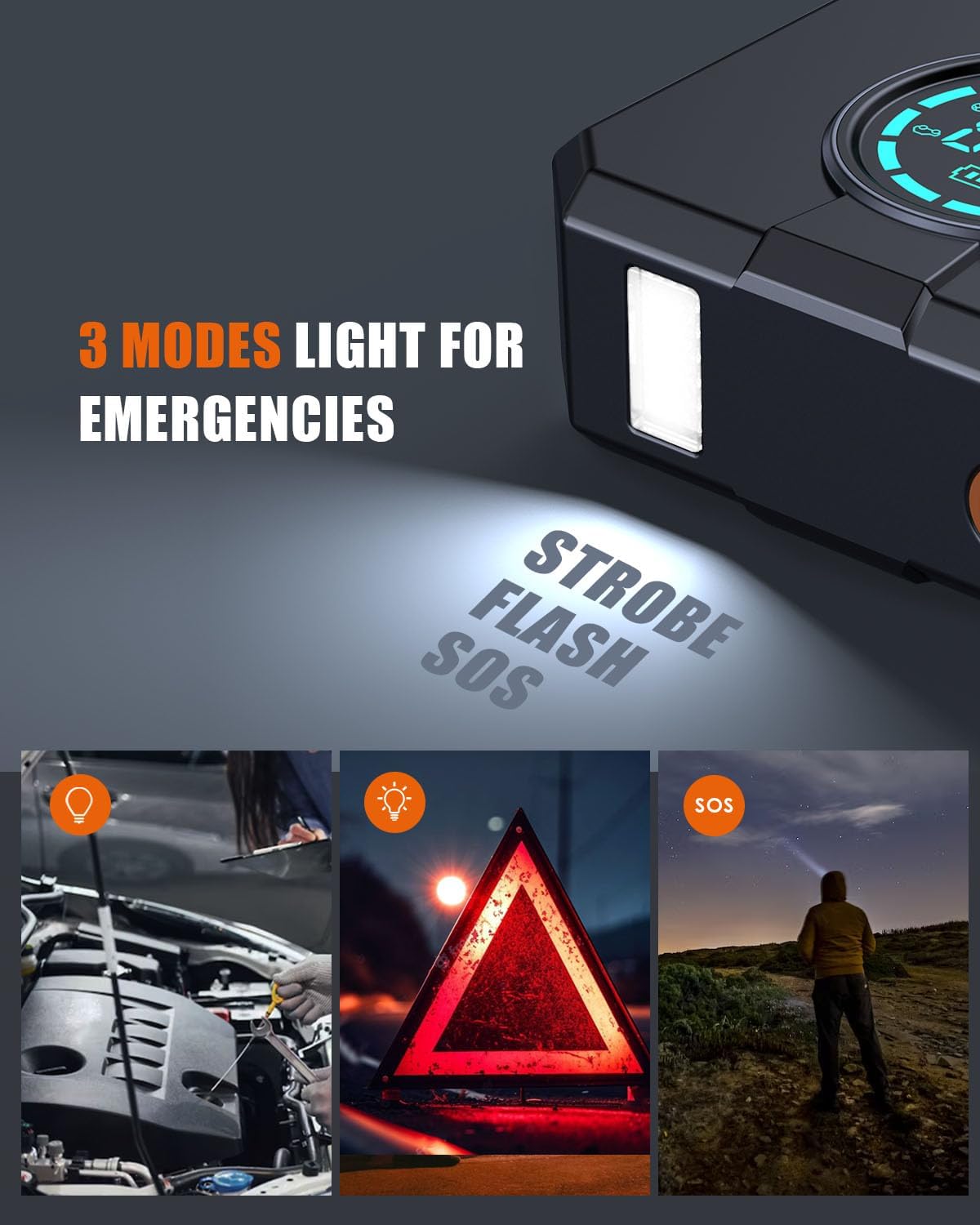
Image: The BUVAYE YS03 features a flashlight with regular, strobe, and SOS modes.
- Press the light button (often indicated by a light bulb icon) to cycle through the modes: steady flashlight, strobe light, and SOS signal.
- Press again to turn off the light.
5. Safety Precautions
Always observe the following safety guidelines when using the BUVAYE YS03:

Image: The BUVAYE YS03 features an intelligent protection system for safe operation.
- Read the entire user manual before operating the device.
- Do not attempt to jump start a frozen battery.
- Ensure proper polarity when connecting jump clamps (red to positive, black to negative). The smart clamps provide protection against incorrect connections.
- Do not allow the red and black clamps to touch each other once connected to the device.
- Keep the device away from children.
- Do not expose the device to rain or extreme moisture.
- Store the device in a cool, dry place when not in use.
- Do not disassemble or modify the device.
- The device is equipped with multiple protections: Short-circuit Protection, Over-charge Protection, Reverse-charge Protection, Over-temperature Protection, Over-voltage Protection, Output Protection, Reverse Polarity Protection, Low-temp Protection, and Overload Protection.
6. Maintenance
- Cleaning: Wipe the device with a soft, dry cloth. Do not use harsh chemicals or abrasive cleaners.
- Storage: Store the device in its protective case in a cool, dry environment.
- Charging: For optimal battery life, recharge the device every 3-6 months, even if not used.
7. Troubleshooting
7.1. Device Does Not Turn On
- Ensure the device is sufficiently charged. Recharge if the battery indicator is low.
- Press and hold the power button for a few seconds to ensure it's properly activated.
7.2. Vehicle Does Not Jump Start
- Check that the smart clamps are securely connected to the correct battery terminals (red to positive, black to negative).
- Ensure the BUVAYE YS03 unit is fully charged.
- Verify that the vehicle's battery is not completely dead or severely damaged.
- If the smart clamp alarms, disconnect and reconnect, ensuring proper connection.
7.3. Air Compressor Not Inflating
- Ensure the inflatable hose is securely attached to both the device and the tire valve/adapter.
- Check that the desired pressure is set and the inflation process has been initiated.
- Verify the device has sufficient battery charge.
8. Specifications
| Feature | Specification |
|---|---|
| Model Number | YS03 |
| Peak Current | 2000 Amps |
| Engine Compatibility | Up to 8L Gas / 5L Diesel |
| Battery Type | Lithium Ion (4 batteries included) |
| Voltage | 12 Volts (DC) |
| Air Compressor Pressure | Up to 150 PSI |
| Product Dimensions | 1.85"D x 5.17"W x 7.2"H |
| Item Weight | 3.08 pounds |
| Special Features | Extendable, Memory (for inflation settings) |
| Bulb Type | LED |
9. Warranty and Support
BUVAYE provides high-quality products and offers a 2-year warranty for the YS03 Jump Starter with Air Compressor. For any questions, technical support, or warranty claims, please contact BUVAYE customer service through the retailer's platform or the official BUVAYE website.
10. Product Video
Watch the official product video for a visual guide on using the BUVAYE YS03 Jump Starter with Air Compressor:
Video: Official demonstration of the BUVAYE YS03 Jump Starter with Air Compressor, showcasing its features and ease of use for jump starting and tire inflation.

