
1. Introduction
The JSAUX USB Data Blocker and USB C Data Blocker are designed to protect your devices from unauthorized data transfer when charging from public or unknown power sources. These blockers physically prevent data lines from connecting, allowing only power to flow through. This safeguards your mobile phone, tablet, or laptop against potential data leakage, virus uploads, or hacking attempts, commonly known as "juice jacking."
This manual provides instructions for the safe and effective use of your JSAUX Data Blockers.
2. Package Contents
The JSAUX USB Data Blocker 4-Pack includes:
- 2 x JSAUX USB-A Data Blockers (Transparent Grey)
- 2 x JSAUX USB-C Data Blockers (Transparent Grey)

Image: The JSAUX 4-pack includes two USB-A and two USB-C data blockers.
3. Product Features
- Data Blocking Functionality: Physically blocks data transfer pins, allowing only power to pass through. This prevents unwanted data synchronization, virus transmission, and hacking attempts.
- Fast Charging Support (USB-C): The USB-C Data Blocker supports PD 3.0/2.0 fast charging technology, delivering up to 100W (20V/5A). It is also compatible with various power levels including 240W, 140W, 60W, 45W, 36W, 27W, and 15W.
- Standard Charging Support (USB-A): The USB-A Data Blocker supports charging up to 2.4A.
- Compact and Portable Design: Small and lightweight, making them easy to carry on a keychain, in a pocket, or bag.
- Transparent Casing: Allows for visual inspection of the internal security structure.
- Universal Compatibility: Compatible with a wide range of devices including iPhones (15, 16, 17 series), Samsung Galaxy, iPads, MacBooks, LG, Sony, OnePlus, and other USB/USB-C enabled devices.
4. Setup and Operating Instructions
Using the JSAUX Data Blocker is straightforward. Follow these steps to ensure safe charging:
- Identify the Correct Blocker: Select either the USB-A or USB-C data blocker based on the port type of your charging source (e.g., wall adapter, public charging station, computer USB port).

Image: Proper connection of USB-A and USB-C data blockers to power sources.
- Connect the Blocker to the Power Source: Insert the male end of the data blocker into the USB port of the charging station or power adapter.
- Connect Your Charging Cable: Plug your device's charging cable into the female port of the data blocker.
- Connect Your Device: Plug the other end of your charging cable into your mobile device (phone, tablet, laptop).
Your device will now charge without any data transfer capabilities, ensuring protection against "juice jacking" and other data security risks.

Image: A smartphone charging securely using the JSAUX USB-A data blocker.
5. Important Considerations
- Charging Speed: While the USB-C blocker supports fast charging protocols (PD 3.0/2.0), the actual charging speed depends on your device and the wall charger's capabilities. The USB-A blocker provides standard charging speeds up to 2.4A.
- No Data Pop-ups: When using the data blocker, your device will not prompt you for data transmission, as the data lines are physically disconnected.
- Visual Confirmation: The transparent design allows you to see the internal circuitry, confirming the data blocking mechanism.

Image: The transparent casing reveals the internal data blocking components.
6. Usage Scenarios
The JSAUX Data Blockers are ideal for use in various public and shared charging environments where data security is a concern:
- Airports: Charge your devices at public charging stations without fear of data compromise.
- Hotels: Use hotel room USB ports or charging docks securely.
- Libraries and Cafes: Protect your data when using shared USB outlets.
- Vehicles: Safely charge in car USB ports, especially rental cars or shared vehicles.
- Any Public Charging Station: Provides peace of mind in any environment where you don't control the power source.
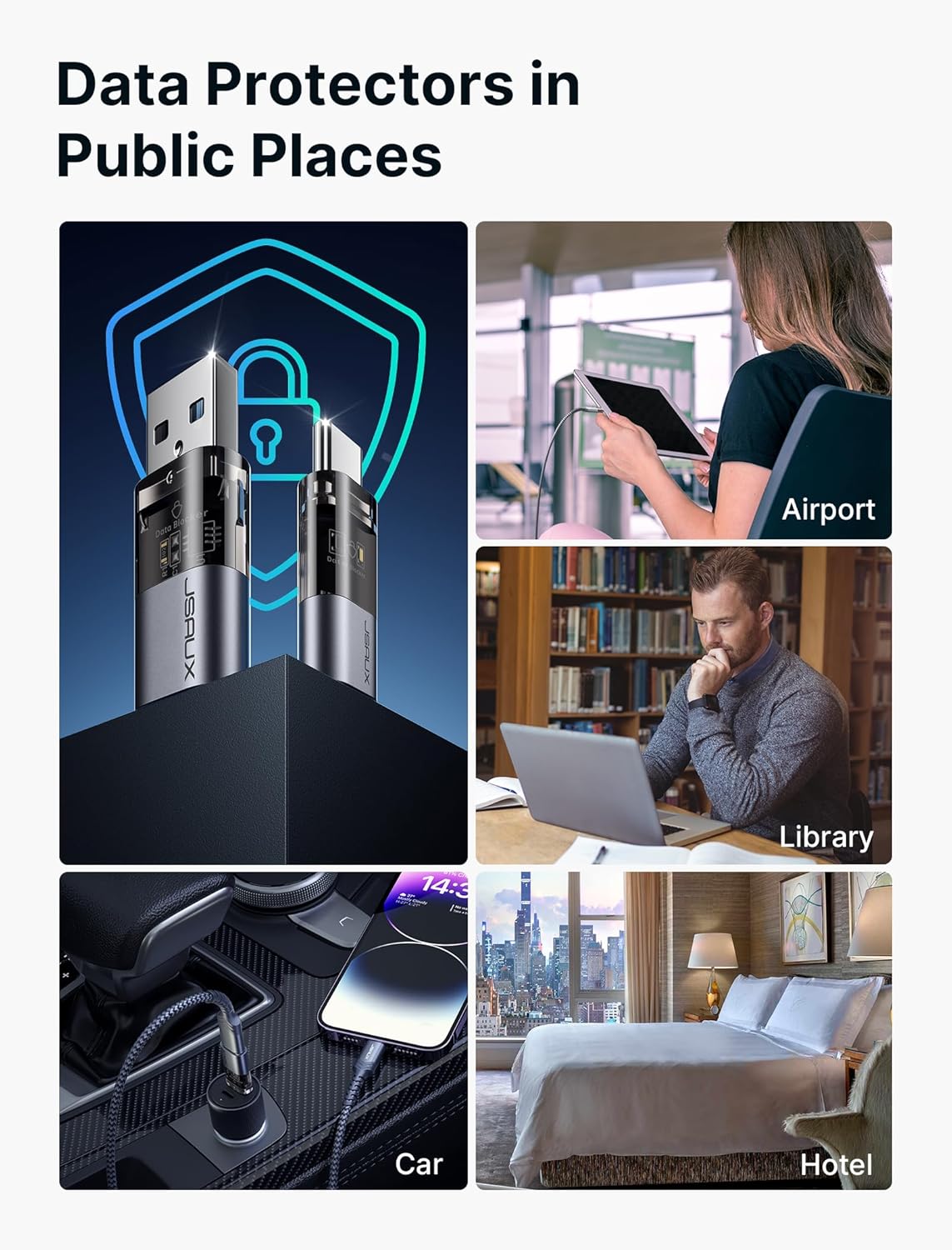
Image: Examples of using data blockers in public spaces like airports, libraries, cars, and hotels.
7. Specifications
| Brand | JSAUX |
| Model Number | DC0008-1 |
| Product Dimensions | 1.18 x 0.39 x 0.2 inches (each blocker) |
| Item Weight | 0.634 ounces |
| Connector Type | USB Type A (Male to Female), USB Type C (Male to Female) |
| USB-C Fast Charging | PD 3.0/2.0, up to 100W (20V/5A) |
| USB-A Charging | Up to 2.4A |
| Color | Transparent Grey |
| Compatible Devices | iPhone 15/16/17 series, Samsung Galaxy, iPad, MacBook, LG, Sony, OnePlus, and other USB/USB-C devices. |
8. Troubleshooting
- Device not charging:
- Ensure the data blocker is fully inserted into the power source.
- Ensure your charging cable is securely connected to both the data blocker and your device.
- Verify that the power source is active and providing power.
- Test your charging cable and power source without the data blocker to confirm they are functional.
- Slow charging speed:
- The actual charging speed is dependent on your device and the power adapter. While the USB-C blocker supports high wattage, the power adapter must also support it.
- USB-A blockers provide standard charging up to 2.4A, which may be slower than some fast charging protocols.
- Device still attempting data transfer (e.g., pop-ups):
- Ensure you are using an authentic JSAUX Data Blocker.
- Re-insert the blocker and cable to ensure a proper connection.
- If the issue persists, contact customer support.
9. Warranty and Support
JSAUX products are designed for reliability and performance. For warranty information, technical support, or any inquiries regarding your JSAUX Data Blockers, please refer to the official JSAUX website or contact their customer service directly.
JSAUX Official Website: www.jsaux.com