1. Introduction
Thank you for choosing the NICRON C1 EDC Flashlight. This compact and powerful flashlight is designed for everyday carry, offering up to 1200 lumens of brightness and versatile features including a magnetic tail cap, Type-C rechargeable battery, and multiple lighting modes. This manual provides detailed instructions for safe and effective use, setup, operation, and maintenance of your C1 flashlight.
The NICRON C1 is ideal for various activities such as outdoor camping, hiking, auto repairs, and general household use, providing reliable illumination when you need it most.
2. Safety Information
- Eye Safety: Do not shine the flashlight directly into eyes. The high intensity light can cause temporary vision impairment or permanent eye damage.
- Heat: The flashlight head may become hot during prolonged use, especially on high brightness modes. Handle with care to avoid burns.
- Battery Safety: Use only the specified rechargeable battery. Do not disassemble, crush, heat, or short-circuit the battery. Dispose of batteries properly according to local regulations.
- Children: Keep out of reach of children to prevent accidental activation or ingestion of small parts.
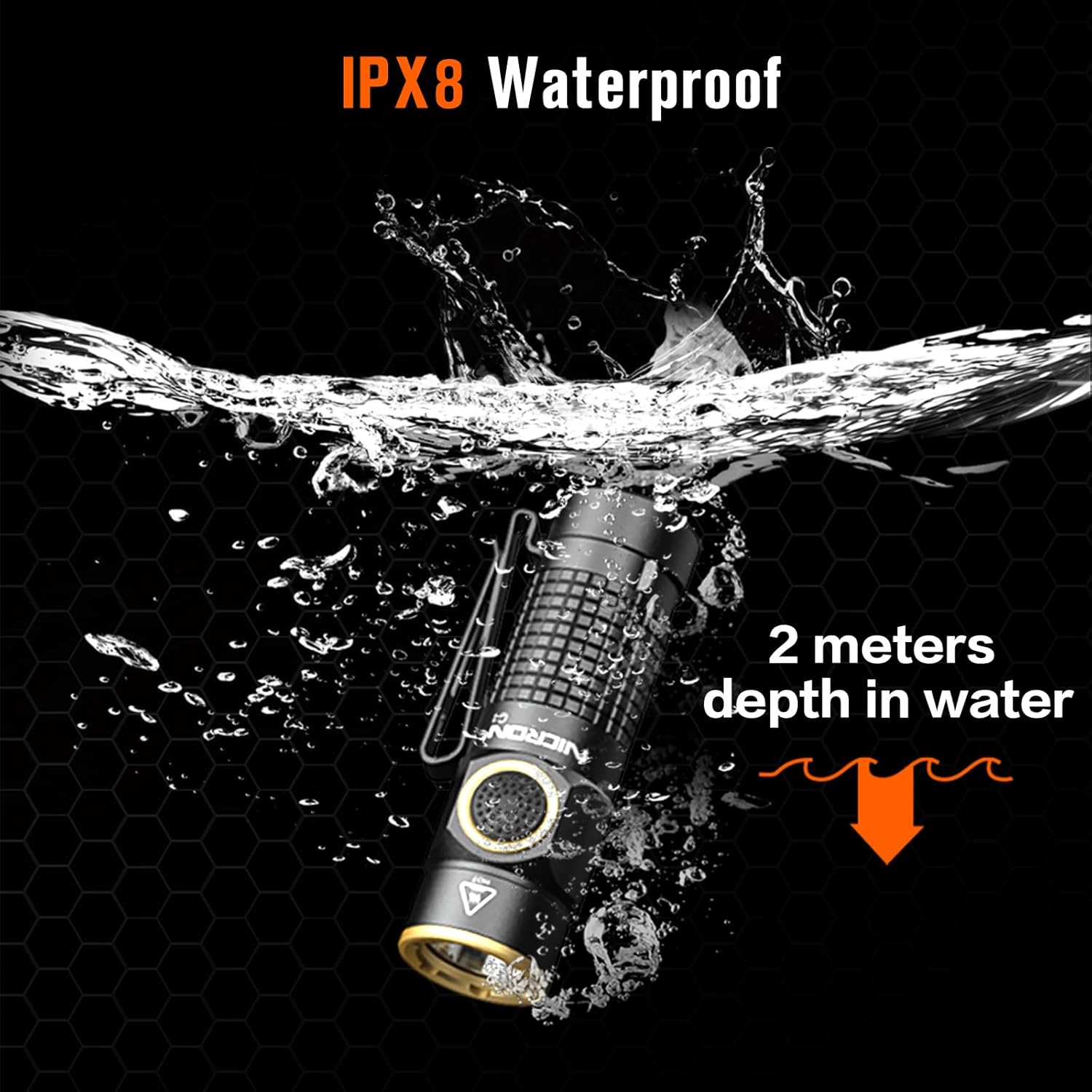
- Water Resistance: The C1 flashlight is IPX8 waterproof, meaning it can be submerged up to 2 meters. However, ensure the Type-C charging port cover is securely closed before exposing to water.
3. Package Contents
Please check the package contents upon opening. If any items are missing or damaged, please contact your retailer.
- NICRON C1 EDC Flashlight
- Rechargeable Lithium Ion Battery (pre-installed)
- Type-C USB Charging Cable
- User Manual
4. Product Overview
Familiarize yourself with the components of your NICRON C1 flashlight:

The flashlight features a durable aluminum body, a side switch for easy operation, a magnetic tail cap for hands-free use, and a dual-direction pocket clip for versatile carrying options.

5. Setup: Charging the Battery
The NICRON C1 flashlight is equipped with a built-in rechargeable battery and a convenient Type-C charging port.
- Locate the Type-C charging port cover on the flashlight body.
- Gently open the rubber cover to expose the charging port.
- Connect the provided Type-C USB charging cable to the flashlight's port and the other end to a USB power source (e.g., computer, wall adapter, power bank).
- The switch indicator light will illuminate RED while charging.
- Once fully charged, the indicator light will turn GREEN.
- After charging, securely close the rubber cover to maintain the flashlight's waterproof rating.

6. Operating Instructions
6.1 Power On/Off
- Turn On: Single click the side switch to turn on the flashlight.
- Turn Off: Long press the side switch (approximately 0.5 seconds) from any mode to turn off the flashlight.
6.2 Mode Cycling
When the flashlight is on, single click the side switch to cycle through the following modes:
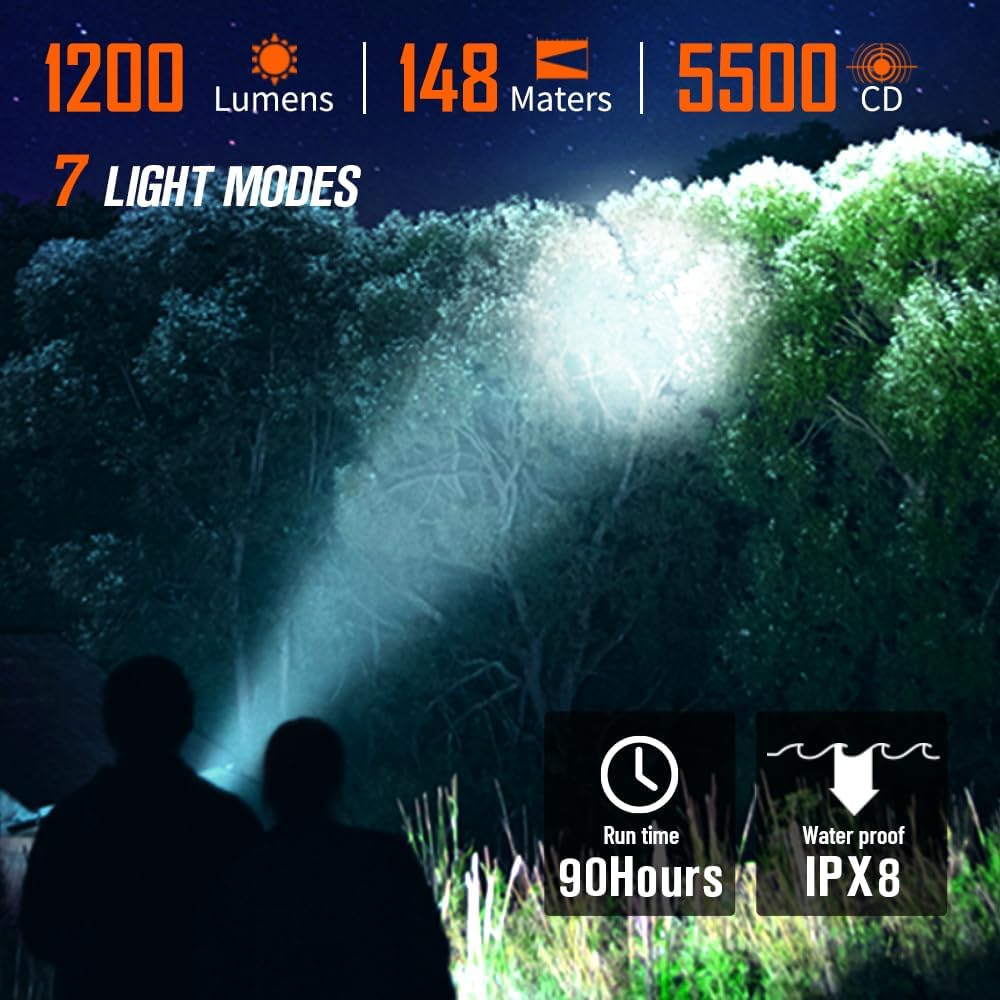
- Moonlight (1 Lumen)
- Lowlight (25 Lumens)
- Medium (70 Lumens)
- High (200 Lumens)
- Max (1200 Lumens)
The flashlight has a memory function, meaning it will return to the last used general lighting mode (Moonlight, Low, Medium, High, Max) when turned on again.
6.3 Strobe and SOS Modes
- Strobe: From any state (on or off), double-click the side switch to activate Strobe mode (1200 Lumens). Single click to return to the previous general lighting mode or turn off.
- SOS: From Strobe mode, double-click the side switch again to activate SOS mode (1200 Lumens). Single click to return to Strobe mode, then single click again to return to the previous general lighting mode or turn off.
6.4 Lock/Unlock Function
To prevent accidental activation and save battery power, the flashlight features a lock/unlock function:
- Lock: When the flashlight is off, double-click the side switch and hold the second click for approximately 2 seconds until the light flashes briefly. The flashlight is now locked.
- Unlock: When the flashlight is locked, double-click the side switch and hold the second click for approximately 2 seconds until the light flashes briefly. The flashlight is now unlocked and will turn on to the last memorized mode.
6.5 Magnetic Tail Cap and Clip Usage
The C1 flashlight offers versatile hands-free lighting options:
- Magnetic Tail Cap: The strong magnetic tail cap allows you to attach the flashlight to any iron-containing metal surface for hands-free illumination, such as during auto repairs or working in a garage.
- Pocket Clip: The dual-direction clip can be used to attach the flashlight to your pocket, belt, hat brim, or backpack strap, providing convenient access and directional lighting.

7. Maintenance
- Cleaning: Clean the flashlight body with a soft, damp cloth. Do not use abrasive cleaners or solvents. Keep the lens clean for optimal light output.
- Battery Care: For long-term storage, charge the battery to approximately 50% and store the flashlight in a cool, dry place. Recharge every 3-6 months to maintain battery health.
- O-rings: Periodically check the O-rings for wear and tear. Lubricate them with silicone grease to maintain the waterproof seal.
8. Troubleshooting
| Problem | Possible Cause | Solution |
|---|---|---|
| Flashlight does not turn on. | Battery is depleted. Flashlight is in lock mode. | Charge the battery. Unlock the flashlight (double-click and hold the second click for ~2 seconds). |
| Flashlight does not charge. | Charging cable or power source issue. Charging port is dirty. | Try a different Type-C cable or USB power source. Clean the charging port gently with a dry cotton swab. |
| Light output is dim or flickers. | Low battery. Loose connection. | Recharge the battery. Ensure the tail cap is fully tightened. |
| Flashlight gets hot quickly. | Operating on high brightness modes for extended periods. | This is normal for high-lumen flashlights. Reduce brightness mode if discomfort occurs. |
9. Specifications
| Feature | Detail |
|---|---|
| Brand | NICRON |
| Model Number | C1 |
| Max Lumens | 1200 Lumens |
| Light Source | LED |
| Material | Aluminum |
| Color | Black |
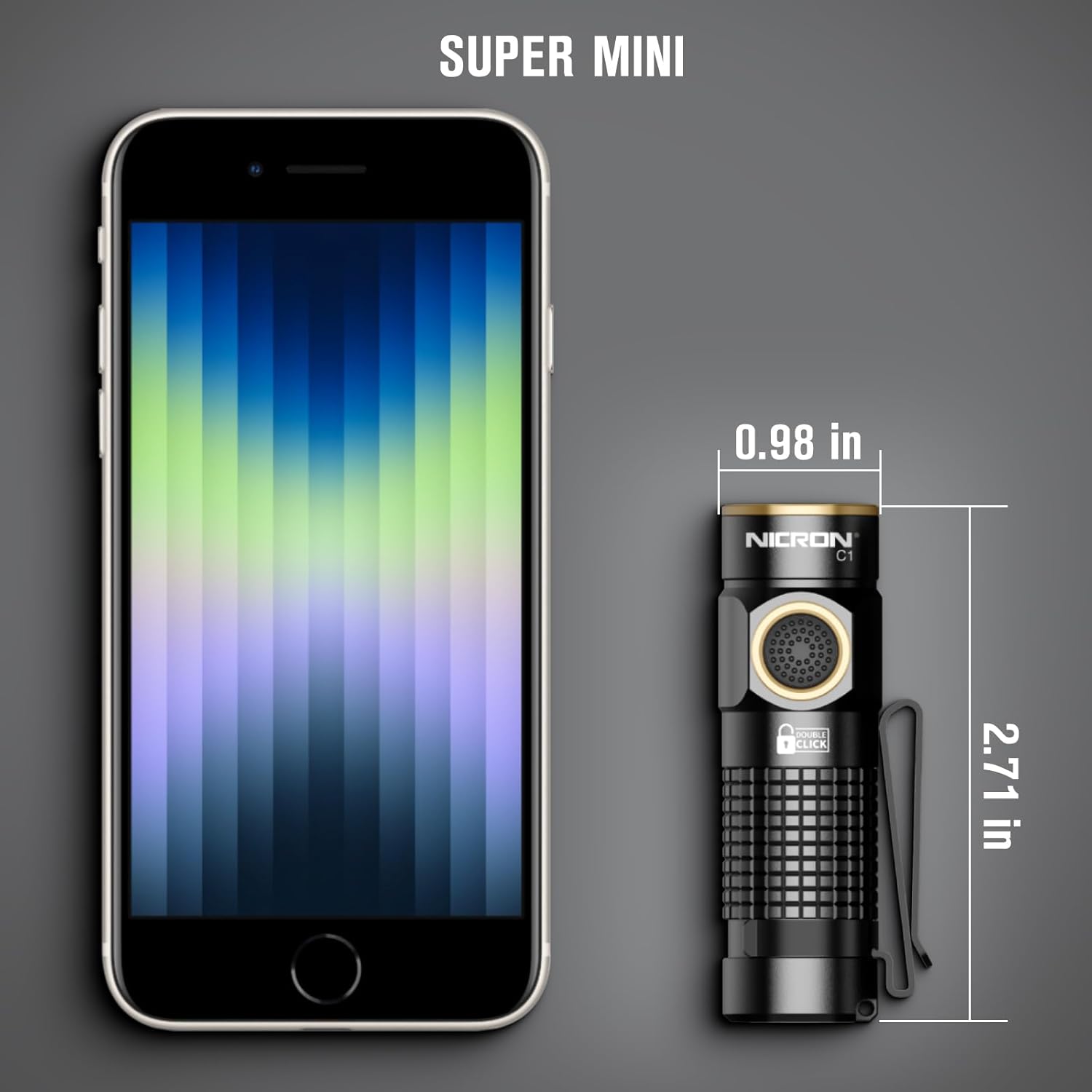
| Dimensions (L x W x H) | 6.86 x 2.49 x 2.49 cm |
| Weight | 109 g |
| Battery Type | 1 Lithium Ion (included) |
| Charging Port | Type-C USB |
| Waterproof Rating | IPX8 (2 meters depth) |
| Special Features | Lightweight, Rechargeable, Magnetic Tail Cap, Dual-direction Clip, Memory Function |
10. Warranty and Support
For warranty information and customer support, please refer to the warranty card included with your product or visit the official NICRON website. You can also contact your point of purchase for assistance.
NICRON Official Store: Visit the NICRON Store on Amazon


