
1. Introduction
The Retevis RA89 is a high-performance dual-band amateur radio designed for reliable communication in various environments. Featuring high power output, IP68 waterproofing, and a 2500mAh battery, it is suitable for outdoor activities, hunting, and general amateur radio use. This manual provides essential information for setting up, operating, and maintaining your RA89 radio.
2. What's in the Box
Upon unpacking your Retevis RA89, please ensure all items listed below are present:
- Retevis RA89 Radio Amateur (x1)
- USB-C Charging Cable (x1)
- Multilingual User Manual (x1)
- Belt Clip (x1)
- Charging Base (x1)
- Battery (2500mAh) (x1)
- Hand Strap (x1)
- Data Cable (x1)

3. Setup
3.1 Battery Installation
- Align the battery with the back of the radio.
- Slide the battery upwards until it clicks securely into place.
3.2 Antenna Attachment
- Screw the antenna clockwise into the connector on top of the radio until it is finger-tight. Do not overtighten.
3.3 Belt Clip Installation
- Locate the two screw holes on the back of the radio.
- Align the belt clip with these holes and secure it using the provided screws.
3.4 Charging the Battery
The RA89 features a 2500mAh high-capacity battery and supports Type-C charging for convenience.
- Insert the radio into the charging base.
- Connect the USB-C charging cable to the charging base and a suitable power source.
- Alternatively, you can directly connect the USB-C cable to the radio's Type-C port for charging.
- The charging indicator light will show the charging status.


4. Operating Instructions
4.1 Power On/Off and Volume Control
- To power on the radio, rotate the power/volume knob clockwise.
- To power off, rotate the knob counter-clockwise until it clicks.
- Adjust the volume by rotating the same knob.
4.2 Frequency Setting (VFO Mode)
The RA89 supports VFO (Variable Frequency Oscillator) mode, allowing manual frequency input.
- Enter VFO mode (refer to your radio's specific menu navigation for this step).
- Use the keypad to manually input the desired frequency.
- Confirm the frequency setting.

4.3 Dual Band Operation
The RA89 supports dual-band functionality, allowing simultaneous monitoring of 2m (VHF) and 70cm (UHF) frequencies.
- The radio can display two frequencies simultaneously.
- Use the A/B button to switch between the primary and secondary frequency for transmission.
4.4 Transmit and Receive
- To transmit, press and hold the PTT (Push-To-Talk) button on the side of the radio. Speak clearly into the microphone.
- Release the PTT button to receive.
4.5 Noise Reduction
The RA89 is equipped with a noise cancellation chip to ensure clear reception, even in noisy environments.

4.6 Keypad Lock
To prevent accidental changes to settings, you can lock the keypad.
- Refer to your user manual for the specific key combination to lock/unlock the keypad.
4.7 Emergency Alarm
The radio includes an emergency alarm function for critical situations.
- Consult your user manual for instructions on activating and deactivating the emergency alarm.
4.8 Adjustable Brightness
Adjust the display brightness for optimal visibility in different lighting conditions.
- Navigate to the display settings in the radio's menu.
- Select the brightness level (typically 1-7).
5. Maintenance
5.1 Cleaning
Regular cleaning helps maintain the radio's performance and appearance.
- Wipe the radio's surface with a soft, damp cloth.
- Do not use harsh chemicals or abrasive cleaners.
- Ensure the Type-C port cover is securely closed to maintain IP68 waterproofing.
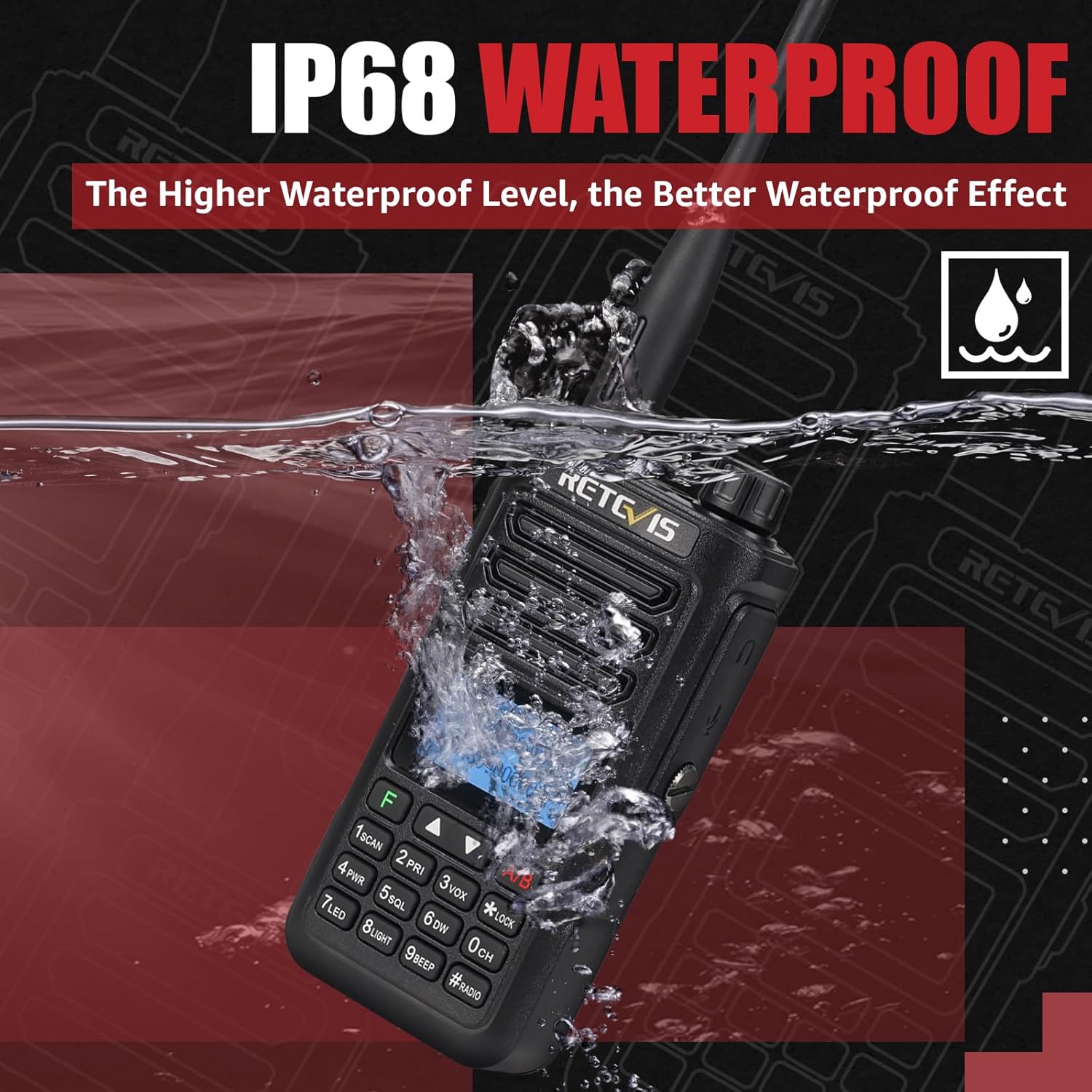
5.2 Waterproofing (IP68)
The Retevis RA89 is IP68 rated, meaning it can withstand immersion in up to 1 meter of water for 1 hour.
- Always ensure all port covers and the battery compartment are properly sealed before exposing the radio to water.
- After exposure to water, dry the radio thoroughly before charging or opening any compartments.
6. Troubleshooting
If you encounter issues with your Retevis RA89, please refer to the following common solutions:
- No Power: Ensure the battery is fully charged and correctly installed. Check the power/volume knob is turned on.
- Cannot Transmit/Receive: Verify that the antenna is securely attached. Check that you are on the correct frequency and channel. Ensure the PTT button is functioning correctly.
- Poor Audio Quality: Adjust the volume. Check for obstructions around the microphone or speaker. Ensure noise reduction settings are appropriate for your environment.
- Keypad Unresponsive: Check if the keypad lock is activated. Refer to the manual to unlock it.
For further assistance, please contact Retevis customer support.
7. Specifications
| Feature | Specification |
|---|---|
| Brand | Retevis |
| Model Number | RA89 |
| Color | Black |
| Number of Channels | 200 |
| Special Feature | Dual Band |
| Frequency Range | 144-146 MHz; 430-440 MHz |
| Maximum Range | 5 Kilometers |
| Voltage | 7.4 Volts |
| Water Resistance Level | IP68 (Waterproof) |
| Product Dimensions | 7P x 5l x 12.7H centimeters |
| Number of Batteries | 1 Lithium-ion (included) |
| Noise Level | 40 Decibels |
| Connectivity Protocol | VHF, UHF |
| Item Weight | 310 Grams |
8. Warranty and Support
8.1 Warranty Information
Retevis offers a 2-year warranty for the radio body and a 1-year warranty for accessories. Additionally, a 30-day no-reason return policy is provided.
Beyond the warranty period, maintenance services are available, with buyers responsible for associated costs.
8.2 Customer Support
For any questions, technical support, or warranty claims, please contact Retevis customer service via Amazon. We aim to respond within 12 hours.


