
Introduction
The Coby Sports True Wireless Earbuds (Model CETW534) are designed to provide a high-quality audio experience for users with an active lifestyle. Featuring advanced Bluetooth 5.3 technology, secure-fit ear tips, and sweat resistance, these earbuds are built for comfort, stability, and reliable performance during workouts and daily activities. This manual provides comprehensive instructions for setting up, operating, maintaining, and troubleshooting your earbuds to ensure optimal use.
Package Contents
Please verify that all items are present in your package:
- Coby Sports True Wireless Earbuds
- Charging Case
- USB-C Charging Cable
- User Manual
Product Overview
The Coby Sports True Wireless Earbuds are engineered for both sound quality and durability. They feature a compact design with secure-fit ear tips for stability during movement and noise-isolating technology for an immersive audio experience.

Image: Coby Sports True Wireless Earbuds shown with their open charging case.

Image: The earbuds are securely placed within their charging case.

Image: An exploded view diagram illustrating the internal components responsible for noise-isolating sound technology.
Setup
1. Charging the Earbuds and Case
Before first use, fully charge the earbuds and the charging case. The case provides additional charges for extended playtime.
- Place the earbuds into the charging case. Ensure they are correctly seated.
- Connect the USB-C charging cable to the charging port on the case and plug the other end into a USB power source.
- The indicator light on the case will show charging status. A full charge typically takes approximately 1.5-2 hours.

Image: The Coby charging case connected via a USB Type-C cable for charging.

Image: Earbuds and their case being charged using a USB power adapter.
2. Pairing with a Bluetooth Device
The earbuds feature one-step pairing for quick and easy connection.
- Open the charging case. The earbuds will automatically enter pairing mode.
- On your smartphone or Bluetooth-enabled device, go to the Bluetooth settings.
- Search for available devices and select "CETW534" from the list.
- Once connected, you will hear an audio prompt, and the device will show "Connected."

Image: A smartphone screen showing successful Bluetooth pairing with the 'CETW534' earbuds.
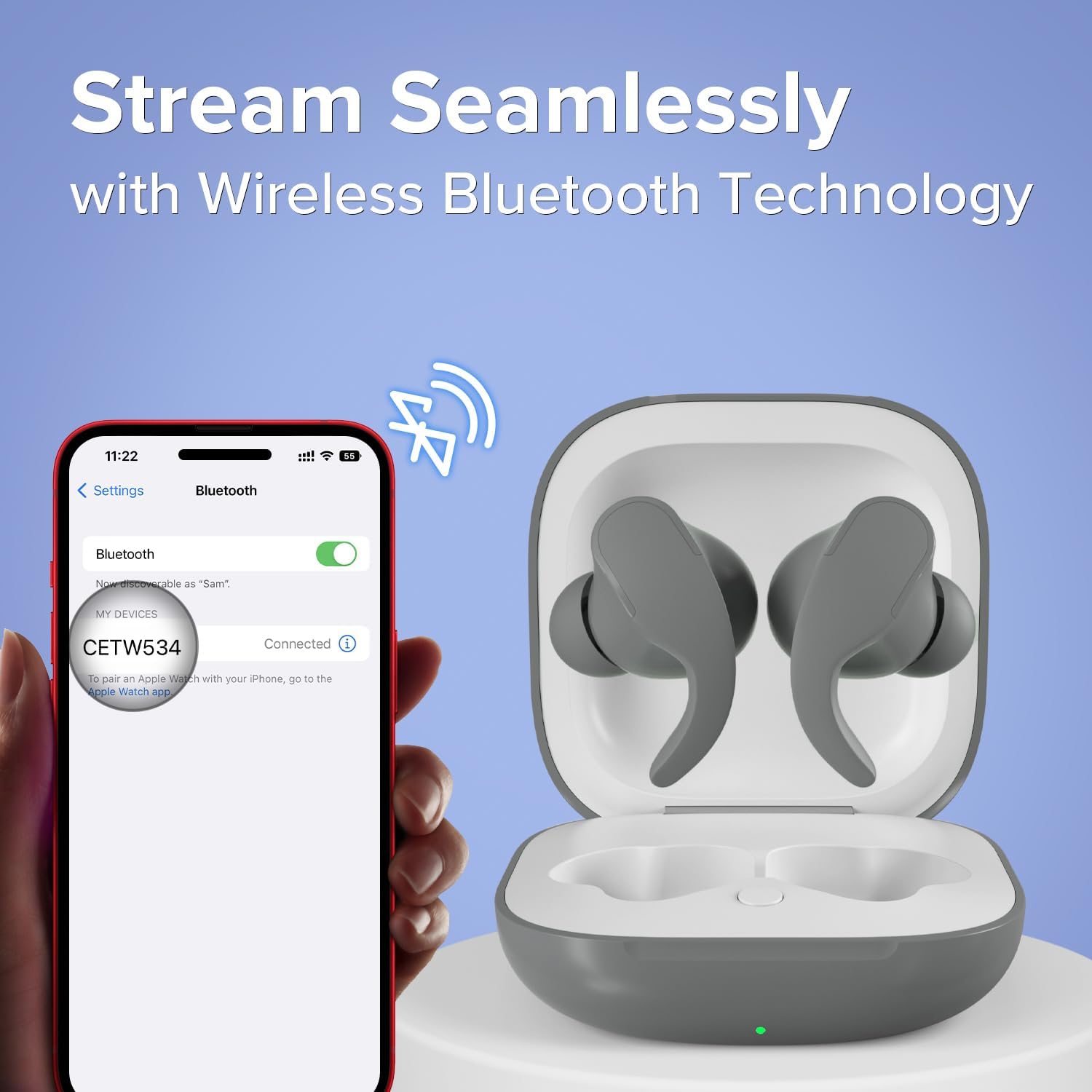
Image: A smartphone connected to the 'CETW534' earbuds via Bluetooth, with the earbuds in their open charging case.
Operating Instructions
1. Wearing the Earbuds
For optimal sound and secure fit, choose the ear tips that best suit your ears. Insert the earbuds gently into your ear canal and twist slightly to secure them. The secure-fit design ensures they stay in place during active movement.

Image: A person wearing the Coby Sports True Wireless Earbuds during a physical activity.

Image: An illustration of an earbud securely fitted in an ear, alongside an image of two individuals running, emphasizing the sweat-resistant and secure-fit design.
2. Touch Controls
The earbuds feature intuitive touch controls for managing audio playback and calls.

Image: A person wearing the earbuds, with a separate depiction of the earbuds, illustrating the on-ear touch controls.
| Action | Function |
|---|---|
| Single Tap (Left/Right) | Play/Pause Music, Answer/End Call |
| Double Tap (Right) | Next Track |
| Double Tap (Left) | Previous Track |
| Triple Tap (Left/Right) | Activate Voice Assistant |
| Long Press (2 seconds) | Reject Call |
3. Power On/Off
- Power On: Open the charging case, and the earbuds will automatically power on and attempt to connect to the last paired device.
- Power Off: Place the earbuds back into the charging case and close the lid. They will automatically power off and begin charging.
4. Music Playback
Once paired, you can control your music directly from the earbuds or your connected device. Enjoy crystal-clear, high-definition sound for an immersive listening experience.
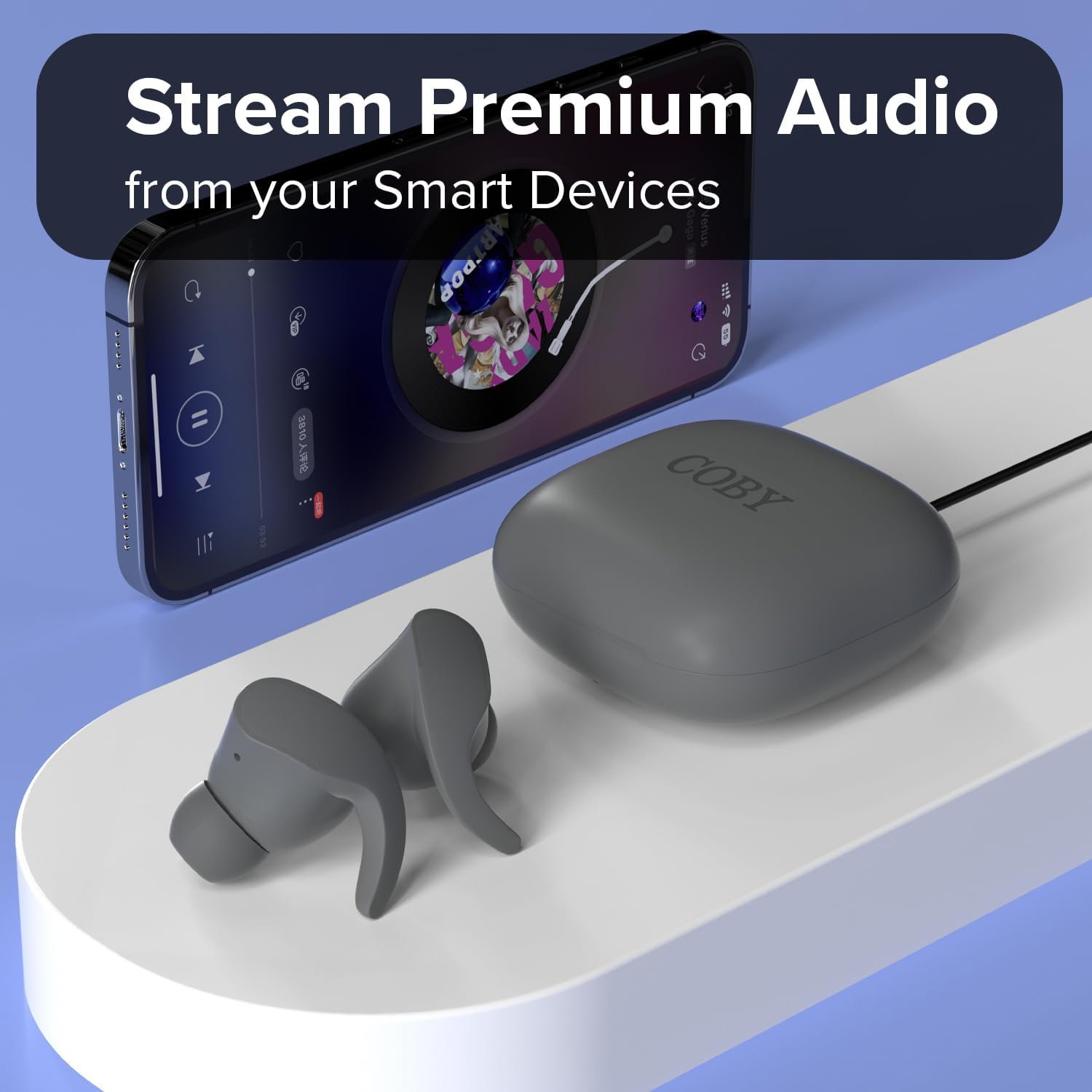
Image: The Coby earbuds and their charging case positioned near a smartphone displaying a music playback interface.

Image: A man wearing one earbud, illustrating the experience of crystal-clear, high-definition sound.

Image: A man wearing an earbud, highlighting the product's 12-hour uninterrupted talk and playtime capability.

Image: A woman wearing an earbud, conveying the message of enjoying music on your own terms, wherever you go.
5. Call Management
Use the touch controls to manage incoming and outgoing calls as described in the 'Touch Controls' table.
Maintenance
1. Cleaning
- Regularly clean the ear tips and charging contacts with a soft, dry, lint-free cloth.
- Avoid using abrasive materials or harsh chemicals.
- Ensure no moisture enters the charging port or speaker grilles.
2. Storage
When not in use, store the earbuds in their charging case to protect them from dust and damage, and to keep them charged.
3. Sweat Resistance
The earbuds are sweat-resistant, making them suitable for workouts. However, they are not waterproof. Avoid submerging them in water or exposing them to heavy rain.
Troubleshooting
If you encounter issues with your Coby Sports True Wireless Earbuds, refer to the following common solutions:
| Problem | Solution |
|---|---|
| Earbuds not pairing | Ensure earbuds are charged. Place them back in the case, close, then reopen. On your device, forget the 'CETW534' connection and try pairing again. |
| No sound from one earbud | Check if both earbuds are charged. Try resetting the earbuds by placing them in the case and then taking them out. Re-pair if necessary. |
| Charging case not charging | Verify the USB-C cable is securely connected to both the case and the power source. Try a different cable or power adapter. |
| Poor audio quality | Ensure earbuds are clean and properly seated in your ears. Move closer to your connected device to avoid interference. |
Specifications
| Feature | Detail |
|---|---|
| Brand | Coby |
| Model Number | CETW534 |
| Color | Gray |
| Ear Placement | In Ear |
| Form Factor | In Ear |
| Noise Control | Sound Isolation |
| Bluetooth Version | 5.3 |
| Bluetooth Range | 10 Meters |
| Battery Average Life | 12 Hours (total playtime with charging case) |
| Water Resistance Level | Water Resistant (Sweat-resistant) |
| Control Method | Touch |
| Item Weight | 1.76 ounces |
| UPC | 810071493706 |
Warranty Information
This product is covered by a 90-day manufacturer's warranty from the date of purchase. This warranty covers defects in materials and workmanship under normal use. It does not cover damage caused by misuse, accidents, unauthorized modifications, or normal wear and tear. Please retain your proof of purchase for warranty claims.
Support
For further assistance, technical support, or warranty inquiries, please contact Coby customer support. Refer to the contact information provided on the product packaging or the official Coby website.
