1. Introduction and Overview
The BAOFENG DM-1702 is a versatile digital and analog DMR two-way radio designed for reliable communication. It supports dual time slots (Tier 1 & 2) and offers advanced features such as AES256 encryption for secure transmissions. This manual provides essential information for setting up, operating, maintaining, and troubleshooting your DM-1702 radio.
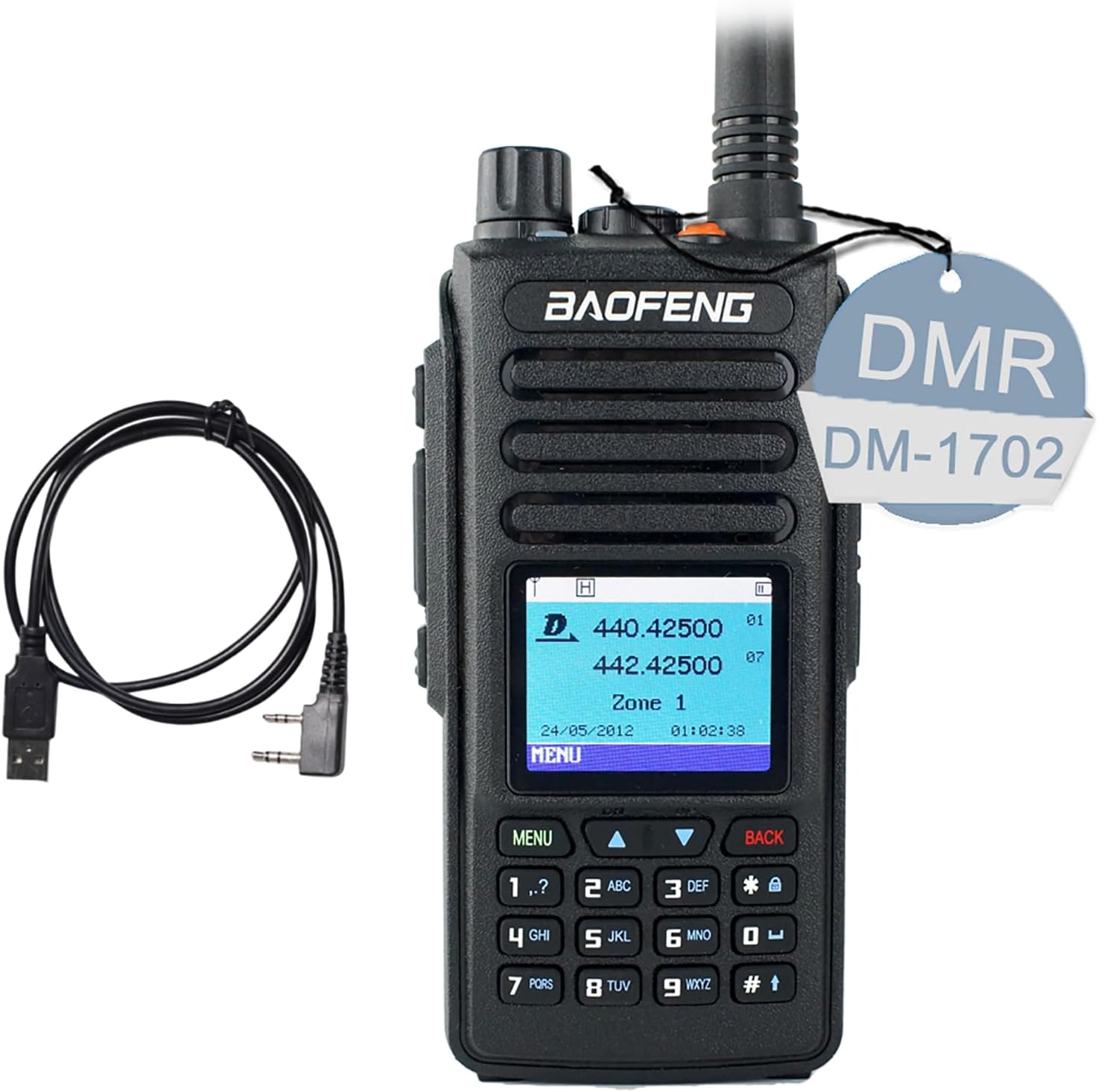
Image 1: BAOFENG DM-1702 Digital Analog DMR Two Way Radio with included programming cable.
2. Package Contents
Upon unpacking, please ensure all items listed below are present:
- Portable Radio (BAOFENG DM-1702)
- 2200mAh Li-ion Battery
- High Gain Antenna
- Charging Dock
- Power Adapter
- Belt Clip
- Lanyard
- User's Manual
- Programming Cable
3. Product Features
The BAOFENG DM-1702 offers a robust set of features for enhanced communication:
- Digital and Analog Compatibility: Seamlessly switch between DMR digital and traditional analog modes.
- Dual Time Slot: Supports Tier 1 and Tier 2 dual time slot operation.
- AES256 Encryption: Provides advanced encryption for secure and private communications.
- High Power Output: Up to 5W for extended range.
- Extensive Channel Capacity: Supports up to 1024 memory channels.
- VOX Voice Activation: Hands-free operation for convenience.
- DTMF, VFO, SMS: Includes various signaling and messaging functions.
- Frequency Range: Operates on 144-148MHz (VHF) and 420-450MHz (UHF).
- Long Talking Range: Maximum talking range of 3.1 to 6.2 miles (5-10 KM).
- 2200mAh Li-ion Battery: Provides extended operating time.
- Digital Noise Cancelling: Ensures clear calls in noisy environments.
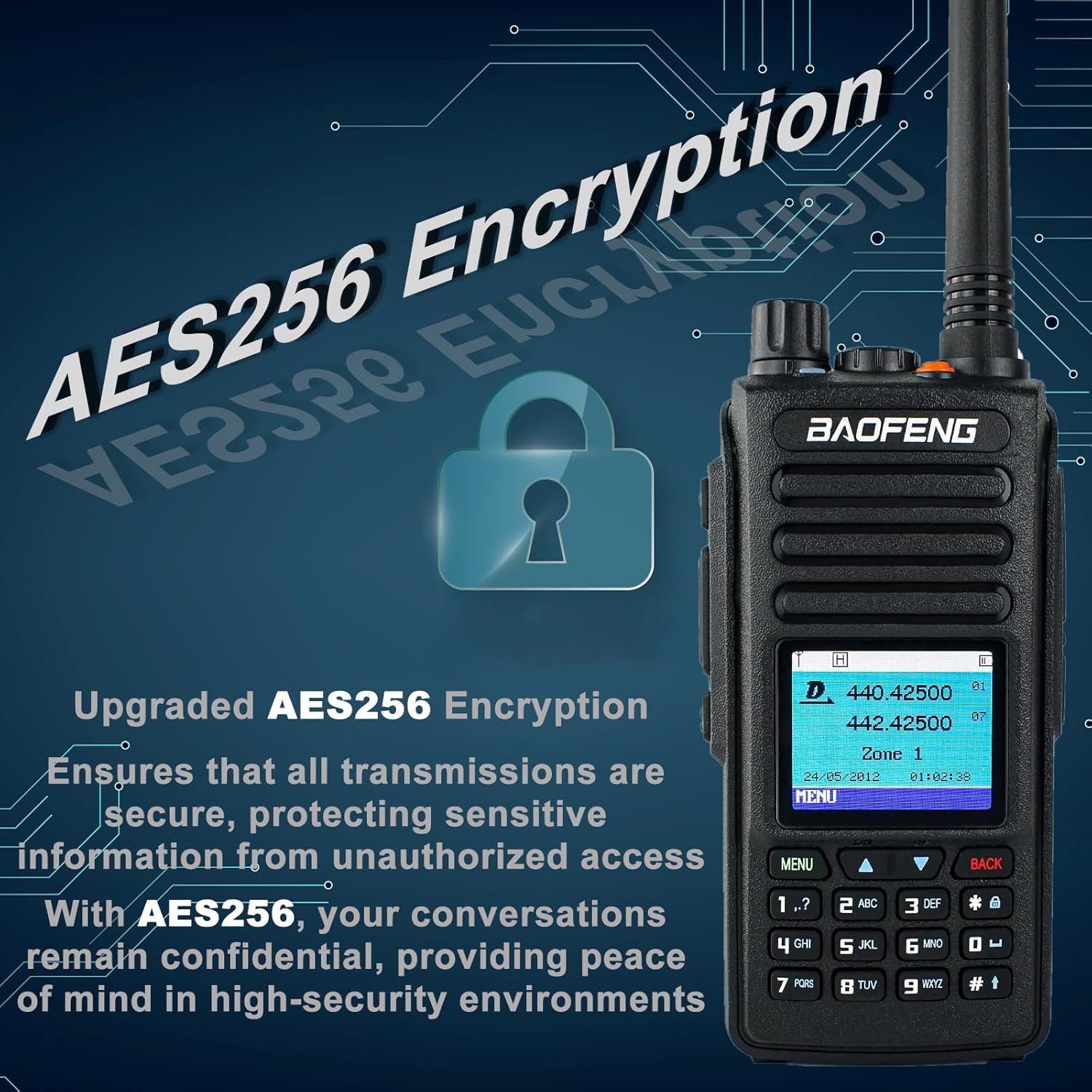
Image 2: Illustration of the AES256 Encryption feature for secure communications.

Image 3: The radio's display indicating its DMR Digital and Analog dual mode functionality.
4. Setup
4.1 Component Identification

Image 4: Key components of the BAOFENG DM-1702, including antenna, power/volume knob, speaker, 2-pin K jack, mic, PTT, SK I/II buttons, screen, and keypad.
4.2 Battery Installation and Charging
- Align the 2200mAh Li-ion battery with the back of the radio and slide it into place until it clicks securely.
- Connect the power adapter to the charging dock, then place the radio into the charging dock. The indicator light on the dock will show charging status.
4.3 Antenna Attachment
Screw the high gain antenna clockwise onto the antenna connector at the top of the radio until it is finger-tight. Do not overtighten.
4.4 Programming the Radio
The BAOFENG DM-1702 can be programmed using the included programming cable and software. Refer to the official BAOFENG website for the latest software and drivers.
Note: While some basic settings can be adjusted directly on the radio, advanced channel and feature configurations typically require the programming software.
Video: Copy a frequency and sub tone from another radio nearby
Video 1: This video demonstrates how to copy a frequency and sub-tone from another radio, a common function across DMR radios. The specific radio model shown in the video may vary from the DM-1702.
Video: Add a repeater using the radio - no PC required
Video 2: This video illustrates the process of adding a repeater directly from the radio's interface without requiring a computer. The specific radio model shown in the video may vary from the DM-1702.
5. Operating Instructions
5.1 Power On/Off and Volume Control
Rotate the Power/Volume knob clockwise to turn the radio on. Continue rotating to increase the volume. Rotate counter-clockwise to decrease volume and turn off the radio.
5.2 Channel Selection
Use the up/down arrow keys on the keypad to navigate through channels. In VFO mode, you can directly input frequencies using the numeric keypad.
5.3 Transmitting and Receiving
To transmit, press and hold the Push-To-Talk (PTT) button on the side of the radio. Speak clearly into the microphone. Release the PTT button to receive.
5.4 Menu Navigation
Press the 'Menu' button to access the radio's settings. Use the up/down arrow keys to scroll through options and the 'OK' button to select. Use 'Back' or 'Exit' to return to the previous screen or exit the menu.
5.5 Advanced Features
- VOX: Enable Voice Operated Exchange for hands-free transmission. Adjust sensitivity in the menu.
- Scanning: Activate channel scanning to monitor active frequencies.
- Text Messaging (SMS): Send and receive text messages between compatible DMR radios.
- Emergency Alarm: Use the dedicated emergency function for distress signaling.
Video: Digital/analog walkie-talkie with AES256
Video 3: This video highlights the digital and analog capabilities, along with AES256 encryption, of a walkie-talkie. The specific radio model shown in the video may vary from the DM-1702.
6. Maintenance
6.1 Battery Care
- Charge the battery fully before first use.
- Avoid overcharging or completely draining the battery to prolong its lifespan.
- Store the battery in a cool, dry place when not in use.
6.2 Cleaning
Wipe the radio's exterior with a soft, damp cloth. Do not use harsh chemicals or abrasive cleaners. Ensure the radio is dry before use.
6.3 Storage
When storing the radio for extended periods, remove the battery and store it separately. Keep the radio in a dry, dust-free environment.
7. Troubleshooting
- No Power: Check battery charge, ensure battery is properly installed.
- Cannot Transmit/Receive: Verify antenna connection, check frequency/channel settings, ensure you are within range of other radios or repeaters.
- Poor Audio Quality: Adjust volume, check microphone/speaker for obstructions, ensure digital noise cancelling is configured correctly.
- Programming Issues: Ensure the correct programming cable is used, drivers are installed, and software version is compatible with your radio model.
8. Specifications
| Feature | Specification |
|---|---|
| Frequency Range | 144-148MHz (VHF), 420-450MHz (UHF) |
| Memory Channels | Up to 1024 |
| Operating Voltage | DC 7.4V |
| Dimensions (no antenna) | 4.72in x 2.6in x 1.27in (1.37"D x 2.6"W x 4.72"H) |
| Operating Temperature | -30℃ to +60℃ |
| Weight (with battery & antenna) | Approx. 30.69 ounces / 870g |
| Output Power | 1W to 5W |
| Vocoder Type | AMBE+2 |
| Talking Range Maximum | 6.2 Miles (10 KM) |
| Battery Capacity | 2200mAh Li-ion |
| Jack Type | 2pin K jack |
| Special Features | AES256 Encryption, Call Alert, Digital and Analog, Emergency Alarm |
| Water Resistance Level | Not Water Resistant |

Image 5: Detailed dimensions of the BAOFENG DM-1702 radio.

Image 6: Various angles of the BAOFENG DM-1702, showcasing its design.
9. Warranty and Support
The BAOFENG DM-1702 comes with a 1-year warranty provided exclusively through "Shiqun Electronics Co., Ltd". For technical support, troubleshooting assistance, or warranty claims, please contact the seller or refer to the official BAOFENG website for support resources.

Image 7: Examples of typical usage scenarios for the BAOFENG DM-1702, including outdoor activities and public safety applications.


