
Pelican PP044688-04
Pelican Marine IP68 Waterproof Floating Phone Pouch (XL Size) Instruction Manual
Model: PP044688-04
Introduction
The Pelican Marine Waterproof Floating Pouch is designed to protect your smartphone and valuables from water, dust, sand, and snow. Its IP68 certification ensures reliable water protection, while its floating design prevents loss in water. This manual provides essential information for proper setup, operation, and maintenance of your phone pouch.
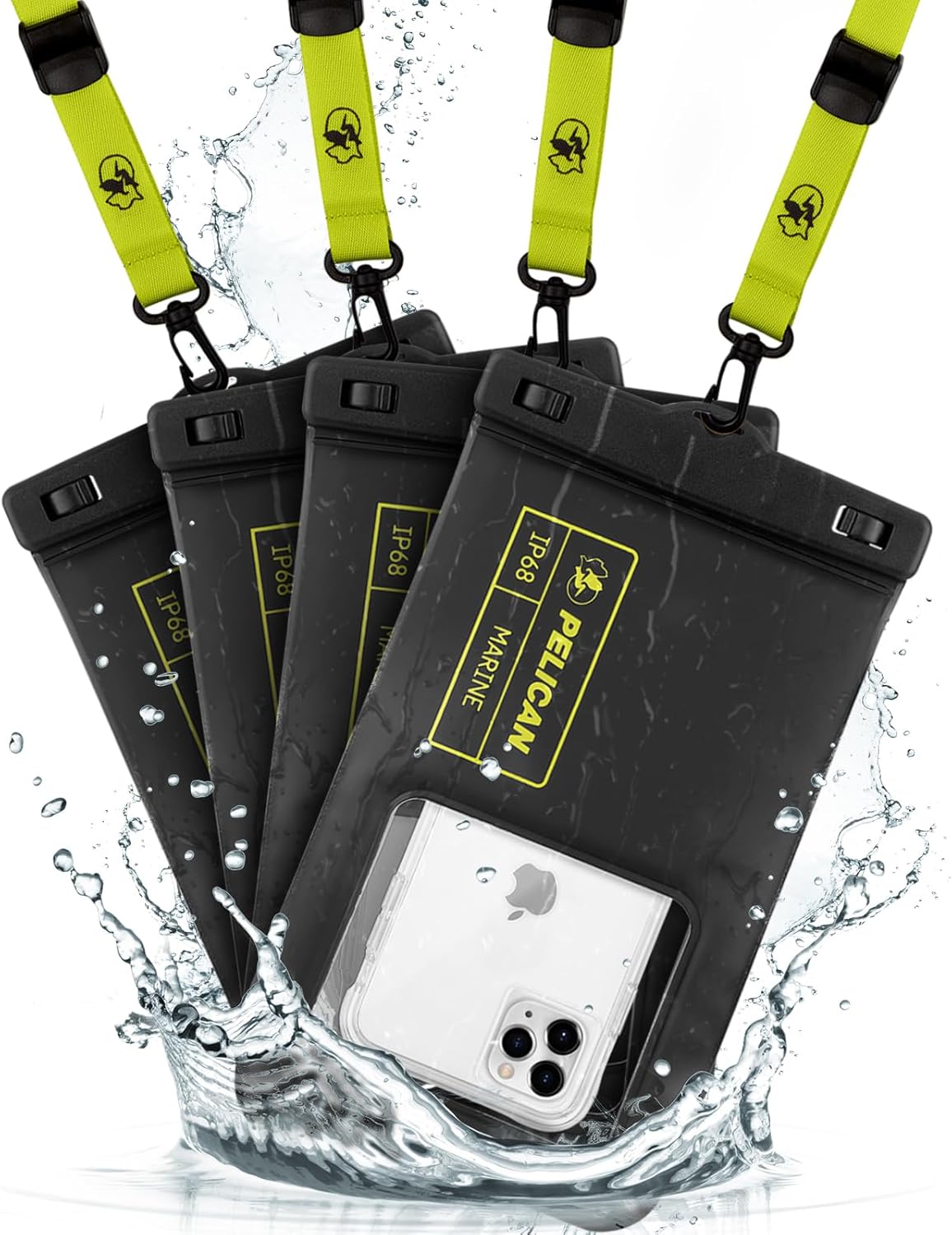
Image: Four Pelican Marine waterproof phone pouches, black with hi-vis yellow accents, floating in water. One pouch clearly displays a smartphone inside.
Package Contents
- (4) Pelican Waterproof Phone Pouch Floating Case - Black (XL Size)
- (4) Detachable Keychain Lanyard - Hi-Vis Yellow
Setup and Initial Water Test
Before first use, and periodically thereafter, perform a water test to ensure the pouch is fully sealed and undamaged. This is crucial to prevent water damage to your device.
- Open the Pouch: Locate the secure lock mechanism at the top of the pouch. Slide the two clasps outwards to unlock and open the top seal.
- Insert Test Material: Place a dry piece of paper or tissue inside the pouch.
- Close and Secure: Ensure the top edges are aligned, then press the clasps inwards until they click securely into the locked position. Verify both clasps are fully engaged.
- Submerge: Submerge the sealed pouch in water (e.g., a sink or shallow basin) for at least 10-15 seconds, ensuring it is fully underwater. You may need to weigh it down slightly if it floats.
- Check for Leaks: Remove the pouch, dry the exterior thoroughly with a towel, then open the clasps and inspect the paper/tissue inside for any signs of moisture.
If the paper is dry, your pouch is ready for use. If it is wet, do not use the pouch and contact customer support.

Image: A step-by-step visual guide demonstrating how to perform a dry test on the waterproof phone pouch using a piece of paper.
Operating Instructions
1. Inserting Your Phone
- Perform the initial water test as described above.
- Open the secure lock mechanism by sliding the clasps outwards.
- Carefully insert your smartphone into the pouch. The XL size accommodates most smartphones up to 6.7 inches, even with a slim case.
- Squeeze out any excess air from the pouch before sealing to ensure optimal touchscreen responsiveness and to prevent unwanted buoyancy if you intend to submerge it.
- Align the top edges and firmly close the secure lock mechanism until both clasps click into place. Double-check the seal.
2. Using the Touchscreen and Camera
The transparent TPU material allows for direct and good contact with your phone's touchscreen and camera. You can operate your phone's functions, including taking photos and videos, while it is inside the pouch.
- For best touchscreen response, ensure minimal air is trapped inside the pouch.
- The clear window on the back allows for underwater photography and videography.
- The innovative side design provides easy access to your phone's side buttons.
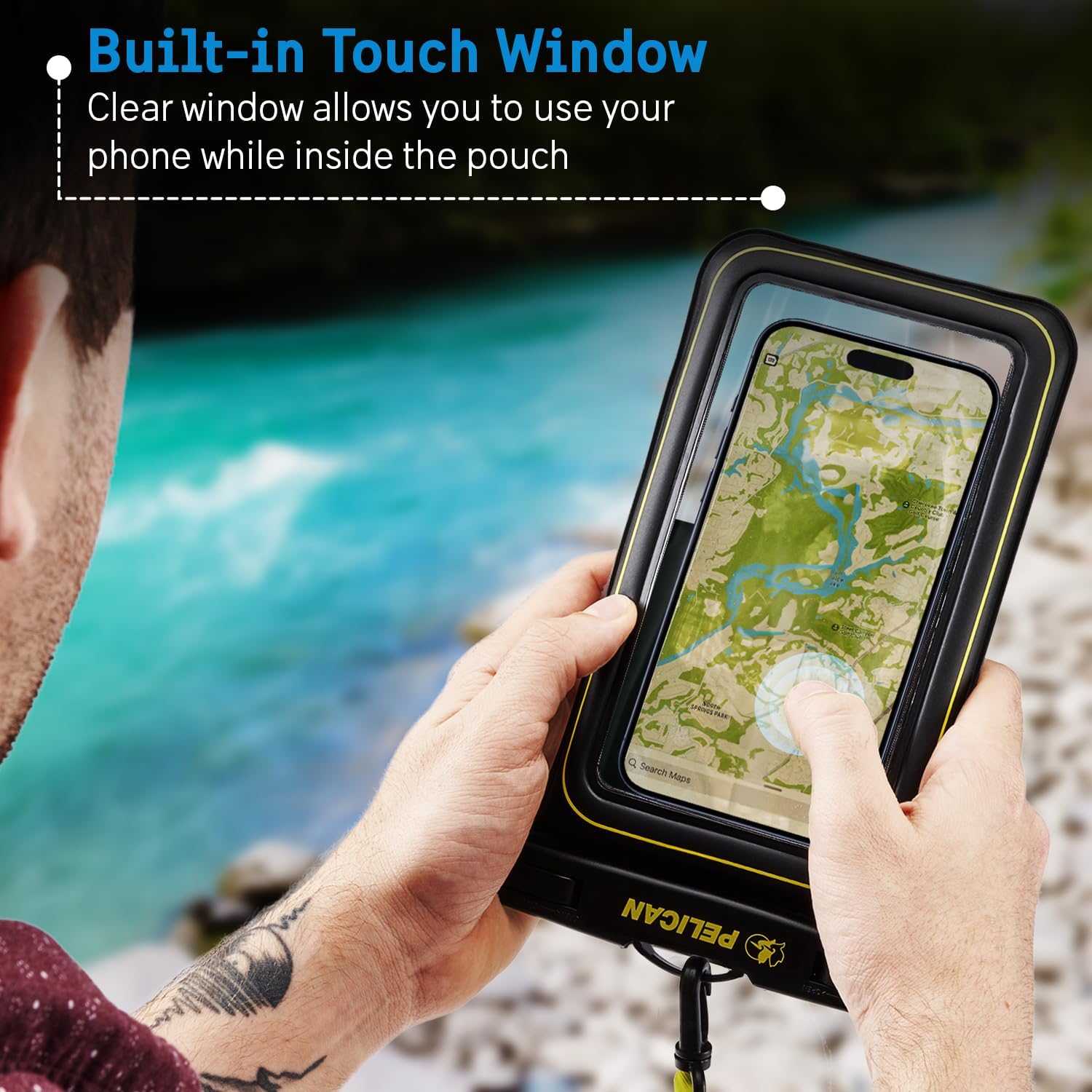
Image: A person holding the Pelican Marine waterproof phone pouch, demonstrating touchscreen functionality with a map displayed on the phone screen inside the pouch.

Image: A person using the Pelican Marine waterproof phone pouch to take a photo underwater, capturing marine life.
3. Using the Detachable Lanyard
The included detachable lanyard allows you to wear the pouch around your neck or wrist for easy access and security. The lanyard features a carabiner clip for versatile attachment options.
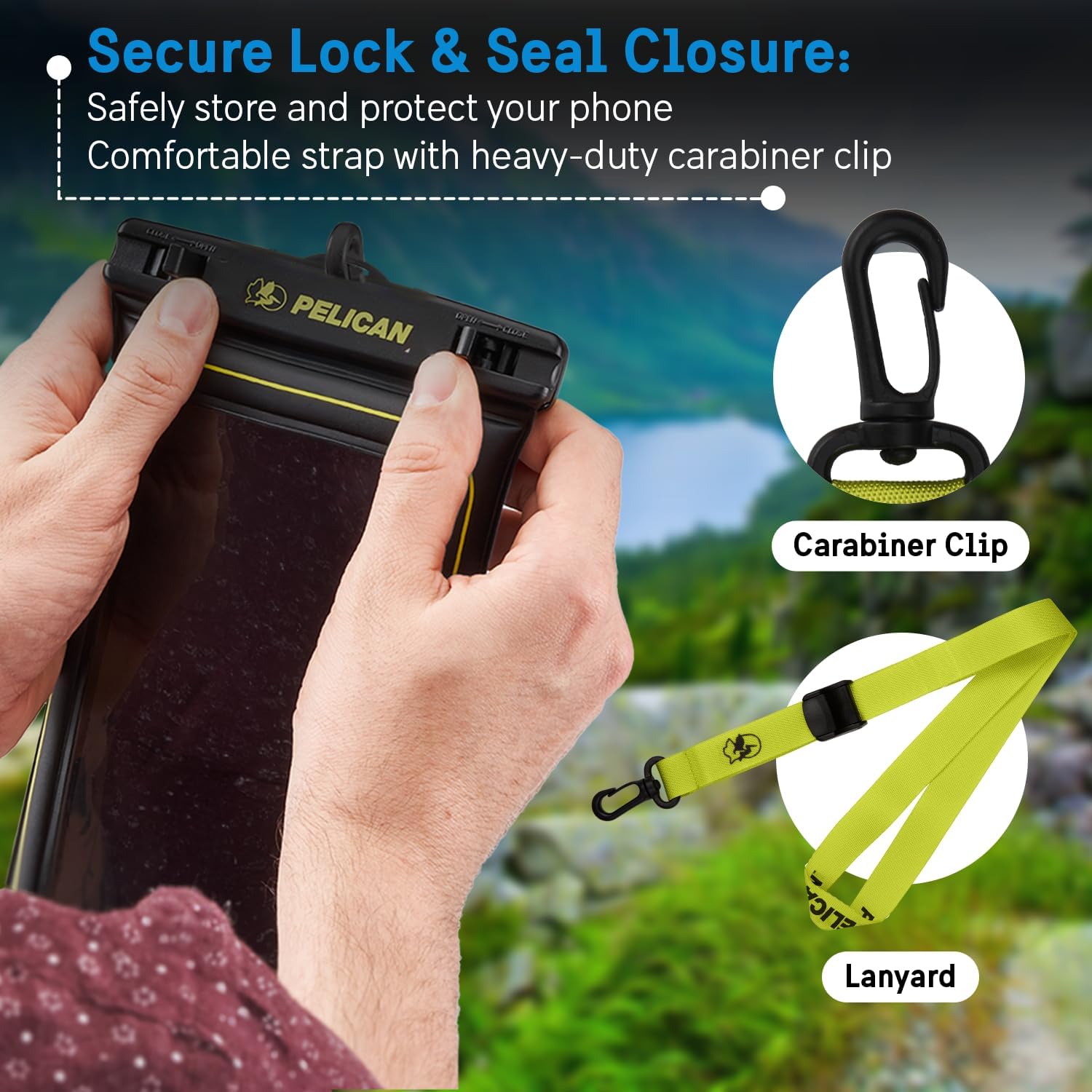
Image: Close-up of hands securing the waterproof phone pouch's lock mechanism. A separate carabiner clip and hi-vis yellow lanyard are displayed next to it.
Features
- IP68 Certified Water Protection: Submersible up to 3.3 feet (1 meter) for up to 30 minutes.
- Floating Design: Manufactured with high-density foam and built-in air cushions for buoyancy, ensuring your phone floats if dropped in water.
- Sensitive Touchscreen: Clear window allows full touchscreen functionality while inside the pouch.
- Underwater Photography: Transparent material provides clear access for camera use.
- Secure Lock Mechanism: Ensures a tight seal to keep your device dry.
- Detachable Lanyard: For convenient and secure carrying.
- Durable Material: Made from quality TPU material, scratch-resistant, and designed to withstand dust, sand, and snow.
- Universal Design: Compatible with most smartphones up to 6.7 inches.
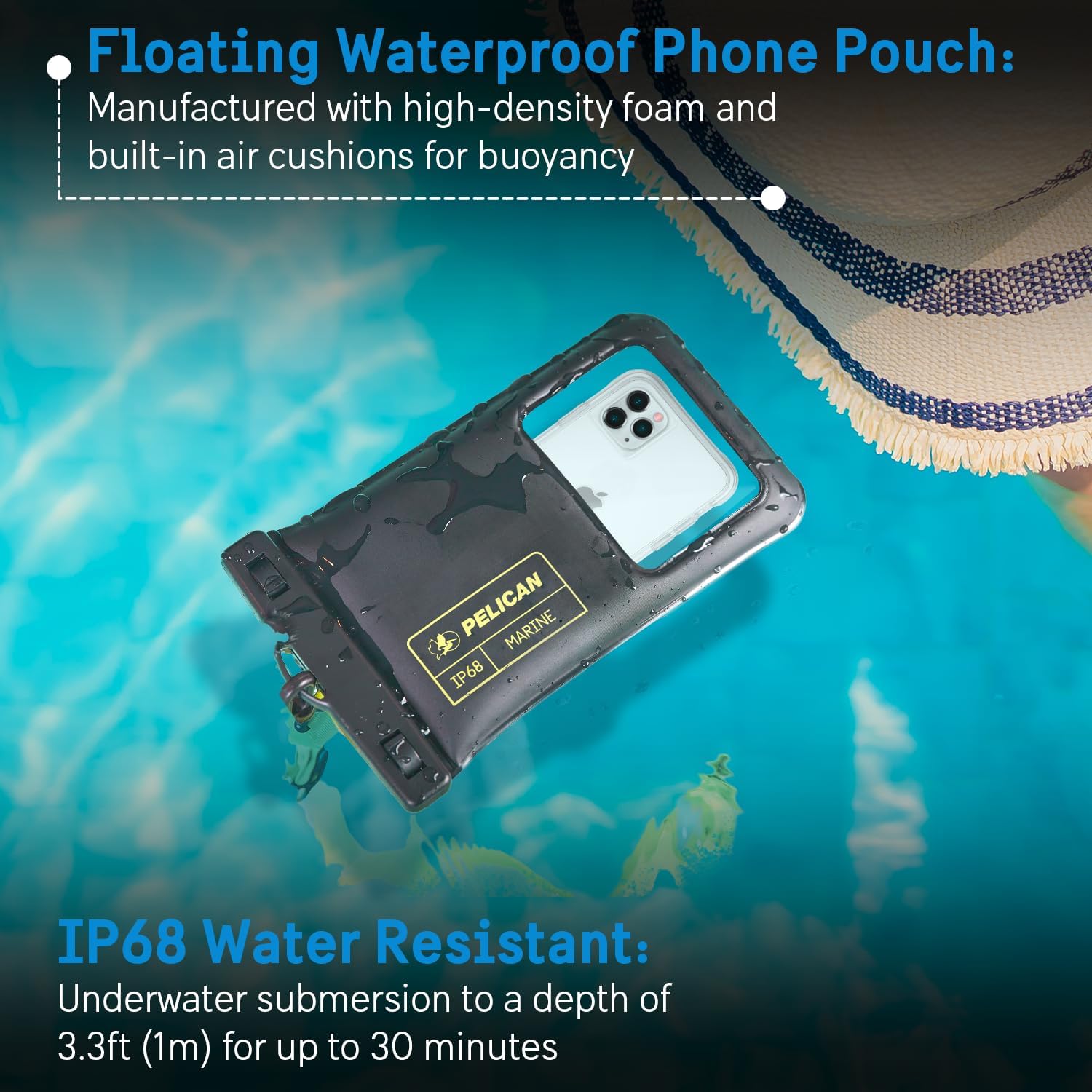
Image: The Pelican Marine waterproof phone pouch floating on the surface of a pool, illustrating its buoyancy and IP68 water resistance rating.
Maintenance
- After each use, especially in saltwater, rinse the pouch with fresh water and allow it to air dry completely before storing.
- Avoid exposing the pouch to sharp objects or abrasive surfaces to prevent punctures or scratches.
- Store the pouch in a cool, dry place away from direct sunlight when not in use.
- Regularly inspect the seals and material for any signs of wear or damage.
Troubleshooting
- Touchscreen Unresponsive: Ensure all air is squeezed out of the pouch before sealing. Water can also affect touchscreen sensitivity; try operating the phone above water or using physical buttons if available.
- Water Inside Pouch: Immediately remove your device and allow it to dry completely. Perform a dry test with paper to identify any leaks. Do not use the pouch if it leaks.
- Fogging Inside Pouch: This can occur due to temperature differences. Ensure your device is completely dry before placing it in the pouch. You can also place a small desiccant packet inside (away from the phone screen) to absorb moisture.
Specifications
| Product Dimensions | 5.51 x 0.55 x 9.06 inches |
| Item Weight | 2.72 ounces |
| Model Number | PP044688-04 |
| Waterproof Rating | IP68 (3.3ft/1m for 30 mins) |
| Material | Thermoplastic Polyurethane (TPU) |
| Color | Black/Hi-Vis Yellow |
| Compatible Phone Models | Universal, fits most smartphones up to 6.7 inches |
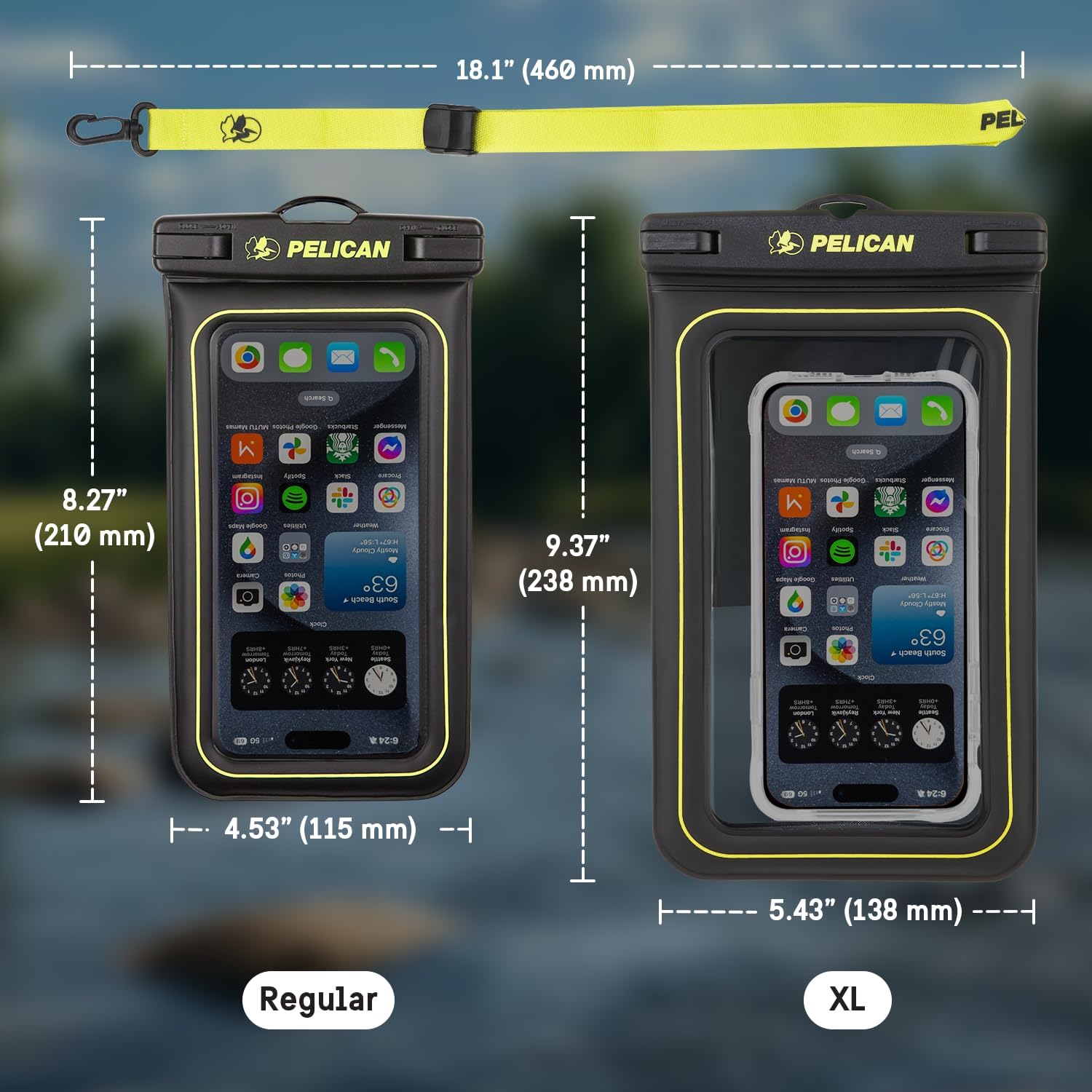
Image: A visual comparison of the Regular and XL size Pelican Marine waterproof phone pouches, detailing their respective dimensions.
Official Product Videos
Pelican Marine Waterproof Floating Phone Pouch XL size
Video: A brief overview of the Pelican Marine Waterproof Floating Phone Pouch in XL size, demonstrating its features and use.
Pelican Waterproof Collection
Video: A compilation showcasing various products from the Pelican Waterproof Collection, including the phone pouch, highlighting their protective qualities.
Warranty and Support
This product comes with a One Year Warranty. For warranty claims or technical support, please refer to the manufacturer's contact information provided with your purchase or visit the official Pelican website.
Ask a question about this manual
Ask about setup, troubleshooting, compatibility, parts, safety, or missing instructions. Manuals+ will review the question and use this page’s manual context to help answer it.