
1. Introduction
Thank you for choosing the iGPSPORT BSC300 GPS Bicycle Computer. This device is designed to enhance your cycling experience by providing accurate navigation, comprehensive performance data, and smart connectivity. This manual will guide you through the setup, operation, and maintenance of your new bicycle computer.
The BSC300 features a vibrant 2.4-inch color LCD display, robust IPX7 waterproofing, and supports advanced connectivity via BLE5.0 and ANT+. With its multi-satellite positioning system, you can expect precise tracking and navigation for all your rides.
2. Package Contents
Please check the package for the following items:
- iGPSPORT BSC300 Bicycle Computer x 1
- Rubber Base x 1
- Rubber Ring x 2
- User Quick Guide x 1
- USB Type-C Cable x 1

Image: Contents of the iGPSPORT BSC300 package, including the computer, mounts, and cables.
Note: A charging adapter is not included. Please use a standard USB Type-C compatible charger.
3. Setup
3.1 Device Installation
- Attach the rubber base to your bicycle handlebar or stem using the provided rubber rings.
- Align the BSC300 with the base and twist it clockwise until it locks securely into place.
3.2 Initial Charging
Before first use, fully charge the device using the supplied USB Type-C cable. Connect the cable to the BSC300's charging port and a compatible USB power source. The battery indicator on the display will show charging status.
3.3 Power On/Off
- To power on: Press and hold the power button (usually located on the side or bottom) until the screen illuminates.
- To power off: Press and hold the power button until a power-off prompt appears, then confirm.
3.4 Language and Initial Settings
Upon first power-on, you may be prompted to select your preferred language and other basic settings. The device supports multiple languages. Navigate through the menus using the physical buttons.
3.5 Sensor Pairing (BLE5.0 & ANT+)
The BSC300 supports connection to various external sensors via BLE5.0 and ANT+ protocols, including speed sensors, cadence sensors, heart rate monitors, power meters, and radar sensors.
- Go to the 'Settings' menu on your BSC300.
- Select 'Sensors' or 'Add Device'.
- Ensure your sensor is active and within range. The BSC300 will scan for available devices.
- Select your sensor from the list to pair.
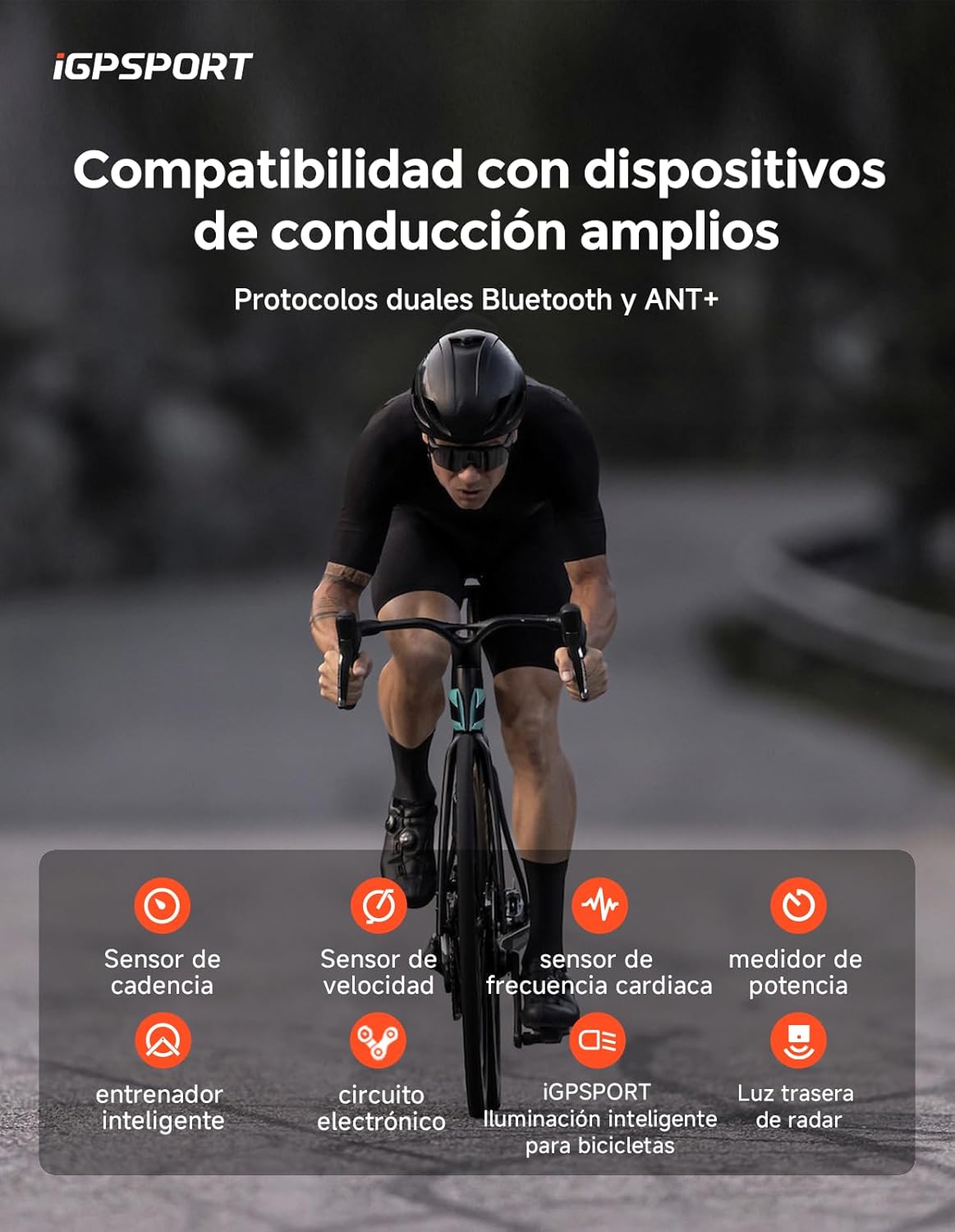
Image: The iGPSPORT BSC300 displaying compatibility with various cycling sensors like cadence, speed, heart rate, and power meters.
4. Operating Instructions
4.1 Display and Data Fields
The 2.4-inch HD color display offers clear visibility. You can customize the data fields to show over 130 different metrics, including speed, distance, time, cadence, heart rate, power, and altitude. The device provides three options for data display layouts.

Image: The iGPSPORT BSC300 showcasing various colorful UI themes and customizable data display options.
4.2 Navigation
The BSC300 supports offline map navigation with 8GB of internal memory for storing extensive map information. It is compatible with TCX, GPX, CNX, and Fit files, allowing you to import routes from third-party applications. The 5-star navigation system provides accurate turn-by-turn directions and alerts.

Image: The iGPSPORT BSC300 displaying an offline map navigation route on its screen while a cyclist rides.
4.3 Satellite Positioning
The device utilizes a multi-constellation GNSS system, supporting GPS, GALILEO, GLONASS, BeiDou, and QZSS for responsive and accurate real-time satellite positioning. This ensures reliable tracking even in challenging environments.

Image: A graphic illustrating the iGPSPORT BSC300's global 5-satellite positioning system, showing coverage from GPS, Galileo, GLONASS, BeiDou, and QZSS.
4.4 Training Modes
The BSC300 offers advanced training features, including smart trainer control, structured workouts, and FTP (Functional Threshold Power) detection. These features help you optimize your training sessions.

Image: The iGPSPORT BSC300 displaying advanced training screens, including workout targets, smart trainer options, and FTP detection.
4.5 App Compatibility & Electronic Shifting
The device is compatible with popular cycling platforms like iGPSPORT, Strava, TrainingPeaks, Komoot, and Insta360, allowing for easy data synchronization and analysis. It also supports the three major electronic shifting systems: Shimano Di2, SRAM e-Tap, and Campagnolo EPS.

Image: The iGPSPORT BSC300 showing compatibility with various cycling applications like Insta360, Komoot, and Strava, along with real-time data display.
4.6 Radar Light Functionality
The BSC300 can connect with compatible radar lights, detecting, displaying, and warning you of up to 8 vehicles simultaneously, enhancing your safety on the road.

Image: The iGPSPORT BSC300 displaying radar information from a connected radar light, showing detected vehicles behind cyclists.
5. Maintenance
5.1 Battery Management
The BSC300 is equipped with a 600 mAh battery, providing up to 20-30 hours of battery life on a full charge. To maximize battery longevity, avoid extreme temperatures and fully charge the device before long periods of inactivity.
5.2 Cleaning and Waterproofing
The device has an IPX7 waterproof rating, meaning it can withstand immersion in up to 1 meter of water for 30 minutes. After riding in wet conditions, wipe the device clean with a soft, damp cloth. Do not use harsh chemicals or abrasive materials. Ensure the USB port cover is securely closed to maintain waterproofing.
5.3 Software Updates
iGPSPORT regularly releases software updates to improve performance and add new features. Connect your device to the iGPSPORT app or computer software to check for and install available updates. Keeping your device updated ensures optimal functionality.
6. Troubleshooting
If you encounter issues with your iGPSPORT BSC300, try the following steps:
- Device not powering on: Ensure the battery is charged. Connect to a power source and try again.
- GPS signal loss: Move to an open area away from tall buildings or dense foliage. Allow the device a few minutes to acquire satellites.
- Sensor not connecting: Check if the sensor's battery is charged and it is active. Ensure the sensor is within range and try re-pairing it through the device settings.
- Display issues: Restart the device. If the problem persists, check for software updates.
- Data synchronization problems: Ensure your device is properly connected to the iGPSPORT app via Bluetooth and you have a stable internet connection.
For further assistance, please refer to the official iGPSPORT support website or contact customer service.
7. Specifications
| Feature | Specification |
|---|---|
| Model Number | BSC300T |
| Display | 2.4 inch Color LCD |
| Dimensions | 92 x 52 x 16.5 mm |
| Weight | 67 g |
| Wireless Connectivity | BLE5.0 / ANT+ |
| Waterproof Rating | IPX7 |
| GNSS | GPS + BeiDou + GLONASS + QZSS + GALILEO |
| Battery Life | Up to 20-30 hours |
| Battery Capacity | 600 mAh |
| Interface | USB Type-C |
| Memory Storage | 8 GB |
| Electronic Shifting Support | Di2, e-Tap, EPS |
| Integrated Sensors | G-sensor, Barometric Altimeter, Ambient Light Sensor, Electronic Compass |
| Special Features | Touchscreen, Bluetooth, Waterproof |
8. Warranty and Support
For warranty information, technical support, or service inquiries, please refer to the official iGPSPORT website or contact your local dealer. Keep your purchase receipt as proof of purchase for warranty claims.
Official iGPSPORT Website: www.igpsport.com