
1. Introduction
This manual provides detailed instructions for the installation and operation of the XTRONS JT2HD Tuner Dedicated Touch Linkage Conversion Cable. This cable enables touch panel control of your television when connected to a compatible XTRONS navigation unit and JT2HD tuner.
2. Product Overview
The XTRONS JT2HD Tuner Dedicated Touch Linkage Conversion Cable (Model: AKTVCBLTIX) is designed to integrate your JT2HD tuner with specific XTRONS navigation units, allowing you to control TV functions directly from the navigation unit's touch screen. The cable measures 1 meter in length.

Image 2.1: The XTRONS JT2HD Tuner Dedicated Touch Linkage Conversion Cable.
3. Compatibility
3.1 Compatible Models
- TX120LS
- TIX125LS
- TIX221L
3.2 Incompatible Models
- TX120L
- TIX125L
Note: Models TX120L and TIX125L are not compatible with the TV touch linkage function due to older Android operating system versions (not Android 12 or newer). Please verify your device's Android version before attempting connection.
4. Installation
Follow these steps to correctly install the conversion cable:
- Locate the RCA cable of your navigation unit.
- Identify the black terminal labeled 'IR-out' on the navigation unit's RCA cable.
- Connect one end of the conversion cable to the 'IR-out' black terminal of the navigation unit's RCA cable.
- Locate the power cable of your JT2HD tuner.
- Identify the black terminal on the JT2HD tuner's power cable.
- Insert the other end of the conversion cable into the black terminal of the JT2HD tuner's power cable.
The cable length is 1 meter, providing flexibility for installation.

Image 4.1: Connection diagram illustrating how to connect the conversion cable to the JT2HD tuner and navigation unit.
Important Note: After connecting the cable using this method, TV operation via the JT2HD remote control will no longer be possible. All TV functions will be controlled exclusively through the navigation unit's touch panel.
5. Operation: DTV App Settings
To enable TV operation from the touch panel after installation, configure the DTV application settings as follows:
- From the home screen of your navigation unit, navigate to "Settings".
- Select "Car Settings".
- Choose "Factory Settings". When prompted, enter the password: 0000.
- Go to "ARM Settings".
- Select "DTV Type" and set it to "None".
- Proceed to "DSP Settings".
- Select "Audio TV Type" and set it to "AUX".
- Press the back icon located in the upper right corner of the screen.
- When prompted to apply changes, press "Reboot". The navigation unit will automatically restart.
- After the restart, the "Digital TV Broadcast" icon will appear on the menu screen. Enter the application and complete the channel scan to begin TV operation via touch.
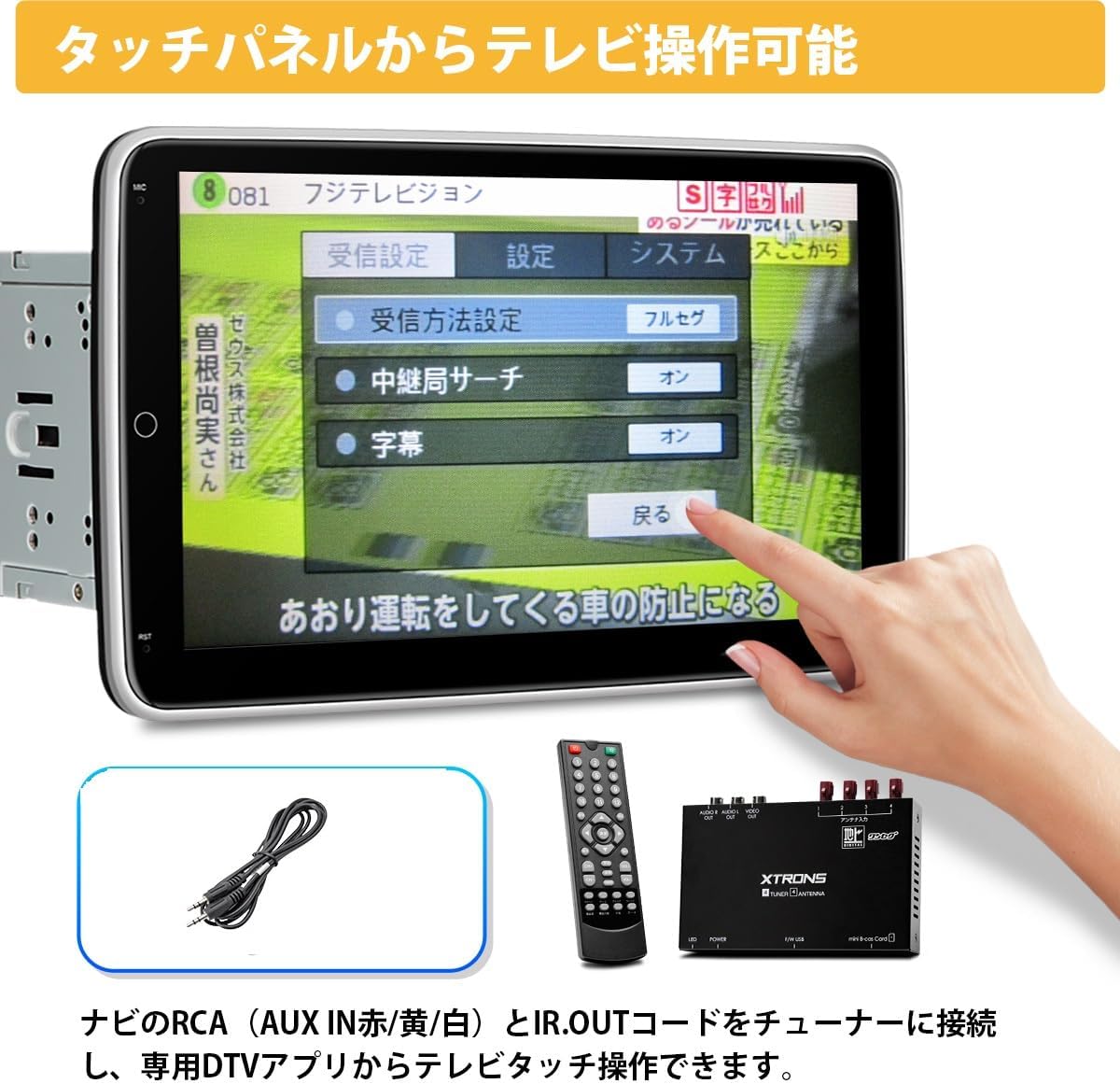
Image 5.1: Illustration of TV operation being controlled directly from the navigation unit's touch panel.
6. Specifications
| Feature | Specification |
|---|---|
| Brand | XTRONS |
| Model Number | AKTVCBLTIX |
| Cable Type | Coaxial |
| Connector Type | RCA |
| Cable Length | 1 meter |
| Compatible Devices | XTRONS TX120LS, TIX125LS, TIX221L |
| Incompatible Devices | XTRONS TX120L, TIX125L (Android 12 or older) |
7. Warranty and Support
This product comes with a three-month warranty from the date of purchase. If you encounter any issues or have questions regarding the installation or operation of this conversion cable, please do not hesitate to contact XTRONS customer support via email for assistance.