
Introduction
Thank you for choosing the Lepro AI Smart Bulb BC1. This smart LED bulb offers intelligent lighting with integrated AI voice recognition and quick Bluetooth direct connection. It features advanced music synchronization, adjustable white light from warm to cool, group control, and a timer function, all with high color rendering. Please read this manual carefully before use to ensure proper installation and operation.
Important Note: This model operates exclusively with the Lepro app and does not support Alexa or Google Assistant, nor is it compatible with Lepro LampUX or Lepro Life apps.
Safety Information
- Ensure the power is turned off before installing or removing the bulb.
- Do not use in fully enclosed fixtures as this may shorten the bulb's lifespan.
- Not suitable for dimmers or emergency lighting.
- Avoid exposing the bulb to direct water or extreme humidity.
- Do not disassemble the bulb. There are no user-serviceable parts inside.
- Keep out of reach of children.
Package Contents
The package contains:
- Lepro AI Smart Bulb BC1 E14 (Quantity as per purchase, e.g., 2 bulbs)
- Instruction Manual
Setup Guide
1. Physical Installation
- Turn off the power to the light fixture before installation.
- Carefully screw the Lepro AI Smart Bulb BC1 into a standard E14 socket.
- Turn on the power to the light fixture. The bulb should light up.

Image: Lepro BC1 E14 Smart LED Bulb installed in various fixtures, demonstrating its versatile lighting capabilities.
2. App Download and Installation
- Scan the QR code on the product packaging or search for "Lepro App" in your mobile device's app store (iOS App Store or Google Play Store).
- Download and install the Lepro App.
- Open the app and follow the on-screen instructions to create an account or log in.
3. Pairing the Bulb
The BC1 bulb uses Bluetooth for direct connection.
- Ensure Bluetooth is enabled on your mobile device.
- Open the Lepro App. The app should automatically detect nearby Lepro smart bulbs.
- Follow the in-app prompts to add your BC1 bulb(s). This usually involves confirming the detected device.
- Once paired, you can control the bulb(s) through the app.

Image: Overview of Lepro BC1 E14 Smart LED Bulb features, including Bluetooth direct connection and various smart functions.
Operating Instructions
1. AI Personalized Light Design (LightGPM 4)
The Lepro LightGPM 4 feature allows for personalized light design. Simply tell LightGPM 4 your preferences, and it will remember your favorite colors and effects. The more you use it, the more the light design adapts to your preferences, making it your personal AI light designer.

Image: The Lepro app demonstrating AI Voice mode and various light effects, including purple lighting in a room.
2. Enhanced Voice Control
With enhanced voice control through the Lepro app, there's no need for manual setup or predefined functions. Simply tell the app what you want to achieve, such as creating a holiday ambiance, enhancing parties, or reflecting your favorite movie and game themes, and the perfect lighting will be set in seconds.

Image: Examples of AI Voice Recognition commands for emotions, scenes, and basic instructions, demonstrating intuitive control.
3. Capture Atmosphere from Photo
If you're unsure how to describe your desired lighting design, LightGPM 4 can recognize images. Take a photo of your room to generate a lighting design that perfectly suits the space, or upload a movie poster or favorite character to instantly apply a themed lighting to your room.

Image: Facial Expression Recognition feature, allowing users to match home lighting with their mood by analyzing a photo.
4. LightBeats Music Sync
Experience dynamic lighting that synchronizes with music rhythms. This feature transforms any room into an energetic and captivating environment, perfect for parties or dancing.
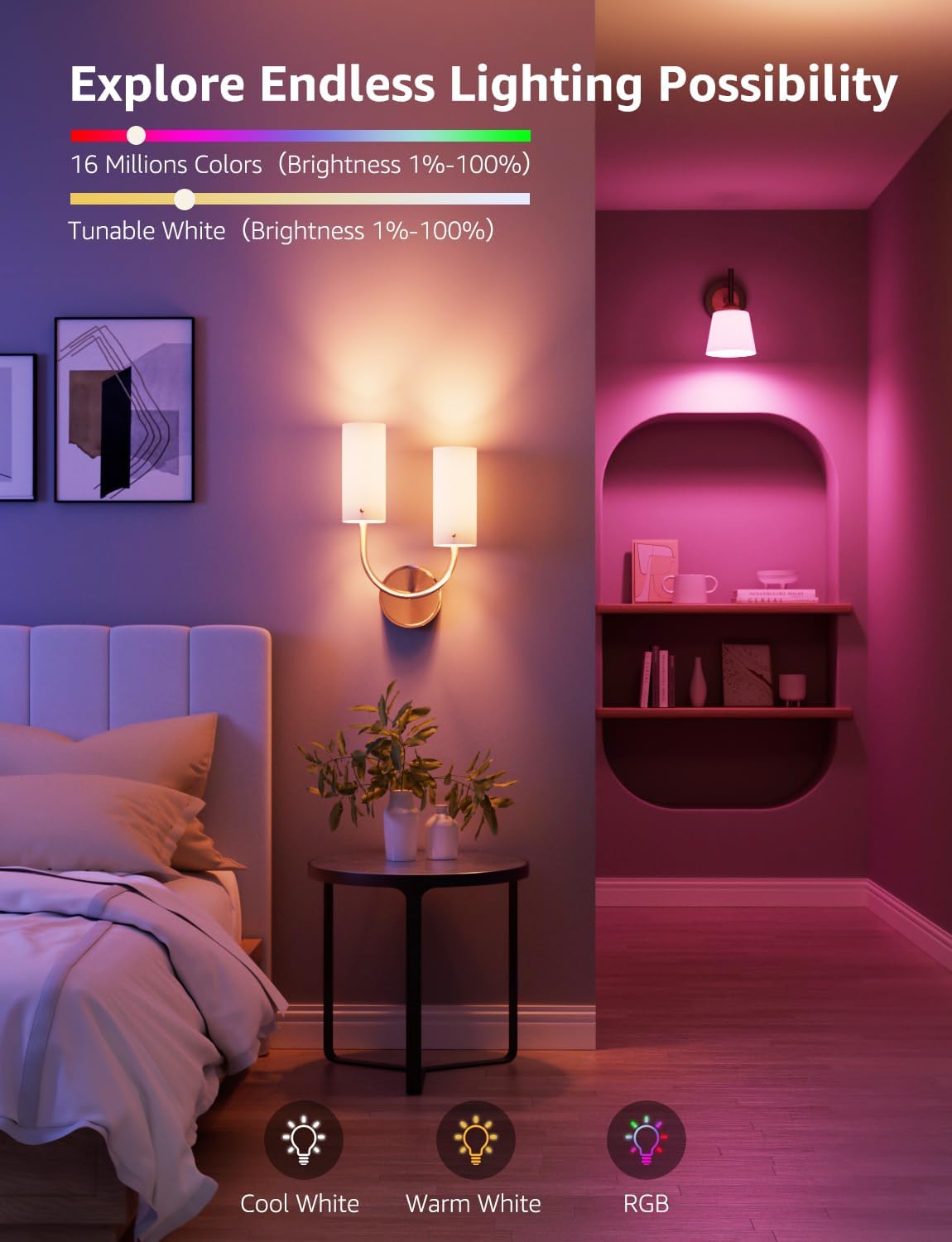
Image: LightBeats Music Sync in action, showing lights changing dynamically with music in a living room setting.
5. Adjustable Light Effects
If you're not satisfied with AI-generated scenes, you can modify LightGPM 4 lighting designs to your preferences instead of starting over. Customize each segment (color combination, brightness, pattern, and speed) and share your creations within the 'Lepro App' community. Unleash your creativity with 16 million colors and tunable white light (1%–100% brightness).
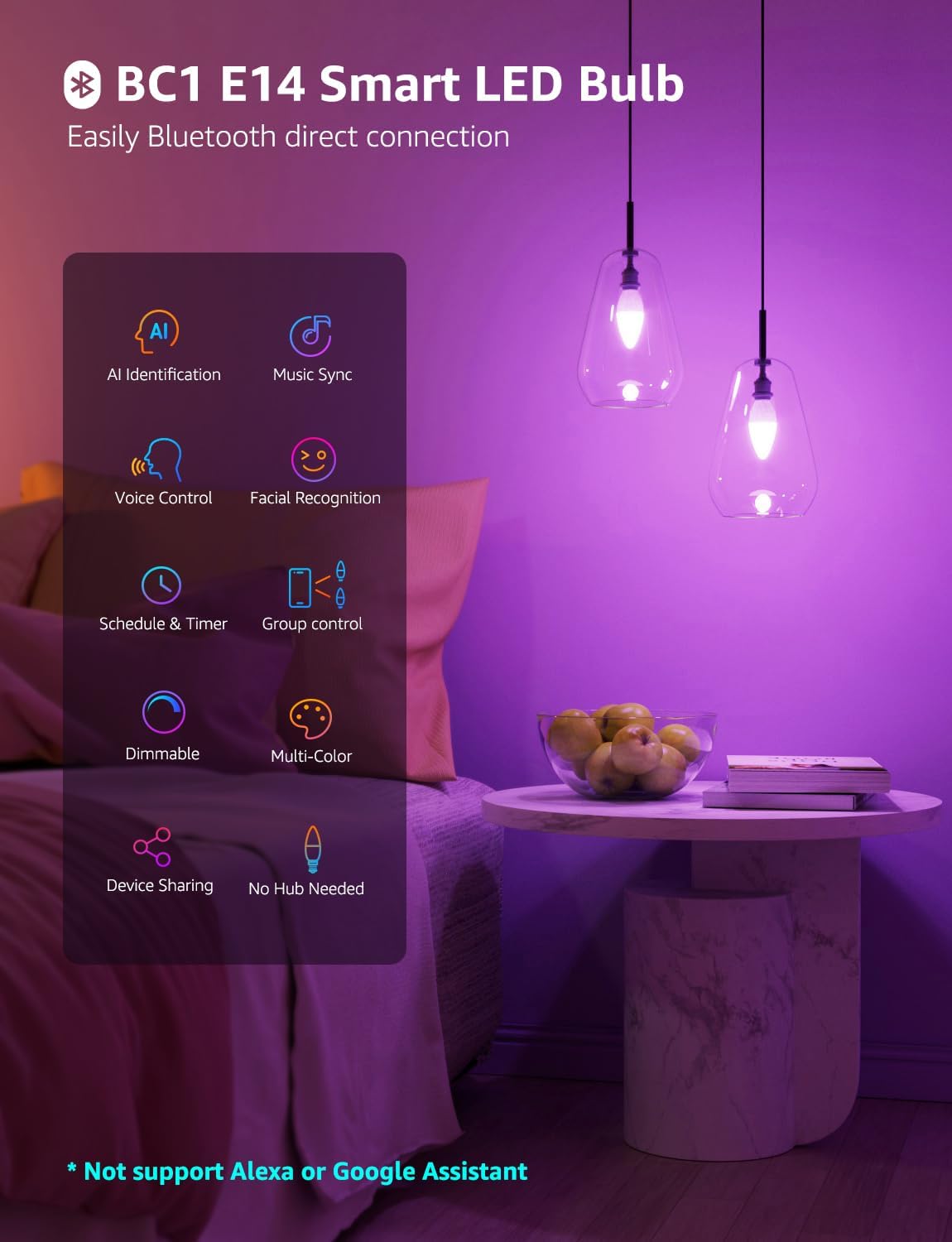
Image: Demonstrating the range of lighting possibilities, including cool white, warm white, and vibrant RGB colors.
6. Group Control
Control multiple smart bulbs simultaneously with the group control feature. Up to 200+ light fixtures can be connected and managed effortlessly through the Lepro app, allowing you to synchronize lighting across your entire home.

Image: Effortless Group Control, showing a large house with multiple smart lights managed from a single app interface.
7. Smart Light Timer
Automate your lighting with the smart light timer function. Set schedules for your lights to automatically turn on or off, adjusting to your daily routine, such as turning off at 10 PM for sleep and turning on at 7 AM for waking up.

Image: Smart Light Timer feature, illustrating automatic light adjustments for sleep and wake-up routines.
Maintenance
- Cleaning: Ensure the bulb is cool and the power is off before cleaning. Wipe with a soft, dry cloth. Do not use liquid or abrasive cleaners.
- Storage: If storing the bulb for an extended period, keep it in a cool, dry place away from direct sunlight.
- Disposal: Dispose of the bulb according to local regulations for electronic waste.
Troubleshooting
| Problem | Possible Cause | Solution |
|---|---|---|
| Bulb does not light up. | No power; bulb not screwed in properly; bulb faulty. | Check power supply; ensure bulb is securely screwed in; test bulb in another fixture. |
| Cannot pair bulb with app. | Bluetooth off; bulb too far from device; app issue. | Ensure Bluetooth is on; move closer to bulb; restart app/device; reset bulb (turn off/on 3 times). |
| Voice control not responding. | Microphone access denied; app not active; unclear command. | Check app permissions for microphone; ensure app is open; speak clearly. |
| Light effects are not smooth. | Weak Bluetooth signal; app performance issue. | Move closer to bulb; close other apps; restart app. |
Specifications
| Feature | Detail |
|---|---|
| Brand | Lepro |
| Model Reference | BC1 |
| Item Model Number | BC1-EU-2 |
| Number of Items | 2 |
| Style | AI Smart |
| Shape | Candle (C) |
| Material | Aluminum, Polycarbonate (PC) |
| Voltage | 220 Volts (AC) |
| Special Feature | Dimmable |
| Socket Type | Electricity |
| Batteries Included | No |
| Batteries Required | No |
| Bulb Type | LED |
| Luminous Flux | 470 lm |
| Wattage | 4.9 Watts |
| Incandescent Equivalent | 40 Watts |
| Color Temperature/Rendering | 470 Kelvin |
| Color Rendering Index (CRI) | 80 |
| Average Lifespan | 15000 Hours |
| Beam Angle | 210 Degrees |
| Item Weight | 46 g |
| Product Dimensions (L x W x H) | 3.73 x 3.73 x 10.6 cm |
| Bulb Shape Size | A23 |
| Bulb Base | E14 |
| Light Color | 16 Million Colors, Tunable White |

Image: Energy efficiency label for the BC1-EU-2 model. For more details, refer to the official EU EPREL database: https://eprel.ec.europa.eu/qr/1671441
Warranty and Support
For warranty information and customer support, please refer to the documentation included with your purchase or visit the official Lepro website. You can also visit the Lepro brand store on Amazon for additional product information and support resources.
Lepro Brand Store: Visit Lepro Store


