
Introduction
This manual provides essential instructions for setting up, operating, and maintaining your Mondo M1001 Wireless Over-Ear Headphones. Please read thoroughly to ensure optimal performance and longevity of your device.
What's in the Box
- Mondo M1001 Wireless Over-Ear Headphones (Black)
- USB-C Charging Cable
- Coiled 1/8 inch Audio Cord
- Protective Case
Product Overview
The Mondo M1001 headphones are designed for a comfortable over-ear fit, delivering high-quality audio with dual drivers and clear communication through dual ENC microphones. The lightweight design ensures extended wear comfort.

Image: Mondo M1001 Black Wireless Over-Ear Headphones. This image displays the overall design of the black over-ear headphones, highlighting the earcups and headband.
Key Features
- Dual Drivers: Equipped with 1.6 inch and 0.4 inch drivers for distinct frequency reproduction, providing rich mids, bass, and crisp highs.
- Dual ENC Microphones: Environmental Noise Canceling microphones ensure clear voice pickup during calls.
- Bluetooth 5.2: For stable and efficient wireless connectivity.
- Long Battery Life: Up to 45 hours of playtime and 430 hours of standby time.
- USB-C Fast Charging: Quick 2-hour charging time.
- Lightweight Design: Weighing approximately 275 grams (9.7 ounces) for comfort during prolonged use.
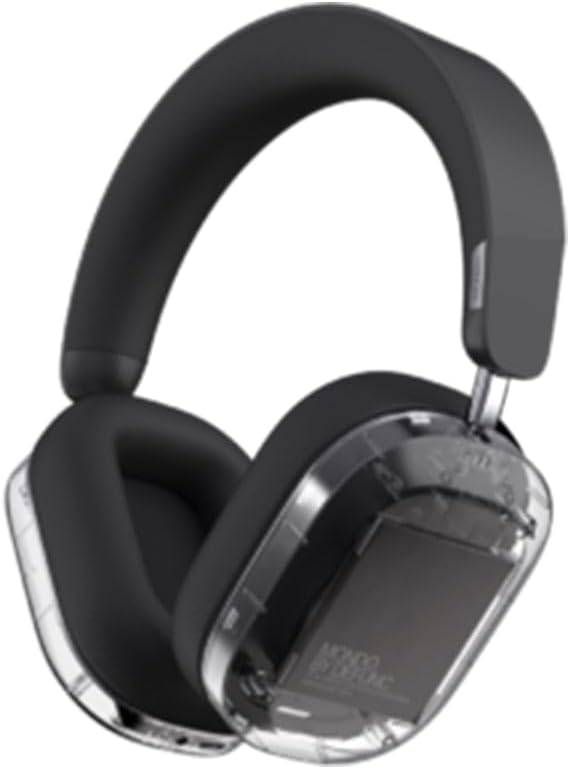
Image: Mondo M1001 Black Wireless Over-Ear Headphones with transparent earcup. This image shows a transparent view of one earcup, illustrating the internal dual driver components.
Controls and Ports
The headphones feature easily accessible controls and ports. Familiarize yourself with their locations for seamless operation.
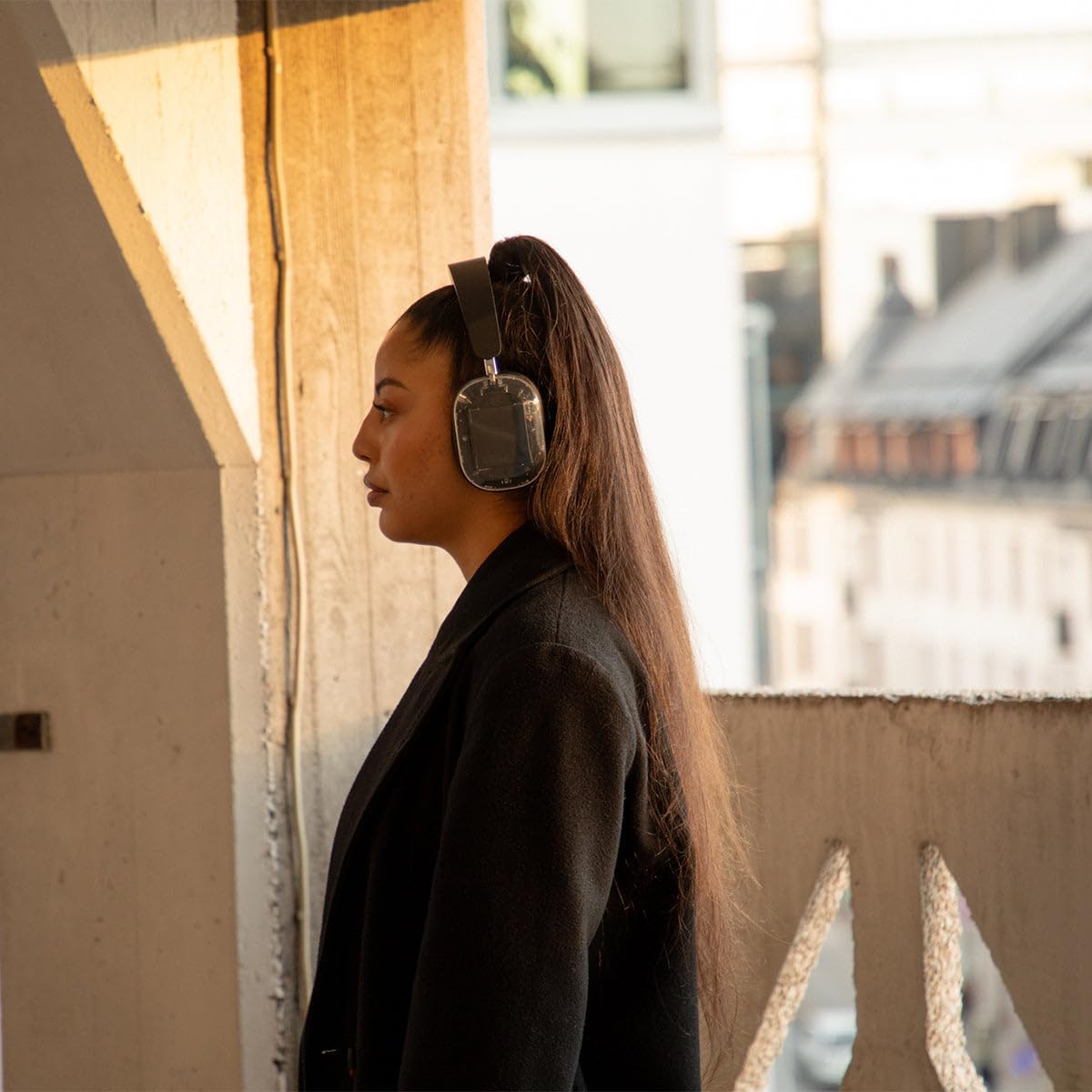
Image: Side view of Mondo M1001 Black Wireless Over-Ear Headphones showing controls. This image highlights the buttons and ports located on the side of the earcup, including the power button, volume controls, and USB-C port.
- Power Button: Located on the right earcup. Used for powering on/off and pairing.
- Volume Up/Down Buttons: Adjacent to the power button, for adjusting audio volume.
- Multi-function Button: Often integrated with the power button or a separate button, used for play/pause, answering/ending calls.
- USB-C Charging Port: For connecting the charging cable.
- 3.5mm Audio Jack: For wired audio connection.
- Microphone: Integrated for voice calls.
Setup
1. Charging the Headphones
- Connect the provided USB-C charging cable to the USB-C port on the headphones.
- Connect the other end of the cable to a compatible USB power source (e.g., wall adapter, computer USB port).
- The LED indicator will show charging status. A full charge typically takes approximately 2 hours.
2. Bluetooth Pairing
- Ensure the headphones are powered off.
- Press and hold the Power button for approximately 5-7 seconds until the LED indicator flashes rapidly (usually blue and red), indicating pairing mode.
- On your audio device (smartphone, tablet, computer), enable Bluetooth and search for available devices.
- Select "Mondo M1001" from the list of detected devices.
- Once connected, the LED indicator will typically show a solid blue light or flash slowly.
3. Mondo App Integration
For advanced settings and EQ customization, download the Mondo App from your device's app store. Follow the in-app instructions to connect your headphones and personalize your audio experience.
Operating Instructions
Power On/Off
- Power On: Press and hold the Power button for 2-3 seconds until the LED indicator lights up.
- Power Off: Press and hold the Power button for 3-4 seconds until the LED indicator turns off.
Music Playback
- Play/Pause: Press the Multi-function button once.
- Next Track: Press and hold the Volume Up button.
- Previous Track: Press and hold the Volume Down button.
Call Management
- Answer/End Call: Press the Multi-function button once.
- Reject Call: Press and hold the Multi-function button for 2 seconds.
- Activate Voice Assistant: Double-press the Multi-function button (if supported by your device).
Volume Control
- Increase Volume: Press the Volume Up button.
- Decrease Volume: Press the Volume Down button.
Using the Wired Connection
To use the headphones with a wired connection, connect the provided 1/8 inch audio cord to the 3.5mm audio jack on the headphones and to your audio source. The headphones will function passively without requiring power in wired mode.
Maintenance
Cleaning
- Use a soft, dry, lint-free cloth to clean the headphones.
- Avoid using abrasive materials, solvents, or chemical cleaners.
- Do not expose the headphones to excessive moisture.
Storage
- When not in use, store the headphones in the provided protective case to prevent damage.
- Store in a cool, dry place, away from direct sunlight and extreme temperatures.
Battery Care
- Charge the headphones regularly, even if not used frequently, to maintain battery health.
- Avoid fully discharging the battery for extended periods.
- Do not expose the battery to high temperatures.
Troubleshooting
| Problem | Possible Cause | Solution |
|---|---|---|
| Headphones do not power on | Low battery | Charge the headphones fully using the USB-C cable. |
| No sound from headphones | Volume too low; Not connected via Bluetooth; Wired cable not fully inserted | Increase volume on headphones and device; Re-pair Bluetooth; Ensure 3.5mm cable is securely connected. |
| Cannot pair via Bluetooth | Headphones not in pairing mode; Device Bluetooth off; Interference | Ensure headphones are in pairing mode (flashing LED); Turn device Bluetooth off/on; Move closer to device; Restart both devices. |
| Poor call quality | Microphone obstructed; Environmental noise; Weak Bluetooth signal | Ensure microphone is clear; Move to a quieter environment; Move closer to your connected device. |
Specifications
| Feature | Detail |
|---|---|
| Model Name | M1001 |
| Connectivity Technology | Wireless (Bluetooth 5.2), Wired (3.5mm) |
| Audio Driver Type | Dual Dynamic Drivers (1.6 in and 0.4 in) |
| Frequency Range | 20 Hz – 20 kHz |
| Sensitivity | 102 dBSPL at 1 mW (0.179 V), 1 kHz |
| Battery Life (Playtime) | Up to 45 Hours |
| Standby Time | Up to 430 Hours |
| Charging Time | Approximately 2 Hours (USB-C) |
| Microphones | Dual Environmental Noise Canceling (ENC) |
| Item Weight | 275 Grams (9.7 ounces) |
| Product Dimensions | 7.87 x 5.91 x 3.15 inches |
| Control Method | Media Control, App |
| Material | Plastic |
| Water Resistance Level | Not Water Resistant |
Warranty and Support
Mondo products are designed for quality and performance. For any questions, technical support, or warranty inquiries, please refer to the official Mondo website or contact their customer service directly. Keep your proof of purchase for warranty claims.
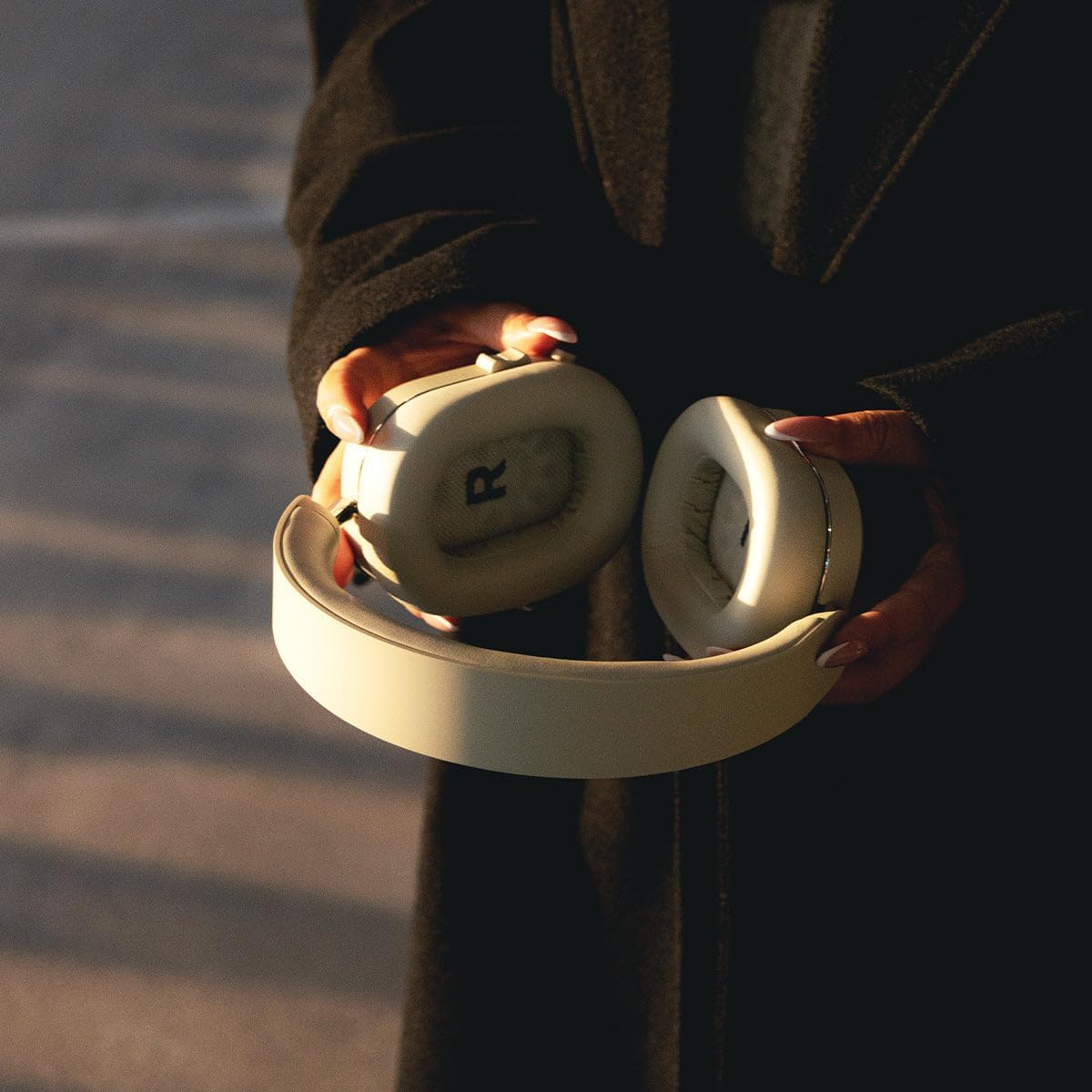
Image: Hands holding Mondo M1001 Wireless Over-Ear Headphones. This image demonstrates the portability and comfortable design of the headphones when held.


