
HOCO Y10
Hoco Y10 Amoled Smart Sports Watch User Manual
Model: Y10
Introduction
Thank you for choosing the Hoco Y10 Amoled Smart Sports Watch. This manual provides essential information for setting up, operating, and maintaining your device. Please read this manual thoroughly before using the watch to ensure proper function and longevity.
Safety Information
- Do not attempt to disassemble, repair, or modify the device. Unauthorized modifications may void the warranty and cause damage.
- Keep the watch away from extreme temperatures, direct sunlight, and corrosive liquids.
- Use only the provided charging cable. Using incompatible chargers may cause damage or fire.
- While the watch is 3ATM waterproof, it is not suitable for diving or high-pressure water activities. Avoid prolonged submersion.
- Consult a medical professional before starting any new exercise regimen, especially if you have pre-existing health conditions.
- Keep the device out of reach of children and pets.
Package Contents
Please check the package contents upon opening to ensure all items are present:
- Hoco Y10 Amoled Smart Sports Watch
- Charging Cable
Product Overview
The Hoco Y10 Smart Sports Watch features a vibrant 1.3-inch AMOLED display and a durable design suitable for daily wear and sports activities. Below are various views of the watch highlighting its design and features.

Front view of the Hoco Y10 Smart Watch displaying a digital watch face with time, battery, steps, and heart rate.
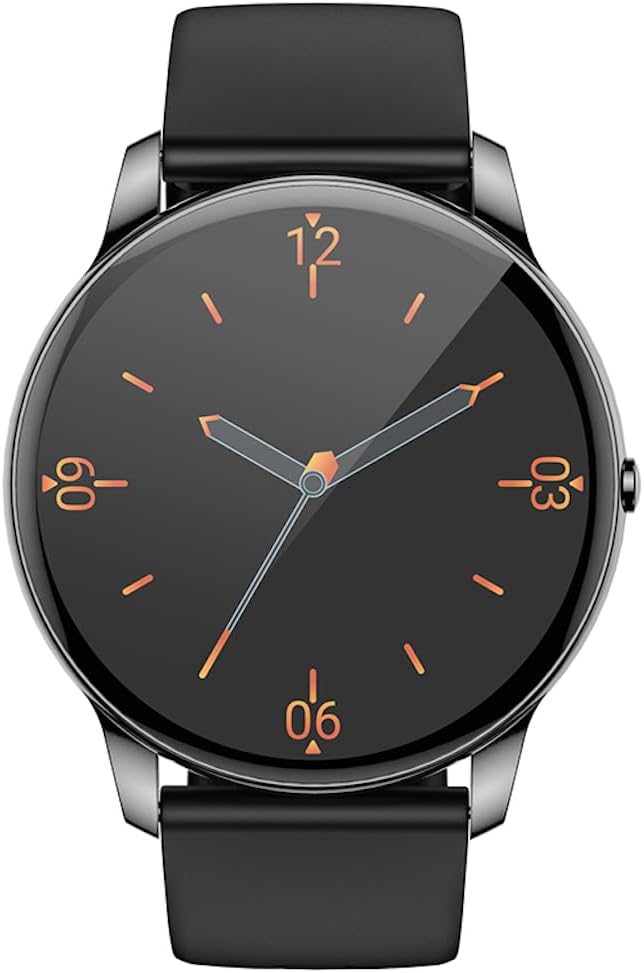
Front view of the Hoco Y10 Smart Watch displaying a classic analog watch face.
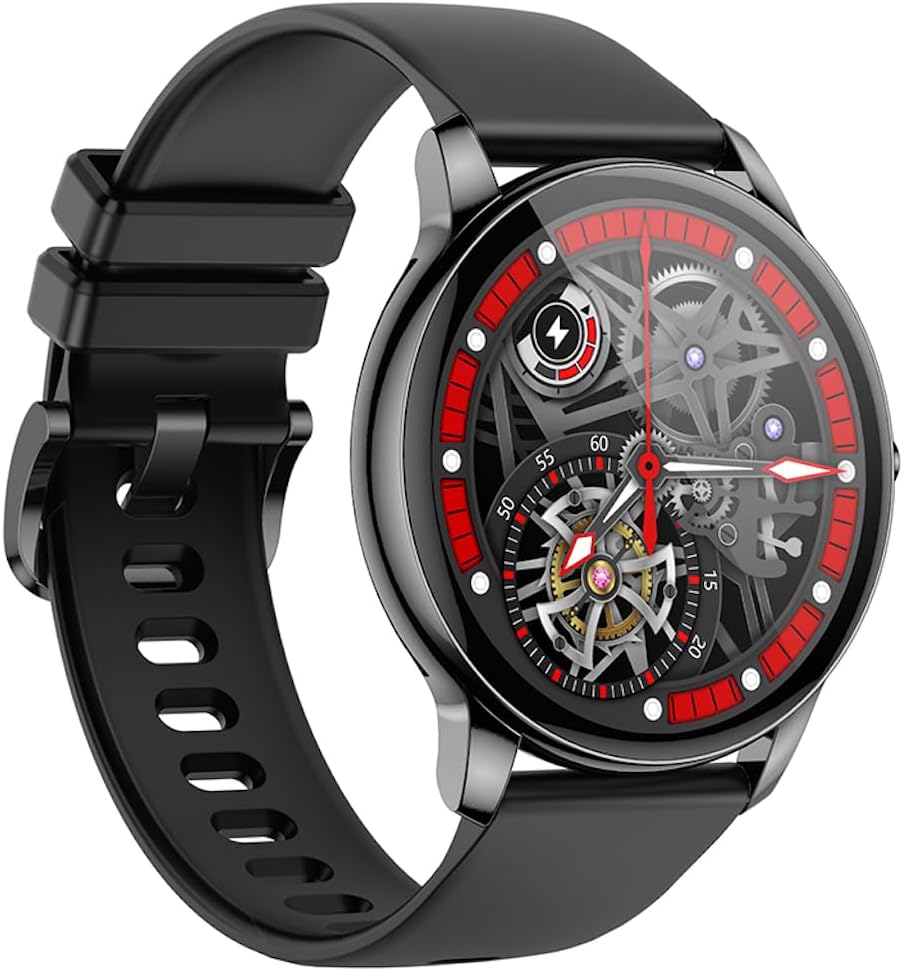
Angled view of the Hoco Y10 Smart Watch showcasing a mechanical-style watch face.
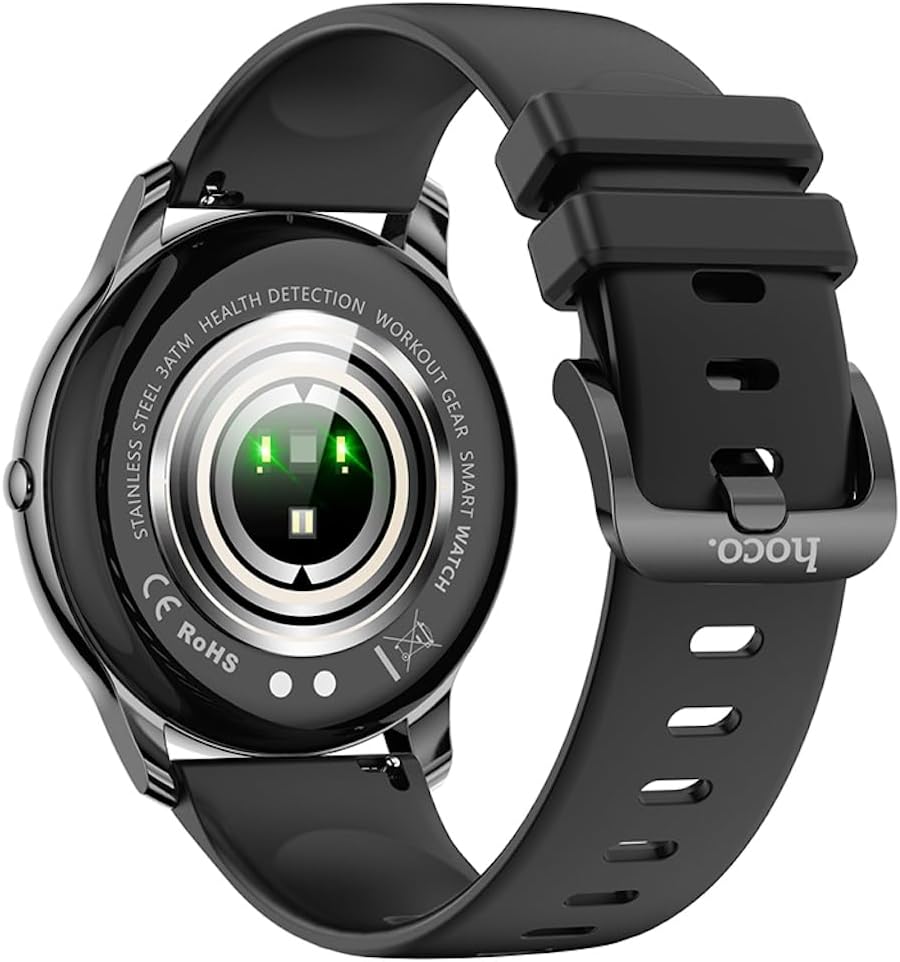
Rear view of the Hoco Y10 Smart Watch, highlighting the optical sensors for health detection and charging contacts.
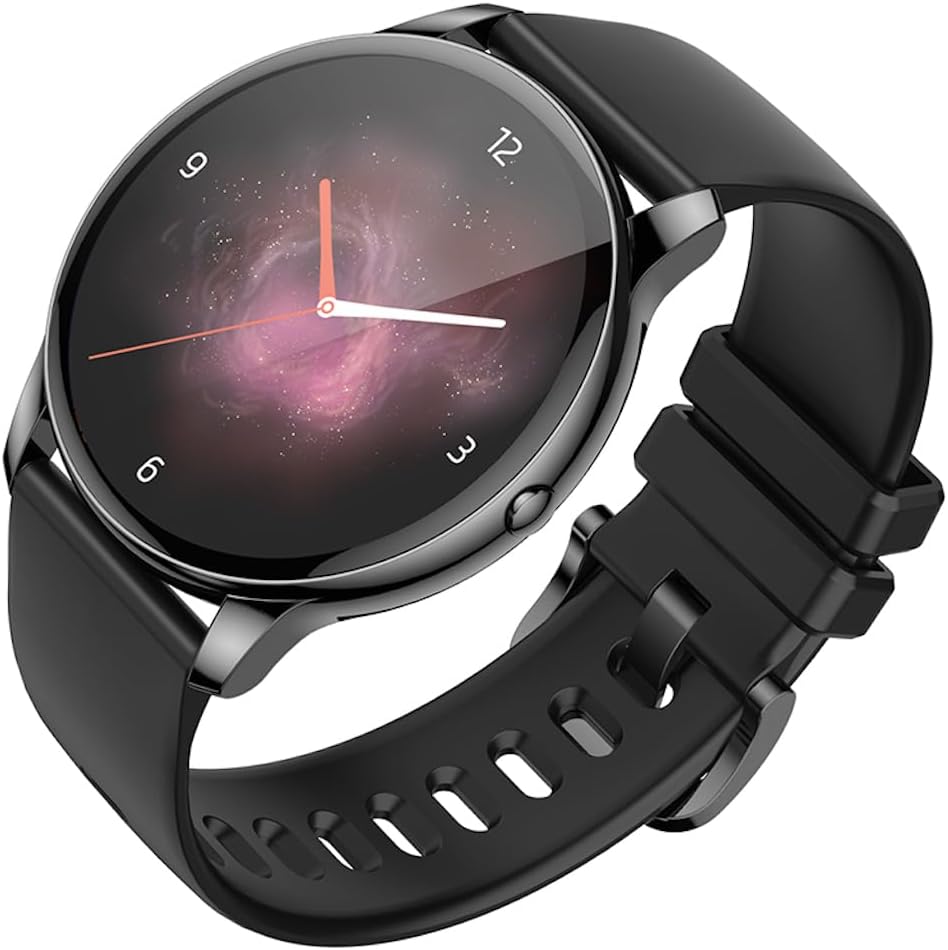
Angled view of the Hoco Y10 Smart Watch with an abstract, artistic watch face.
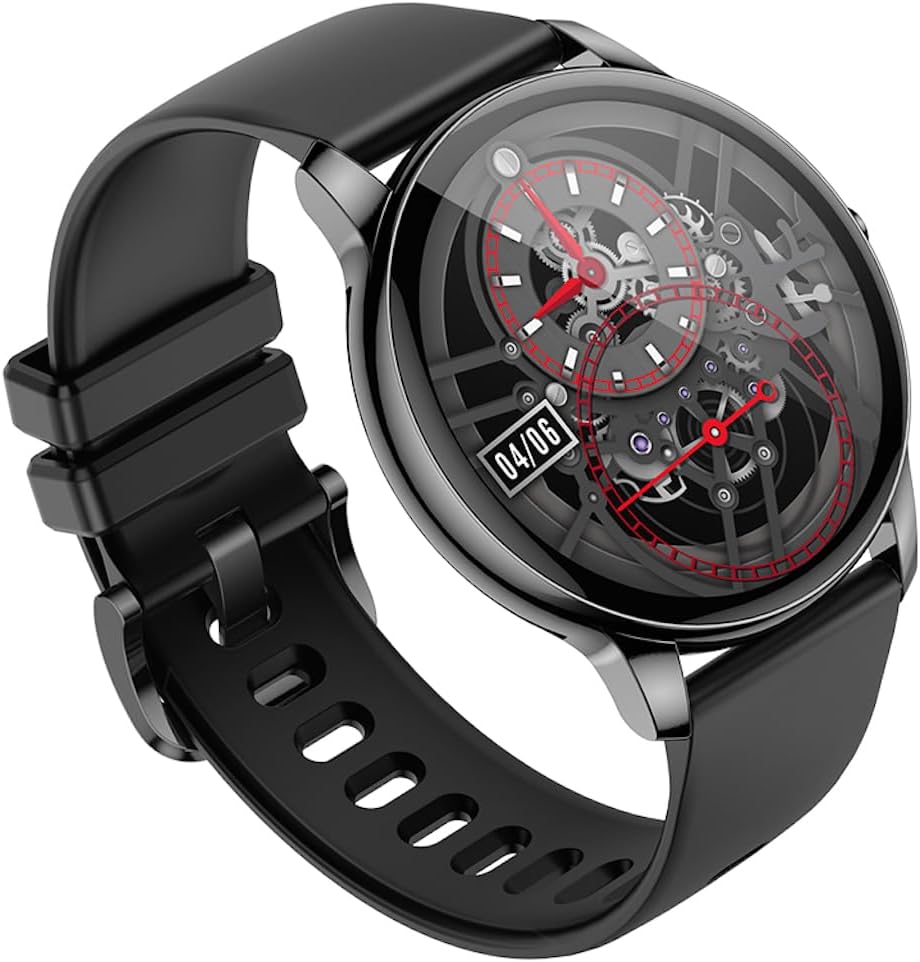
Another angled view of the Hoco Y10 Smart Watch, showing a detailed mechanical-style watch face with visible gears.

The Hoco Y10 Smart Watch displayed on a textured, light-colored surface, highlighting its sleek design.
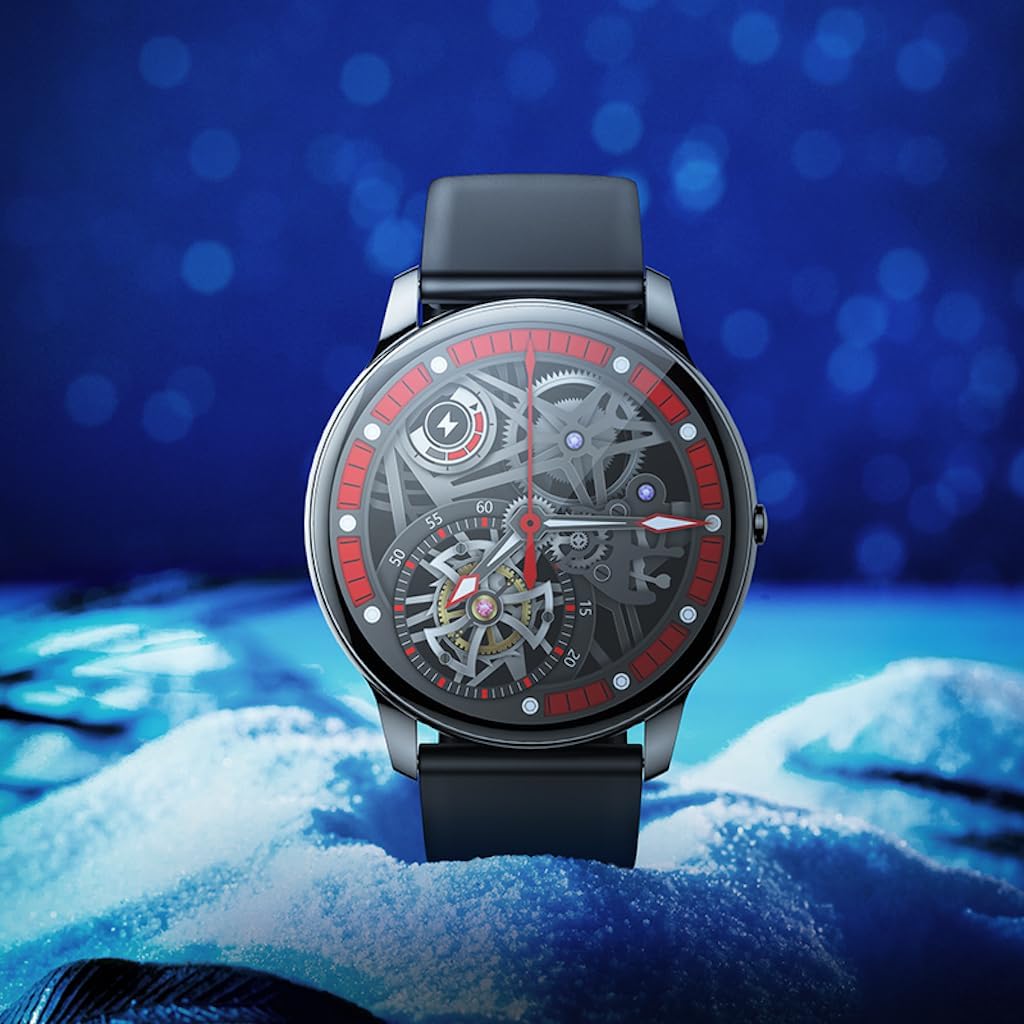
Two Hoco Y10 Smart Watches presented together, one with a digital face and the other with an analog face.
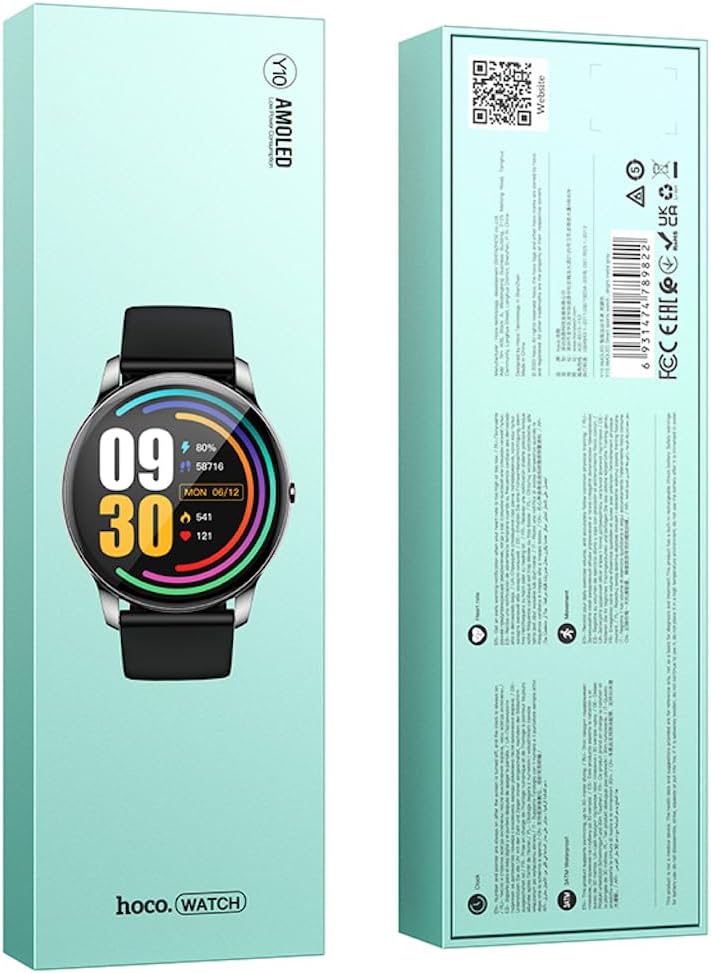
Front and back view of the Hoco Y10 Smart Watch product packaging, showing product details and certifications.
Setup
1. Initial Charging
Before first use, fully charge your Hoco Y10 Smart Watch. Connect the provided charging cable to the charging contacts on the back of the watch and plug the USB end into a standard USB power adapter (not included) or a computer USB port. The watch display will indicate charging status. A full charge typically takes approximately 2 hours.
2. Powering On/Off
- To Power On: Press and hold the side button until the Hoco logo appears.
- To Power Off: From the watch face, swipe down or navigate to the settings menu, then select "Power Off" or "Shutdown". Confirm your selection.
3. Pairing with Your Smartphone
To unlock the full features of your Hoco Y10, you need to pair it with your smartphone via Bluetooth. While the specific app name is not provided, most smartwatches require a companion app. Please refer to the QR code on the product packaging or search for "Hoco Smart Watch" or "Hoco Y10" in your phone's app store (Google Play Store for Android, Apple App Store for iOS).
- Download and install the companion app on your smartphone.
- Ensure Bluetooth is enabled on your smartphone.
- Open the app and follow the on-screen instructions to create an account or log in.
- In the app, select "Add Device" or "Pair Device" and choose "Hoco Y10" from the list of available devices.
- Confirm the pairing request on both your watch and smartphone.
Operating Instructions
Basic Navigation
- Touchscreen: Swipe left/right, up/down to navigate through menus and features. Tap to select.
- Side Button: Typically used to wake the screen, return to the watch face, or access the app menu.
Key Features
- Watch Faces: Customize your watch face by long-pressing the screen or through the companion app.
- Sports Modes: Access various sports tracking modes (e.g., running, walking, cycling) to monitor your activity data.
- Health Monitoring: The watch supports health detection features, likely including heart rate monitoring. Refer to the app for detailed data and historical trends.
- Notifications: Receive call, message, and app notifications directly on your wrist (requires app setup).
- Settings: Adjust brightness, language (supports 20 languages), vibration, and other watch settings.
- Music Control: Control music playback on your paired smartphone.
- Weather: View current weather conditions (requires app synchronization).
Note: The Hoco Y10 does not support direct call functionality.
Maintenance and Care
- Cleaning: Wipe the watch and strap regularly with a soft, damp cloth. Do not use harsh chemicals or abrasive materials.
- Water Resistance: The watch is 3ATM waterproof, meaning it can withstand splashes, rain, and brief immersion. Do not wear it while showering with hot water, in saunas, or for diving. After contact with saltwater, rinse with fresh water and dry thoroughly.
- Charging: Ensure the charging contacts on the watch and cable are clean and dry before charging.
- Storage: When not in use for extended periods, store the watch in a cool, dry place. Charge it periodically to prevent deep discharge of the battery.
Troubleshooting
| Problem | Possible Solution |
|---|---|
| Watch does not turn on. | Ensure the watch is fully charged. Connect it to the charger for at least 30 minutes. |
| Cannot pair with smartphone. |
|
| Inaccurate health data. | Ensure the watch is worn snugly on your wrist, not too tight or too loose. Clean the sensors on the back of the watch. |
| Short battery life. |
|
Specifications
| Feature | Detail |
|---|---|
| Model | Y10 |
| Main Screen | 1.3 inch AMOLED |
| Resolution | 360 x 360 |
| Waterproof Rating | 3ATM |
| CPU | Ruiyu RTL8762DT |
| Memory | 128 Mb |
| Bluetooth Version | 5.0 |
| Battery Capacity | 230mAh |
| Endurance | 7-10 days (typical usage) |
| Supported Languages | 20 languages (Chinese, English, Russian, Arabic, Vietnamese, Danish, Thai, Polish, Persian, Spanish, Malay, Greek, French, Italy, German, Portuguese, Türkiye, Romania, Hebrew, Burmese) |
| Call Functionality | Not supported |
| Operating System | Android (compatible) |
| Color | Bright Metal Grey |
| Item Weight | 169 g |
Warranty and Support
For information regarding the manufacturer's warranty, please refer to the warranty card included with your product or contact your point of purchase. For technical support and further inquiries, please visit the official HOCO website:
Ask a question about this manual
Ask about setup, troubleshooting, compatibility, parts, safety, or missing instructions. Manuals+ will review the question and use this page’s manual context to help answer it.