1. Introduction
This user manual provides essential information for the safe and efficient operation, installation, and maintenance of your LG Dual Cool S Plus Inverter Compressor Air Conditioner, model S4-W24K22ME. Please read this manual thoroughly before using the appliance and retain it for future reference.
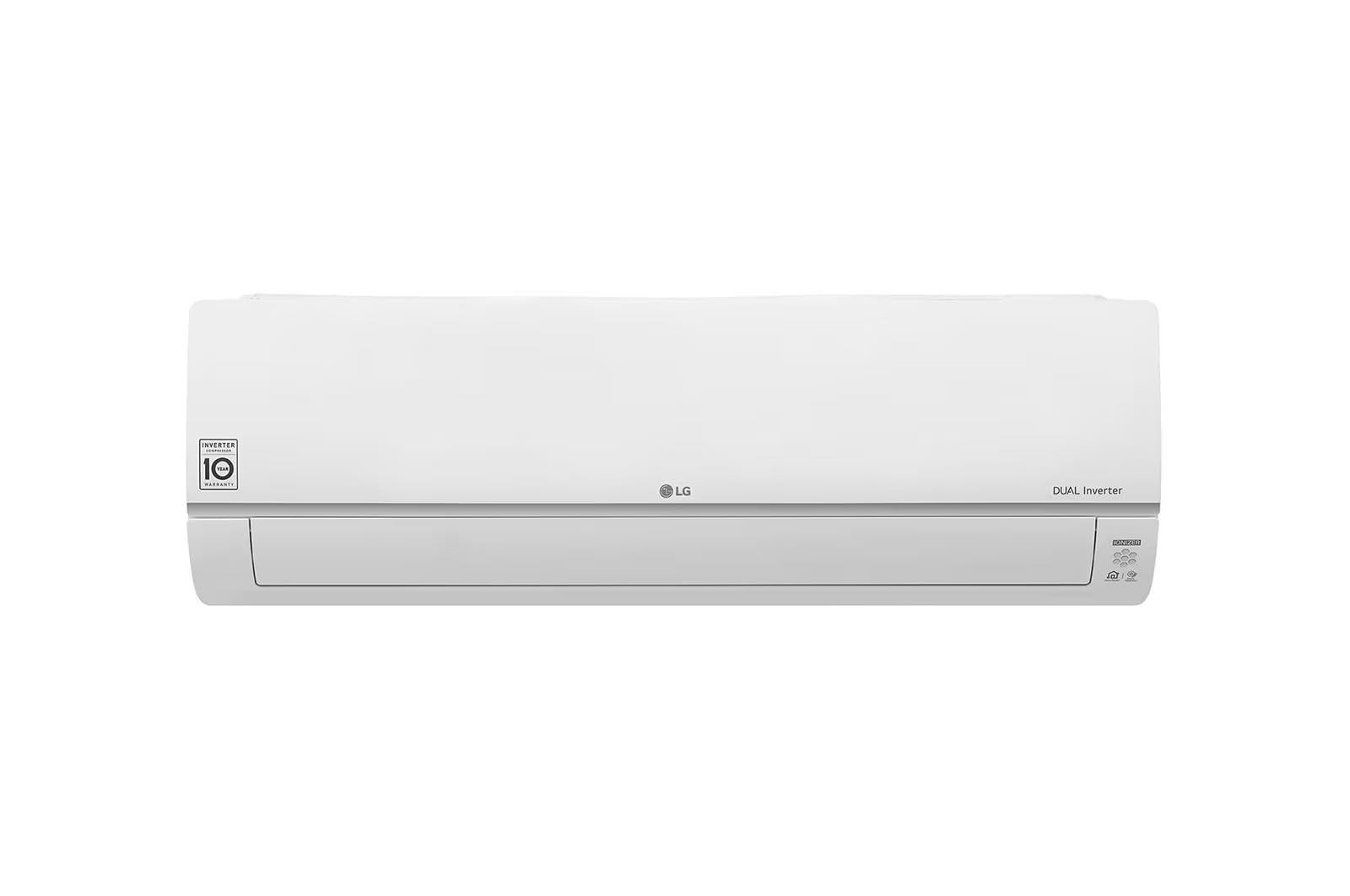
Image: Front view of the LG Dual Cool S Plus Inverter Air Conditioner indoor unit.
2. Safety Information
Always follow basic safety precautions to reduce the risk of fire, electric shock, or injury to persons or property. This appliance is designed for residential use. Installation and servicing should only be performed by qualified personnel.
- Electrical Safety: Ensure the power supply matches the unit's specifications. Do not use damaged power cords or plugs.
- Installation: The unit must be securely mounted. Ensure proper drainage and ventilation. Professional installation is highly recommended to prevent damage and ensure optimal performance.
- Operation: Do not insert objects into the air outlet. Keep children away from the unit.
- Maintenance: Always disconnect power before cleaning or performing maintenance. Use only recommended cleaning agents.
3. Product Features
The LG Dual Cool S Plus Air Conditioner is equipped with advanced technologies to provide efficient cooling, heating, and improved air quality.
Dual Inverter Compressor
Experience fast and powerful cooling and heating, maintaining comfort throughout the year, even in harsh climates. The Dual Inverter Compressor technology ensures high energy efficiency and reduced noise levels.
AirCare Complete System
This system integrates multiple stages of air purification and cleaning:
- Pre-Filter: Traps large dust particles from the air as a first line of defense.
- UVnano™: Utilizes UV LED lights to remove 99.99% of bacteria from the wind-generating fan, ensuring a clean breeze.
- Auto Cleaning: Dries any moisture automatically from the heat exchanger after turning off the air conditioner, preventing mold and bacteria growth and keeping the inside clean.
- Plasmaster™ Ionizer+: Infuses the air with over 3 million ions to remove 99% of bacteria attached to furniture or curtains and deodorizes in 60 minutes.
- Allergy Filter: Reduces allergens, such as house dust mites and airborne particles, for healthier indoor air.
LG ThinQ App Connectivity
Control your air conditioner easily from anywhere using the LG ThinQ app. Start your air conditioner, adjust settings, and monitor its status with a single tap on your smartphone.
Video: An overview of the LG Dual Cool AirCare Complete System, demonstrating the Pre-Filter, UVnano, Auto Cleaning, and Plasmaster Ionizer+ features for enhanced air quality.
4. Setup & Installation
For optimal performance and safety, professional installation by an LG-certified technician is required. Improper installation can lead to water leakage, electric shock, or fire.
Key Installation Considerations:
- Location: Choose a location that allows for proper airflow, easy access for maintenance, and is away from direct sunlight or heat sources.
- Power Supply: Ensure the electrical circuit meets the unit's power requirements (refer to specifications).
- Drainage: Proper drainage for condensate water is crucial to prevent leaks.
- Outdoor Unit: An outdoor unit is required for this split system. Ensure it is placed in a well-ventilated area, away from obstructions.

Image: Side view of the LG Dual Cool S Plus Inverter Air Conditioner indoor unit.
5. Operating Instructions
Your LG Dual Cool Air Conditioner can be operated using the included remote control or the LG ThinQ app.
Remote Control Operation:
- Power Button: Press to turn the unit ON or OFF.
- Mode Selection: Cycle through modes: Cool, Heat, Fan, Dry, Auto.
- Temperature Adjustment: Use the Up/Down arrows to set your desired temperature.
- Fan Speed: Adjust fan speed (Auto, Low, Medium, High).
- Swing Function: Activate horizontal and vertical airflow direction.
LG ThinQ App Operation:
Download the LG ThinQ app from your smartphone's app store. Follow the in-app instructions to connect your air conditioner to your home Wi-Fi network. Once connected, you can:
- Remotely control all functions of the air conditioner.
- Monitor energy consumption.
- Receive smart diagnostic alerts.
- Set schedules and automate operations.

Image: Close-up of the air conditioner's digital display and controls.
6. Maintenance
Regular maintenance ensures optimal performance and extends the lifespan of your air conditioner. Always disconnect power before cleaning.
Filter Cleaning:
- Pre-Filter: Clean every two weeks or more frequently depending on usage. Open the front panel, remove the filter, and wash it with lukewarm water. Allow to dry completely before reinserting.
- Allergy Filter: Refer to the specific instructions for your allergy filter type. Some may require replacement, while others can be cleaned.
UVnano™ and Auto Cleaning:
These features operate automatically to maintain internal cleanliness. The UVnano function cleans the fan, and Auto Cleaning dries the heat exchanger to prevent moisture buildup. Ensure these functions are enabled for continuous internal hygiene.
Exterior Cleaning:
Wipe the exterior of the unit with a soft, damp cloth. Do not use harsh chemicals or abrasive cleaners.

Image: Front view of the LG Dual Cool S Plus Air Conditioner with the front panel open, showing the filter for cleaning.
7. Troubleshooting
If you encounter issues with your air conditioner, refer to the following common problems and solutions before contacting service.
| Problem | Possible Cause | Solution |
|---|---|---|
| Unit does not turn on | No power, circuit breaker tripped, remote control battery low. | Check power supply, reset circuit breaker, replace remote control batteries. |
| Insufficient cooling/heating | Dirty filters, blocked outdoor unit, incorrect mode setting, room too large. | Clean filters, clear obstructions from outdoor unit, select correct mode, ensure unit size matches room. |
| Unusual noise | Loose parts, fan obstruction, normal operating sounds. | Check for loose parts, clear obstructions. Some sounds (e.g., refrigerant flow) are normal. |
| Water leakage | Blocked drain hose, improper installation. | Check and clear drain hose. If issue persists, contact professional service. |
For more complex issues, utilize the LG ThinQ app's Smart Diagnosis feature or contact LG customer support.
8. Specifications
| Feature | Detail |
|---|---|
| Brand Name | LG |
| Model Number | S4-W24K22ME |
| Cooling Capacity | 24000 BTU (3 HP) |
| Cooling/Heating | Yes (A++++ Efficiency) |
| Energy Factor - Cooling | 95% |
| Compressor Type | Dual Rotary Inverter |
| Refrigerant | R-32 |
| Filter Type | Pre-filtration, Allergy Filter |
| Special Features | UVnano, Plasmaster Ionizer+, Auto Cleaning, ThinQ (Wi-Fi ready) |
| Product Dimensions (DxWxH) | 21D x 99W x 34H cm |
| Power Source | Corded Electric |
| Mounting Type | Split System |
| Control Method | Remote Control, Via App (ThinQ) |
| Manufacturer | LG |
| Made In | Turkey |
9. Warranty and Support
Your LG Dual Cool S Plus Air Conditioner comes with a limited warranty:
- Indoor Unit: 5-year warranty.
- Compressor: 10-year warranty.
Installation is performed by LG company. For support, service, or warranty claims, please contact LG customer service. The LG support hotline is 19960.
Please retain your purchase receipt as proof of purchase for warranty purposes.