
Introduction
This manual provides essential information for the installation, operation, and maintenance of your EK-Quantum Impulse 120 D-RGB fan. This fan is designed for silent operation and features sophisticated addressable D-RGB lighting.
Safety Information
- Always disconnect power from your computer before installation or maintenance.
- Handle components with care to avoid damage.
- Ensure proper grounding to prevent electrostatic discharge.
- Keep out of reach of children.
- Do not attempt to modify the fan or its components.
Package Contents
Verify that all items are present in your package:
- 1x EK-Quantum Impulse 120 D-RGB Fan
- 1x Cable extender (PWM+RGB)
- 4x Self-tapping fan screws (7/32'')
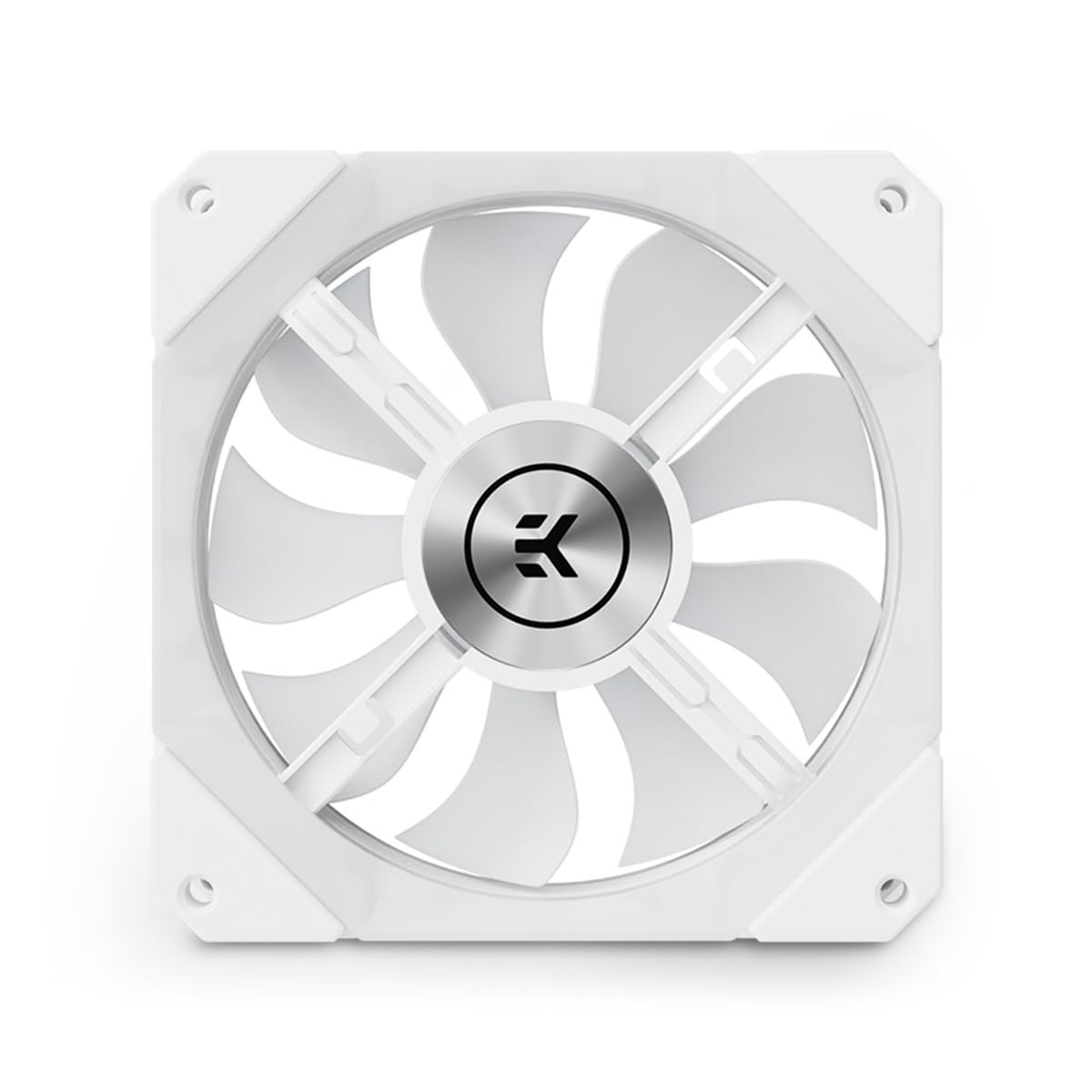
Image: Front view of the EK-Quantum Impulse 120 D-RGB fan, featuring its white frame, translucent blades, and the EK logo prominently displayed in the center.
Setup and Installation
1. Prepare Your System
Before beginning installation, ensure your computer is powered off and disconnected from the mains electricity. Open your computer case to access the fan mounting locations.
2. Mount the Fan
Position the EK-Quantum Impulse 120 D-RGB fan in your desired location (e.g., case fan mount, radiator). Use the four included self-tapping fan screws to secure the fan. Ensure the fan is oriented correctly for optimal airflow (intake or exhaust).

Image: Technical drawing illustrating the dimensions and mounting points of the EK-Quantum Impulse 120 D-RGB fan, including top and side views with measurements in millimeters.
3. Connect Power and D-RGB
The fan features a micro-fit 8-pin connector. Use the provided 500mm extender cable to connect the fan to your motherboard or fan controller.
- PWM Connection: Connect the 4-pin PWM header from the extender cable to an available 4-pin fan header on your motherboard or fan controller. This allows for speed control.
- D-RGB Connection: Connect the 3-pin Addressable 5V D-RGB header from the extender cable to a compatible 3-pin 5V D-RGB header on your motherboard or D-RGB controller. Ensure the voltage is 5V; connecting to a 12V RGB header will damage the LEDs.

Image: Top-down view of the EK-Quantum Impulse 120 D-RGB fan, showcasing its vibrant D-RGB lighting in a pink hue against a dark background.
Operating Instructions
Fan Speed Control (PWM)
The fan speed can be controlled via Pulse Width Modulation (PWM) through your motherboard's BIOS/UEFI settings or dedicated fan control software. The fan operates within an RPM range of 400 to 1800 RPM.
D-RGB Lighting Control
The addressable D-RGB lighting requires a compatible 5V D-RGB controller or motherboard software (e.g., ASUS Aura Sync, MSI Mystic Light Sync, Gigabyte RGB Fusion, ASRock Polychrome Sync). Refer to your motherboard or controller manual for specific instructions on how to customize the lighting effects.

Image: Angled view of the EK-Quantum Impulse 120 D-RGB fan, displaying its illuminated D-RGB lighting with a gradient of pink and purple colors.
Maintenance
Cleaning
To maintain optimal performance and aesthetics, periodically clean your fan. Disconnect power before cleaning.
- Use a soft, dry cloth or a can of compressed air to remove dust from the fan blades and frame.
- Do not use harsh chemicals or abrasive materials, as these can damage the fan's surface or LEDs.
- Ensure the fan is completely dry before reconnecting power.
Troubleshooting
Fan Not Spinning
- Check Power Connection: Ensure the 4-pin PWM connector is securely attached to a functional fan header on your motherboard or controller.
- BIOS/Software Settings: Verify that the fan header is enabled and configured correctly in your motherboard's BIOS/UEFI or fan control software.
- Minimum RPM: Some fan headers have a minimum RPM threshold. Ensure the fan speed setting is above the minimum operating RPM (400 RPM).
D-RGB Lighting Not Working
- Check D-RGB Connection: Ensure the 3-pin 5V D-RGB connector is securely attached to a compatible 5V D-RGB header. Do not connect to a 12V RGB header.
- Software Control: Verify that your motherboard's D-RGB software or external controller is properly installed and configured.
- Power Supply: Ensure your system's power supply can adequately power all connected D-RGB devices.
Specifications
| Feature | Specification |
|---|---|
| Model | EK-Quantum Impulse 120 D-RGB |
| Dimensions | 120mm x 120mm x 29mm (26mm without rubber dampeners) |
| RPM Range | 400 - 1800 RPM |
| Rated Voltage | 12V |
| Power Draw (Fan) | 1.44W (0.12A) |
| Power Draw (LED) | 2.3W (0.45A) |
| PWM Duty Cycle | 25-100% |
| Shaft Bearing | VAPO |
| Bearing Durability | 60,000 hrs at 40°C |
| Max Air Flow | 57.5 CFM (97.8 m³/h) |
| Static Pressure | 1.94 mm-H2O |
| Noise Level | 24.3 dBA (max. RPM) |
| Fan Cable Length | 100mm |
| Extender Cable Length | 500mm |
Warranty Information
This EK-Quantum Impulse 120 D-RGB fan comes with a one-year manufacturer's warranty. Please retain your proof of purchase for warranty claims. The warranty covers defects in materials and workmanship under normal use. It does not cover damage caused by improper installation, misuse, unauthorized modifications, or accidents.
Support
For technical assistance, troubleshooting, or warranty inquiries, please visit the official EK website or contact EK customer support.
Official EK Store: EK Store on Amazon
