1. Introduction
This manual provides comprehensive instructions for the setup, operation, maintenance, and troubleshooting of your EGQINR P88 Smart Watch. Please read this manual carefully before using the device to ensure proper functionality and to maximize its features.
The EGQINR P88 Smart Watch is designed to integrate seamlessly into your daily life, offering advanced health monitoring, fitness tracking, and smart communication features. It features a 1.78-inch AMOLED HD screen with a resolution of 368*448 pixels, providing clear and vibrant visuals. The watch supports Bluetooth calling, message notifications, and offers 69 sports modes for diverse activity tracking. It is also IP68 waterproof, making it suitable for various environments.
2. Package Contents
Upon opening the package, verify that all components are present and in good condition. The standard package includes:
- EGQINR P88 Smart Watch (Grey)
- Charging Cable
- User Manual (this document)
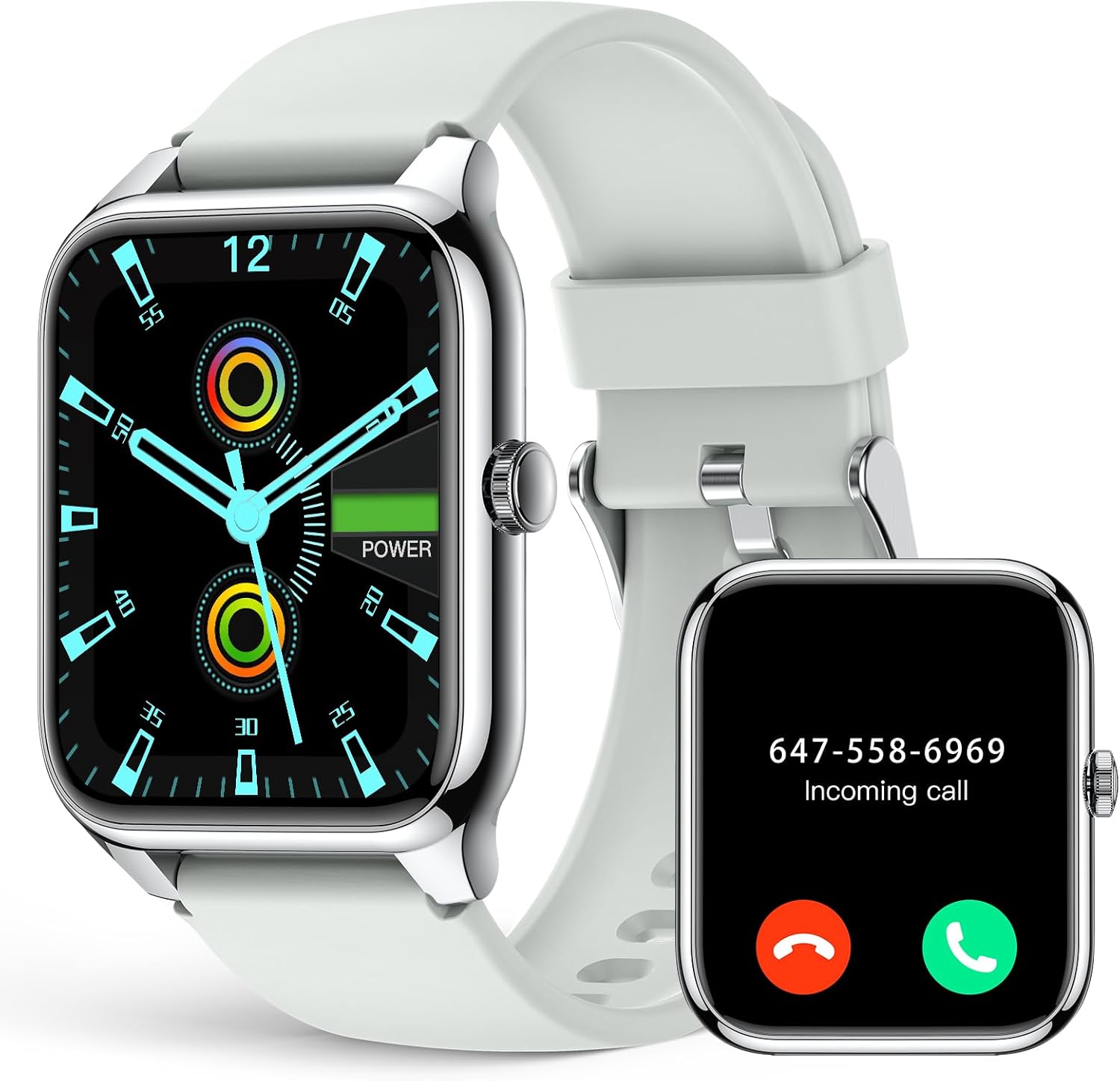
Image: The EGQINR P88 Smart Watch in Grey, alongside its charging cable.
3. Setup Guide
3.1 Charging the Device
Before initial use, fully charge your smart watch. Connect the charging cable to the charging port on the back of the watch and plug the USB end into a compatible power adapter (not included) or a computer's USB port. The watch display will indicate charging status.
A full charge typically takes approximately 2 hours. The 260mAh battery provides 3-5 days of normal use and up to 25 days of standby time.
3.2 Powering On/Off
- Power On: Press and hold the side button for a few seconds until the screen lights up.
- Power Off: Press and hold the side button, then select "Power Off" on the screen.
3.3 App Installation and Pairing
To unlock the full potential of your EGQINR P88 Smart Watch, you need to install the companion application on your smartphone. The watch is compatible with Android 5.0+ and iOS 9.0+ devices, and requires Bluetooth 4.0+ for connection.
- Download the App: Search for "Glory Fit" in your smartphone's app store (Google Play Store for Android or Apple App Store for iOS) and install it.
- Enable Bluetooth: Ensure Bluetooth is enabled on your smartphone.
- Open the App: Launch the Glory Fit app and follow the on-screen instructions to create an account or log in.
- Add Device: Within the app, navigate to the device management section and select "Add Device" or "Bind Device". The app will search for nearby smart watches.
- Select Your Watch: From the list of found devices, select "P88" or a similar identifier for your EGQINR Smart Watch.
- Confirm Pairing: A pairing request will appear on both your phone and the watch. Confirm the pairing on both devices.
Once successfully paired, the watch will synchronize data with the app, and you can begin customizing settings and tracking your activities.

Image: A woman interacting with the smart watch, demonstrating its Bluetooth call capabilities.
4. Operation Guide
4.1 Navigating the Interface
The EGQINR P88 Smart Watch features a responsive touchscreen and a side button for navigation.
- Swipe Up/Down: Scroll through menus and notifications.
- Swipe Left/Right: Access different feature screens (e.g., heart rate, sports modes, weather).
- Tap: Select an item or confirm an action.
- Side Button: Press to return to the home screen or wake the display. Long press for power options.

Image: The 1.78-inch AMOLED HD screen of the EGQINR P88 Smart Watch displaying the time and date, highlighting its clarity.
4.2 Key Features and Functions
The EGQINR P88 Smart Watch offers a wide array of features to enhance your daily life:
- Bluetooth Call & Message Notifications: Make and receive calls directly from your watch. Get instant notifications for messages, emails, and social media apps (e.g., WhatsApp, Facebook, Instagram, Twitter).
- Health Monitoring:
- Heart Rate Tracking: Continuous 24/7 heart rate monitoring.
- Blood Oxygen (SpO2) Monitoring: Measure your blood oxygen levels.
- Blood Pressure Monitoring: Track your blood pressure (note: this is for reference only and not a medical device).
- Sleep Tracking: Automatically monitors your sleep patterns, including deep sleep, light sleep, and awake times.
- Women's Health: Menstrual cycle reminder.
- Sedentary Reminder: Alerts you to move after periods of inactivity.
- Activity Fitness Trackers:
- 69 Sports Modes: Includes walking, running, climbing, cycling, basketball, and more.
- Real-time Data: Tracks exercise time, heart rate, calories burned, steps, distance, and speed.
- GPS Via Smartphone: Utilizes your phone's GPS for accurate route tracking during outdoor activities.
- Customizable Watch Faces: Choose from over 100 watch faces in the Glory Fit app or customize your own with personal photos.
- Additional Useful Functions:
- Voice Assistant: Interact with your watch using voice commands.
- Music Control: Control music playback on your smartphone.
- Camera Control: Remotely trigger your phone's camera.
- Weather Forecast: Get real-time weather updates.
- Find Phone/Watch: Locate your paired device.
- Ringing Alarm: Set alarms directly on the watch.
- Stopwatch & Timer: Essential timing tools.
- Do Not Disturb Mode: Silence notifications.
- Adjustable Brightness: Optimize screen visibility.
- Always On Display: Keep the time visible without needing to wake the screen.
- SOS Contact: Add emergency contacts in the app for one-click dialing from the watch.

Image: The multifunctional interface of the EGQINR P88 Smart Watch, showing icons for various features like alarm, voice assistant, music, notifications, and weather.
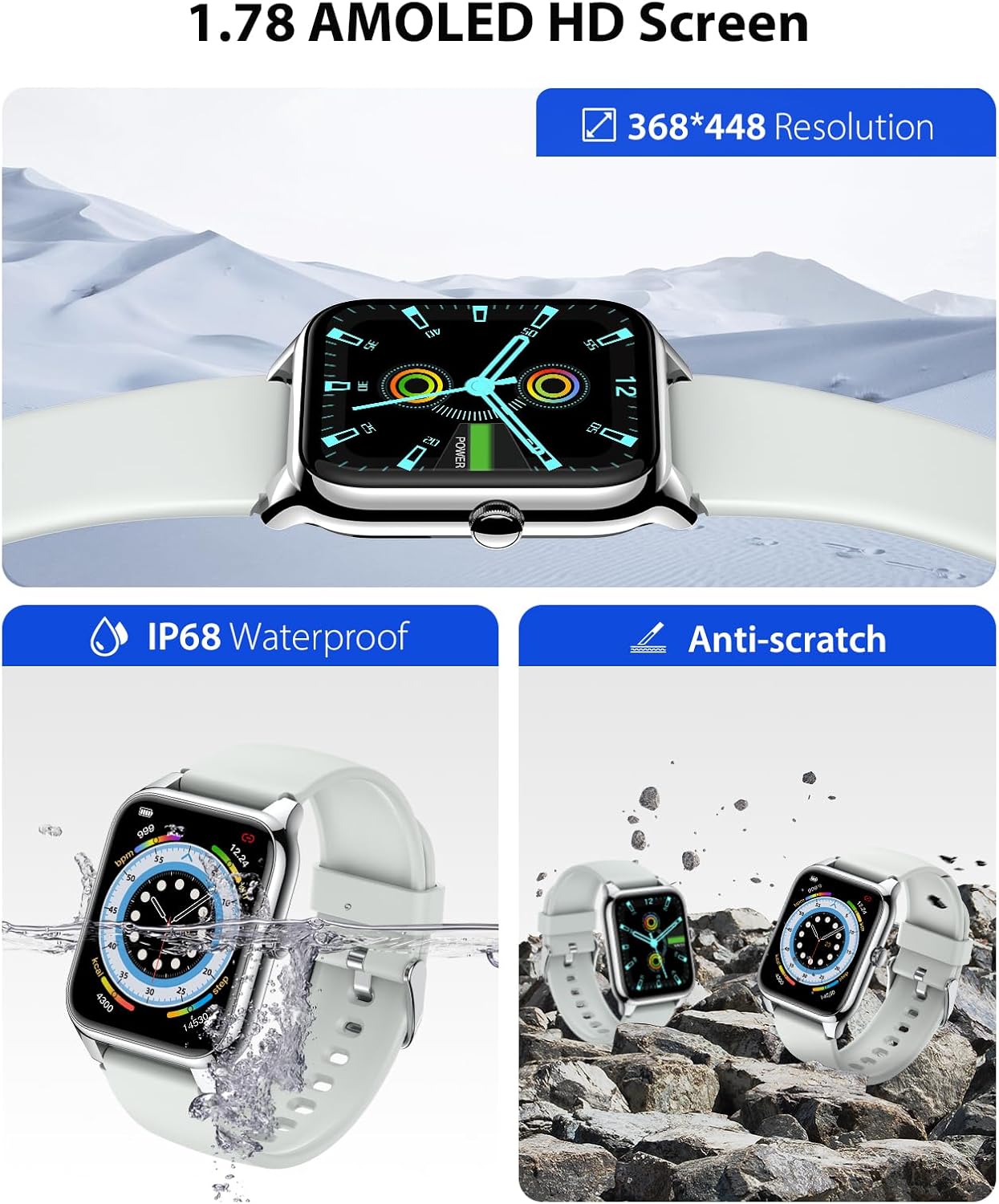
Image: The EGQINR P88 Smart Watch on a person's wrist, demonstrating its automatic sleep tracking capability with a graphical representation of sleep stages.
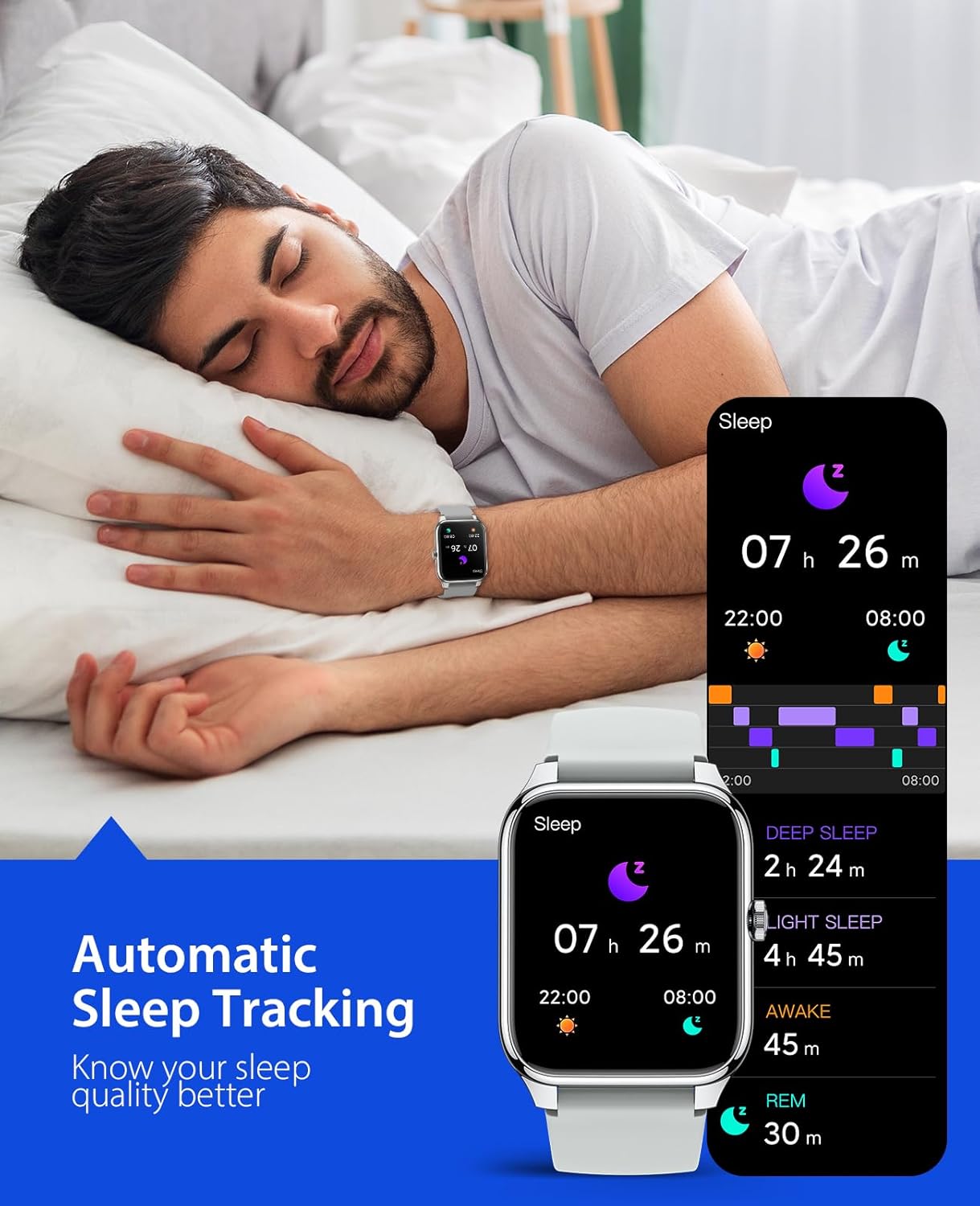
Image: Individuals participating in different sports, such as running, tennis, and cycling, highlighting the watch's 69 sports modes and activity tracking features.
5. Maintenance and Care
Proper maintenance ensures the longevity and optimal performance of your EGQINR P88 Smart Watch.
- Cleaning: Wipe the watch and strap regularly with a soft, damp cloth. Avoid using harsh chemicals or abrasive materials.
- Water Resistance: The watch is IP68 waterproof, meaning it can withstand submersion up to 1.5 meters for 30 minutes. It is suitable for daily use, hand washing, and light rain. Do not use it for hot showers, saunas, or diving.
- Temperature: Avoid exposing the watch to extreme temperatures (hot or cold) or sudden temperature changes.
- Impact: Protect the watch from strong impacts or drops, which can damage the screen or internal components.
- Charging: Use only the provided charging cable. Ensure the charging contacts are clean and dry before charging.

Image: The EGQINR P88 Smart Watch demonstrating its IP68 waterproof rating by being submerged in water, and its anti-scratch durability.
6. Troubleshooting
If you encounter issues with your EGQINR P88 Smart Watch, refer to the following common solutions:
| Problem | Possible Cause | Solution |
|---|---|---|
| Watch does not power on. | Low battery; device frozen. | Charge the watch for at least 30 minutes. If still unresponsive, perform a forced restart by holding the side button for 10-15 seconds. |
| Cannot pair with smartphone. | Bluetooth off; app issue; watch not discoverable. |
|
| Notifications not received. | App permissions; DND mode; Bluetooth disconnected. |
|
| Inaccurate health data. | Improper fit; sensor obstruction. | Ensure the watch is worn snugly on your wrist, about one finger's width from the wrist bone. Clean the sensor on the back of the watch. Remember, health data is for reference only. |
| Screen frozen or unresponsive. | Software glitch. | Perform a forced restart by holding the side button until the watch reboots. |
If the issue persists after trying these solutions, please refer to the official EGQINR support channels or the full user guide PDF available online.
7. Product Specifications
| Feature | Detail |
|---|---|
| Model Number | P88 |
| Display | 1.78-inch AMOLED HD Screen |
| Resolution | 368 x 448 pixels |
| Connectivity | Bluetooth |
| Battery Capacity | 260 mAh |
| Battery Life (Normal Use) | 3-5 days |
| Standby Time | Up to 25 days |
| Water Resistance | IP68 |
| Operating System | Android Wear or watchOS compatible (via Glory Fit app) |
| Compatible OS | Android 5.0+ / iOS 9.0+ |
| Weight | 5.6 ounces |
| Color | Grey |
| Special Features | Always On Display, Phone Call, Music Player, Message Notifications, Health Monitor (HR, SpO2, BP, Sleep), 69 Sports Modes, Ringing Alarm, Voice Assistant, Camera Control, Weather Forecast, Find Phone/Watch, SOS Contact. |
8. Warranty and Support
For warranty information and customer support, please refer to the official EGQINR website or contact the seller directly through your purchase platform. Keep your proof of purchase for warranty claims.
You can also find the official User Guide (PDF) for this product at: https://manuals.plus/m/f651f3a7de6865dfc19085147105c14eb7ee26e28421698b19e5c329299e5409
For more information about EGQINR products, visit the official store: EGQINR Store