
Introduction
Thank you for choosing the Devoko 140x60 cm Electric Standing Desk. This manual provides essential information for the safe assembly, operation, and maintenance of your new desk. Please read these instructions thoroughly before use and retain them for future reference.
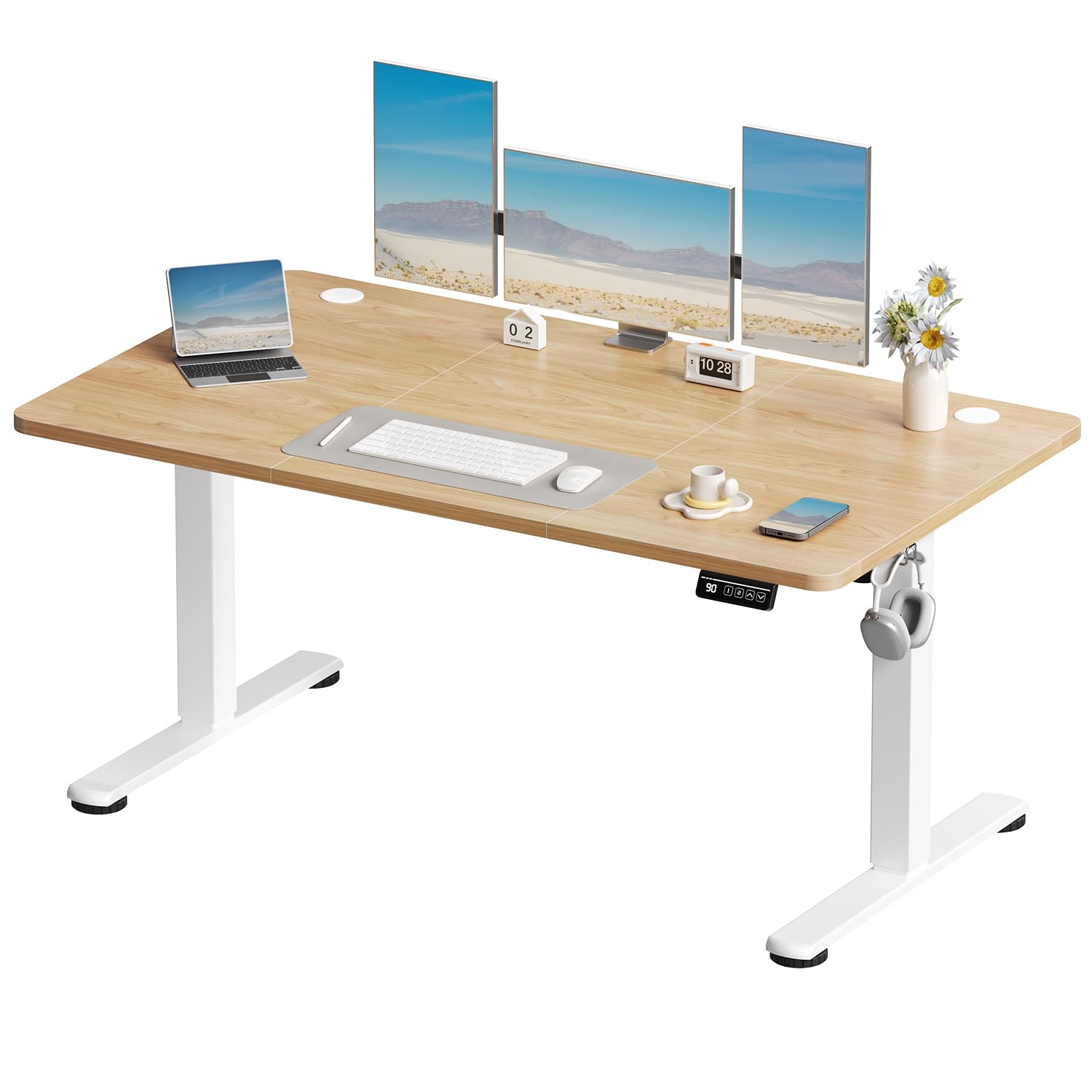
Figure 1: Devoko 140x60 cm Electric Standing Desk in Beige.
Safety Information
Please read all safety instructions before assembly and use. This desk has a maximum load capacity of 70 kg. The anti-collision system will stop and rebound if it encounters an obstacle during lifting. The tabletop consists of two panels and must be installed by yourself. The rounded corners of the tabletop prevent possible injuries caused by collisions. Always ensure the desk is stable and properly anchored, especially when used at maximum height. Failure to follow these instructions and guidelines may result in serious injury or product damage.
- Do not overload the desk beyond its maximum capacity of 70 kg.
- Keep children and pets away from the desk during operation.
- Ensure all cables are properly managed to prevent entanglement during height adjustments.
- Do not place liquids directly on the control panel or motor components.
- In case of malfunction, disconnect the power supply and contact customer support.

Figure 2: Ergonomic design features including cable management and adjustable feet.
Package Contents
Please verify that all components are present before beginning assembly. If any parts are missing or damaged, contact customer support.
- Desk Frame (Legs, Motor, Crossbar)
- Tabletop (Two panels)
- All-in-One 4-Button Controller
- Headphone Hook
- Cable Management Grommet
- Adjustable Feet (4x)
- Assembly Hardware (Screws, Allen keys, etc.)
- Instruction Manual

Figure 3: Robust steel frame components for the adjustable desk.
Setup and Assembly
The package includes detailed assembly instructions and numbered hardware, requiring approximately 30 minutes for installation. One person is recommended for assembly. All necessary tools are included.
- Unpack Components: Carefully remove all parts from the packaging and lay them out on a clean, soft surface to prevent scratches.
- Assemble Desk Frame: Follow the included detailed instructions to connect the legs, crossbar, and motor unit. Ensure all screws are tightened securely.
- Attach Tabletop: The tabletop consists of two panels. Align and secure these panels to the assembled desk frame using the provided hardware.
- Install Controller and Accessories: Mount the 4-button controller to the underside of the desk in a convenient location. Attach the headphone hook and install the cable management grommet.
- Connect Power: Once fully assembled, connect the power cable to the desk and then to a power outlet.
Figure 4: Detailed view of cable management and adjustable feet for proper setup.
Operating Instructions
Your Devoko electric standing desk offers easy height adjustment and convenient memory presets.
Height Adjustment
The desk's height can be electrically adjusted between 71 cm and 119 cm, accommodating users of various heights. Use the up and down arrows on the 4-button controller to raise or lower the desk to your desired position.
Memory Presets
The controller features 2 preset memory buttons. To save a preferred height:
- Adjust the desk to your desired height using the up/down arrows.
- Press and hold one of the memory buttons (e.g., '1' or '2') until the display flashes or a beep is heard, indicating the height has been saved.
- To recall a saved height, simply press the corresponding memory button. The desk will automatically move to the stored position.
Anti-Collision System
The desk is equipped with a safe anti-collision system. If the desk encounters an obstacle during height adjustment, it will automatically stop and rebound by 2 cm to prevent damage or injury.
Quiet Operation
The desk operates with a low noise level of ≤ 45dB, ensuring a quiet working environment.
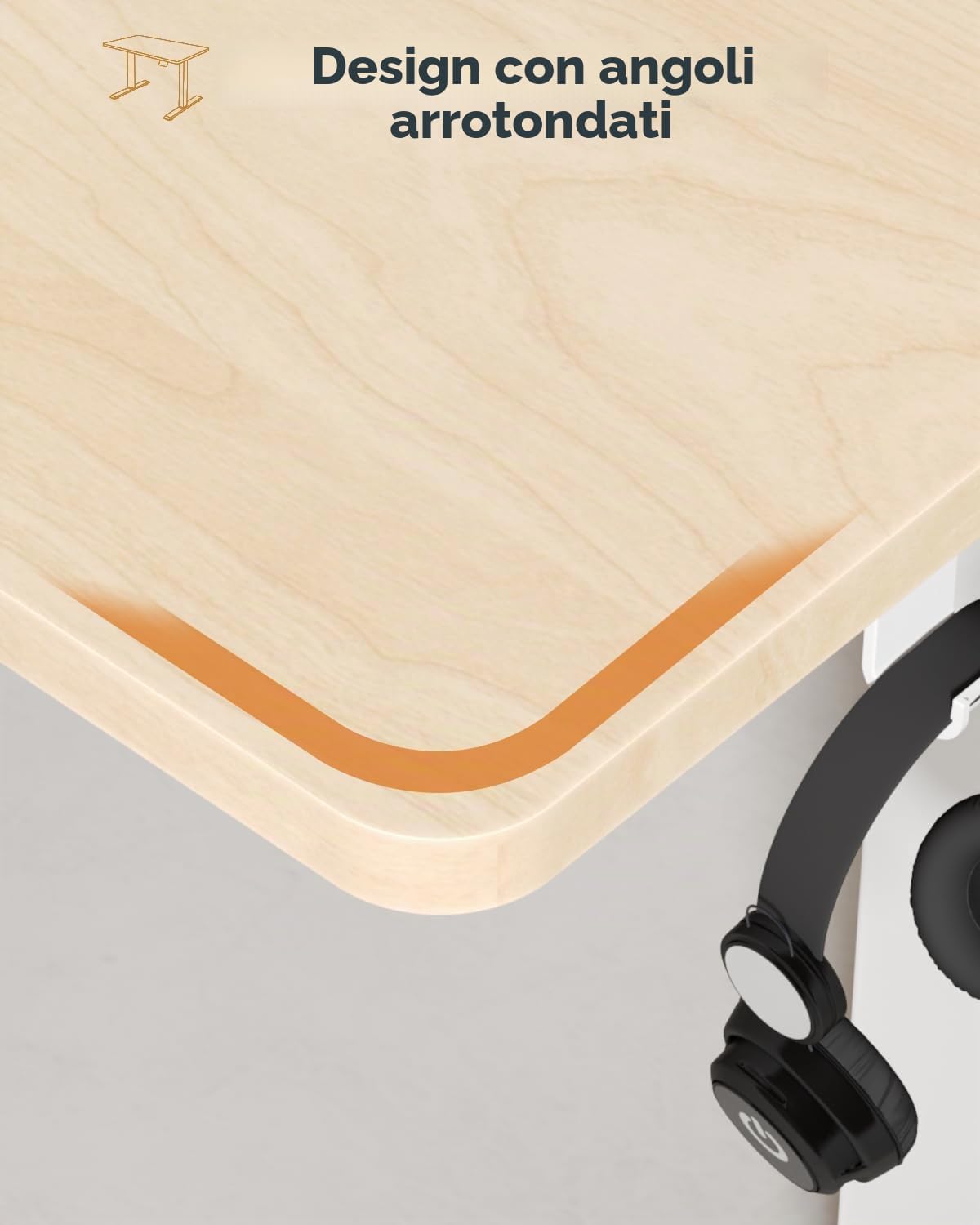
Figure 5: The 4-button All-in-One controller for height adjustment and memory presets.

Figure 6: The desk features an ultra-quiet design, operating at less than 50 dB.
Maintenance
Regular maintenance ensures the longevity and optimal performance of your Devoko standing desk.
- Cleaning: Wipe the desk surface and frame with a soft, damp cloth. Avoid abrasive cleaners or harsh chemicals that could damage the finish.
- Cable Management: Periodically check and reorganize cables to prevent tangling and ensure smooth operation during height adjustments.
- Fastener Check: Occasionally check all screws and fasteners to ensure they remain tight. Retighten if necessary.
- Motor Care: The industrial-grade motor is designed for durability. Avoid obstructing the motor or forcing the desk's movement.
Troubleshooting
If you encounter any issues with your desk, refer to the following common solutions:
- Desk Not Moving: Ensure the power cable is securely connected to both the desk and the wall outlet. Check if the power outlet is functional.
- Error Code on Display: If an error code appears on the display, try pressing and holding the down arrow button for a few seconds to reset the system. If the error persists, disconnect power for 10 minutes and reconnect.
- Uneven Height: If the desk appears uneven, ensure it is placed on a flat surface. Adjust the leveling feet at the bottom of the desk legs to stabilize it.
- Anti-Collision Triggering Frequently: Ensure there are no obstacles in the desk's path during height adjustment. If the issue persists without visible obstacles, contact customer support.
Specifications
| Feature | Detail |
|---|---|
| Brand | Devoko |
| Model Number | 0427 |
| Desk Design | Standing Desk |
| Shape | Rectangular |
| Product Dimensions (DxWxH) | 60P x 140l x 118H cm (60D x 140W x 118H cm) |
| Color | Beige |
| Style | Modern |
| Base Material | Metal |
| Top Material Type | Wood |
| Special Feature | Electric, Adjustable |
| Minimum Height | 72 Centimeters |
| Maximum Height | 116 Centimeters |
| Item Weight | 21.4 Kilograms |
| Tabletop Thickness | 15 Millimeters |
| Maximum Recommended Weight | 70 Kilograms |
| Lifting Mechanism | Electric Motor |
| Assembly Required | Yes |
| Recommended Persons for Assembly | 1 |
| Assembly Tools Included | Yes |
| Number of Drawers | 2 |
| Country of Origin | China |

Figure 7: Side view of the desk, illustrating its overall dimensions and stability.
Warranty
The Devoko Electric Standing Desk comes with a Limited Warranty. Please refer to the warranty card included in your package for specific terms, conditions, and duration. Keep your proof of purchase for warranty claims.
Customer Support
If you have any questions, require assistance with assembly, or encounter issues not covered in this manual, please contact Devoko customer support. Refer to your purchase documentation or the Devoko brand store on Amazon for contact details.
Online Support: Visit the official Devoko store on Amazon for FAQs and additional resources.
Manufacturer: DEVOKO


