
Cable Matters 160012-BLK-1
Cable Matters 10Gbps Snagless Short Shielded Cat 6A Ethernet Cable User Manual
Brand: Cable Matters | Model: 160012-BLK-1

Image: A black Cable Matters Cat 6A Ethernet cable with two RJ45 connectors, showcasing its design and build quality.
Introduction
This manual provides essential information for the proper use, installation, and maintenance of your Cable Matters 10Gbps Snagless Short Shielded Cat 6A Ethernet Cable. Designed for high-speed data transfer, this cable ensures reliable network connectivity for various devices. Please read this manual thoroughly to ensure optimal performance and longevity of your product.
Key Features
- High Performance Cat6a: This 26 AWG, RJ45, Shielded Ethernet Cable provides universal connectivity for LAN network components such as PCs, computer servers, printers, routers, switch boxes, network media players, NAS, VoIP phones, and PoE devices.
- Enhanced Bandwidth: Offers Cat6a performance with higher bandwidth than Cat 5e, supporting up to 550 MHz.
- Superior Shielding: SSTP/SFTP (Screened Foiled Twisted Pair) shielding prevents electromagnetic interference (EMI) and reduces crosstalk noise, ensuring stable data transmission.
- Future-Proof Network: Supports 10-Gigabit Ethernet and is backwards compatible with existing Fast Ethernet and Gigabit Ethernet networks. Meets or exceeds Category 6a performance in compliance with the TIA/EIA 568-C.2 standard.
- Durable Connectors: Features shielded connectors with gold-plated contacts and snagless strain-relief boots for durability and secure connections.
- Pure Copper Conductors: Bare copper conductors enhance cable performance and comply with specifications for communications cables, offering superior conductivity and signal quality.
- Versatile Applications: Guarantees high-speed data transfer for server applications, cloud computing, video surveillance, and online high-definition video streaming.
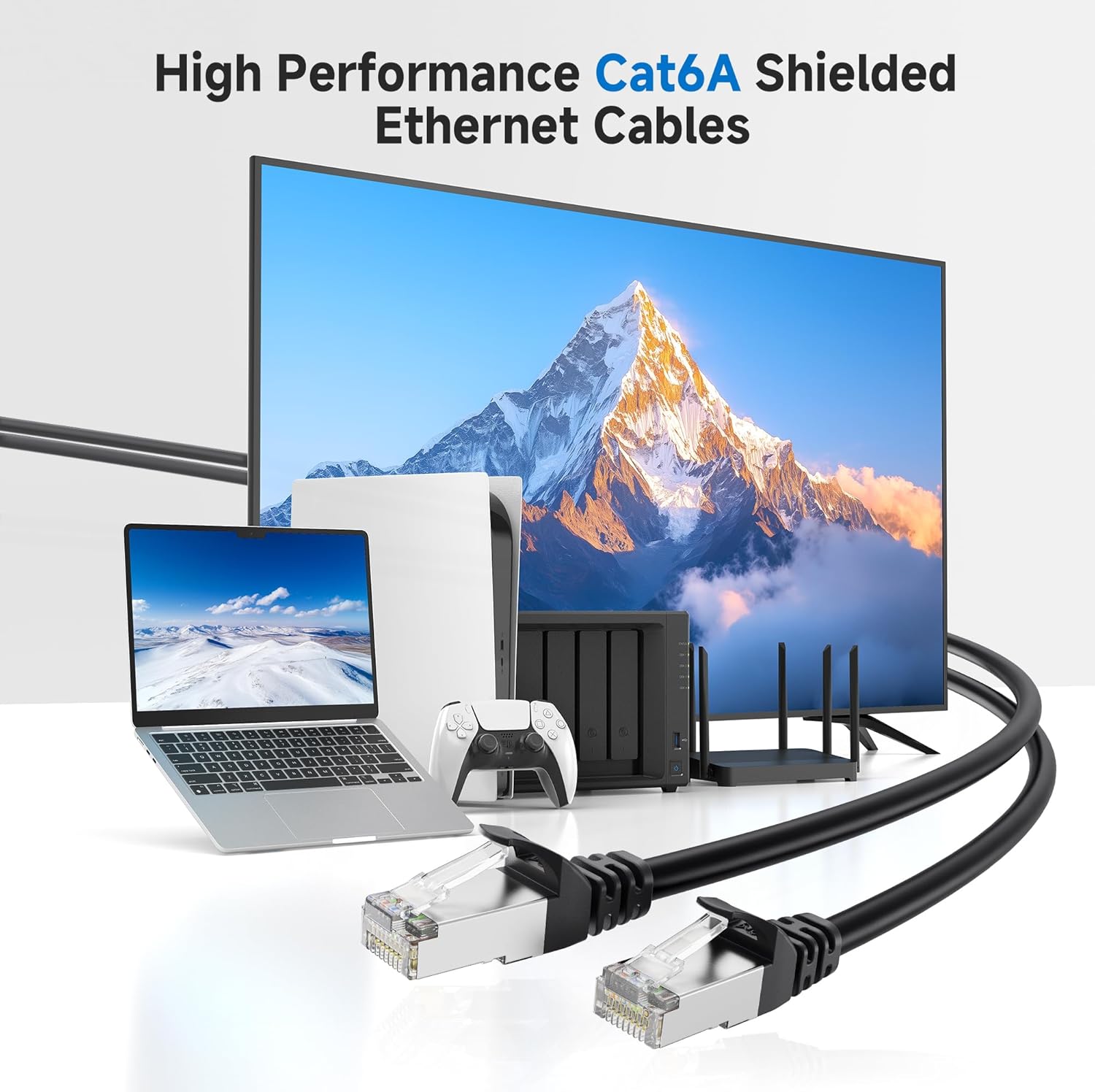
Image: A Cat 6A Ethernet cable connected to a router, with a laptop, gaming console, and NAS device in the background, illustrating universal compatibility.
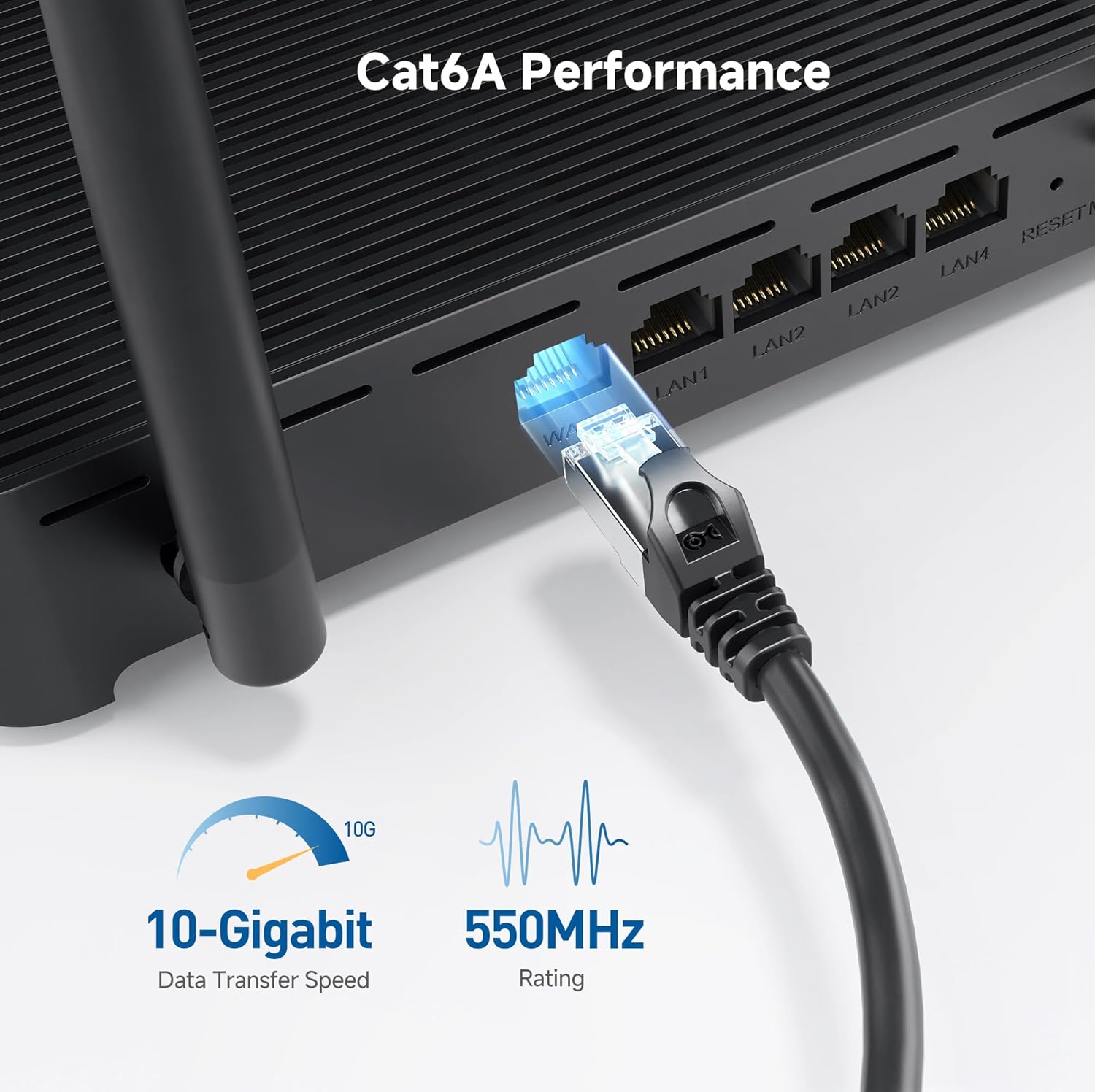
Image: A close-up of an RJ45 connector plugged into a router, with graphics indicating 10-Gigabit data transfer speed and 550MHz rating, highlighting the cable's performance.
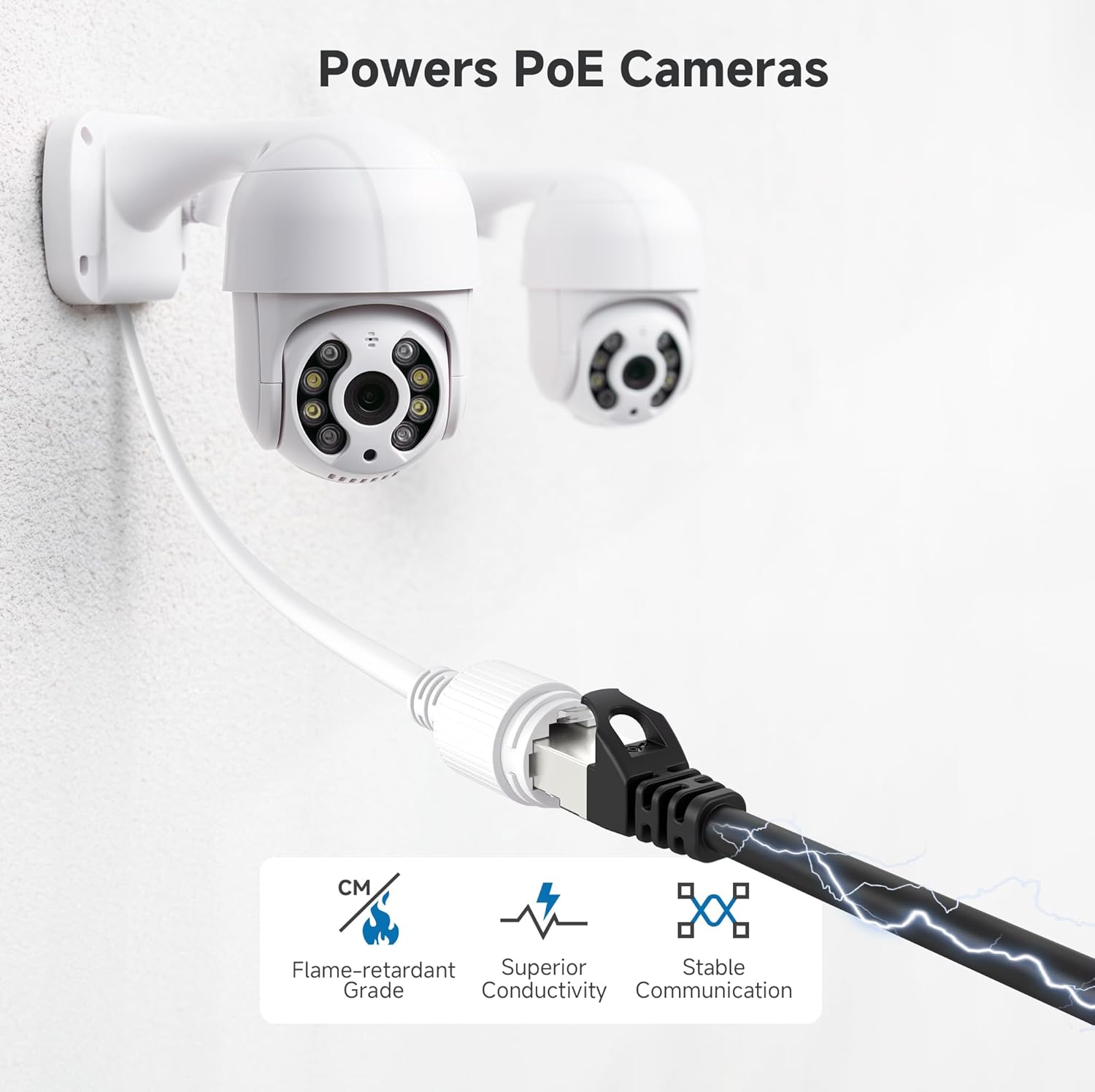
Image: An Ethernet cable connected to a PoE (Power over Ethernet) camera mounted on a wall, demonstrating its capability to power devices while providing data connectivity.
Setup Instructions
The Cable Matters Cat 6A Ethernet Cable is designed for simple plug-and-play installation. Follow these steps to connect your devices:
- Identify Ports: Locate the Ethernet (RJ45) ports on your network devices (e.g., computer, router, switch, gaming console, smart TV).
- Connect First Device: Insert one end of the Cat 6A Ethernet cable into the Ethernet port of your first device. Ensure the connector clicks securely into place.
- Connect Second Device: Insert the other end of the Cat 6A Ethernet cable into the Ethernet port of your second device (e.g., router, network switch). Ensure it also clicks securely.
- Verify Connection: Most devices will indicate a successful connection with an illuminated LED light next to the Ethernet port. Check your device's network settings to confirm connectivity.

Image: A person connecting an Ethernet cable to a laptop, illustrating the ease of setting up a wired network connection.

Image: Multiple colored Ethernet cables neatly connected to a network switch in a server rack, demonstrating its suitability for data center environments.
Operation
Once connected, the Cable Matters Cat 6A Ethernet Cable operates automatically. It facilitates high-speed data communication between your connected devices. No additional software or drivers are required for its basic function. The cable supports full-duplex communication, allowing data to be sent and received simultaneously.
Care and Maintenance
To ensure the longevity and optimal performance of your Ethernet cable, consider the following maintenance tips:
- Avoid Sharp Bends: Do not bend the cable sharply, as this can damage the internal conductors and shielding, leading to signal degradation.
- Protect Connectors: Avoid pulling the cable by the cord itself; always grasp the connector housing when plugging or unplugging. The snagless design helps prevent damage to the locking tab.
- Keep Clean: Keep the connectors free from dust and debris. Use a soft, dry cloth to gently clean the gold-plated contacts if necessary.
- Proper Storage: When not in use, coil the cable loosely and store it in a cool, dry place away from direct sunlight or extreme temperatures.
- Avoid Overstretching: Do not stretch the cable beyond its intended length or apply excessive tension.
Troubleshooting
If you encounter issues with your Ethernet cable, try the following troubleshooting steps:
| Problem | Possible Cause | Solution |
|---|---|---|
| No network connection | Cable not fully seated; faulty port; cable damage; network device issue. | Ensure both ends of the cable are securely plugged in. Try a different port on your device or router. Test with another known-good Ethernet cable. Restart your network devices (router, modem, computer). |
| Slow network speed | Cable damage; network congestion; outdated network drivers; device limitations. | Inspect the cable for visible damage. Ensure your network devices (router, switch) support 10Gbps speeds. Update network adapter drivers on your computer. Reduce network traffic if possible. |
| Intermittent connection | Loose connection; cable interference; faulty cable. | Reseat the cable connections. Ensure the cable is not running parallel to power lines or other sources of electromagnetic interference. Replace the cable if the issue persists. |
Technical Specifications
| Specification | Detail |
|---|---|
| Brand | Cable Matters |
| Model Number | 160012-BLK-1 |
| Cable Type | Cat 6A Ethernet (SSTP/SFTP) |
| Conductor Gauge | 26 AWG Stranded Bare Copper |
| Connector Type | RJ45, Shielded with Gold-Plated Contacts |
| Data Transfer Speed | Up to 10Gbps |
| Bandwidth Rating | Up to 550 MHz |
| Compliance | TIA/EIA 568-C.2, UL Certified |
| Compatible Devices | PCs, Laptops, Servers, Printers, Routers, Switches, NAS, VoIP Phones, PoE Devices, Gaming Consoles, Smart TVs |
| First Available | February 15, 2024 |

Image: A detailed cross-section diagram of the Cat 6A Ethernet cable, showing its internal components including the jacket, braid, foil screen, insulation, and twisted copper conductors.

Image: A cutaway view of the cable revealing the 26 AWG stranded copper conductors, emphasizing the quality of the internal wiring compared to other materials.
Warranty and Support
Cable Matters products are backed by a limited warranty. For detailed warranty information, product support, or technical assistance, please visit the official Cable Matters website or contact their customer service directly. Keep your purchase receipt for warranty claims.
Ask a question about this manual
Ask about setup, troubleshooting, compatibility, parts, safety, or missing instructions. Manuals+ will review the question and use this page’s manual context to help answer it.