
Introduction
This manual provides essential information for the setup, operation, and maintenance of your DIE 88-Key Weighted Hammer Action Digital Piano. Please read these instructions carefully before using the instrument to ensure proper function and longevity. This digital piano is designed to offer a realistic playing experience with its weighted keys and rich sound capabilities, suitable for beginners and experienced players alike.
Package Contents
Upon unpacking, please verify that all the following items are included in your package:
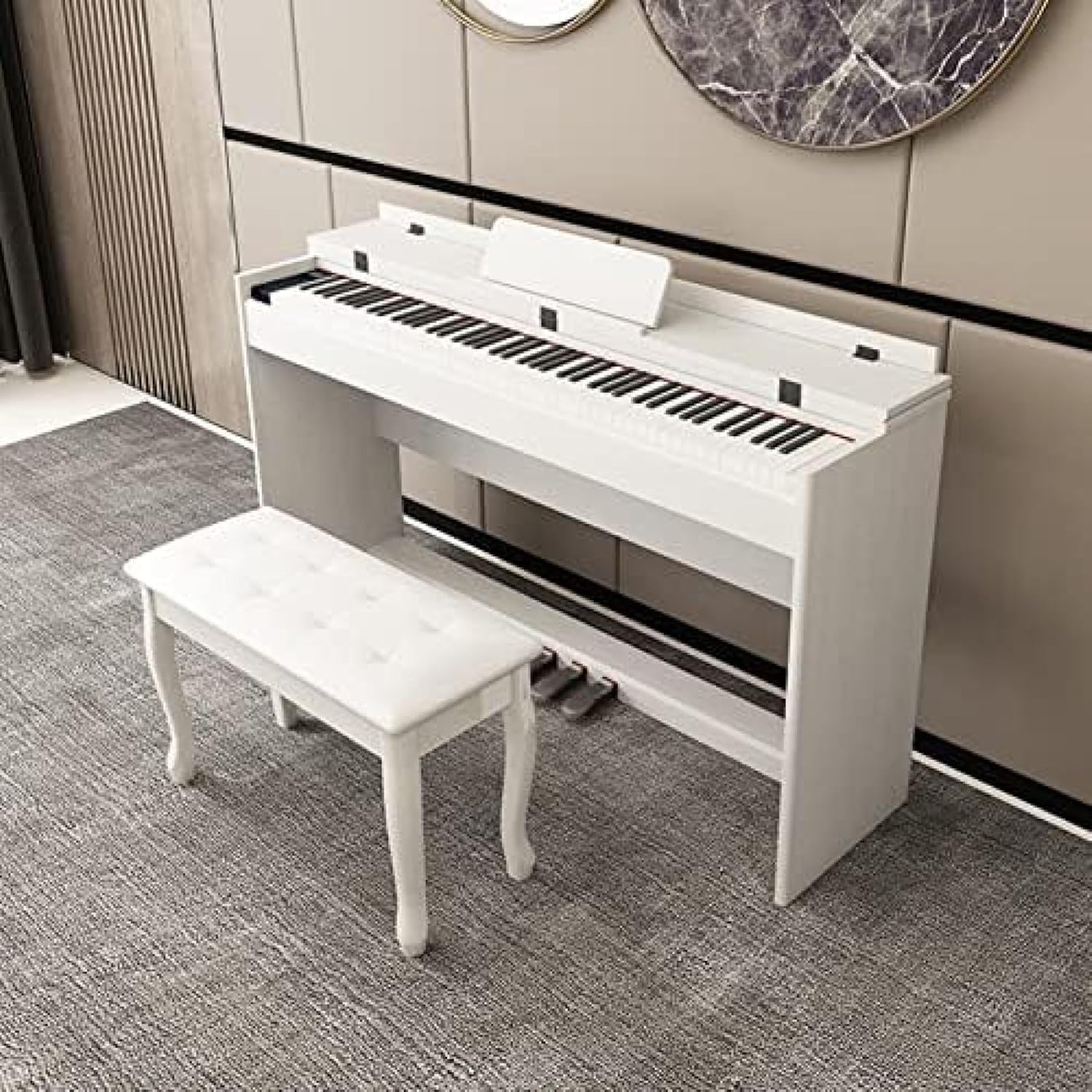
- 1 x Digital Piano Unit
- 1 x Triple Pedal Unit
- 1 x Piano Bench
- 1 x Power Adapter
- 1 x User Manual (this document)
Setup
Follow these steps to set up your digital piano:
- Unpacking: Carefully remove all components from the packaging. Retain packaging materials for future transport or storage.
- Assembly: Assemble the furniture stand according to the included assembly guide (if separate). Place the digital piano unit securely onto the assembled stand.
- Pedal Connection: Connect the triple pedal unit cable to the designated pedal input jack on the underside or rear of the piano. Ensure the connection is firm.
- Power Connection: Connect the power adapter to the DC IN jack on the piano and then plug it into a standard electrical outlet.
- Bench Assembly: Assemble the piano bench as per its instructions.
Operating Instructions
Basic Operation
- Power On/Off: Press the 'On/Off' button to power the piano on or off. Do not apply excessive force.
- Volume Adjustment: Use the dedicated volume controls to adjust the overall sound output.
Key Features
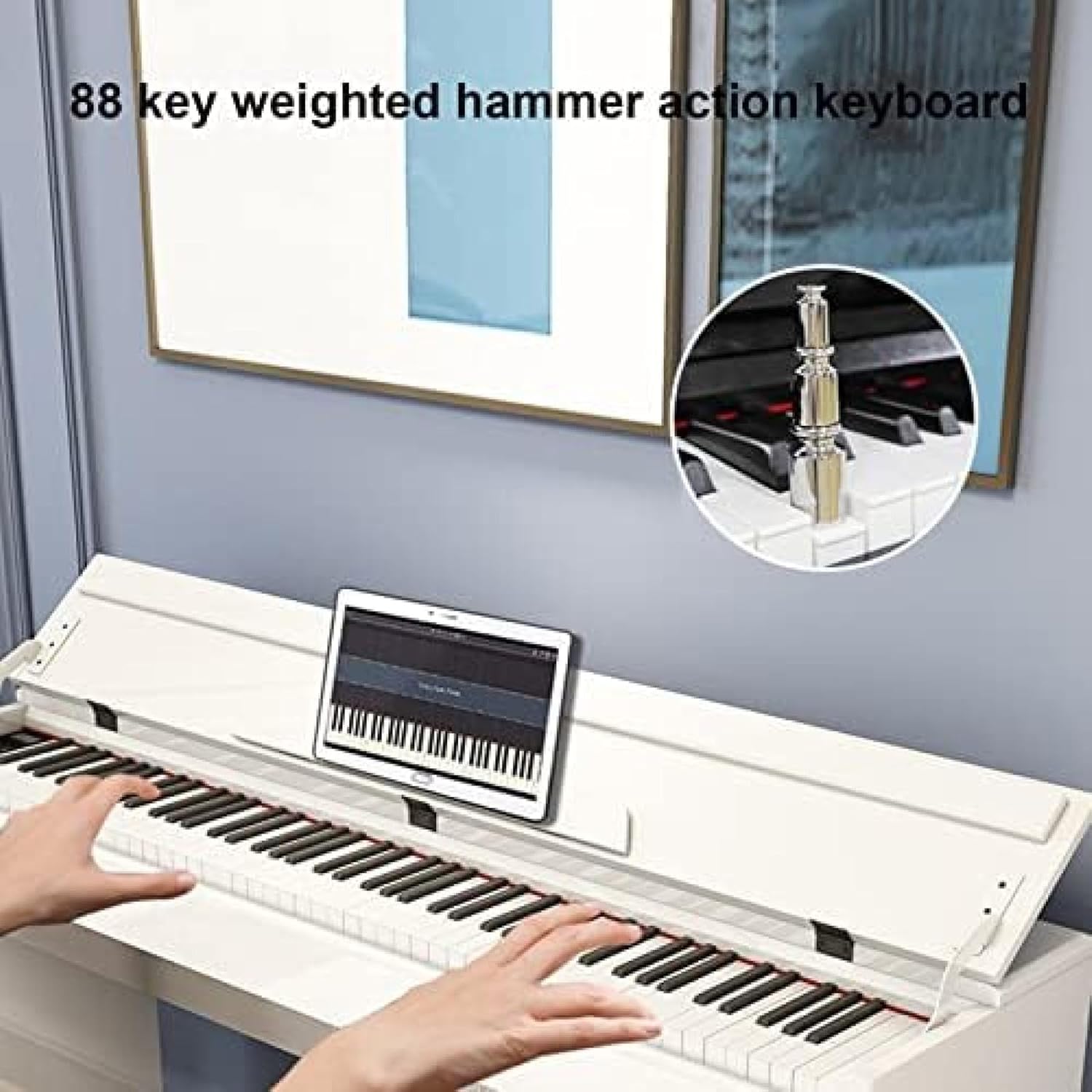
- 88 Weighted Hammer Action Keys: The 88 fully weighted keys are designed to replicate the feel and response of an acoustic piano, with heavier keys in the bass range and lighter keys in the treble range. This design aids in developing proper playing technique.
- Rich Timbre: The piano features 750 tones, 600 rhythms, and 100 demonstration songs. Use the dedicated buttons or menu to select desired tones and rhythms.
- Dual Tone Mode: Combine two different voices, such as piano and strings, to create layered sounds. Refer to the on-screen display or specific buttons for activation.
- Metronome: Utilize the built-in metronome for practice, adjustable to various tempos.
- Pedals: The included triple pedal unit provides three essential functions:
- Sustain Pedal: Supports half-pedal operation to increase the length of notes.
- Damper Pedal: Lengthens the note duration for a fuller sound.
- Soft Pedal: Softens the sound of the notes played.

Connectivity
- USB/MIDI/AUDIO/HEADPHONE Terminals: The piano is equipped with various input/output jacks for versatile connectivity.
- USB/MIDI In/Out: Connect the piano to a computer, tablet, or smartphone for MIDI data transfer, allowing interaction with educational apps, recording software, or other musical applications.

- Audio In/Out: Connect external audio devices or speakers for expanded sound options.
- Dual Headphone Jacks: Two headphone jacks allow two users to listen simultaneously, ideal for lessons or duet practice without disturbing others. The headphone mode also mutes the internal speakers.
Sound Quality
- French DREAM Sound Source: The piano utilizes a French DREAM sound source to accurately reproduce the sound of an acoustic grand piano.
- Dual 15W Stereo Speakers: Integrated stereo speakers provide a surround sound experience, ensuring clear and rich audio output for practice, recording, or performance.

Maintenance
Proper care ensures the longevity and performance of your digital piano:
- Cleaning: Use a soft, dry cloth to clean the instrument.
- Avoid Chemicals: Do not use thinners, solvents, cleaning fluids, or chemical products on the cloth, as these can damage the finish.
- Handle with Care: Avoid applying excessive force to buttons or keys.
- Storage: Store the piano in a stable environment, away from direct sunlight, extreme temperatures, and high humidity.
Troubleshooting
If you encounter any issues, consider the following basic troubleshooting steps:
- No Sound: Check if the power is on, volume is up, headphones are unplugged (unless in use), and all cables are securely connected.
- Distorted Sound: Ensure volume levels are not too high, check speaker connections, and try a different power outlet.
- Keys Not Responding: Power cycle the instrument. If the issue persists, contact customer support.
- Pedals Not Working: Verify the pedal unit cable is fully inserted into the correct jack.
For persistent problems, refer to the Warranty and Support section.
Specifications
| Brand | DIE |
| Model Number | B0CBFHGLFY |
| Color | White |
| Number of Keys | 88 |
| Key Action | Weighted Hammer Action |
| Tones | 750 |
| Rhythms | 600 |
| Demo Songs | 100 |
| Pedals | 3 (Sustain, Soft, Damper) |
| Functions | MIDI, Adjustable Volume, Dual Headphone, Audio In/Out |
| Product Dimensions | 133 x 30.5 x 76 cm (52.3 x 12 x 29.9 inches) |
Note: Manual measurements may result in slight errors in size.
Warranty and Support
Your satisfaction is important to us. We offer a 100% money-back guarantee or exchange for any quality issues with the product. You can purchase with confidence.
For any questions or concerns, our customer service team is available online 24 hours a day. Please feel free to send us a message for assistance.
We aim to ship within 24 hours, with an estimated delivery time of 7 to 20 business days.