
1. Introduction
The TCL S642W is a 2.1 channel soundbar system designed to significantly enhance your home audio experience. This system includes a main soundbar unit and a wireless subwoofer, delivering powerful sound with deep, resonant bass. With advanced connectivity options like Bluetooth 5.3 and HDMI ARC, and support for Dolby Audio, the S642W provides an immersive and high-quality audio environment for movies, music, and games.
2. Package Contents
Please check the package for the following items:
- TCL S642W Soundbar Unit
- Wireless Subwoofer
- Remote Control with Batteries
- Power Cable for Soundbar
- Power Cable for Subwoofer
- HDMI Cable
- Wall Mounting Kit
- User Manual (this document)
3. Setup
3.1 Placement
Proper placement of the soundbar and subwoofer is crucial for optimal sound performance and an immersive audio experience.
- Soundbar: Position the soundbar centrally below your television. Ensure there are no obstructions in front of the soundbar that could block the sound.
- Wireless Subwoofer: The wireless subwoofer can be placed anywhere in the room, ideally near the soundbar, for enhanced bass. Avoid placing it in enclosed spaces that might muffle the sound.

Figure 1: Recommended placement of the soundbar and subwoofer in a living room environment.

Figure 2: Dimensions of the TCL S642W Soundbar (560mm x 62mm x 96.7mm) and Wireless Subwoofer (195mm x 320.4mm x 195mm).
3.2 Connections
Follow these steps to connect your soundbar system:
- Power Connection: Connect the power cables to the soundbar and the wireless subwoofer, then plug them into a wall outlet. The subwoofer will automatically pair with the soundbar when both are powered on.
- HDMI ARC Connection (Recommended): For the best audio quality and control, connect one end of the provided HDMI cable to the HDMI ARC port on your soundbar and the other end to the HDMI ARC/eARC port on your television. This allows your TV remote to control the soundbar's volume.
- Bluetooth Connection: To stream audio wirelessly from your smart device, ensure the soundbar is powered on. Press the Bluetooth button on the remote control or the soundbar unit. The Bluetooth indicator light will flash. On your smart device, search for Bluetooth devices and select 'TCL S642W' to pair.
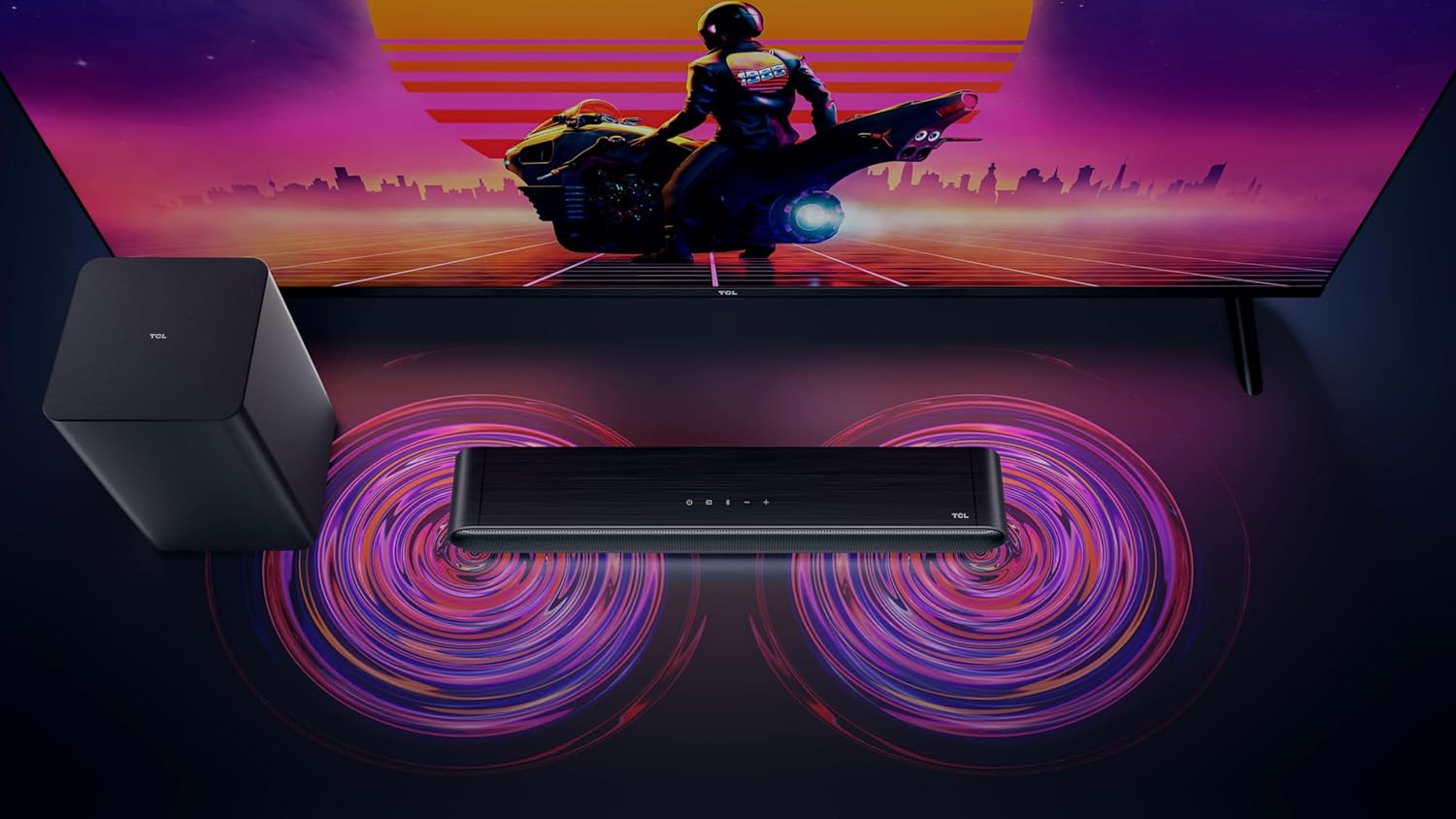
Figure 3: Connectivity options for the TCL S642W Soundbar, including Bluetooth 5.3 and HDMI.
4. Operating Instructions
4.1 Power On/Off
Press the Power button on the remote control or the soundbar unit to turn the system on or off.
4.2 Input Selection
Press the Source or Input button on the remote control to cycle through available input sources: HDMI ARC, Bluetooth.
4.3 Volume Control
Use the Volume Up (+) and Volume Down (-) buttons on the remote control or the soundbar unit to adjust the volume. If connected via HDMI ARC, your TV remote may also control the soundbar volume.
4.4 Bluetooth Pairing
To pair a new Bluetooth device:
- Ensure the soundbar is in Bluetooth mode (press the Bluetooth button).
- On your smart device, enable Bluetooth and search for available devices.
- Select 'TCL S642W' from the list to connect. The Bluetooth indicator on the soundbar will stop flashing and remain solid once connected.
Figure 4: The included remote control for convenient operation of the soundbar.
5. Maintenance
To ensure the longevity and optimal performance of your TCL S642W Soundbar system, follow these maintenance guidelines:
- Cleaning: Use a soft, dry, lint-free cloth to clean the surfaces of the soundbar and subwoofer. Do not use liquid cleaners, sprays, or abrasive materials, as these can damage the finish or internal components.
- Ventilation: Ensure that the soundbar and subwoofer have adequate ventilation. Do not block any ventilation openings. Avoid placing the units in enclosed cabinets without proper airflow.
- Environment: Keep the system away from direct sunlight, heat sources, excessive dust, moisture, and strong magnetic fields.
- Power: Unplug the power cables from the wall outlet if the system will not be used for an extended period.
6. Troubleshooting
If you encounter issues with your soundbar, refer to the following troubleshooting guide:
| Problem | Possible Cause | Solution |
|---|---|---|
| No sound from soundbar |
|
|
| Subwoofer not producing bass |
|
|
| Bluetooth connection issues |
|
|
7. Specifications
Key technical specifications for the TCL S642W Soundbar system:
- Brand: TCL
- Model Name: S642W (2.1 Channel Soundbar with Wireless Subwoofer and HDMI ARC with Bluetooth 5.3 – Wall Mountable)
- Speaker Type: Soundbar
- Max Speaker Output Power: 200 Watt
- Frequency Response: 10 KHz
- Connectivity Technology: HDMI, Bluetooth 5.3
- Audio Output Mode: Dolby Audio, DTS Virtual X
- Mounting Type: Wall Mountable
- Material: Plastic
- Special Features: Bluetooth, USB Port, Portable
8. Safety Information
Please read and follow these safety precautions to prevent damage and ensure safe operation:
- Do not expose the unit to rain, moisture, dripping, or splashing.
- Do not place objects filled with liquids, such as vases, on the apparatus.
- Do not block any ventilation openings. Install in accordance with the manufacturer's instructions.
- Do not install near any heat sources such as radiators, heat registers, stoves, or other apparatus (including amplifiers) that produce heat.
- Protect the power cord from being walked on or pinched, particularly at plugs, convenience receptacles, and the point where they exit from the apparatus.
- Only use attachments/accessories specified by the manufacturer.
- Unplug this apparatus during lightning storms or when unused for long periods of time.
9. Warranty and Support
For detailed warranty information, terms, and conditions, please refer to the warranty card included with your product package. For technical support, product registration, or to find answers to frequently asked questions, please visit the official TCL support website or contact your local TCL customer service representative.
You can often find additional resources and contact information on the official TCL website: www.tcl.com


