
Retevis RB45
Retevis RB45 Walkie Talkies User Manual
Model: RB45
1. Introduction
Thank you for choosing the Retevis RB45 Walkie Talkies. This manual provides essential information for the safe and effective operation of your new two-way radios. The RB45 is designed for reliable communication in various environments, featuring a compact design, dual PTT buttons, VOX hands-free operation, and emergency alarm functions. Please read this manual thoroughly before use.
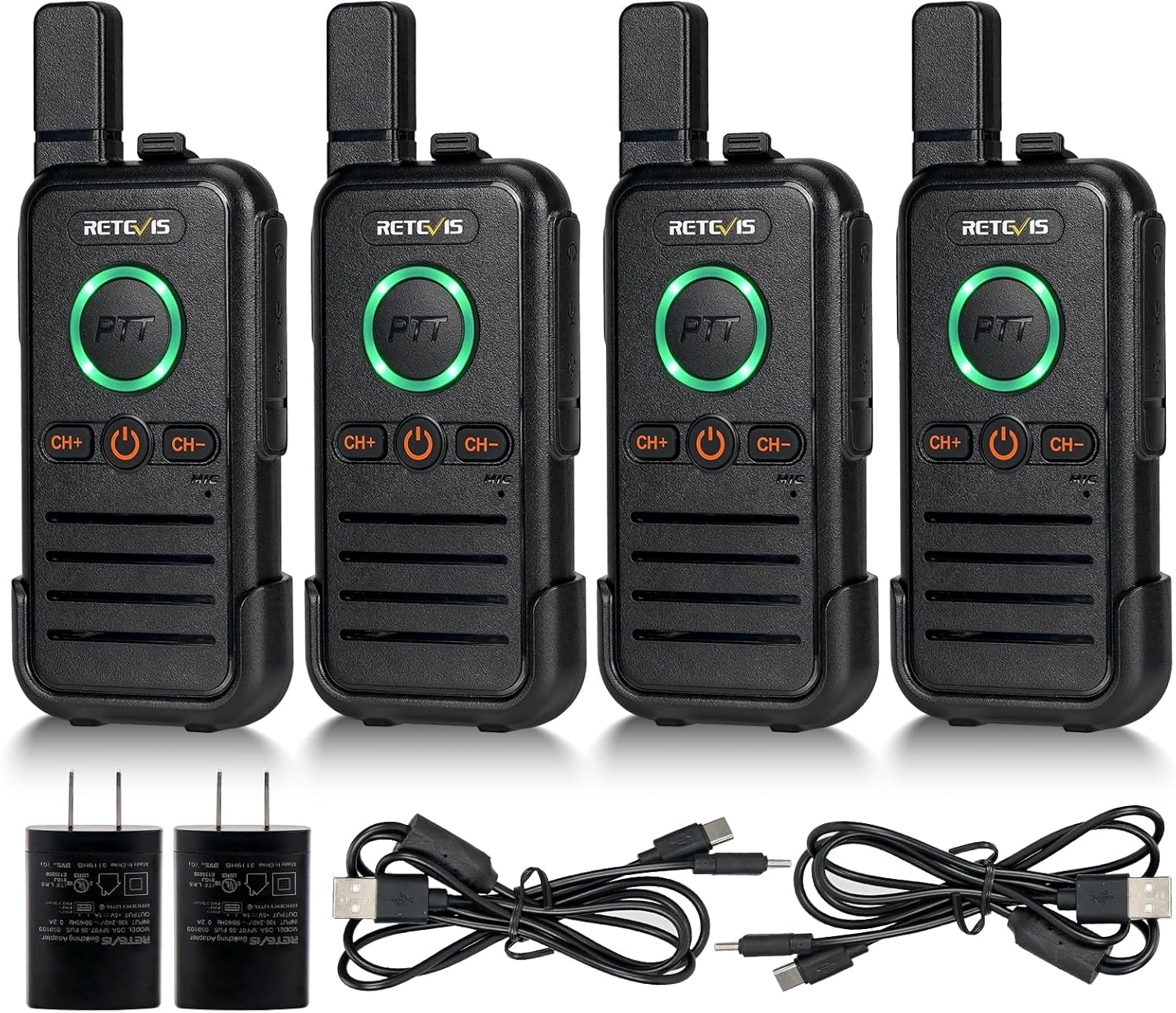
Figure 1: Retevis RB45 Walkie Talkies (4-pack) and accessories.
2. What's in the Box
- 4 x RB45 Two-way Radios
- 4 x RB45 Belt Clips and Slings
- 2 x Charging Lines (2-in-1 USB-C)
- 4 x Li-ion Batteries (1100mAh)
- 2 x User Manuals and Adapters

Figure 2: All components included in the Retevis RB45 package.
3. Setup
3.1 Battery Installation
- Remove the belt clip from the back of the radio by sliding it upwards.
- Locate the battery compartment cover.
- Insert the 1100mAh Li-ion battery into the compartment, ensuring the contacts align correctly.
- Gently push the battery until it clicks into place.
- Replace the belt clip by sliding it downwards until it locks.

Figure 3: Battery installation for the Retevis RB45.
3.2 Charging the Radios
The RB45 walkie talkies feature a built-in USB-C charging port for convenience. Use the provided 2-in-1 USB-C charging cable and adapter.
- Open the silicone cover on the side of the radio to expose the USB-C port.
- Connect one end of the 2-in-1 USB-C charging cable to the radio's USB-C port.
- Connect the other end of the cable to the provided USB power adapter.
- Plug the adapter into a standard wall outlet.
- The PTT button LED will illuminate during charging and change color or turn off when fully charged.
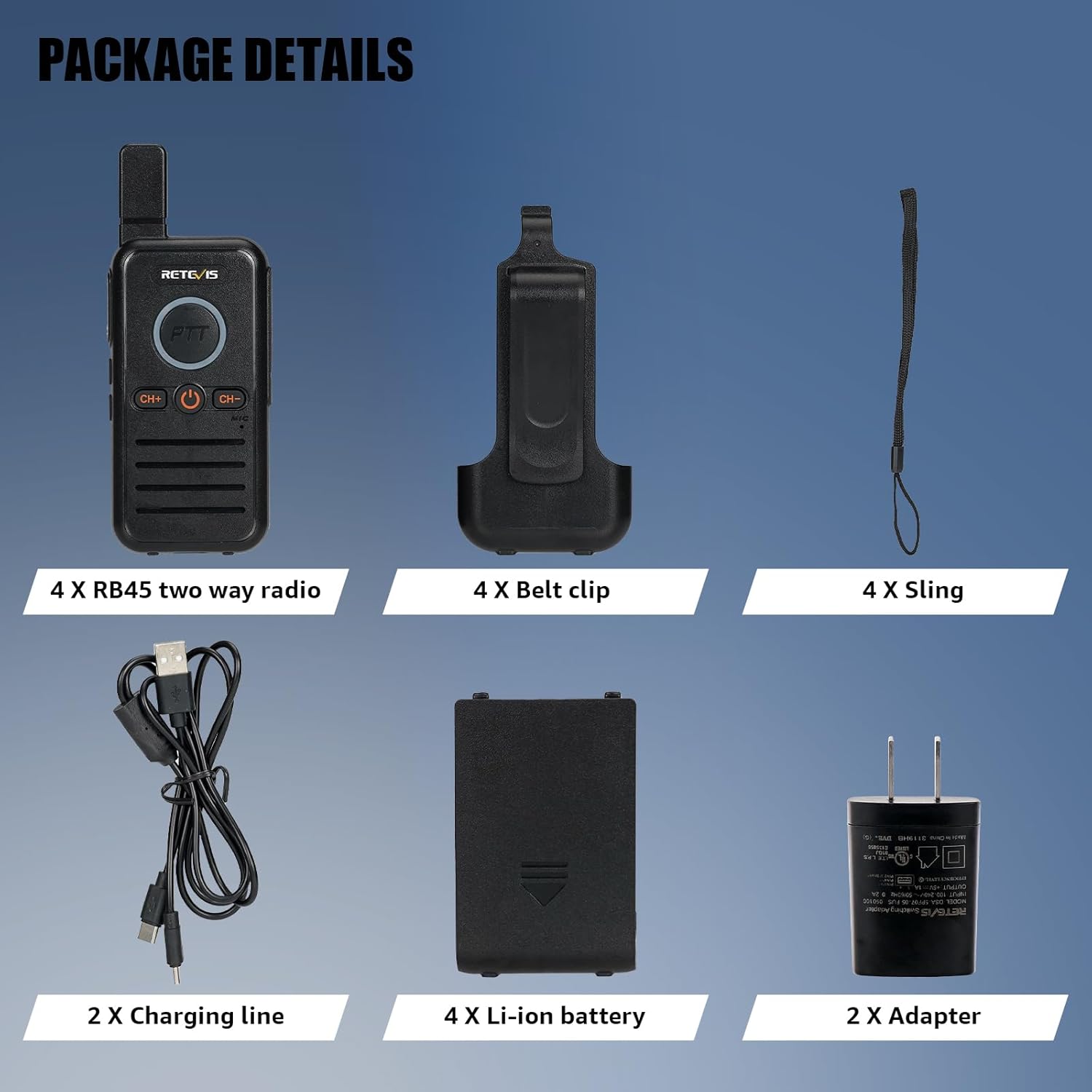
Figure 4: Charging the Retevis RB45 walkie talkie.
Video 1: Demonstration of charging the Retevis RB45 walkie talkies.
4. Operating the Radio
4.1 Power On/Off
To power on the radio, press and hold the power button (usually the central button with a power icon) until you hear a tone. To power off, press and hold the same button until the radio shuts down.
4.2 Channel Selection
The RB45 features 16 channels. To change channels, use the 'CH+' and 'CH-' buttons located below the PTT button. The radio will announce the selected channel number.
4.3 Push-to-Talk (PTT) Function
The RB45 is equipped with dual PTT keys, located on the front and side of the radio, offering flexible communication options.
- To transmit, press and hold either the front or side PTT button.
- Speak clearly into the microphone.
- Release the PTT button to stop transmitting and listen for a response.

Figure 5: Dual PTT button design for enhanced usability.
Video 2: Demonstration of the Dual PTT function.
4.4 VOX Hands-free Function
The VOX (Voice Operated Exchange) function allows you to transmit without pressing the PTT button, ideal when your hands are occupied.
- To activate VOX, long press the side button 1 (refer to your specific radio's button layout if different).
- Speak into the microphone to transmit. The radio will automatically detect your voice and begin transmission.
- To deactivate VOX, long press the side button 1 again.
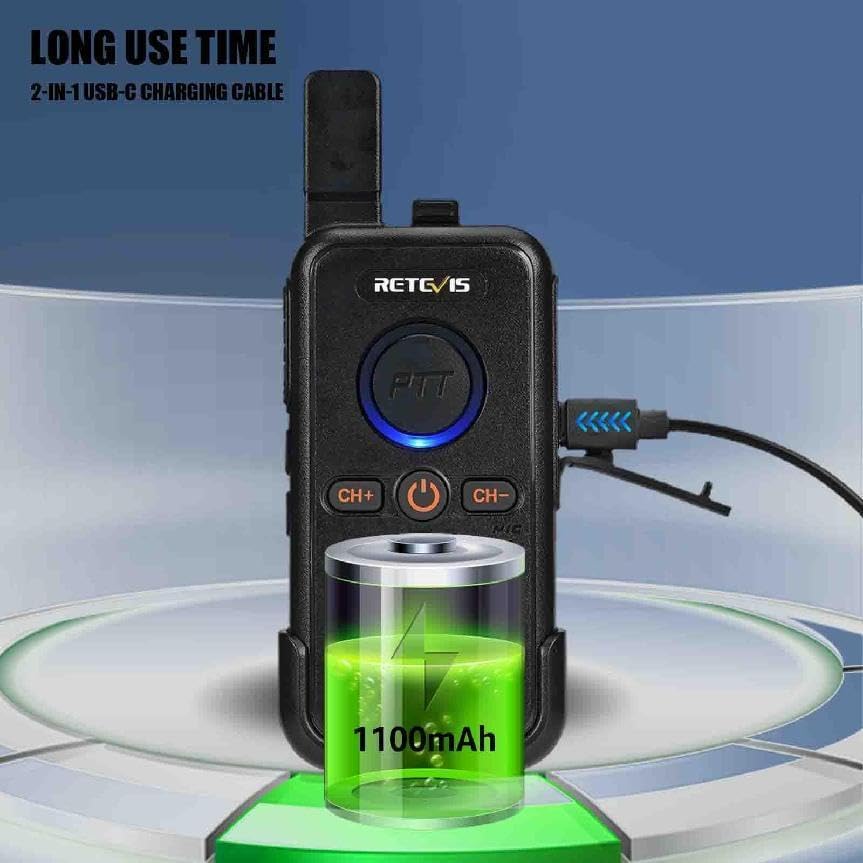
Figure 6: VOX hands-free operation.
Video 3: Demonstration of the VOX function.
4.5 Emergency Alarm
The RB45 includes local and remote alarm functions to alert others in an emergency.
- To activate the emergency alarm, long press the side key 2 (refer to your specific radio's button layout if different).
- The radio will emit a loud alarm sound, and the PTT button LED will flash red.
- To deactivate the alarm, short press the PTT button or power cycle the radio.
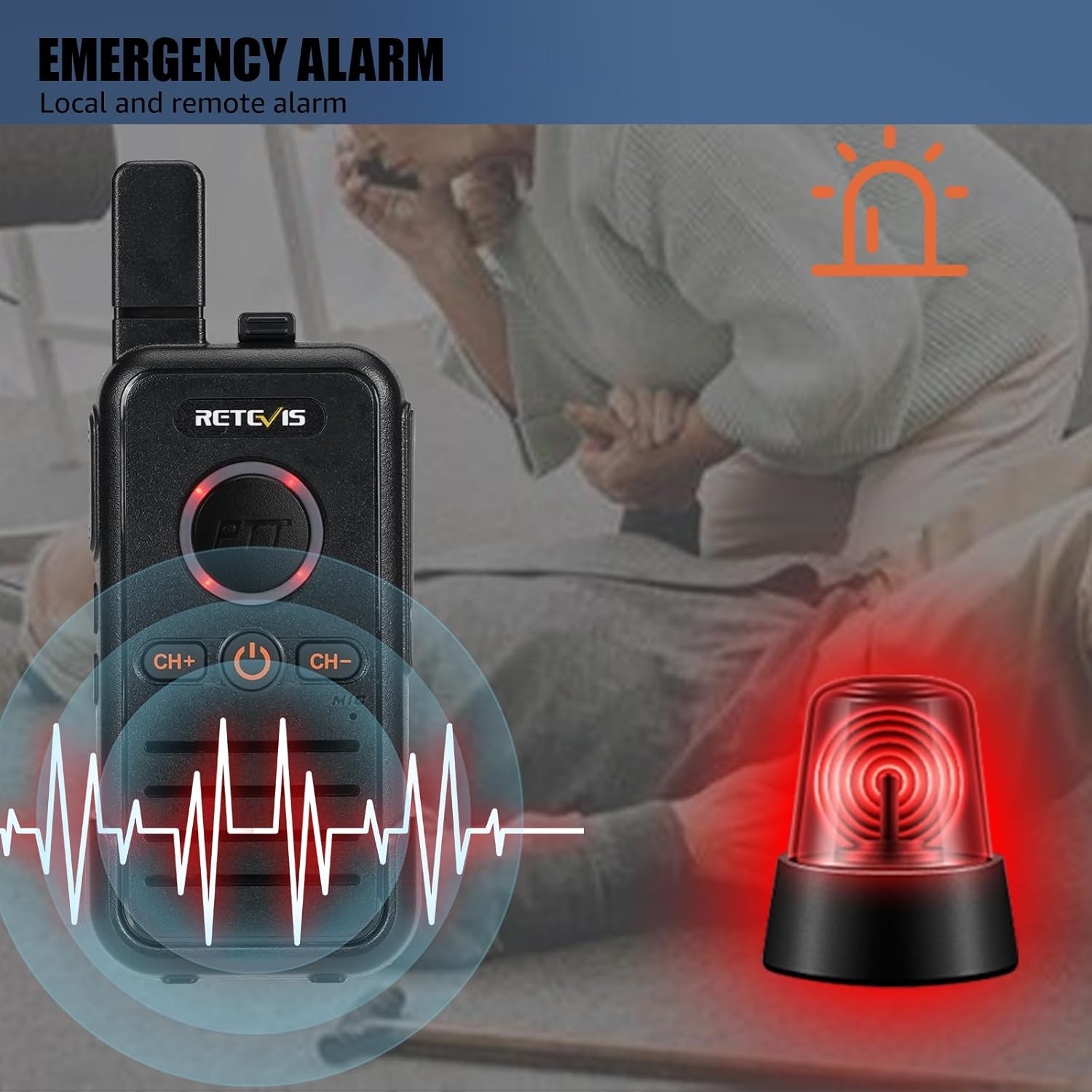
Figure 7: Emergency alarm feature.
Video 4: Demonstration of the Emergency Alarm function.
4.6 Key Lock Function
The key lock function prevents accidental channel changes or button presses.
- To activate the key lock, long press the 'CH+' button for 3 seconds.
- To deactivate the key lock, long press the 'CH+' button for 3 seconds again.

Figure 8: Key Lock function.
4.7 Understanding Radio Range
The effective range of a two-way radio is influenced by several factors, including radio power, signal type, horizon distance, atmospheric conditions, antenna quality, and terrain/obstacles. Terrain and obstacles are often the most significant factors affecting communication distance.
Video 5: Explanation of factors affecting two-way radio range.
5. Maintenance
Proper maintenance ensures the longevity and optimal performance of your Retevis RB45 walkie talkies.
5.1 Battery Care
- Always use the original charger and cables provided.
- Do not expose batteries to extreme temperatures or direct sunlight.
- Avoid overcharging or completely draining the battery.
- If storing the radios for an extended period, charge the batteries to about 50% before storage.
5.2 Cleaning
- Wipe the radio's surface with a soft, damp cloth.
- Do not use harsh chemicals or abrasive cleaners.
- Ensure the USB-C port cover is closed when not charging to prevent dust and moisture ingress.
5.3 Storage
- Store the radios in a cool, dry place away from direct sunlight and extreme temperatures.
- Keep them away from strong magnetic fields.
6. Troubleshooting
| Problem | Possible Cause | Solution |
|---|---|---|
| Radio does not power on | Low or no battery charge | Charge the battery fully. Ensure battery is correctly installed. |
| No sound or weak sound | Volume too low; Incorrect channel; Squelch level too high | Increase volume. Verify both radios are on the same channel. Adjust squelch level. |
| Limited communication range | Obstacles (buildings, hills); Atmospheric conditions; Low battery | Move to an open area. Ensure batteries are fully charged. |
| Cannot transmit | PTT button not pressed correctly; Radio is in scan/monitor mode; Key lock active | Ensure PTT is fully pressed. Exit scan/monitor mode. Deactivate key lock. |
7. Specifications
- Model: RB45
- Brand: Retevis
- Item Weight: 1.59 pounds
- Product Dimensions: 4.17 x 2.09 x 0.71 inches
- Batteries: 4 Lithium Ion batteries required (included)
- Number of Channels: 22
- Frequency Range: FRS
- Special Feature: Lightweight, Emergency Alarm
- Water Resistance Level: Not Water Resistant
8. Warranty and Support
Retevis provides a 2-year warranty for the radio body and a 1-year warranty for accessories. Additionally, there is a 30-day no-reason return policy. Beyond the warranty period, maintenance services are still offered, with buyers responsible for associated costs. For any inquiries or support, please contact Retevis customer service on Amazon. They aim to reply within 12 hours.
Related documentsRB45


Ask a question about this manual
Ask about setup, troubleshooting, compatibility, parts, safety, or missing instructions. Manuals+ will review the question and use this page’s manual context to help answer it.