
BAOFENG UV-16R
BAOFENG UV-16R Walkie Talkie User Manual
Model: UV-16R | Brand: BAOFENG
1. Introduction
The BAOFENG UV-16R is a robust and versatile dual-band two-way radio designed for reliable long-range communication. Featuring USB-C charging, a high-gain tactical antenna, and a durable, waterproof design, it is suitable for various outdoor and professional applications. This manual provides detailed instructions for the proper setup, operation, and maintenance of your UV-16R walkie talkie.

Figure 1: BAOFENG UV-16R Walkie Talkie with all standard accessories, including the radio unit, tactical antenna, programming cable, USB-C charging cable, battery, charging base, and single PTT waterproof microphone.
2. Package Contents
Please verify that all items listed below are included in your package:
- Portable Radio Unit
- Type-C Charger Cable
- Programming Cable
- Single PTT Waterproof Microphone
- Original Antenna
- Li-ion Battery
- Belt Clip
- Sling
- Charger Base
- User’s Manual (this document)
3. Key Features
- USB-C/Type-C Charging: Conveniently charge the radio directly via a Type-C cable from various power sources like power banks, PCs, or car chargers.
- Repeater Capable: Supports customizable repeater channels to extend communication range and enhance signal strength.
- Excellent Audio: Equipped with a professional audio decoder chip for clear, loud treble and strong bass, providing an immersive communication experience.
- Long Range Communication: Achieves communication ranges of 4-5 miles in open areas, 3-4 miles in forests, and 2-3 miles in urban environments.
- Dual Watch and Sync Switchable: Allows users to monitor one channel while displaying both channel name and frequency information.
- Waterproof Design: Features an IP45 waterproof/water-resistant rating, providing protection against dust and rain.
- High Gain Tactical Antenna: Includes an 18.89-inch tactical antenna for improved signal reception and transmission.
- Durable Construction: Housing made from high-hardness ABS+PC material, offering heat, fall, and wear resistance.
- Integrated Functions: Built-in LED high-power torch with constant and flash light modes, and an FM radio function for added utility.
4. Setup Guide
4.1 Battery Installation
- Ensure the radio is powered off.
- Align the battery pack with the grooves on the back of the radio.
- Slide the battery upwards until it clicks into place.
- For secure attachment, use the provided fixing screw to fasten the battery to the radio body.

Figure 2: The fixing screw ensures the battery is firmly attached to the radio, preventing accidental detachment.
4.2 Antenna Attachment
- Carefully screw the antenna into the connector on the top of the radio until it is finger-tight. Do not overtighten.

Figure 3: The 18.89-inch tactical antenna enhances signal gain and reduces standing waves for longer, more stable communication.
4.3 Charging the Battery
The UV-16R offers two charging methods:
- Using the Charging Base: Place the radio (with battery installed) into the charging base. Ensure the charging contacts align. The indicator light on the base will show charging status.
- USB-C Direct Charging: Connect the provided Type-C charger cable directly to the USB-C port on the side of the radio. You can use a wall adapter, power bank, PC, or car charger.

Figure 4: The USB-C charging port allows for convenient and flexible charging from various power sources.
5. Operating Instructions
5.1 Power On/Off and Volume Control
- To power on, rotate the volume knob clockwise.
- To power off, rotate the volume knob counter-clockwise until it clicks.
- Adjust the volume by rotating the knob.
5.2 Channel Selection and Frequency Adjustment
- Use the UP/DOWN arrow keys to navigate through channels or frequencies.
- Press the V/M button to switch between Frequency Mode (VFO) and Channel Mode (Memory).
- The A/B button switches between the upper (A) and lower (B) display frequencies for dual watch.
5.3 Transmitting and Receiving
- To transmit, press and hold the PTT (Push-To-Talk) button on the side of the radio or the external microphone. Speak clearly into the microphone.
- Release the PTT button to receive.
- Ensure you are on the same frequency/channel as the party you wish to communicate with.
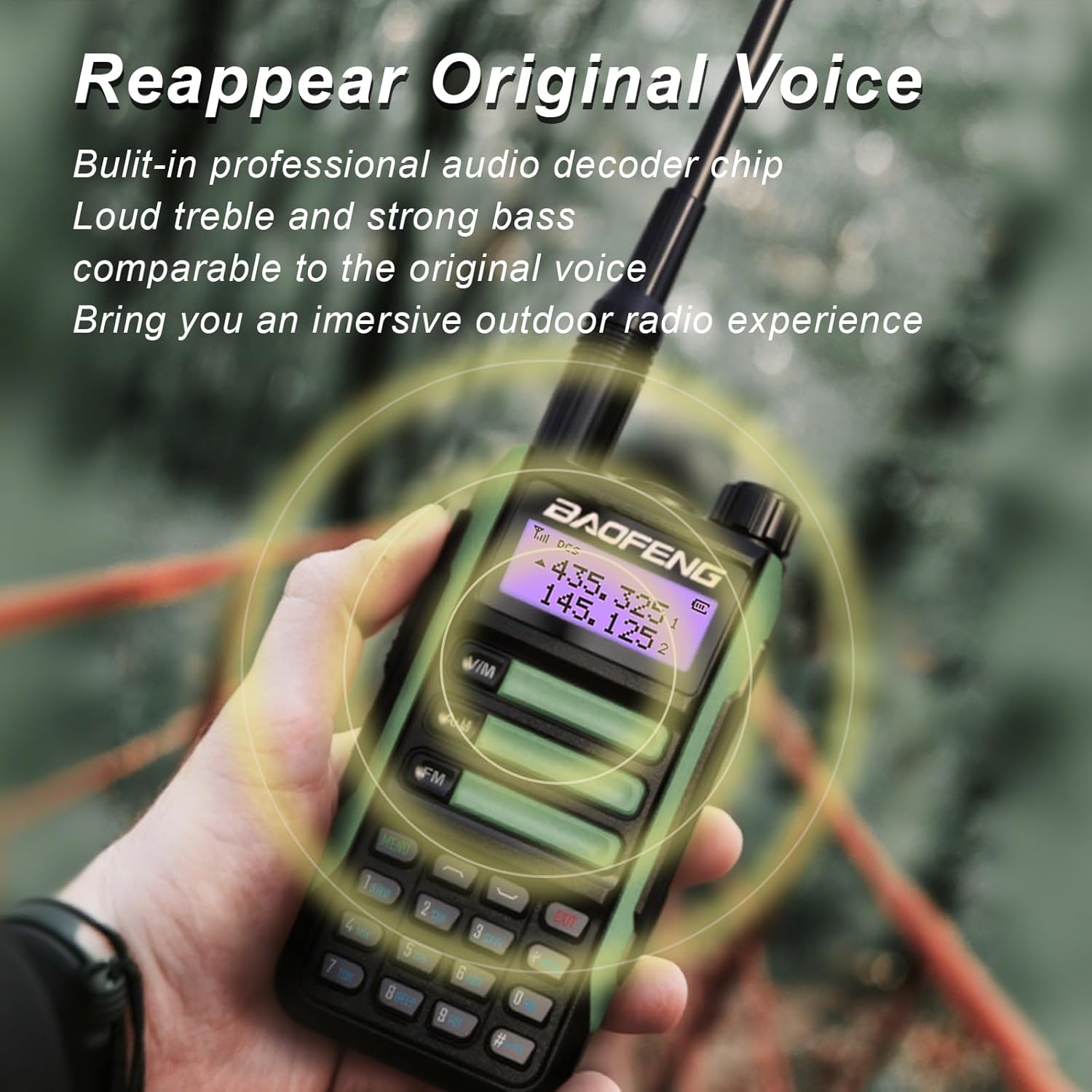
Figure 5: The radio's advanced audio processing ensures clear and strong voice reproduction, comparable to the original sound.
5.4 Menu Navigation
- Press the MENU button to enter the menu.
- Use the UP/DOWN arrow keys to scroll through menu options.
- Press MENU again to select an option.
- Use the UP/DOWN arrow keys to change settings.
- Press MENU to confirm the setting, or EXIT to cancel.
5.5 Special Functions
- FM Radio: Press the FM button to activate the FM radio. Use the number pad to enter frequencies or scan.
- LED Torch: The radio features a built-in LED torch. Consult the full user manual for specific button presses to activate constant or flash modes.

Figure 6: The integrated LED torch provides illumination, useful for night vision and outdoor activities.
6. Maintenance
6.1 Cleaning
- Wipe the radio with a soft, damp cloth. Do not use harsh chemicals or abrasive cleaners.
- Ensure all ports (USB-C, antenna, accessory jack) are free of dust and debris.
6.2 Water Resistance (IP45)
The UV-16R is rated IP45 for water resistance, meaning it is protected against splashing water from any direction. While it can withstand light rain and splashes, it is not designed for submersion. Avoid prolonged exposure to heavy rain or direct water jets.
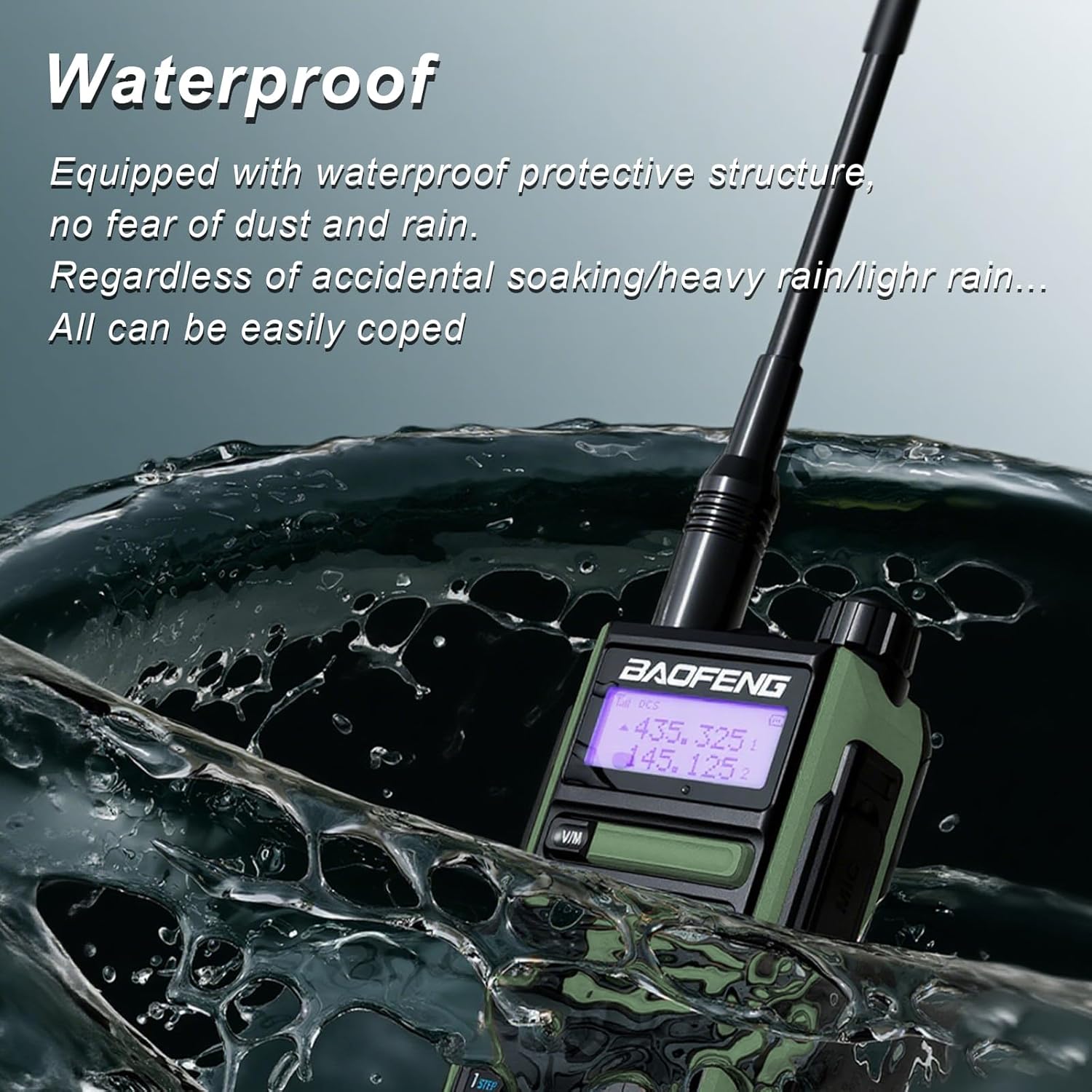
Figure 7: The IP45 rating ensures the radio can withstand splashes and light rain, making it suitable for various outdoor conditions.
6.3 Battery Care
- Charge the battery fully before first use.
- Avoid completely discharging the battery regularly, as this can reduce its lifespan.
- Store the radio and battery in a cool, dry place when not in use for extended periods.
6.4 Durability
The radio's housing is constructed from high-hardness ABS+PC material, providing resistance against heat, impacts, and wear. While designed to be robust, avoid dropping the radio from significant heights or subjecting it to extreme force.

Figure 8: The durable ABS+PC housing provides excellent resistance to impacts and wear, ensuring longevity.
7. Troubleshooting
| Problem | Possible Cause | Solution |
|---|---|---|
| Radio does not power on. | Battery is not charged or not installed correctly. | Ensure battery is fully charged and properly seated. Check battery contacts. |
| Cannot transmit or receive. | Incorrect frequency/channel; antenna not attached; low battery. | Verify frequency/channel settings. Ensure antenna is securely attached. Charge battery. |
| Poor audio quality or static. | Weak signal; interference; volume too low/high. | Move to an area with better signal. Adjust volume. Check for sources of interference. |
| Battery drains quickly. | Frequent transmission; high power setting; aging battery. | Reduce transmission time. Use lower power setting if possible. Consider replacing battery if old. |
8. Specifications
| Feature | Detail |
|---|---|
| Model Number | UV-16R |
| Output Power | 10W |
| Battery Capacity | 1800mAh Li-ion battery |
| Antenna Type | SMA-Male |
| Number of Channels | 128 |
| Frequency Range | 144 - 148 MHz, 420 - 450 MHz |
| Water Resistance Level | IP45 |
| Material | Sturdy ABS+PC Plastic |
| Item Weight | 1.52 pounds (approx. 690g) |
| Dimensions | 7.1 x 4.33 x 3.74 inches (Package) |
| Voltage | 7.4 Volts (DC) |
9. Warranty and Support
The BAOFENG UV-16R Walkie Talkie comes with a 1-year warranty provided exclusively through "Shiqun Electronics Co., Ltd". Please retain your proof of purchase for warranty claims.
For technical support, troubleshooting assistance, or warranty inquiries, please contact Shiqun Electronics Co., Ltd. through the vendor information provided at the point of purchase.
Ask a question about this manual
Ask about setup, troubleshooting, compatibility, parts, safety, or missing instructions. Manuals+ will review the question and use this page’s manual context to help answer it.