
Product Overview
The APEKX True Wireless Earbuds are designed for an immersive audio experience with high-fidelity stereo sound. Featuring secure-fit earhooks, these Bluetooth headphones are ideal for sports and workouts, ensuring they stay in place during active use. With IPX7 waterproof rating and long battery life, they are built to withstand various activities and provide extended listening pleasure.
What's in the Box
Your APEKX True Wireless Earbuds package includes the following items:
- APEKX True Wireless Earbuds (Left and Right)
- Charging Case
- Type-C Charging Cable
- User Manual
- Eartips (Multiple Sizes)
Setup Guide
1. Initial Charging
Before first use, fully charge both earbuds and the charging case. Remove any protective film from the earbuds' charging contacts. Connect the provided Type-C cable to the charging port on the case and to a USB power source. The LED display on the case will indicate the battery status.

The earbuds offer up to 8 hours of playtime on a single charge, and the compact charging case provides an additional 4 charges, totaling up to 40 hours of playtime.
2. Pairing Your Earbuds
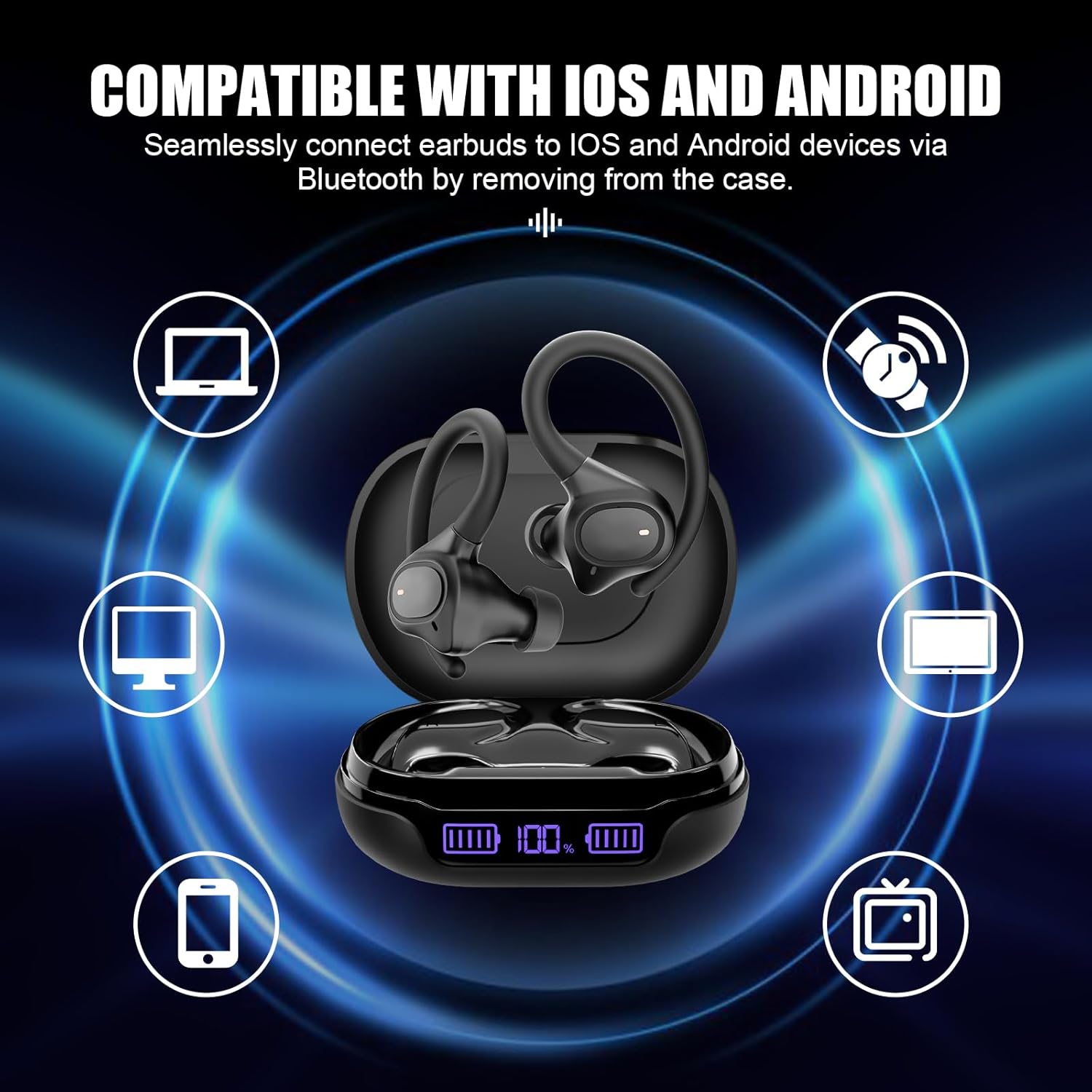
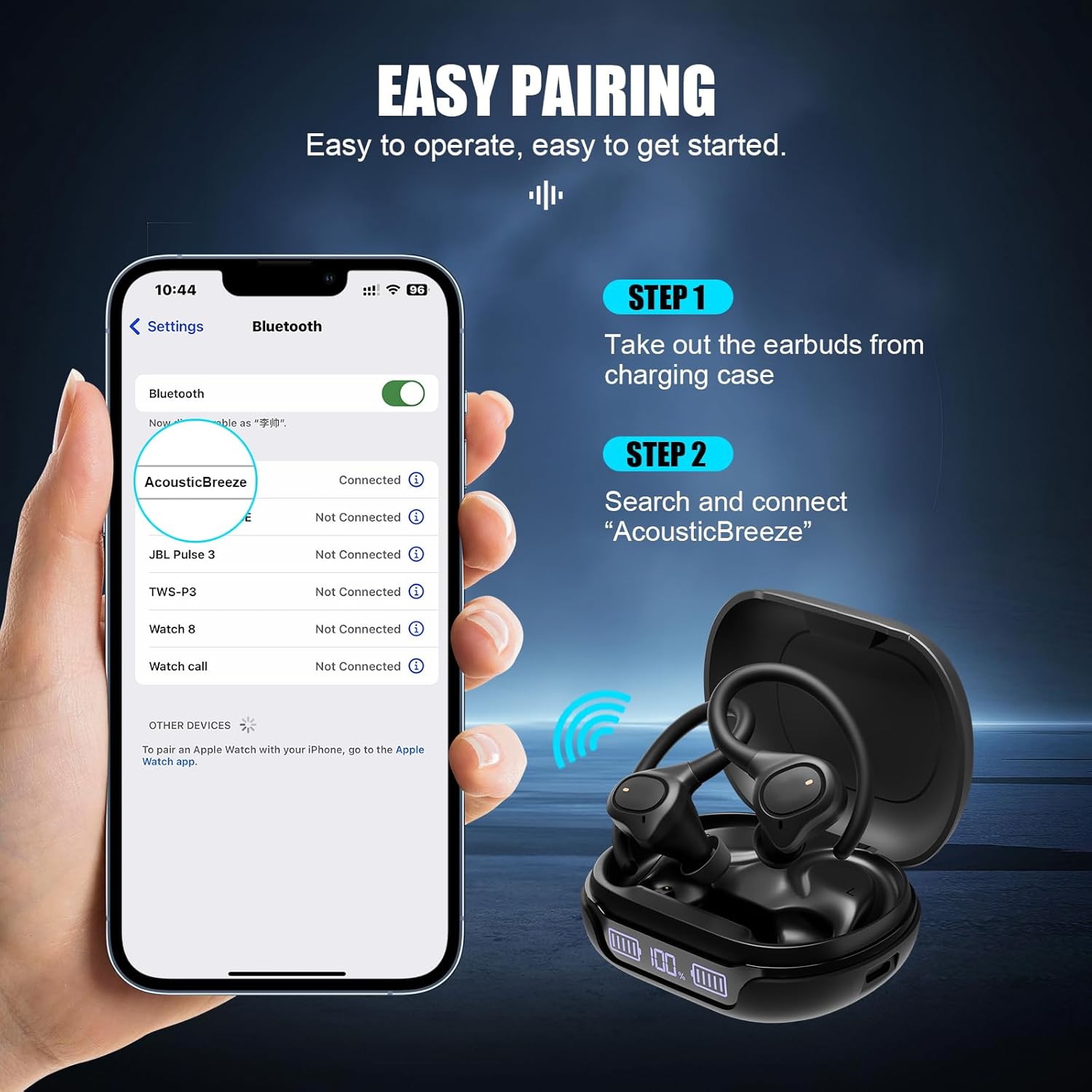
Both earbuds will automatically turn on and enter pairing mode when taken out of the charging case. On your device (smartphone, tablet, etc.), enable Bluetooth and search for "AcousticBreeze" in the list of available devices. Select it to connect. The earbuds will automatically connect with the last paired device when powered on.
3. Customizable Fit
The earbuds come with two styles of ear tips in three different sizes (S, M, L) to ensure a perfect and comfortable fit for all ear shapes. Choose the ear tips that best fit your ears for optimal sound and secure placement. Place the earhook over your ear, insert the earbud into your ear canal, and adjust by twisting to find the most comfortable and secure position.

Operating Instructions
The APEKX True Wireless Earbuds feature intuitive touch controls for managing your audio and calls.
Touch Controls:
- Power On/Off: Click and hold R or L earbud for 3 seconds (Power On) / 5 seconds (Power Off).
- Play/Pause: Double-Click (R)
- Next Track: Touch and hold (R)
- Previous Track: Touch and hold (L)
- Volume Up: Click (R)
- Volume Down: Click (L)
- EQ Change: Triple-Click (R/L) to cycle through Classic, Vocal, and Bass sound modes.
- Answer Call: Click (R/L)
- Hang Up: Double-Click (R/L)
- Reject Call: Touch and hold (R/L)
- Voice Assistant: Double-Click (L)

Maintenance
Proper maintenance ensures the longevity and optimal performance of your earbuds.
- Cleaning: Regularly clean the earbuds and charging case with a soft, dry cloth. For ear tips, remove them and clean with mild soap and water, then dry thoroughly before reattaching.
- Water Resistance: The earbuds are IPX7 waterproof, meaning they can withstand submersion in up to 1 meter of water for 30 minutes. However, it is recommended to dry them thoroughly after exposure to sweat or water to prevent damage to the charging contacts. Do not submerge the charging case.
- Storage: Store the earbuds in their charging case when not in use to protect them and keep them charged. Avoid storing them in extreme temperatures.
- Battery Care: To prolong battery life, avoid fully draining the battery frequently. Charge the case and earbuds regularly, even if not in constant use.

Troubleshooting
If you encounter issues with your APEKX True Wireless Earbuds, try the following solutions:
- Earbuds Not Pairing:
- Ensure both earbuds are fully charged.
- Turn off Bluetooth on your device, then turn it back on.
- Forget "AcousticBreeze" from your device's Bluetooth list and attempt to re-pair.
- If issues persist, try resetting the earbuds (refer to the user manual for specific reset instructions).
- No Sound or Low Volume:
- Check the volume levels on both your device and the earbuds.
- Ensure the earbuds are properly seated in your ears and the correct size ear tips are used for a good seal.
- Verify that the earbuds are connected to your device.
- Charging Issues:
- Ensure the charging cable is securely connected to both the case and the power source.
- Check if the charging contacts on the earbuds and inside the case are clean and free of debris.
- If the charging case has run out of battery, it may enter a deep-sleep state. Keep charging for 20 minutes to activate it.
For further assistance, please refer to the full user manual or contact APEKX customer support.
Specifications
| Feature | Detail |
|---|---|
| Model Name | AcousticBreeze (ASB49) |
| Connectivity Technology | Wireless, Bluetooth 5.3 |
| Bluetooth Range | Up to 20 meters (without obstacle) |
| Battery Life (Earbuds) | Up to 8 hours (single charge) |
| Total Playtime (with Charging Case) | Up to 40 hours |
| Charging Time (Earbuds) | Approx. 1.5 hours |
| Charging Case Battery Capacity | 600 mAh |
| Water Resistance Level | IPX7 Waterproof |
| Noise Control | Sound Isolation |
| Control Method | Touch Control |
| Audio Driver Size | 10 Millimeters |
| Frequency Range | 20 Hz - 20,000 Hz |
| Item Weight | 68 Grams (2.4 ounces) |
| Product Dimensions | 3 x 2.2 x 1.4 inches |
Warranty and Support
APEKX products are manufactured with high-quality standards. For any warranty claims, technical support, or product inquiries, please contact APEKX customer service through the retailer's platform or visit the official APEKX store for more information.
Visit the APEKX Store: APEKX Official Store