
1. Introduction
The Lifepro Bioheal Plus Regular Red Light Therapy Panel is designed to provide targeted red and near-infrared light therapy. This device features 60 LEDs, offering both 660 nm red light and 850 nm near-infrared light wavelengths, along with a 10 Hz pulse mode. It is intended for personal use to support muscle and joint comfort, skin appearance, and cellular regeneration.

Image 1.1: Lifepro Bioheal Plus Regular Red Light Therapy Panel and its components.
2. Safety Guidelines
Please read all safety instructions before using the device.
- Eye Protection: Always wear the provided eye protection during use to shield your eyes from intense light.
- Distance: Maintain a distance of 6-12 inches (15-30 cm) from the panel during therapy sessions.
- Duration: Limit sessions to 10-20 minutes per area. Excessive exposure is not recommended.
- Medical Conditions: Consult a healthcare professional before use if you have any medical conditions, are pregnant, or are taking photosensitizing medications.
- Children and Pets: Keep the device out of reach of children and pets.
- Ventilation: Ensure adequate ventilation around the device during operation to prevent overheating.
- Water Exposure: Do not use the device near water or in damp environments.
3. Package Contents
Verify that all items are present in the package:
- Lifepro Bioheal Plus Regular Red Light Therapy Panel
- Power Adapter
- Door Hanging Pulley System
- Eye Protection Goggles
- User Manual
4. Product Overview
Familiarize yourself with the various components and controls of your Bioheal Plus Regular panel.

Image 4.1: Overview of therapy modes and controls on the panel.
- Control Panel: Located at the top, featuring power, mode selection, and timer buttons.
- LED Array: Comprises 60 high-intensity LEDs emitting red (660 nm) and near-infrared (850 nm) light.
- Cooling Fans: Integrated fans on the rear ensure optimal operating temperature.
- Mounting Points: Attachment points for the door hanging pulley system.
5. Setup and Installation
The Bioheal Plus Regular panel can be used in various orientations.
5.1 Using the Door Hanging Pulley System
- Attach the pulley system hooks to the designated mounting points on the top of the panel.
- Securely hang the panel over a door or from a sturdy hook.
- Adjust the height to ensure the panel is positioned correctly for your therapy area.
5.2 Freestanding Use
The panel can also be placed on a flat surface for targeted therapy. Ensure the surface is stable and the panel is upright.

Image 5.1: Example of freestanding use during meditation.
6. Operating Instructions
- Connect Power: Plug the power adapter into the panel and then into a standard electrical outlet.
- Power On: Press the power button on the control panel to turn on the device.
- Select Mode: Use the mode button to cycle through the available therapy modes:
- Red Light (660 nm): Visible red light for skin health and surface tissue.
- Near-Infrared Light (850 nm): Invisible light for deeper tissue penetration, muscle, and joint support.
- Combined Mode: Both red and near-infrared lights active simultaneously.
- Activate Pulse Mode (Optional): If desired, press the pulse button to activate the 10 Hz pulse mode, which can enhance cellular regeneration. This can be used with any of the light modes.
- Set Timer: Use the timer buttons to set your desired session duration (e.g., 10, 15, 20 minutes). The device will automatically shut off after the set time.
- Begin Session: Position yourself 6-12 inches from the panel, ensuring the target area is exposed to the light. Wear eye protection.
- Power Off: The device will turn off automatically when the timer expires. You can also press the power button to manually end a session.
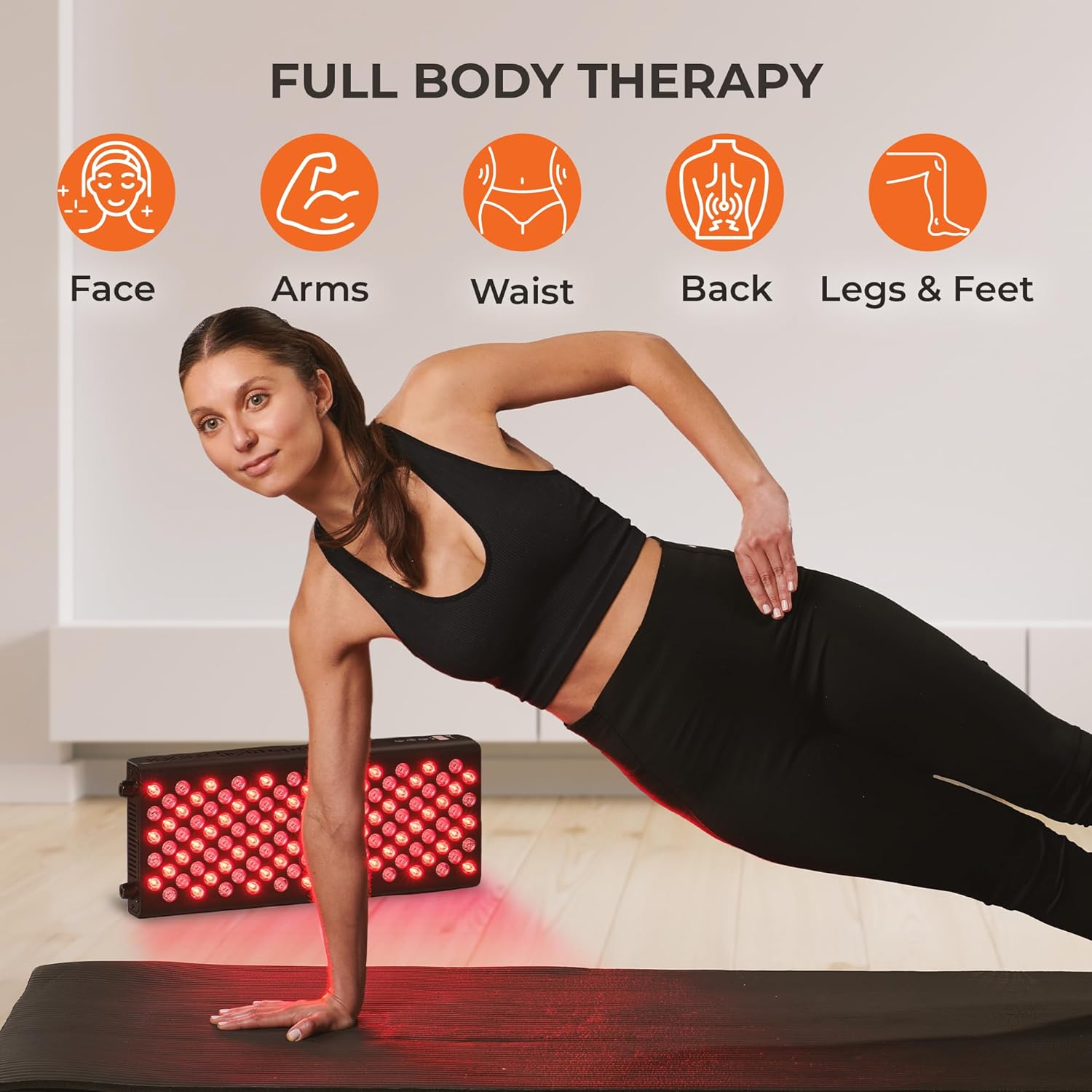
Image 6.1: Example of full body therapy application.
7. Usage Recommendations
- Session Frequency: For optimal results, use the device 3-5 times per week.
- Target Areas: The panel can be used on various body parts, including the face, arms, waist, back, and legs.
- Consistency: Regular and consistent use is key to experiencing the benefits of red light therapy.

Image 7.1: Example of facial application for skin health.

Image 7.2: Example of body application during exercise.

Image 7.3: Relaxing during a therapy session.
8. Care and Maintenance
- Cleaning: Disconnect the power before cleaning. Wipe the panel surface with a soft, dry cloth. Do not use abrasive cleaners or immerse the device in water.
- Storage: Store the device in a cool, dry place, away from direct sunlight and extreme temperatures. The included hard case can be used for protection.
- Inspection: Periodically inspect the power cord and the device for any signs of damage. Do not use if damaged.
9. Troubleshooting
| Problem | Possible Cause | Solution |
|---|---|---|
| Device does not power on. | Power cord not properly connected; outlet malfunction. | Ensure power cord is securely plugged into both the device and a working electrical outlet. |
| Only some LEDs are lit. | Incorrect mode selected (e.g., only red or only NIR). | Press the mode button to cycle through modes (Red, NIR, Combined) to ensure desired lights are active. Note that 850 nm NIR light is invisible. |
| Device overheats. | Blocked ventilation; prolonged use. | Ensure cooling fans are not obstructed. Allow the device to cool down between extended sessions. |
10. Technical Specifications
- Model: Bioheal Plus Regular
- LED Count: 60 LEDs
- Wavelengths: 660 nm (Red Light), 850 nm (Near-Infrared Light)
- Pulse Mode: 10 Hz
- Product Dimensions: 20.5 x 8.2 x 2.55 inches (52.07 x 20.83 x 6.48 cm)
- Product Weight: 5.73 Pounds (2.6 kg)
- Manufacturer: LifePro
11. Warranty and Support
LifePro stands behind the quality of its products. The Bioheal Plus Regular Red Light Therapy Panel comes with a Lifetime Warranty.
For product support, troubleshooting assistance, or warranty claims, please visit the official LifePro website or contact their customer service.